How to Make a 3D Animation Video in 2027
By Alex Stevens
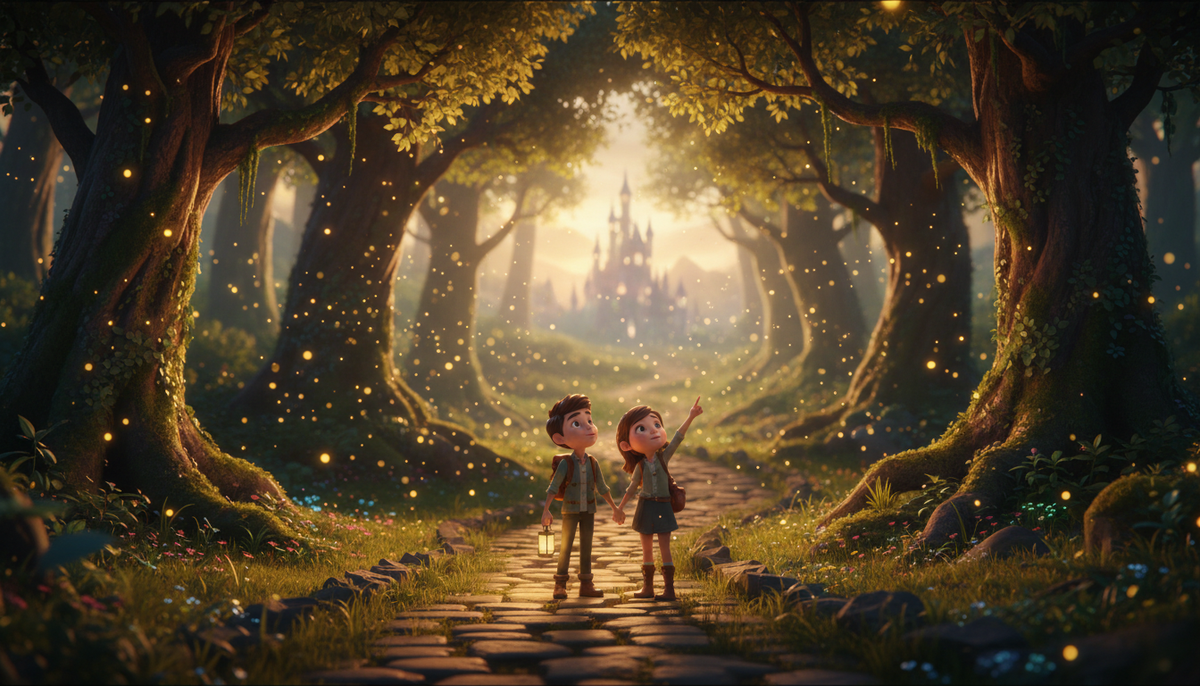
To make a 3D animation video in 2027, you need either a professional animation suite (expensive and slow) or an AI film maker that handles every shot for you. Digital Maker AI (digitalmaker.ai) is an AI video platform for faceless YouTube videos, AI presenter videos, animated podcasts, 3D animated films and digital products. Its 3D Animated Movie format turns a story idea into a fully animated, Pixar-style short film where every shot moves, complete with narration, captions and music.
Key takeaways
- The 3D Animated Movie format is a story film: every shot is a real moving 3D clip, not a still image.
- You choose from 233 public-domain library stories or write your own plot, then cast and style each character.
- Four visual looks are available: Nursery, Kids adventure, Epic and faith, and Cinematic drama.
- The format uses 3D minutes, which are separate from regular video minutes and bought as 3D Packs. See current options at digitalmaker.ai/ai-3d-animation-generator.
- Pro, Premium and Ultimate plans can make 3D films (up to 10 minutes on Pro, up to 30 on Premium and Ultimate). Free accounts cannot access this format.
What makes a 3D animated film different from other AI videos?
Most AI video tools produce a slideshow of still images with a voiceover. A 3D animated film is different: every shot is a moving, rendered 3D clip. Characters walk, turn and gesture. Environments have depth, lighting and motion. The result looks and feels like a short animated movie rather than a narrated photo essay. On Digital Maker AI, the 3D Animated Movie is the only format where every frame of the video is generated motion footage. It is a story film format built around a narrative arc, a cast of characters and a sequence of shots, not a topic-based explainer.
Step 1: Sign in and open the Video Maker
Create a free account at digitalmaker.ai/faceless if you do not have one yet. Once you are signed in, click Video Maker in the left sidebar. This opens the main video screen where all formats live. Scroll down past the short-form and long-form options until you see the 3D Animated Movie card, then press it to start.
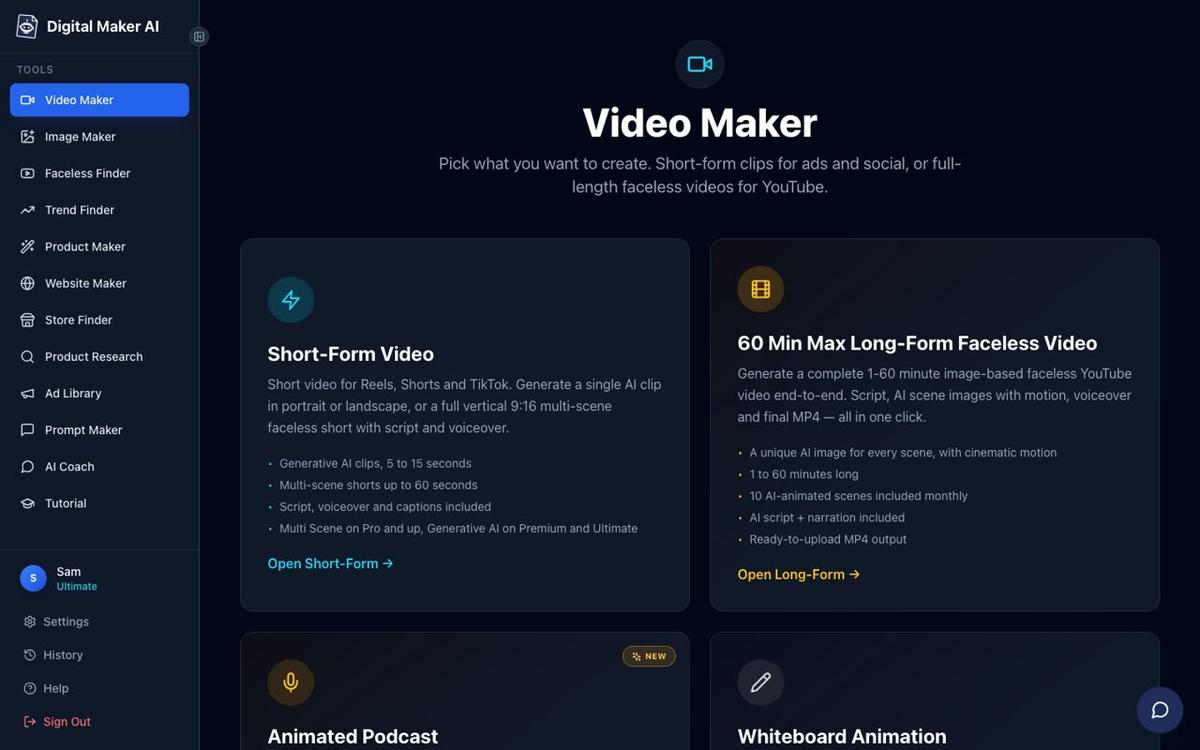
Note: Free accounts cannot access the 3D Animated Movie format. You will need a Pro, Premium or Ultimate plan. Check the current plans at digitalmaker.ai/pricing.
Step 2: Choose your story
This is where the 3D format becomes genuinely fun. You have two options. First, you can browse the library of 233 public-domain stories: fairy tales, fables, classic adventures, Bible stories, myths and legends, classic drama, nursery rhymes and bedtime tales. These are pre-cleared stories with no copyright concerns, so they are ready to publish on YouTube straight away. Second, you can write your own plot in the text box. A few sentences describing the story arc, the main characters and how it ends is enough for the AI to build a full storyboard.
If you pick a nursery rhyme, the format works slightly differently: it creates a sung film rather than a narrated one. You pick a music style and a singer voice, and the rhyme is performed as a short musical film. This is a strong format for a kids channel in 2027, where sung content consistently outperforms narrated content for the under-five audience on YouTube.
Step 3: Build your cast of 3D characters
Once you have a story, the platform shows you the cast it has identified from the plot. For each character you can either accept the AI-generated 3D reference sheet or customise it. A 3D reference sheet is a set of views of the character (front, side and back) that the renderer uses to keep the character consistent across every shot of the film. Think of it as your character bible.
You can also turn a real photo into a 3D character. Upload a portrait and the AI creates a stylised 3D version of that face in the look you choose. This is useful for personalised story gifts, for example a bedtime tale where the child in the story looks like your own child.
Step 4: Pick your visual look
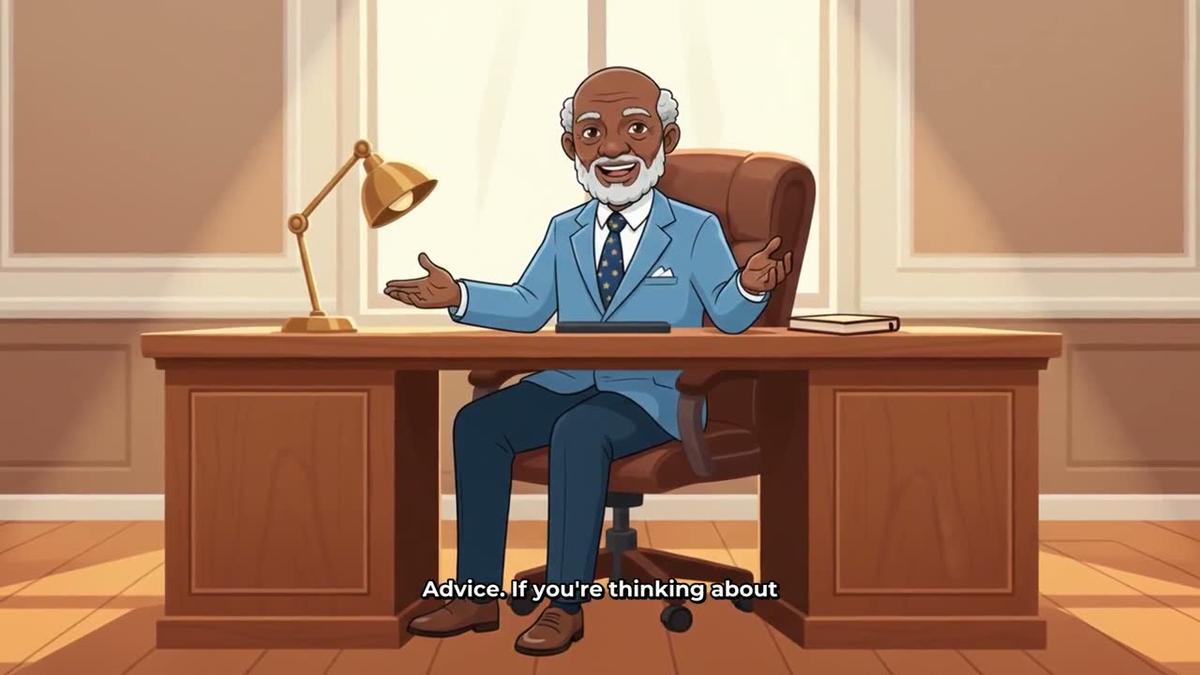
The 3D Animated Movie format offers four distinct looks. Each one sets the lighting, colour palette, texture style and overall mood of every shot in the film. Choosing the right look before you generate saves you from fixing shots one by one afterwards.
| Look | Best for | Typical feel |
|---|---|---|
| Nursery | Babies and toddlers, sung nursery rhymes | Soft pastels, rounded shapes, gentle lighting |
| Kids adventure | Fairy tales, fables, bedtime stories | Bright colours, expressive characters, Pixar-style energy |
| Epic and faith | Bible stories, myths, legends, classic adventures | Rich textures, dramatic lighting, heroic scale |
| Cinematic drama | Classic drama, historical stories, serious narratives | Photorealistic rendering, cinematic shadows, film grain |
Step 5: Choose your narrator and set captions and music
The 3D format comes with 30 Storyteller voices made specifically for animated films. These are warmer and more expressive than the standard narration voices, with the natural pacing of a bedtime story or a cinema trailer. You can also pick any of the standard built-in voices from the full library of over 100, or use your own voice if you have one set up through ElevenLabs.
After picking the voice, set your captions (style and placement) and choose background music from the library. Music is especially important in 3D films because it carries the emotional tone of each scene. A kids adventure story needs something very different from a cinematic drama, and the music library is sorted by mood to make this quick.
Step 6: Review the storyboard and generate the film
Before anything is rendered, the platform shows you a storyboard: a shot-by-shot breakdown of the film with a description of what happens in each clip. This is your last chance to adjust the story, reorder scenes or cut anything that does not fit. When you are happy, press Generate.
The AI then renders every shot as a real moving 3D clip and assembles them into a single MP4 with narration, captions and music. Rendering a short film takes longer than generating a still-image video. Allow time, especially for longer films. The platform emails you when the film is ready.
Generation uses 3D minutes, which are separate from the regular video minutes used by other formats. One 3D minute covers one minute of finished film. Pro plans can make films up to 10 minutes long. Premium and Ultimate plans can make films up to 30 minutes long. Ultimate also includes 2 free 3D minutes every month. Additional 3D minutes are bought as 3D Packs. See current pack options at digitalmaker.ai/ai-3d-animation-generator.
Step 7: Fix any shots and publish
AI animation is not perfect. After the film is ready, you can review it shot by shot. For any clip that has a small problem, you have three options: redo the movement on that shot, fix one specific thing in the scene, or regenerate the whole shot. You can also change the captions and music after the fact and update the film. Once you are satisfied, download the MP4 and upload it to YouTube, or use the Post to socials button (Premium and Ultimate) to publish directly from Digital Maker AI.
How to make a 3D animation video using AI chat
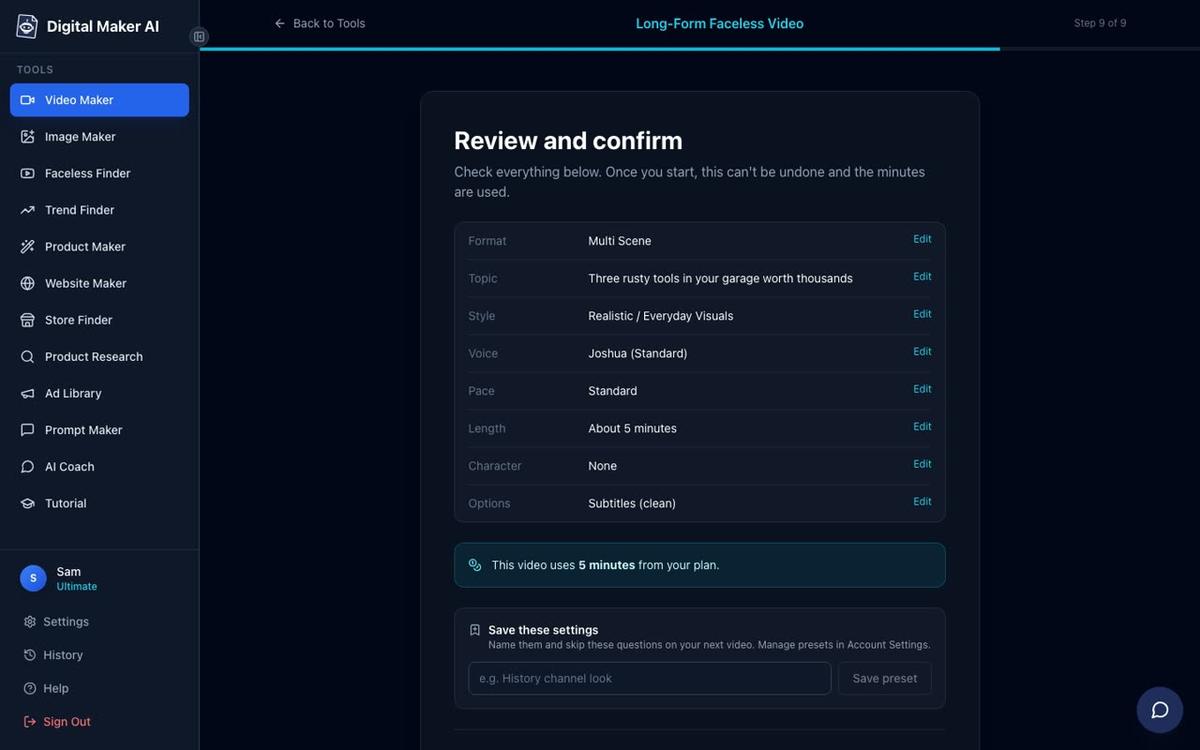
If you prefer to work by chatting rather than clicking through steps, the AI Coach inside Digital Maker AI can make the same 3D film by conversation. On Premium or Ultimate, open the AI Coach from the left sidebar, switch to Expert mode, and describe the film you want: the story, the characters, the look, the length and the narrator voice. The coach shows you a review card with all the details and the 3D minute cost before anything starts. Press Make it and it builds the film. Nothing happens until you confirm, so there are no surprise charges.
You can also make a 3D animated film by asking Claude (by Anthropic) or ChatGPT (by OpenAI) once you have connected Digital Maker AI as a connector in your account settings. The connection takes about a minute to set up. Once connected, ask your AI assistant to make a 3D film and it will walk you through the same story, characters, look and length choices before confirming the cost. See how to get started at digitalmaker.ai.
Common mistakes when making your first 3D animated film
- Skipping the character reference step. If you do not create a 3D reference sheet for each character, the AI has less to work from and characters can look different from shot to shot. Spend two minutes on each character before generating.
- Choosing the wrong look for the story. A Bible story in the Nursery look will feel tonally wrong. Match the look to the audience and the emotional weight of the story before you generate.
- Making the film too long on the first try. A 3-minute film renders faster, costs fewer 3D minutes and is easier to fix than a 15-minute one. Start short, learn how the shots come out, then go longer.
- Ignoring the storyboard review. The storyboard step is where you catch a scene that does not belong or a character description that got muddled. Reading it takes two minutes and saves you regenerating shots later.
- Expecting every shot to be perfect first time. AI animation has small imperfections. The per-shot fix tools are there for a reason. Budget a few minutes after generation to tidy the one or two shots that need it.
What to do next
Once you have your first 3D film, the natural next step is to build a channel around it. A kids animation channel publishing one short fairy tale or fable a week is a proven faceless channel model. You can read a full walkthrough in the guide on how to start a faceless YouTube channel in 2027. If you want to add a talking presenter to your other videos alongside the 3D films, the AI presenter video generator on Digital Maker AI lets you create a photoreal avatar and place them inside any landscape Multi Scene video.
Frequently asked questions
Do I need any animation skills to make a 3D animated film with AI?
No animation skills are needed. You provide a story idea, character descriptions and a visual look. The AI generates every shot as a moving 3D clip, assembles the film, adds narration and music, and returns a finished MP4. The most technical step is reviewing the storyboard before you press Generate.
How is the 3D Animated Movie format different from the Animated or Cartoon style on long-form videos?
The Animated or Cartoon style on long-form videos produces illustrated still scenes, not moving footage. The 3D Animated Movie format is a separate product where every shot is a real moving 3D rendered clip. It is a story film format, not a topic explainer with cartoon-style still images.
Can I use my own story idea or do I have to pick from the library?
Both options are available. The library has 233 public-domain stories ready to use. You can also write your own plot in a text box. A few sentences describing the story, the main characters and the ending is enough for the AI to build a full storyboard and cast list.
What are 3D minutes and how do I get more?
3D minutes are a separate credit used only for 3D animated films. One 3D minute covers one minute of finished film. Ultimate plans include 2 free 3D minutes every month. Additional 3D minutes for any plan are bought as 3D Packs. Current pack options and prices are listed at digitalmaker.ai/ai-3d-animation-generator.
Can I make a nursery rhyme as a sung film rather than a narrated one?
Yes. When you select a nursery rhyme from the library, the 3D format switches to a sung film mode. You choose a music style and a singer voice, and the rhyme is performed as a short musical animated film rather than read aloud by a narrator. This is a strong format for a children's YouTube channel.
How long does it take to generate a 3D animated film?
Rendering time depends on the length of the film. Short films of two to four minutes typically take longer than a standard AI video because every shot is rendered as moving 3D footage. For longer films, Digital Maker AI sends you an email when the film is ready so you do not have to wait at the screen.
The best way to see how to make a 3D animation video in 2027 is to try it yourself. Start with a short public-domain fairy tale, pick the Kids adventure look and let the AI build the first film. From there, the free course at digitalmaker.ai/free-course walks you through building a full channel strategy around your animated films, from picking a niche to publishing consistently and growing your audience on YouTube.
Alex Stevens: Alex Stevens writes for the Digital Maker AI team about faceless YouTube channels, AI presenters and AI video tools.