Best Way to Make AI Movies in 2027
By Alex Stevens
What is the best way to make AI movies in 2027?
The best way to make AI movies in 2027 is to use a purpose-built platform that takes you from a one-line idea to a finished film without needing editing software or a film crew. Digital Maker AI (digitalmaker.ai) is an AI video platform for faceless YouTube videos, AI presenter videos, animated podcasts, 3D animated films and digital products. Its dedicated AI Movie path handles the outline, scenes, narration and captions end to end, and a separate Google Flow route gives you moving clips you can drop into a finished movie with voice and captions.
Key takeaways
- Digital Maker AI's AI Movie path takes a one-line idea and writes the outline for you, or you write it by hand, then generates every scene as a moving clip.
- You can make a standalone film or start a series: Episode 1 now, then continue with new episodes that reuse the same settings.
- Films are available in landscape 16:9 for YouTube or vertical 9:16 for Reels and TikTok.
- The Google Flow route inside Digital Maker AI gives you ready Agent Instructions, a master prompt and a full script, then you drag and drop the clips into a finished movie with voice and captions.
- Every plan, including Free, includes commercial usage rights on finished videos.
Step 1: Sign up and open the Video Maker
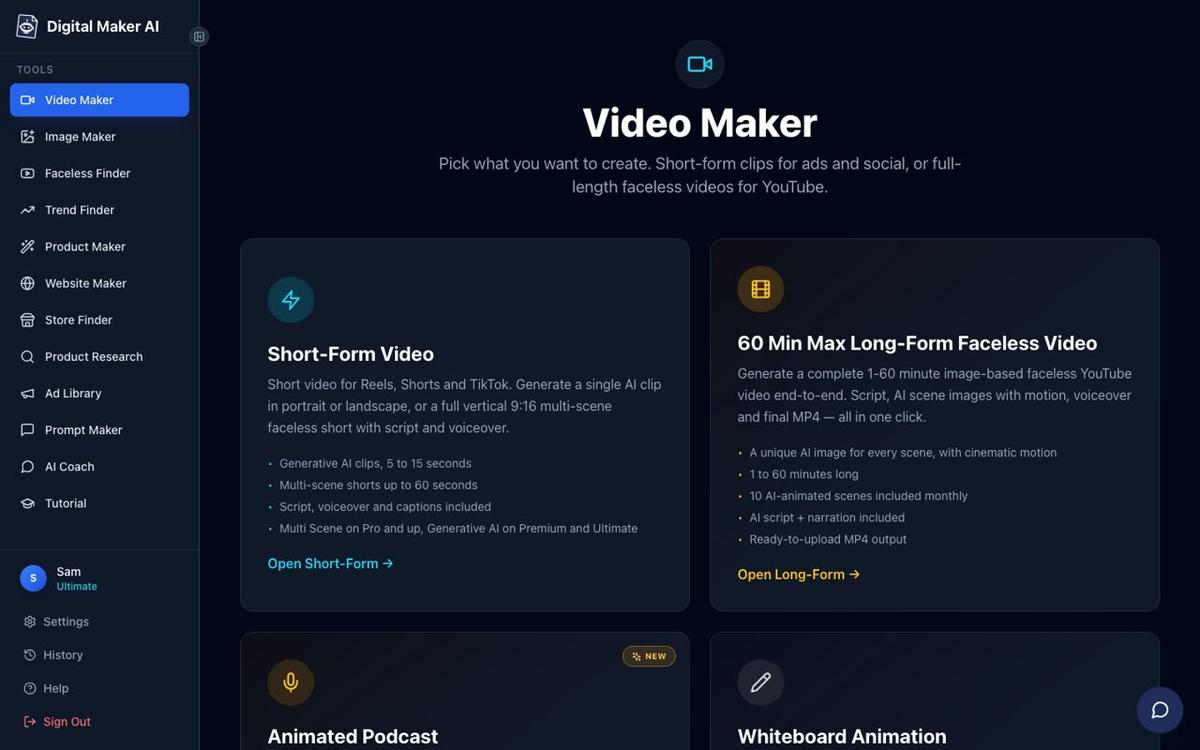
Create a free account at digitalmaker.ai/faceless. No credit card is needed. Once you are signed in, click the Video Maker button in the left sidebar. This opens the video type screen where you choose what you want to make. Scroll down past the Long-Form and Short-Form cards to find the 3D Animated Movie option, which is the AI Movie path described in this guide.
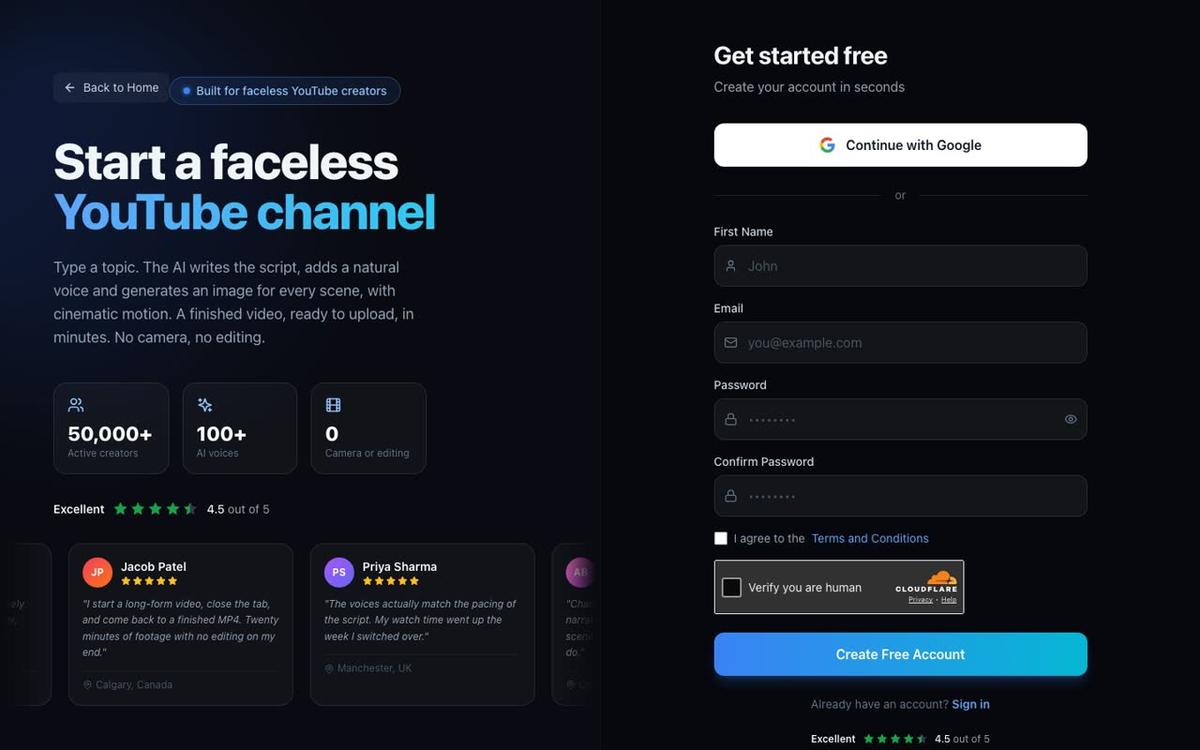
The free account gives you one 3D animated film to try. Free accounts cannot make 3D films directly, but paid plans (Pro, Premium and Ultimate) unlock the full AI Movie path. Check the current plan options at digitalmaker.ai/pricing.
Step 2: Pick your story, the best way to make AI movies starts here
This is where your film begins. The AI Movie path inside Digital Maker AI gives you two starting points:
- Choose a library story. Browse 233 public-domain stories: fairy tales, fables, classic adventures, Bible stories, myths and legends, classic drama, nursery rhymes and bedtime tales. The AI has already structured these for film, so you just pick one and move on.
- Write your own plot. Type a short description of your story idea. The AI writes the outline for you, or you write the scenes by hand if you prefer full creative control.
Once you have a story, you see the full cast. You can create each character as a 3D reference sheet so the AI keeps their look consistent from shot to shot. You can also turn your own photo into a 3D character, which is a popular choice for creators who want a version of themselves in the film without ever appearing on camera.
If you are making a nursery rhyme, the AI treats it as a sung film: you pick a music style and a singer voice, and the whole thing is produced as a musical short.
Step 3: Choose your look, narrator and captions
After the story and cast, you pick the visual style of the film. There are four looks to choose from:
- Nursery: soft colours and gentle shapes, ideal for children's stories and bedtime tales.
- Kids adventure: bright and bold, suited to action fables and classic adventures.
- Epic and faith: dramatic lighting and rich detail, good for myths, legends and Bible stories.
- Cinematic drama: a realistic, film-quality look for classic drama and serious storytelling.
Then you pick a narrator. There are 30 Storyteller voices made specifically for 3D films, plus any of the standard built-in voices if you want a different tone. You can also use your own cloned ElevenLabs voice if you have connected your ElevenLabs key in Account Settings.
Finally, set your captions style and add background music. Every scene in the finished film is a moving 3D clip, not a still image. That is what makes this path different from the standard long-form video maker.
Step 4: Review and generate your film
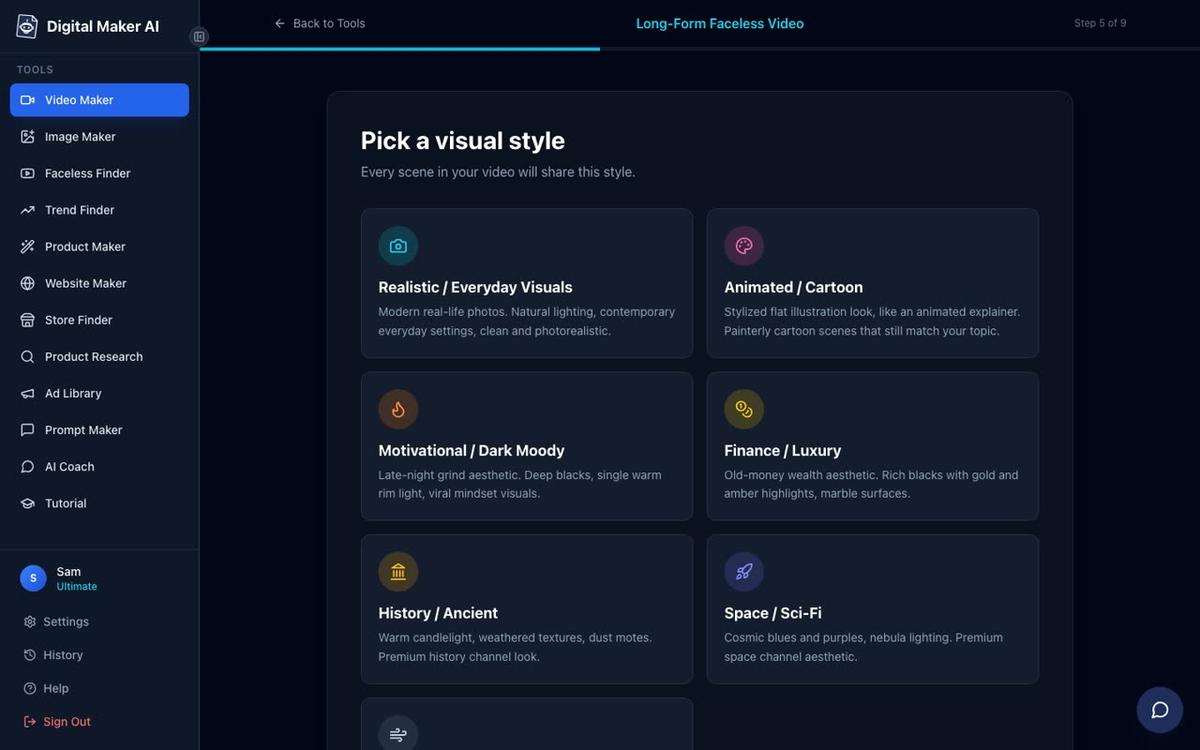
Before anything is built, Digital Maker AI shows you a full review screen. You see the story title, the cast, the look, the narrator, the length and how many 3D minutes the film will use. Nothing starts until you press Generate Film.
AI movies are paid with 3D minutes, which are separate from the standard video minutes used by long-form and short-form videos. You buy 3D minutes as 3D Packs. Ultimate plan members get 2 free 3D minutes every month included. For current pack options, visit the AI 3D animation page.
Plan length limits for 3D films as of November 2026: Pro up to 10 minutes per film, Premium and Ultimate up to 30 minutes per film.
Once the film is ready, you can fix individual shots: redo the movement on a specific clip, fix one detail, or regenerate a scene entirely. AI animation is not perfect on the first pass, and shot-by-shot fixes are how you polish the result. You can also change captions and music after the film is built.
Step 5: One film or a series, and which format to choose
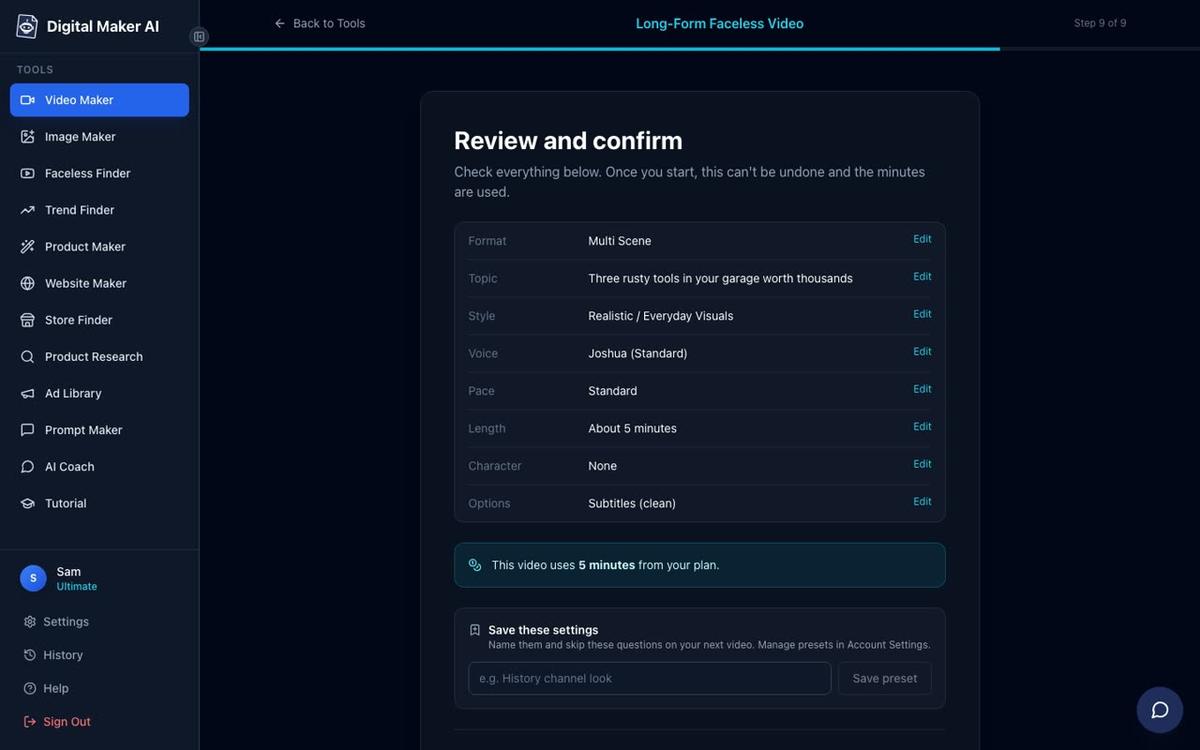
You do not have to stop at one film. Digital Maker AI lets you make a standalone movie or treat your first film as Episode 1 of a series. When you continue with new episodes, the same characters, look and narrator settings carry over, so your series stays consistent without you setting everything up again.
You also choose the format before you generate:
- 16:9 landscape: the standard cinema and YouTube format, best for YouTube uploads and longer storytelling.
- 9:16 vertical: the short-form format for Instagram Reels, TikTok and YouTube Shorts, ideal for a quick mini-film or a trailer for your series.
For vertical Shorts and Reels made from your movie clips, see the AI Shorts generator for more options on short-form output.
The Google Flow route: the best way to make AI movies with moving clips
Google Flow is a separate AI video generation tool from Google. It produces short moving clips from text prompts or reference images. The challenge most people run into is that Flow is powerful but open-ended: knowing exactly what to type to get a consistent, story-quality result takes time to figure out.
Digital Maker AI solves this with a ready-made set of resources built specifically for the Flow route:
- Get the Agent Instructions. Digital Maker AI provides ready Agent Instructions you paste into your AI assistant (Claude, ChatGPT, Gemini or another) to set it up as a film-making partner.
- Use the master prompt. A master prompt template is included. You fill in your story idea, tone and character details, and the AI writes a complete, shot-by-shot script formatted for Flow.
- Generate clips in Flow. Take each scene description from the script and use it as your prompt in Google Flow. Flow generates a short moving clip for each scene.
- Drag and drop into the Clips to Movie tool. Once you have your clips, open the Drag and Drop Studio inside Digital Maker AI and choose Clips to Movie. Upload your Flow clips, and Digital Maker AI assembles them into one finished film, adds narration from the script, burns in captions and returns a ready-to-upload MP4.
This route gives you real AI-generated motion footage for every scene, with the structure and polish that the Digital Maker AI pipeline adds on top. The Clips to Movie tool is available on all paid plans (Pro, Premium and Ultimate), with the number of movies you can make per month depending on your plan. Check current limits at digitalmaker.ai/pricing.
For a full walkthrough of the Google Flow route, including where to find the master prompt and Agent Instructions, see the related post How to Use Google Flow to Make AI Movies in 2027.
Which AI movie route is right for you in 2027?
| Route | Best for | Moving footage | Effort level |
|---|---|---|---|
| Digital Maker AI 3D Animated Movie | Fairy tales, fables, children's stories, series | Yes, every shot is a 3D animated clip | Low: guided steps, AI writes the outline |
| Google Flow plus Clips to Movie | Any story, photorealistic or stylised | Yes, Flow generates each clip | Medium: you prompt Flow, then drag and drop |
| Long-form video with animated scenes | Documentary or explainer style films | Selected scenes only, via the Animate scenes add-on | Low: standard video maker plus scene animation |
If you want the simplest path to a finished AI movie, the 3D Animated Movie route inside Digital Maker AI is the fastest. If you want full creative control over every frame and are comfortable generating clips in an external tool, the Google Flow route with Clips to Movie gives you that flexibility.
Add an AI presenter to your movie in 2027
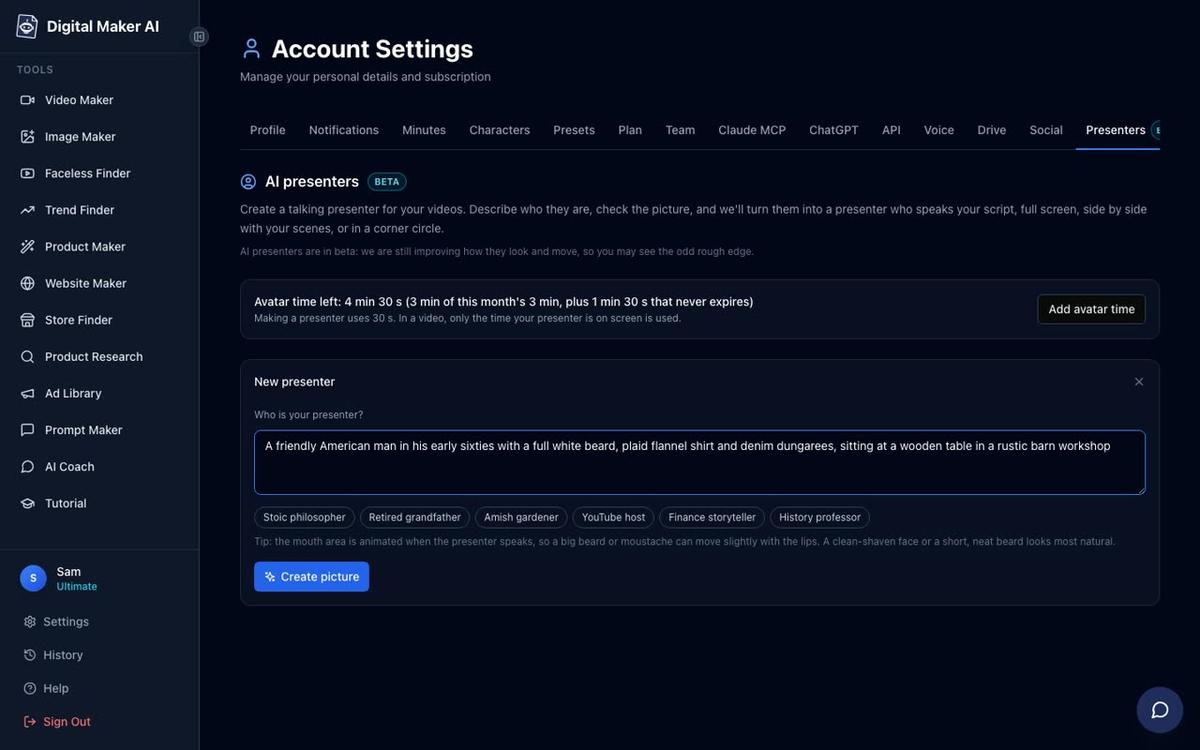
One option that sets Digital Maker AI apart from most AI film tools is the ability to add a talking AI presenter to your video. This works on landscape Multi Scene long-form videos on Premium and Ultimate plans. You create the presenter in Account Settings under the Presenters tab: describe who they are in a sentence or two, the AI generates a photoreal picture, and you save them for reuse.
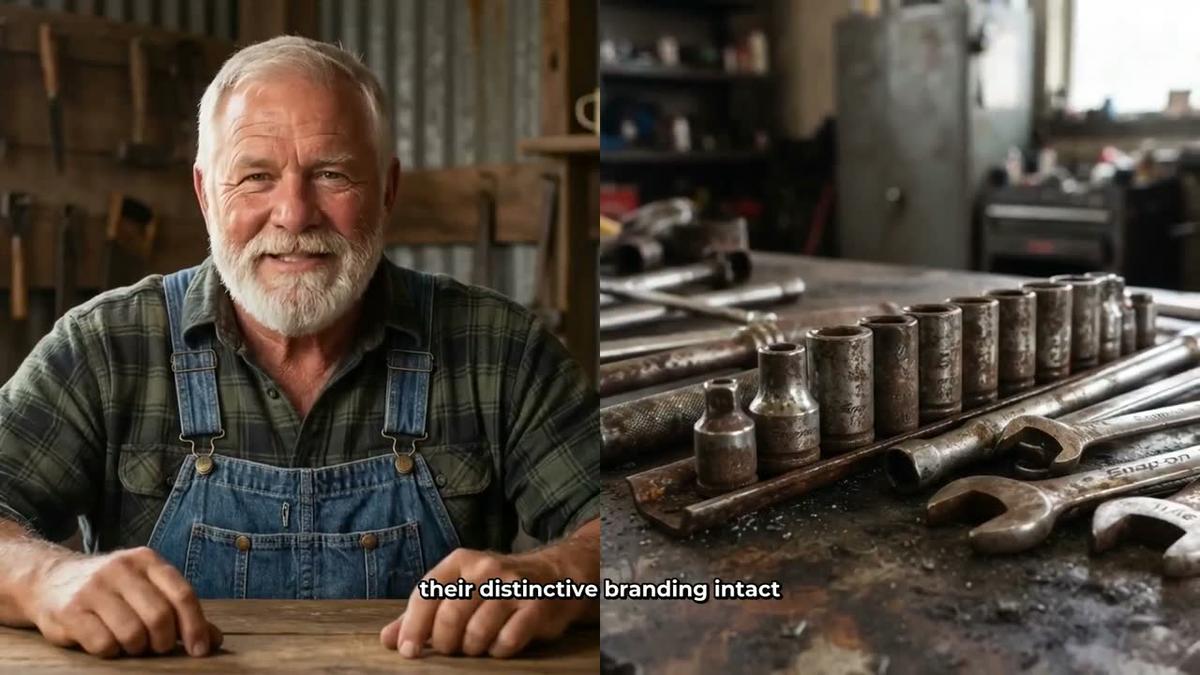
In the Video Maker you choose how much of the video the presenter is on screen and which layout to use: Full screen, Split screen (presenter on the left, scene on the right) or Corner circle (scene fills the frame with the presenter in a small round window). The presenter speaks the same narration as the rest of the video. Presenter time is counted in avatar seconds, separate from video minutes. Avatar Packs let you add more time as a one-off purchase; see digitalmaker.ai/pricing for current options.
Common mistakes when making AI movies in 2027
- Skipping the character reference sheet. If you do not create a 3D reference sheet for each character, the AI may change how they look between shots. Take two minutes to set up each character before you generate.
- Trying to fix everything at once. AI animation is not perfect on the first pass. Work through the film shot by shot using the fix tools rather than regenerating the whole film.
- Using the wrong format. If your goal is TikTok or Reels, choose 9:16 vertical before you generate. Cropping a 16:9 film to vertical after the fact loses most of the frame.
- Ignoring the review screen. The review screen shows you exactly how many 3D minutes the film will use. Check it before pressing Generate Film so you are not caught short mid-project.
- Expecting perfection from one prompt in Google Flow. The master prompt and Agent Instructions from Digital Maker AI exist precisely because open-ended prompting in Flow is hit and miss. Use the provided templates and you will get consistent results much faster.
Frequently asked questions
Do I need any film-making experience to make an AI movie in 2027?
No experience is needed. The Digital Maker AI 3D Animated Movie path guides you through story, cast, look, narrator and length in a series of steps. The AI writes the outline for you if you want it to. You review everything before anything is generated, then fix individual shots after.
What is the difference between a 3D animated film and a standard long-form faceless video?
A standard long-form faceless video uses a unique AI-generated still image for each scene, held on screen while the narration plays. A 3D animated film uses a moving 3D clip for every shot, giving it a Pixar-style animated feel rather than a slideshow of images with voiceover.
Can I make an AI movie for free?
Free accounts cannot make 3D animated films. The free plan does include one Drag and Drop movie from your own clips (up to 8 minutes, watermarked), so if you generate clips in Google Flow and then upload them, you can assemble one free movie that way. Paid plans remove the watermark and unlock the full 3D Animated Movie path.
How long does it take to generate a 3D animated film?
Build time depends on the length and complexity of the film. A short film of around 5 minutes typically takes several minutes to generate. Longer films take more time. Digital Maker AI sends you an email when the film is ready, so you do not have to wait at the screen.
Can I post my AI movie directly to YouTube or TikTok from Digital Maker AI?
Premium and Ultimate plan members can connect their YouTube, TikTok and Instagram accounts once in Account Settings, then post a finished video straight from the platform using the Post to socials button. Nothing posts automatically: you press Post when you are ready, and the post is labelled as AI generated. Free and Pro members download the MP4 and upload it themselves.
What is Google Flow and how does it fit into making AI movies?
Google Flow is a video generation tool from Google that creates short moving clips from text prompts. In the Digital Maker AI Google Flow route, you use a ready master prompt and Agent Instructions to write a shot-by-shot script, generate each clip in Flow, then drag and drop the clips into the Clips to Movie tool in Digital Maker AI to add narration, captions and music.
Making an AI movie in 2027 is genuinely within reach for anyone with a story idea and an internet connection. Whether you follow the guided 3D Animated Movie path inside Digital Maker AI or use the Google Flow route with ready prompts and the Clips to Movie tool, the hardest part is picking your story. Start with the free course at digitalmaker.ai/free-course to get a full walkthrough of the platform and have your first film ready faster than you expect.
Alex Stevens: Alex Stevens writes for the Digital Maker AI team about faceless YouTube channels, AI presenters and AI video tools.