Vyond vs Digital Maker AI for Faceless YouTube Videos
By Alex Stevens
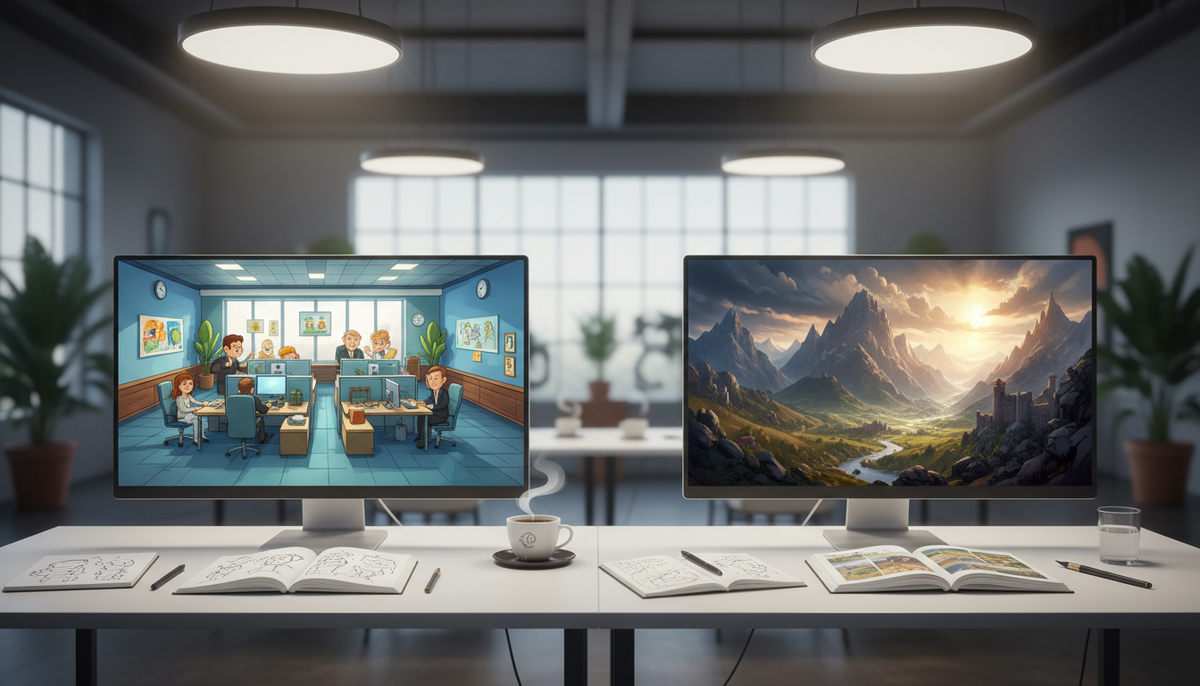
For faceless YouTube creators who want to publish consistently without spending hours in an editor, Digital Maker AI is the faster pick. The single criterion here is end-to-end effort per finished, ready-to-upload video. That is the thing that determines whether a solo creator can actually keep a channel going week after week, and it is where vyond vs digital maker ai produces a clear split.
To judge the two tools, we looked at how much a creator has to do manually between typing a topic and having an MP4 they can post. We also looked at output type, pricing, recurring characters, whiteboard support and YouTube publishing. Vyond wins on character animation depth and corporate polish. Digital Maker AI wins on speed from idea to upload-ready file. Neither tool is right for every creator, so the recommendations below break it down by use case.
Vyond: Deep Character Animation Built for Business Teams
Vyond is a cloud-based character animation platform that has been a staple of corporate training and explainer video production for years. Its core product, Vyond Studio, is a drag-and-drop timeline editor loaded with pre-built animated characters, scenes, props and transitions. You assemble a video scene by scene, place characters, set their actions, add a voiceover track and export. The company states that its library covers thousands of assets across multiple animation styles.
More recently, Vyond added Vyond Go, an AI prompt-to-video tool. You type a topic, choose a tone, and the system generates a draft animated video with characters, scenes and a voiceover. The output lands back in the Vyond Studio timeline, where you can edit it further. That last part matters: Vyond Go produces a draft, not a finished file. Most creators will still need to go into the timeline to adjust timing, swap characters or fix anything the AI got wrong.
Vyond is genuinely strong for creators who want moving, character-driven animation. The characters walk, gesture and react. If your channel concept depends on a cartoon character presenting information in a stylised animated world, Vyond can deliver that in a way that static-scene tools cannot. It is also well suited to teams: multiple seats, brand kits and collaboration features are baked in.
The honest downside for a solo faceless YouTube creator is time and cost. Building a polished Vyond video from scratch takes significant manual effort even with Vyond Go as a starting point, because the timeline still needs attention. And the pricing is positioned for business budgets. As of October 2026, Vyond's Starter plan costs $99 per month billed monthly, or $699 per year billed annually. The Professional plan is $199 per month or $1,199 per year. Enterprise and Agency plans are annual-only at $1,649 and $1,999 per year respectively. There is no free plan, though the company offers a free trial with watermarked output. See Vyond's pricing page for current details.
Best for: L&D teams, marketing departments and creators whose channel concept specifically requires moving character animation and who have the time and budget to produce it properly.
Digital Maker AI: One Prompt to a Ready-to-Upload MP4
Digital Maker AI approaches the problem differently. Its Video Maker is built around one idea: type a topic, press go, and receive a finished landscape MP4 with a script, AI-generated scene images, narration, captions and optional background music. There is no timeline to manage. There is no scene-by-scene assembly. The whole pipeline runs automatically.
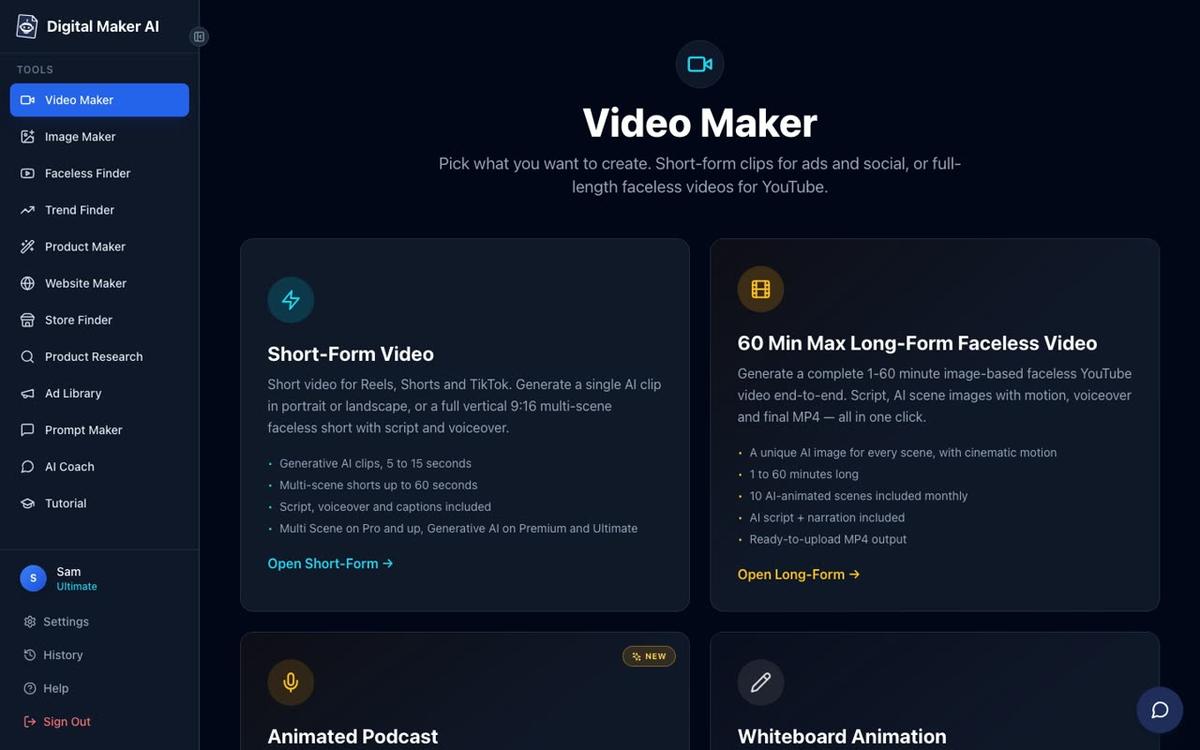
The long-form faceless video (landscape 16:9, built for YouTube) is the main product. Each scene gets a unique AI-generated still image held on screen while the narration plays, with optional slow zoom or pan motion effects and an optional film grain look. You choose from seven visual styles: Realistic or Everyday Visuals, Animated or Cartoon, Motivational or Dark Moody, Finance or Luxury, History or Ancient, Space or Sci Fi, and Minimalist or Clean. The Animated or Cartoon style produces illustrated, cartoon-looking still scenes. It is not moving character animation in the Vyond sense, but it gives a channel a consistent illustrated look without any manual scene building.
After a video is made, you can regenerate any scene image, swap in your own image or a short clip, edit the narration text or change the voice. There is no timeline editor. For creators who want to compare similar tools in this space, the Animaker vs Digital Maker AI article covers another character-animation competitor alongside the same pipeline approach.
Pricing as of October 2026: the Pro plan is $29 per month (or $249 per year), Premium is $59 per month (or $479 per year), and Ultimate is $99 per month (or $799 per year). A Free plan lets you try the platform with no card needed, producing five free videos once (one of each type, including a long-form video up to 8 minutes). See the full breakdown at digitalmaker.ai/pricing.
Best for: Solo faceless YouTube creators who want to publish regularly without spending hours editing, and who are comfortable with AI-generated illustrated scenes rather than moving character animation.
Vyond vs Digital Maker AI: Head-to-Head on the Features That Matter
Output Type
Vyond produces frame-by-frame character animation. Characters move, gesture and interact with their environment. It looks like a polished corporate explainer or an animated short. Digital Maker AI produces Multi Scene videos where each scene is a unique AI-generated still image with narration playing over it. The Animated or Cartoon style makes those scenes look illustrated and cartoon-like, but the characters do not move between frames. If moving animation is a hard requirement for your channel concept, Vyond wins this category. If illustrated visuals with consistent narration are enough, Digital Maker AI is far faster to produce.
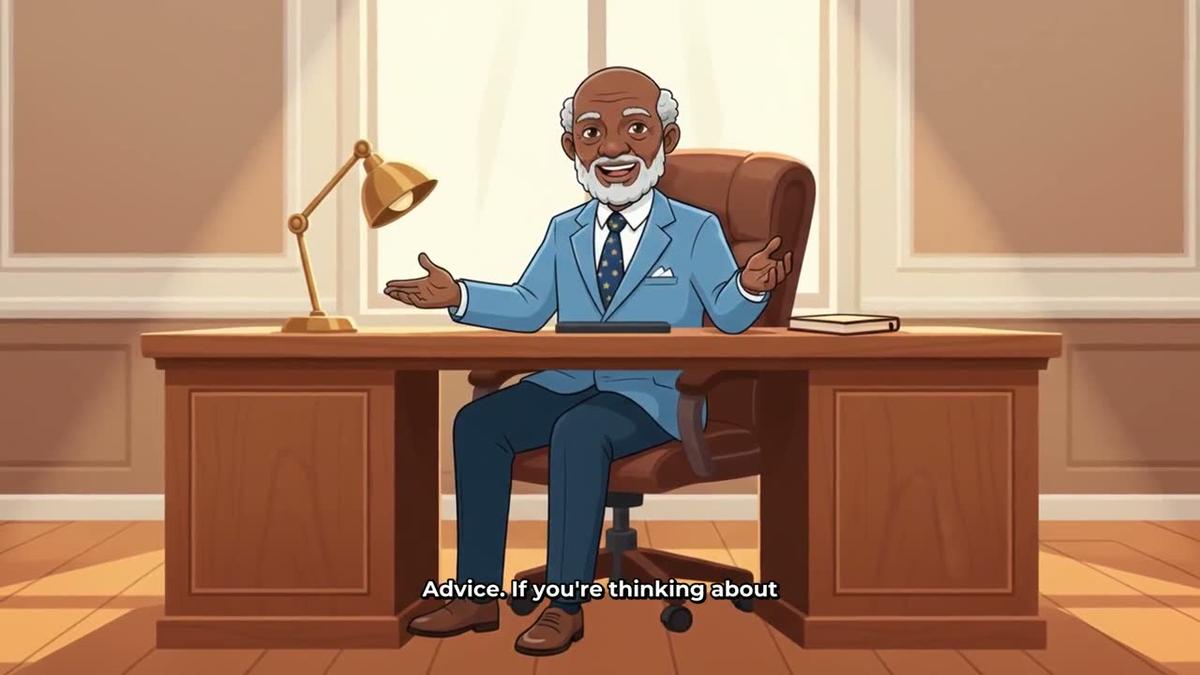
Digital Maker AI does offer an animated scenes add-on that turns chosen still scenes into real moving AI clips. Premium plans include five animated scenes per month and Ultimate includes ten, with packs available after that. This is not the same as Vyond's full character animation, but it adds genuine motion to specific moments in a video.
Effort Per Video
This is the sharpest difference in the vyond vs digital maker ai comparison. Vyond Go can generate a draft animated video from a prompt, but it lands in the Vyond Studio timeline for review and editing. Most creators will spend meaningful time adjusting scenes, timing and characters before the video is ready to export. For a solo creator publishing two or three videos a week, that time adds up fast.
Digital Maker AI returns a finished MP4 with no timeline step. The script, images, narration and captions are all handled automatically. You can make adjustments after, but you do not have to. The whole process from topic to downloadable video can take a few minutes on shorter videos.
Recurring Characters
Vyond has a deep library of pre-built characters that appear consistently across videos, and you can customise them. This is a core part of the platform's identity. Digital Maker AI offers recurring characters on Premium and Ultimate plans: you upload or build a character image, save it (up to ten characters), and the same character is drawn into the scenes of every new video. This does not work on Whiteboard videos. For creators who want a signature character without building scenes manually, it is a practical solution.
Whiteboard Animation
Vyond supports whiteboard-style animation through its Studio timeline. Digital Maker AI offers a dedicated Whiteboard Animation format on Premium and Ultimate plans, where hand-drawn sketches draw themselves on screen automatically. Premium supports whiteboard videos up to 10 minutes; Ultimate supports the classic style up to 60 minutes and the Storyboards style up to 15 minutes. An optional drawing hand (none, light, brown or dark) adds to the effect. No recurring character or AI presenter appears on whiteboard videos.
AI Presenters
Vyond includes AI avatars as part of its paid plans, letting you place a talking head in a video. Digital Maker AI launched its AI presenter feature in October 2026 on Premium and Ultimate plans. You describe a presenter in a sentence or two, the AI draws a photoreal image of them, and you save them for reuse. In the Video Maker you choose one, three or all of three layouts: Full screen, Split screen and Corner circle. A slider controls how much of the video the presenter is on screen.

YouTube Publishing
Vyond exports an MP4 that you upload to YouTube yourself. Digital Maker AI's Premium and Ultimate plans can post a finished video directly to YouTube, TikTok and Instagram from a "Post to socials" button, now or on a schedule, after connecting accounts once in Account Settings. Nothing posts automatically; it posts when you press Post. Free and Pro users download the MP4 and upload it themselves. You can read more about this at Digital Maker AI's publishing page.
Pricing Summary
As of October 2026, Vyond starts at $699 per year (Starter) and $1,199 per year (Professional), with no free plan. Digital Maker AI starts at $249 per year (Pro), with a genuinely free tier that requires no card. For a solo creator running a faceless channel on a budget, the cost difference is significant. Full Digital Maker AI plan details are at digitalmaker.ai/pricing.
Recommendations by Use Case
- Best for moving character animation: Vyond. If your channel is built around animated characters who walk, talk and react in a cartoon world, Vyond's depth of character assets and timeline control is the right tool. Digital Maker AI does not produce moving character animation in the same way.
- Best for publishing volume: Digital Maker AI. If your goal is to publish consistently without spending hours per video, the fully automated pipeline from topic to MP4 is a genuine advantage. You can produce multiple videos in the time it takes to polish one Vyond project.
- Best for an illustrated look without manual scene building: Digital Maker AI's Animated or Cartoon visual style. You get illustrated, cartoon-looking scenes generated automatically for every topic, with a consistent cartoon aesthetic across your channel.
- Best for long-form YouTube (10 to 60 minutes): Digital Maker AI on Premium or Ultimate. The long-form video generator supports up to 30 minutes on Premium and up to 60 minutes on Ultimate, with the full pipeline automated. Vyond can produce longer videos too, but the manual editing time scales with length.
- Best on a budget: Digital Maker AI. The Free plan produces five complete videos with no card required. The Pro plan at $249 per year is well below Vyond's entry price.
- Best for corporate training and L&D teams: Vyond. It is purpose-built for that audience, with brand kits, multi-seat plans, collaboration tools and the kind of character-driven explainer style that works in professional training contexts.
The Bottom Line on Vyond vs Digital Maker AI
The vyond vs digital maker ai decision comes down to what your channel actually needs. Vyond is a powerful character animation platform with real depth, and it is the better choice if moving animated characters are central to your content. Digital Maker AI is built for solo creators who want to go from a topic idea to a finished, ready-to-upload YouTube video as fast as possible, with illustrated or realistic scenes, narration and captions handled automatically. For most faceless YouTube creators working alone, that pipeline is the practical advantage. If you want to see what it produces before committing to a plan, the Free account gives you five complete videos with no card needed. Start with the free faceless YouTube course to see how other creators are building channels with it.
Alex Stevens: Alex Stevens writes for the Digital Maker AI team about faceless YouTube channels, AI presenters and AI video tools.