Colossyan vs Digital Maker AI: Corporate Training or YouTube?
By Alex Stevens
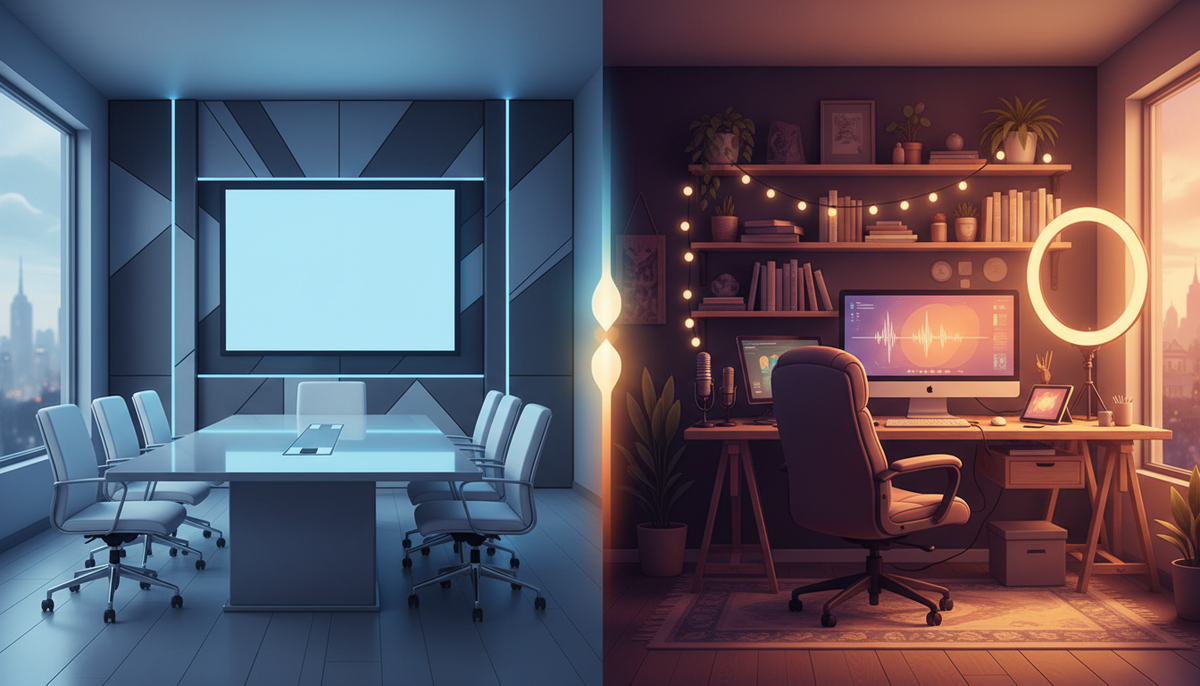
The Verdict Up Front
If you are an L&D professional building SCORM-packaged training courses for a corporate LMS, Colossyan is the stronger choice. If you are a solo YouTube creator searching for colossyan alternatives that combine an AI presenter with a full faceless video pipeline, social posting and an animated podcast, Digital Maker AI is built for exactly that job. That single criterion, the complete YouTube creator workflow versus the enterprise training stack, is how this comparison is judged throughout.
To reach that verdict, each platform was assessed on five practical questions: Can it put a talking AI presenter inside a finished YouTube video? Can it produce long-form faceless content without a presenter? Does it post directly to YouTube, TikTok and Instagram? Does it include an animated podcast? And what does it cost a solo creator on a monthly basis? Pricing for Colossyan was taken from third-party review sites and Colossyan's own published pages, checked in October 2026.
Colossyan: Built for Corporate Training Teams
Colossyan is a purpose-built AI video platform for training and enablement teams. Its core workflow converts a PowerPoint slide deck, a PDF, a script or a URL into a finished video featuring a talking AI avatar, with captions and optional interactivity. The company states that it supports more than 240 avatars and 100 languages, and every plan includes SCORM 1.2 and SCORM 2004 export so videos can be pushed directly into any LMS. The platform also ships a full course authoring layer called Colossyan Learn, which means a training team can build modules, add quizzes, set branching scenarios and publish a complete interactive course without leaving the tool.
On pricing, third-party review data as of October 2026 shows a Starter plan at around $19 per month billed annually (roughly $27 on a monthly basis), which the company states includes around 10 to 15 minutes of video per month and a small number of custom avatars. A Business plan sits at around $70 per seat per month billed annually (around $88 monthly), with unlimited video minutes on the standard avatar model and up to 10 custom avatars per editor. These figures come from published review sources and Colossyan's own site; always check Colossyan's pricing page for the current rate before buying, as of October 2026.
For a corporate training team, those features are genuinely strong. Slide import saves hours of reformatting. SCORM export removes the need for a separate course authoring tool. Team seats and an LMS-ready output make it easy to scale across a department. If that is your use case, Colossyan earns its price.
Where Colossyan is less suited to solo YouTube creators: The platform is oriented around presenter-led training clips, not the faceless scene-by-scene pipeline most YouTube creators need. There is no built-in workflow for generating a 30 or 60 minute faceless video from a topic alone, no animated podcast feature, and no native auto-posting to YouTube, TikTok or Instagram from inside the tool. A creator would need to export the file and upload it manually to every platform. For a training team publishing to an LMS, that is fine. For a creator posting three times a week across three platforms, it adds friction fast.
Digital Maker AI: The Colossyan Alternative for YouTube Creators
Digital Maker AI is built around the opposite workflow. Instead of starting from a slide deck for a training room, it starts from a topic or a script and builds a complete, ready-to-upload YouTube video end to end: AI writes the script, generates a unique scene image for every scene, adds AI narration and burned-in captions, and returns a finished MP4. Long-form videos run up to 60 minutes on the Ultimate plan (up to 30 minutes on Premium), making it one of the few tools that can handle a full documentary-length YouTube upload in a single session. You can explore the full long-form workflow on the AI long-form video generator page.
For creators who want a face on screen without filming themselves, the platform launched AI Presenters in October 2026 as a fully live feature on Premium and Ultimate plans. Here is how it works in practice.
You open Account Settings, go to the Presenters tab, and write a short description of who you want the presenter to be and what kind of setting they are in. The AI generates a photoreal image of that person. You save it, and from that point the presenter is available in every video you make. You can create several and switch between them.
When you build a video, you pick your saved presenter and choose from three layout options. In the Full screen layout the presenter fills the entire frame while speaking the narration. In the Split screen layout the presenter appears on the left half of the screen with the scene image on the right. In the Corner circle layout the scene fills the frame and the presenter appears in a small round window in the corner, similar to a news broadcast lower-third style.

You can tick one layout, two or all three, and the video rotates through whichever you selected. A slider controls what proportion of the video the presenter is on screen, and markers on a timeline bar let you set exactly where the presenter appears, for example at the intro, again at a mid-point and at the outro. The rest of the video plays as normal scene images. The presenter speaks the same narration voice as the rest of the video, with captions throughout.

Presenter time runs on a separate avatar time pool (counted in seconds), independent of your video minutes. Premium plans start with 2 minutes of avatar time and Ultimate plans with 5 minutes, with Ultimate also receiving 3 minutes of additional avatar time every month. One-off Avatar Packs let you buy more time as needed. For full details on avatar time costs, see the AI avatar video generator page or the pricing page (as of October 2026).
One honest limit worth naming: AI Presenters are available on landscape Multi Scene long-form videos only. They are not available on Shorts, Single Scene, Whiteboard Animation videos or non-English language videos. If you primarily make vertical Shorts, the presenter feature will not apply to those.
Animated Podcast and Social Posting: Where Digital Maker AI Pulls Further Ahead
Beyond the presenter, Digital Maker AI includes two features that are simply not part of Colossyan's offering at all.
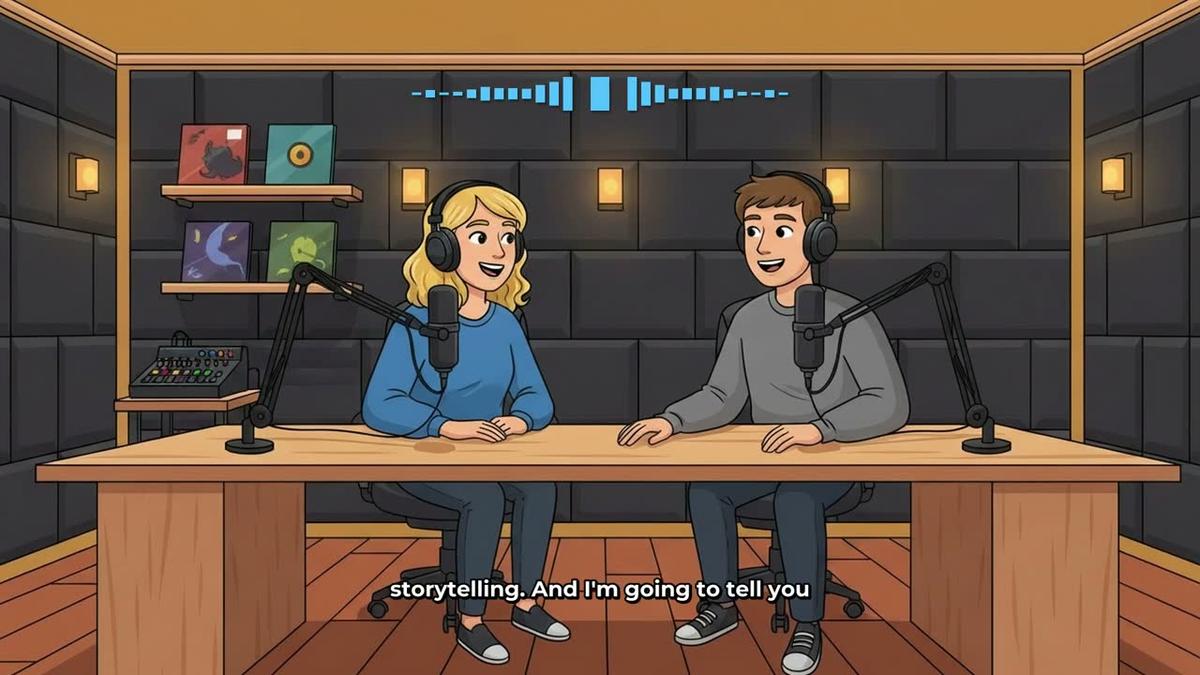
The Animated Podcast lets you create a two-host show where both hosts are AI-generated cartoon characters in an animated studio, each speaking in a different voice, with captions and animated sound bars. You name the hosts, pick their voices and a studio, set the tone and length, and the platform writes and records the full episode. Episodes run up to 30 minutes on Premium and up to 60 minutes on Ultimate. Shows are saved, so each new episode automatically reuses the same hosts, voices and studio. You can see the output format below.
For social posting, Premium and Ultimate users can connect their YouTube, TikTok and Instagram accounts once in Account Settings, then post any finished video straight from the platform using the Post to Socials button. Posts can go out immediately or be scheduled. Nothing posts automatically; you press Post and choose when. Posts are labelled as AI generated. Free and Pro users download the MP4 and upload it themselves. More on the posting workflow is on the auto-publishing page.
Side-by-Side Comparison
| Feature | Colossyan | Digital Maker AI |
|---|---|---|
| Primary use case | Corporate L&D and training teams | Solo YouTube creators and content businesses |
| Avatar approach | 240+ stock avatars, custom avatar upload | AI-generated photoreal presenter from a text description, saved and reused |
| Longest single video | Unlimited minutes on Business plan (standard model) | Up to 60 minutes on Ultimate |
| Direct social posting | Not confirmed; manual export and upload | YouTube, TikTok and Instagram on Premium and Ultimate |
| Animated podcast | No | Yes, up to 60 minutes on Ultimate |
| SCORM export / LMS | Yes, SCORM 1.2 and 2004 on all plans | No |
| Faceless scene pipeline | Not the core workflow | Core product, topic to finished MP4 |
| Price (solo creator entry) | Around $19/month billed annually (as of October 2026, check colossyan.com/pricing) | $29/month Pro, $59/month Premium with AI Presenters (as of October 2026, see digitalmaker.ai/pricing) |
Recommendations by Use Case
Best for corporate training and LMS delivery
Colossyan wins here, and it is not close. SCORM export, slide import, interactive quizzes, branching scenarios and team seats are all purpose-built for this workflow. No YouTube-focused tool, including Digital Maker AI, offers an LMS publishing layer.
Best for faceless YouTube with an AI presenter
Digital Maker AI is the stronger pick. The AI presenter sits inside a full faceless video pipeline, so you get a talking face at the intro and outro (or throughout) while the body of the video plays as normal scene images. Colossyan's avatar videos are designed as standalone training clips, not as part of a multi-scene YouTube workflow.
Best for long-form YouTube content
Digital Maker AI on Ultimate supports videos up to 60 minutes, which covers full documentary-length uploads. Colossyan's Business plan offers unlimited minutes on its standard model, but the output is optimised for training clips rather than long narrative YouTube content.
Best for an animated podcast channel
Digital Maker AI is the only option here. Colossyan does not include an animated podcast feature. On Digital Maker AI, Premium supports episodes up to 30 minutes and Ultimate up to 60 minutes, with saved show settings so every episode reuses the same hosts and studio automatically.
Best for creators on a tighter budget
Colossyan's Starter plan starts lower in headline price, but it caps video output at around 10 to 15 minutes per month and does not include the social posting or podcast features a creator needs. Digital Maker AI's Pro plan at $29 per month (as of October 2026) gives 40 minutes of video per month across all video types, while Premium at $59 per month adds AI Presenters, animated podcasts, direct social posting and up to 30 minutes per single video. Check digitalmaker.ai/pricing for the current rates before deciding.
For a broader look at how Digital Maker AI compares against other avatar-forward tools, the Elai vs Digital Maker AI comparison covers the automated video production angle in more detail.
The Final Verdict on Colossyan Alternatives
Colossyan is genuinely excellent at what it is designed to do: turn a slide deck or a document into a polished, SCORM-ready training video for a corporate LMS. If that is your job, it is hard to argue against it. But most people searching for colossyan alternatives are not training managers; they are YouTube creators who want a talking AI presenter inside a complete video production system that also handles faceless long-form content, an animated podcast and direct posting to socials. For that workflow, Digital Maker AI is the more complete tool. The AI presenter feature, launched in October 2026, slots neatly into the existing faceless video pipeline rather than replacing it, which means you can have a face on screen for the parts of the video where it adds authority and let the scene images carry the rest.
The Free plan on Digital Maker AI requires no card and includes one video of each type so you can test the output before committing. When you are ready to go further, the free creator course walks through the full workflow from topic to published video, including how to set up an AI presenter and post directly to YouTube.
Alex Stevens: Alex Stevens writes for the Digital Maker AI team about faceless YouTube channels, AI presenters and AI video tools.