Captions App vs Digital Maker AI for Faceless YouTube
By Alex Stevens
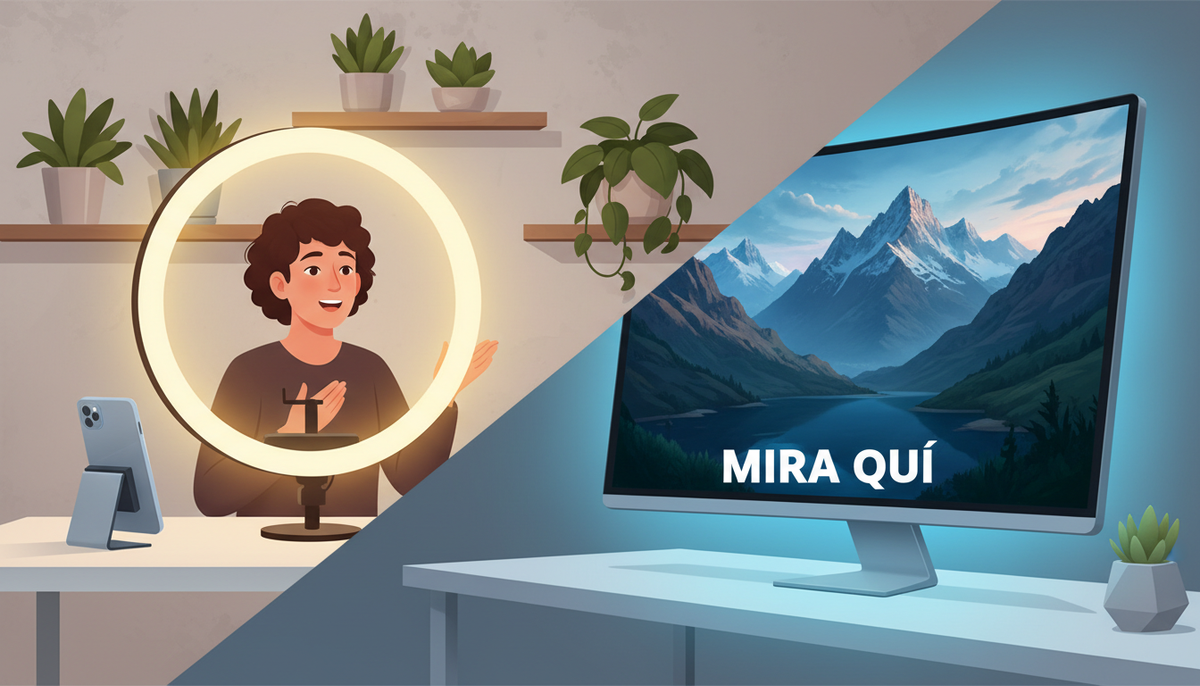
The Verdict Up Front: Captions App vs Digital Maker AI
If you judge these two tools on one criterion, the ability to build a complete faceless YouTube video from a single prompt with no footage required, Digital Maker AI wins clearly. Captions App is a polished mobile editing suite built around footage you already have. It excels at making talking-head clips look and sound professional. Digital Maker AI is a full end-to-end video pipeline that writes the script, generates every scene image, adds narration, burns in captions and returns a ready-to-upload MP4, all without a camera or a single clip of your own footage.
That single difference shapes every other comparison in this article. Both tools use AI heavily. Both produce videos with captions. But they are solving different problems for different creators, and choosing the wrong one wastes both time and money. Here is how to tell which one belongs in your workflow.
To judge them, this comparison focuses on the faceless YouTube creator as the primary use case: someone who wants to publish regularly to YouTube without appearing on camera, without a studio and without spending hours in an editor. Every feature, every price point and every recommendation below is filtered through that lens.
Captions App: the Best Tool for Polishing Footage You Already Have
Captions App is a mobile-first AI video editor. Its core job is to take footage of a person speaking to camera and make it look and sound as if a professional editor worked on it. The company states that it handles automatic captions, AI eye contact correction, background noise removal, zoom cuts, B-roll generation, AI edit styles and dubbing in multiple languages. Its Long to Short feature can pull short clips from a longer recording, which is useful for repurposing a talking-head video into Reels or TikTok clips.
For a creator who already appears on camera, or who uses an AI actor or digital twin, Captions App is genuinely strong. The AI eye contact feature alone is a meaningful time-saver: it adjusts a speaker's gaze so they appear to look directly at the lens even when they were reading from a script beside the camera. The AI Edit styles can apply a complete look to a clip in one tap.
Where Captions App does not fit the faceless YouTube model is at the starting point. It needs footage to work with. If you do not have a clip of yourself, an AI actor or any recorded video, there is nothing for the app to edit. It does not write a script from a topic, generate a narrated landscape video or produce a long-form YouTube upload from a prompt. The company's own positioning is around creator video and short-form social content, not long-form faceless YouTube production.
Captions App pricing (as of October 2026, per captions.ai/pricing): The free plan includes basic trimming, captions in one template and a one-time credit allowance, but locks away the AI editing features that make the app distinctive. The Basic plan (formerly called Pro) costs around $9.99 a month and covers captions and basic editing. The Max plan costs $24.99 a month and includes 500 monthly credits, AI Edit styles, AI-generated B-roll, custom AI actors and the Long to Short feature. Higher Frontier tiers run from $69.99 to $279.99 a month for heavier credit usage. The credit system means your real monthly cost depends on how many AI-heavy actions you take, which can make budgeting less predictable than a flat minutes-based plan.
Who should pick Captions App: creators who already record themselves on camera, want professional-looking captions and eye contact correction for short-form social content, and need a mobile-friendly editor they can use between takes.
Digital Maker AI: the Best Tool for Building Faceless YouTube Videos from Scratch
Digital Maker AI's Video Maker is a complete faceless video pipeline. You type a topic or paste a script, choose a visual style and voice, and the platform writes the script, generates a unique AI image for every scene, records the narration, burns in captions and packages everything as a landscape MP4 ready for YouTube. No camera. No footage. No editing software.
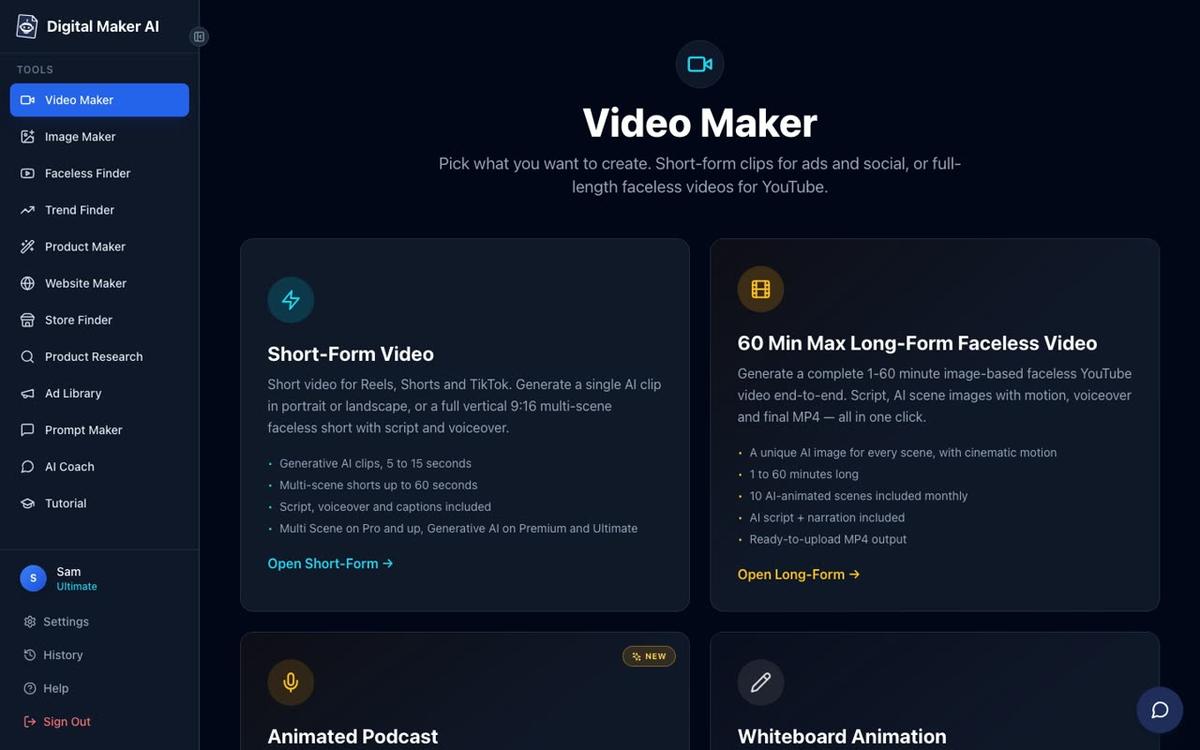
The long-form output is a landscape 16:9 video built for YouTube, with each scene being a unique AI-generated still image held on screen while the narration plays. Optional slow zoom or pan motion effects and a film grain look add a cinematic feel without any real footage. Seven visual styles cover everything from Realistic and Everyday Visuals to History or Ancient, Space or Sci-Fi, Finance or Luxury and Animated or Cartoon. Six caption looks let you match the style of any niche. More than 100 built-in AI voices cover male and female speakers with US, UK and Australian accents, all with adjustable pace. You can also add optional background music from a built-in library.
For creators who want to stay completely faceless, that pipeline covers everything. But for those who want a presenter on screen without filming themselves, the AI Presenter feature (available on Premium and Ultimate plans) adds a talking AI avatar who speaks the script inside the video. You describe the presenter in a sentence or two, the platform draws a photoreal image of them, and you save them for reuse across every future video.

The presenter can appear in three layouts: Full screen (the presenter fills the frame), Split screen (presenter on the left, scene on the right) and Corner circle (the scene with the presenter in a small round window). A slider controls how much of the video the presenter appears in, so you can use them just for the intro and outro if you prefer. This gives you the warmth of a presenter-led video with none of the filming. You can read more about this approach on the AI presenter video generator page.
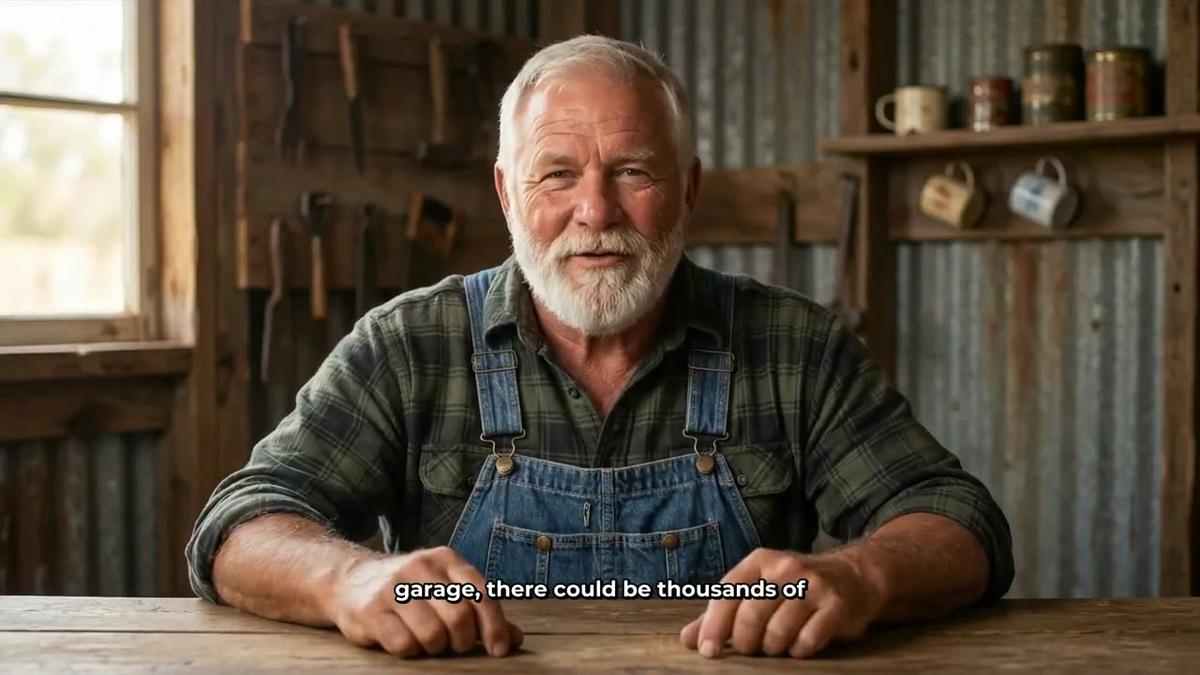
For short-form content, the Video Maker also produces vertical 9:16 Shorts of 15 to 60 seconds, with a new AI-generated image every few seconds, narration and bold captions. These cost a flat one minute from your monthly pool and are built to match the pace and style of YouTube Shorts, Reels and TikTok. Learn more on the AI YouTube Shorts generator page.

One honest limit worth naming: Digital Maker AI does not have a timeline editor with manual trimming and transitions. After a video is built you can regenerate any scene image, swap in your own image or a short clip, and edit the narration text, but you cannot drag and drop clips on a timeline the way you would in traditional editing software. If hands-on editing control is your priority, that matters.
Digital Maker AI pricing (as of October 2026, see digitalmaker.ai/pricing for current rates): The Free plan gives you five free videos (one of each type) with no credit card needed. Pro costs $29 a month (or $249 a year) and includes 40 minutes a month with a maximum of 10 minutes per long-form video. Premium costs $59 a month (or $479 a year) and includes 150 minutes a month with a maximum of 30 minutes per video, plus AI Presenters, Voice Design, animated scenes and direct posting to YouTube, TikTok and Instagram. Ultimate costs $99 a month (or $799 a year) and includes 300 minutes a month with a maximum of 60 minutes per video. All plans include commercial usage rights.
Who should pick Digital Maker AI: creators who want to publish faceless YouTube videos consistently, have no footage to work with, and want the script, visuals, voice and captions handled in one place.
Captions App vs Digital Maker AI: Recommendations by Use Case
Best for long-form faceless YouTube (10 to 60 minutes)
Digital Maker AI, without question. Captions App is not designed to produce long-form faceless videos from a prompt. Digital Maker AI's long-form video generator handles videos up to 60 minutes on the Ultimate plan, covering the full pipeline from script to MP4. If your goal is a regular upload schedule on a faceless channel, this is the tool built for that job.
Best for polishing on-camera or talking-head content
Captions App. If you already film yourself or use an AI actor and want professional captions, eye contact correction and AI edit styles applied quickly on mobile, Captions App is the stronger choice. Digital Maker AI does not edit footage you have already recorded.
Best for YouTube Shorts and vertical content without filming
Digital Maker AI, if you want to generate Shorts from a topic with no footage. Captions App's Long to Short feature works well if you already have a long recording to repurpose. The two tools are not really competing here: one generates, the other repurposes.
Best free tier for a faceless YouTube beginner
Digital Maker AI's Free plan gives you five complete videos, one of each type, with no credit card required. That includes one long-form faceless video up to 8 minutes and one vertical Short, both with commercial usage rights. You can test the full output before spending a penny. Captions App's free plan covers basic trimming and captions but locks away the AI features that make it useful, so you will hit the paywall quickly if you want AI editing or B-roll generation.
Best for a creator who wants a presenter but does not want to film
Digital Maker AI on Premium or Ultimate. The AI Presenter feature lets you design a photoreal presenter from a written description and place them inside a landscape faceless video, in full screen, split screen or corner circle layout. Captions App can create AI actors and digital twins on its Max plan, but those are designed for short-form social content rather than long-form YouTube uploads.
Best for a budget-conscious creator just starting out
Start with Digital Maker AI's Free plan. Five free videos with no card needed is a meaningful test. If you need more, the Pro plan at $29 a month (as of October 2026, see digitalmaker.ai/pricing) gives you 40 minutes of video a month, which covers four to five 8-minute YouTube uploads. Captions App's most capable plan for AI editing is Max at $24.99 a month, but the credit system means heavier users can exhaust their allowance faster than a flat minutes pool.
The Bottom Line on Captions App vs Digital Maker AI
The comparison of Captions App vs Digital Maker AI really comes down to one question: do you have footage to edit, or do you need to build the video from nothing? Captions App is an excellent mobile editing assistant for creators who record themselves and want AI to handle the tedious parts. Digital Maker AI is a complete faceless video factory for creators who want to publish to YouTube without ever touching a camera. If you are building or growing a faceless YouTube channel in 2026, Digital Maker AI is the tool that matches the workflow. Try all five free video types on the Free plan, then check the free faceless YouTube course to learn how to turn those videos into a channel that grows.
Alex Stevens: Alex Stevens writes for the Digital Maker AI team about faceless YouTube channels, AI presenters and AI video tools.