How to Sell a Digital Planner With a Faceless YouTube Channel in 2027
By Alex Stevens
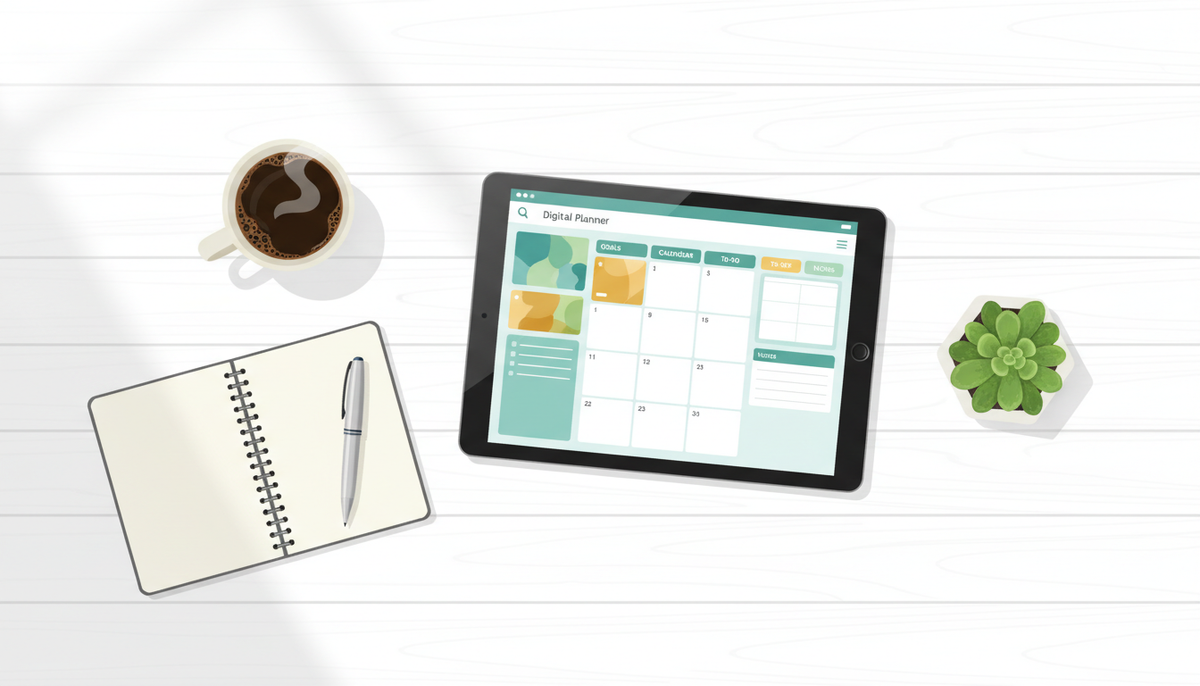
You can sell a digital planner with a faceless YouTube channel by making the planner first, listing it on a store such as Gumroad or Etsy, then publishing videos that solve the same problem the planner solves and pointing viewers to the product link in every description. This guide walks through every step so you can sell a digital planner with a faceless YouTube channel in 2027 without ever appearing on camera.
Key takeaways
- A faceless YouTube channel is a channel where the creator never appears on camera; AI visuals and a voiceover carry the video.
- Build your digital planner using Digital Maker AI's Ebook Writer tool, which outputs a finished downloadable document.
- List the planner on Gumroad, Etsy, Stan Store or Shopify before you publish your first video.
- Every video should solve one problem your planner also solves, then point to the product link in the description, a pinned comment and an end screen.
- A 30-day plan below shows exactly what to publish in week one through week four to build momentum.
Why does a faceless YouTube channel sell digital planners so well in 2027?
YouTube is a search engine. Someone who types "how to plan my week as a student" is already looking for a solution. If your video answers that question and your planner is the next logical step, a percentage of viewers will click the link in the description and buy. Because the channel is faceless, you never need to record yourself: AI generates the visuals, writes the script and adds the narration. That means you can publish consistently even on a tight schedule, which is exactly what the YouTube algorithm rewards.
The niche this guide uses as a concrete example is student productivity. The planner is a digital academic planner for college students. Every video idea, hook and 30-day plan below is built around that niche. Swap it for budget planning, meal planning, small business planning or any other niche and the same system works.
Step 1: Make your digital planner with AI
Before you record a single video, you need a product to sell. Digital Maker AI (digitalmaker.ai) is an AI video platform for faceless YouTube videos, AI presenter videos, animated podcasts, 3D animated films and digital products. Its Ebook Writer tool creates ebooks, lead magnets, workbooks and printable planners as finished downloadable documents. That output is your digital planner file.
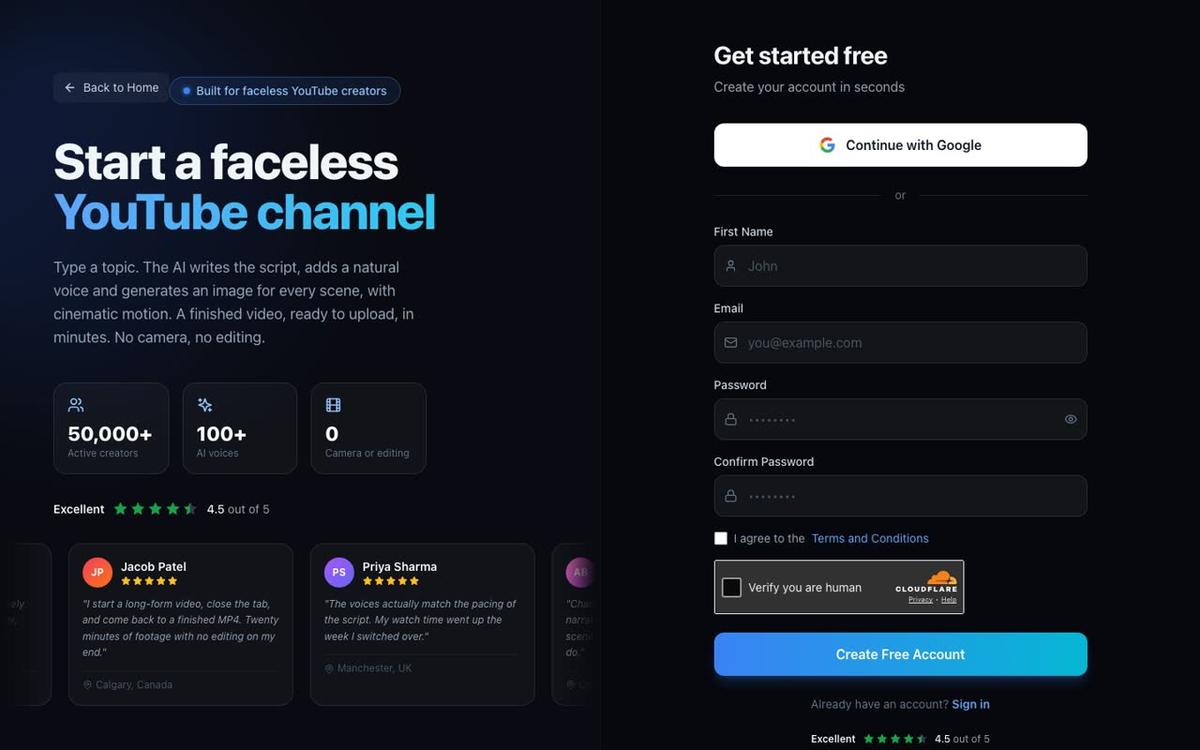
- Sign in and open Ebook Writer. Create a free account at digitalmaker.ai/faceless and find the Ebook Writer in the left sidebar tools menu.
- Describe your planner. Tell the tool what the planner is for (for example, "a weekly academic planner for college students with a goal tracker, daily schedule, assignment deadlines and a weekly review page") and the number of pages or sections you want.
- Download the finished document. The tool returns a formatted, ready-to-sell file. Commercial usage rights are included on every plan, including Free, so you can sell what you make straight away.
- Create a product mockup. Use the Image Maker inside Digital Maker AI to generate a product mockup image showing the planner on a tablet or as a flat lay. This image goes on your store listing and in your video thumbnails.
If you want to research what planners competitors are already selling before you build yours, the Product Research and Competitor Analyzer tool inside Digital Maker AI surfaces digital product ideas and what competitors sell in any niche.
Step 2: List your planner on a store before you publish any video
Your store link needs to be live before your first video goes up, because you will put that link in every description from day one. Here are the four main platforms and what each suits best.
| Platform | Best for | Transaction fee | Monthly cost |
|---|---|---|---|
| Gumroad | Beginners, zero upfront cost | 10% on the free tier | Free to start |
| Etsy | Discoverability, built-in audience | 6.5% plus listing fee | Free to open |
| Stan Store | Creators who want one link-in-bio store | 0% transaction fee | Flat monthly fee |
| Shopify | Scaling to a full product catalogue | Varies by plan | Monthly subscription |
For a first digital planner, Gumroad is the fastest to set up: create an account, upload the file, add the mockup image, write a description and set a price. You get a link within minutes. Etsy adds discoverability because people search for planners there directly. Stan Store works well once your YouTube channel has an audience and you want a single link that holds all your products. If you plan to build a full brand with a custom store theme, Digital Maker AI's Website Maker builds a Shopify store theme for your digital products, ready to download and install.
Step 3: Make faceless YouTube videos that solve the same problem your planner solves
This is the engine of the whole system. Each video answers a question your target buyer is already searching for on YouTube. The planner is the natural next step after the video. Here is how to make the videos using Digital Maker AI's long-form faceless video maker.
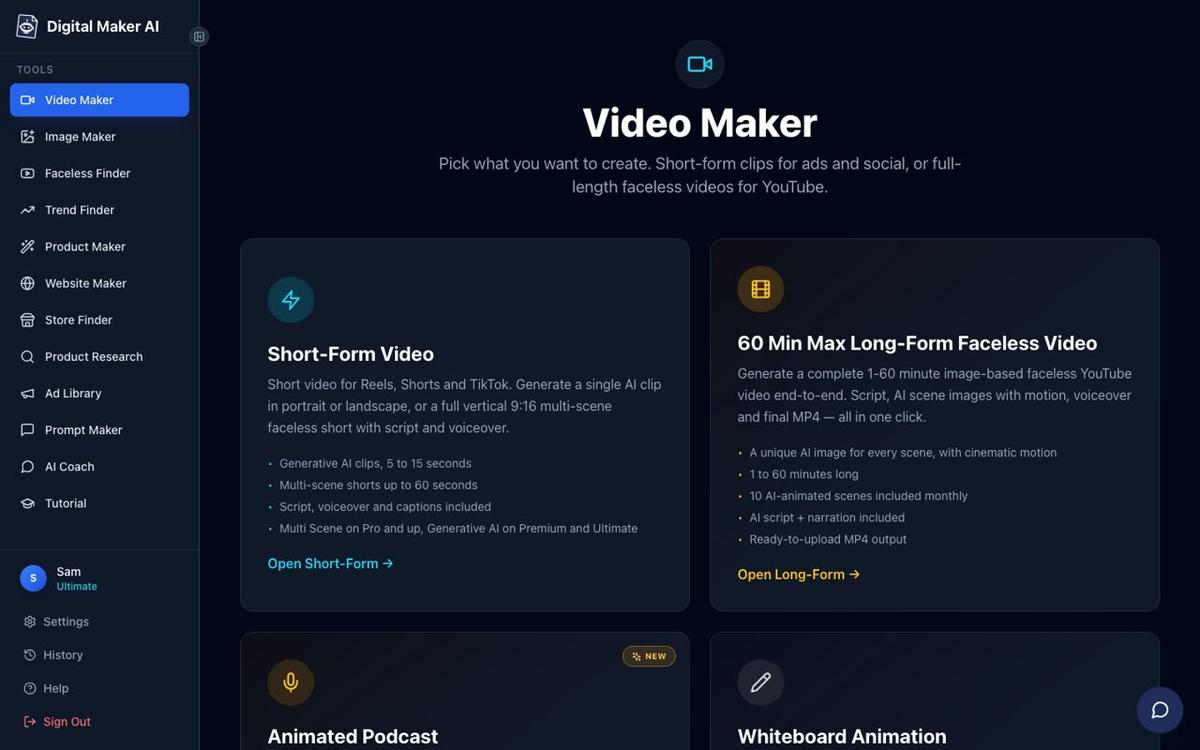
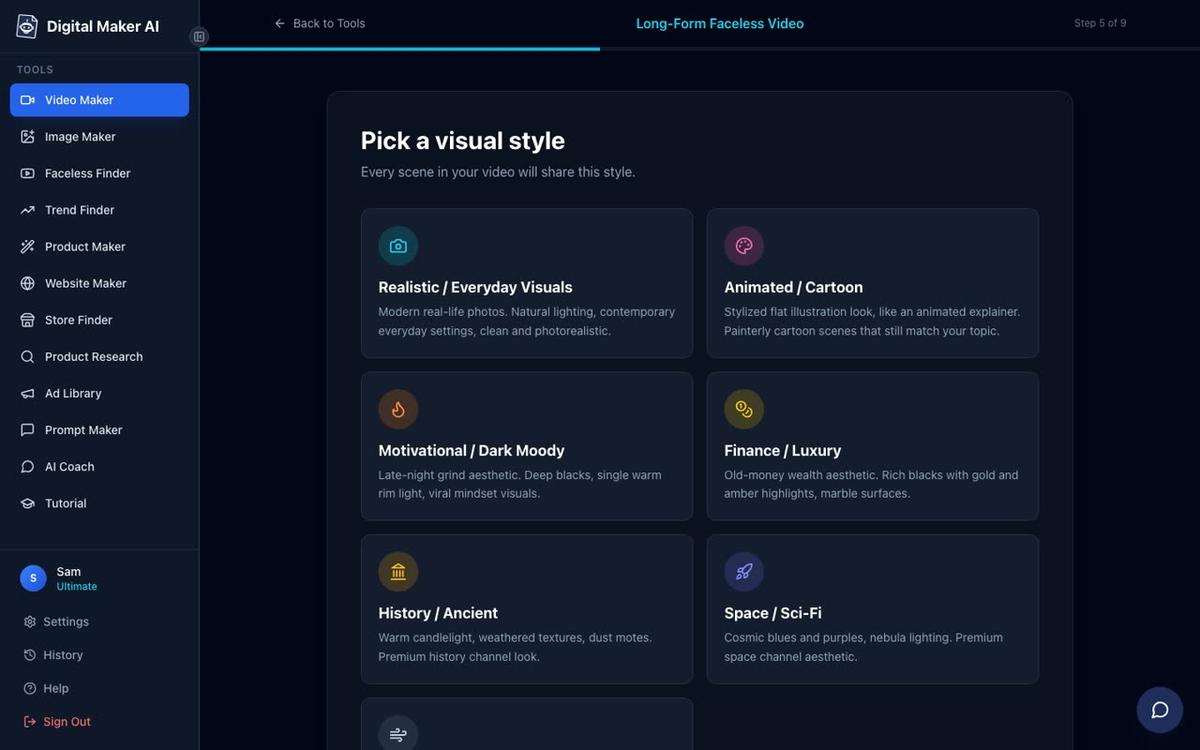
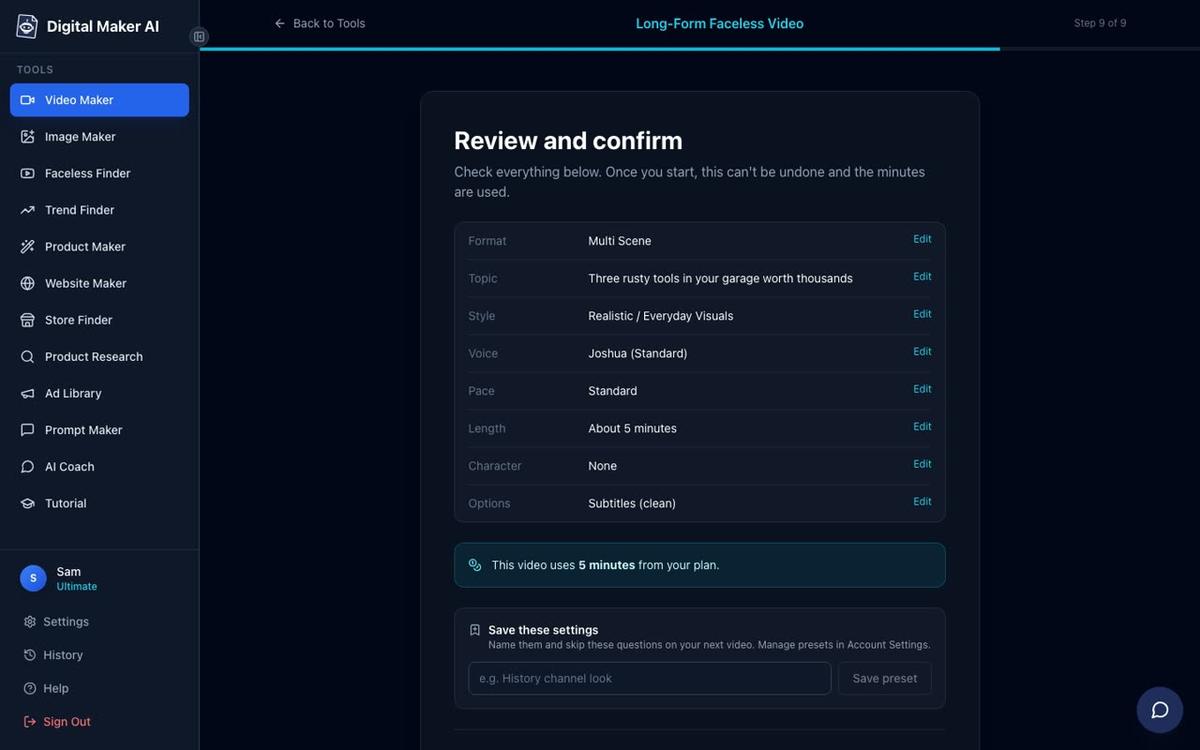
- Open the Video Maker. Sign in, click Video Maker in the left sidebar, and choose Long-Form Faceless Video.
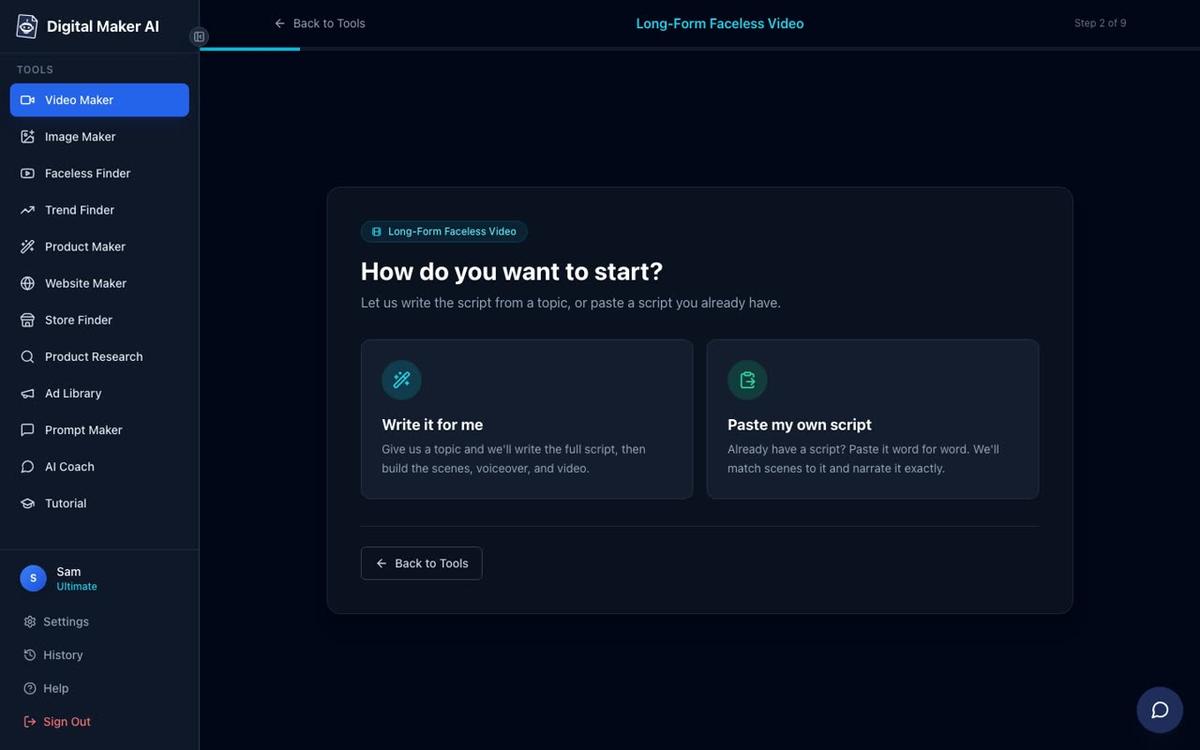
- Choose Multi Scene format. This gives every scene its own AI-generated image, which keeps viewers engaged through a longer video.
- Let the AI write the script. On paid plans you can also paste your own script. For the student productivity niche, a topic like "How to plan your entire semester in one afternoon" maps directly to what the planner helps with.
- Pick a visual style. For a student productivity channel, Minimalist or Clean keeps the look professional and uncluttered. Realistic or Everyday Visuals works well too.
- Choose a narration voice. There are more than 100 built-in AI voices. Pick one that matches the tone of your channel and use the same voice every time so your channel sounds consistent.
- Set the length and generate. A 5 to 10 minute video is a good starting length. Press Generate Video and the platform returns a ready-to-upload MP4 with narration, scene images and captions burned in.
How do you point viewers to your digital planner in every video?
Making a great video is only half the job. You also need to convert viewers into buyers. Use all three of these placements in every video you publish.
- Description link: Put the store link in the first two lines of the description, above the fold, so viewers see it without scrolling. Write a one-sentence call to action such as "Get the free student planner template here: [link]" or "Grab the full academic planner: [link]".
- Pinned comment: Pin a comment on your own video that repeats the link and adds a short reason to click, for example "I made a digital planner that goes with this video. It is free to download this week."
- End screen: YouTube's end screen tool lets you add a button in the last 20 seconds of the video. Use it to point to your best-performing video and mention the planner link verbally in the narration during those final seconds.
The narration in your video should also mention the planner naturally once or twice, not as a hard sell but as a resource. For example: "If you want a ready-made template to follow this system, I have linked the planner I use in the description below."
What video topics should you make for a student productivity planner channel?
Every video topic should be a question or problem your buyer already types into YouTube search. Here are ten video ideas for the student productivity niche, each of which leads naturally to the digital planner.
- How to plan your entire semester in one afternoon
- The weekly planning routine that helped me pass every exam
- How to stop procrastinating on assignments (a step-by-step system)
- How to use time blocking as a college student
- The best way to track assignments and deadlines without missing one
- How to do a weekly review as a student
- Morning routine for students who want better grades
- How to balance study, work and social life in college
- What to do the night before a big exam
- How to set goals at the start of every semester
Use the AI Coach inside Digital Maker AI to brainstorm more ideas. Open it from the left sidebar, type your niche and ask for 20 video ideas that lead to a digital planner sale. The AI Coach can also write hooks, YouTube titles, descriptions and tags for each video. You can read more about it at digitalmaker.ai/ai-coach.
Your 30-day plan to sell a digital planner with a faceless YouTube channel in 2027
This plan assumes you are starting from zero. It takes about one to two hours a day and uses the tools described above.
| Week | What to do | Output |
|---|---|---|
| Week 1 (Days 1-7) | Make the planner with Ebook Writer. Create a product mockup with Image Maker. Set up a Gumroad listing. Create the YouTube channel and write the channel description. | Live product listing, YouTube channel ready |
| Week 2 (Days 8-14) | Make three long-form videos on the top three search topics. Add the store link to every description, pin a comment on each, and add end screens. | 3 videos live, store link in every description |
| Week 3 (Days 15-21) | Make three more long-form videos. Use the Faceless Finder inside Digital Maker AI to study what other productivity channels publish and how long their videos run. | 6 videos live, data on what works in the niche |
| Week 4 (Days 22-30) | Make two more long-form videos and three vertical Shorts that clip the best moments from your existing videos. Check which video has the most views and make a follow-up on the same topic. | 8 long-form videos, 3 Shorts, first sales data |
By day 30 you will have eight searchable videos pointing to one product, and you will know which topic is driving the most traffic. Double down on that topic in month two.
Should you use Shorts to promote your digital planner?
Yes, and they are fast to make. A vertical Short on Digital Maker AI takes a single topic line and returns a 15 to 60 second video with a new AI-generated image every few seconds, narration and bold captions. It costs a flat one minute from your plan's monthly pool. Shorts do not replace long-form videos for driving planner sales because the description link is harder to click from a Short, but they expand your reach and push viewers to your long-form content where the link is prominent. Use the Shorts maker to repurpose your best long-form hooks into quick vertical clips.
Common mistakes when selling a digital planner with a faceless YouTube channel
- Making the product after the channel. Build and list the planner first. Every video you publish before the product is live is a missed sale.
- Hiding the link. Put the store link in the first two lines of the description, not buried below a wall of hashtags.
- Making videos about the planner instead of the problem. Nobody searches "buy a digital planner". They search "how to plan my week". Solve the problem; the planner is the tool that helps them do it.
- Changing niches too early. Give each niche at least 30 videos before deciding it does not work. Most faceless channels see their first consistent sales between video 20 and video 40.
- Skipping the pinned comment. The pinned comment is the first thing a viewer reads below the video. Use it every time.
For a related walkthrough using the same system with an ebook instead of a planner, see How to Sell an Ebook With a Faceless YouTube Channel in 2027. If you are still setting up your channel from scratch, Easiest Way to Start a Faceless YouTube Channel in 2027 covers the channel setup steps in detail.
Frequently asked questions
Do I need a paid plan to sell a digital planner with a faceless YouTube channel?
No. The Free plan on Digital Maker AI includes commercial usage rights and lets you make one long-form faceless video up to 8 minutes. That is enough to test the idea. Paid plans remove the watermark and give you more video minutes and length. See digitalmaker.ai/pricing for plan details.
What file format should a digital planner be sold in?
PDF is the most widely accepted format for digital planners because it opens on any device without extra software. If your planner is designed for use inside a specific app such as GoodNotes or Notability, you may also offer a GoodNotes template file alongside the PDF.
How much should I charge for a digital planner?
Most digital planners on Gumroad and Etsy sell for between five and thirty dollars. A single-subject planner (academic, budget or meal planning) typically sells for five to fifteen dollars. A full annual planner with multiple sections can command twenty to thirty dollars or more.
How long does it take to get the first sale from a faceless YouTube channel?
Most creators see their first sale between video 5 and video 20, depending on niche competition and how well the video titles match real search queries. Channels that publish consistently, at least two videos a week, tend to reach first sales faster than those publishing once a fortnight.
Can I use the same digital planner video system for other digital products?
Yes. The same approach works for spreadsheet trackers, ebooks, workbooks and templates. Digital Maker AI's AI Spreadsheet tool creates spreadsheets and trackers you can sell alongside or instead of a planner, using the same video-to-product-link funnel described in this guide.
Does Digital Maker AI post videos to YouTube automatically?
No. On Premium and Ultimate plans you can schedule a post from the "Post to socials" button after connecting your YouTube account once in Account Settings. Nothing posts until you press Post. Free and Pro users download the MP4 and upload it themselves.
Ready to build your first digital planner and the videos to sell it? Start with the free lessons at the Digital Maker AI free course, which walks through making your first faceless video and setting up your digital product funnel from scratch.
Alex Stevens: Alex Stevens writes for the Digital Maker AI team about faceless YouTube channels, AI presenters and AI video tools.