How to Make Faceless YouTube Videos With ChatGPT and Digital Maker AI
By Alex Stevens
What You Will Be Able to Do
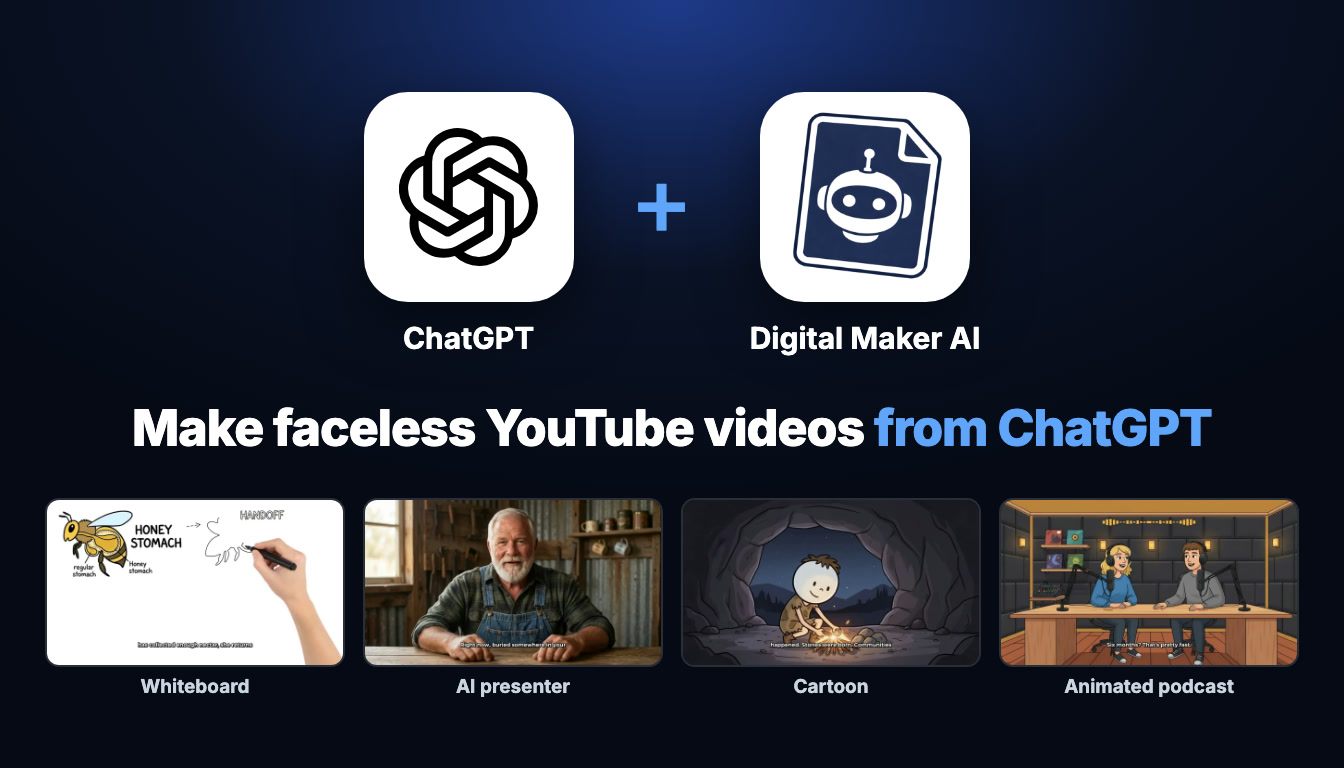
This guide shows you exactly how to make faceless YouTube videos with ChatGPT by connecting it to Digital Maker AI. Once the connection is live, you can type a single sentence in ChatGPT and get back a finished, ready-to-upload YouTube video: script written, scenes generated, narration recorded and captions burned in. You can make long-form faceless videos, whiteboard animations, AI presenter videos, cartoon series, animated podcasts and vertical Shorts, all without touching the Digital Maker AI dashboard if you prefer. This guide walks through the full setup and then tours every format with a real example request you can copy and adapt today.
What Connecting ChatGPT to Digital Maker AI Actually Means
When people ask about how to make faceless YouTube videos with ChatGPT, they often picture ChatGPT doing everything inside its own chat window. What actually happens is simpler and more powerful. ChatGPT gets access to Digital Maker AI's tools through a protocol called MCP, which lets it call the Video Maker, Image Maker and research tools on your behalf. Every video is made on your own Digital Maker AI account, using your plan and your monthly video minutes, and every finished video is saved to your Digital Maker AI library. ChatGPT is the interface; Digital Maker AI is the engine doing the work.
This means the quality, formats and limits you get are exactly the same as if you had clicked through the dashboard yourself. The app confirms the minute cost before it starts anything, and nothing is made until you say go. When a video is finished, Digital Maker AI emails you and the app returns a link. Long videos can take a while to build, so you do not need to keep the chat open.
For a full overview of the setup and everything the connection can do, visit the Digital Maker AI ChatGPT setup page.
How to Set Up ChatGPT With Digital Maker AI
You need a paid ChatGPT plan (Plus or above) and the ChatGPT desktop app. Plugins only work in the desktop app, not on the website. Here are the exact steps:
- Get the ChatGPT desktop app. Download it from chatgpt.com/download and sign in with your paid ChatGPT account.
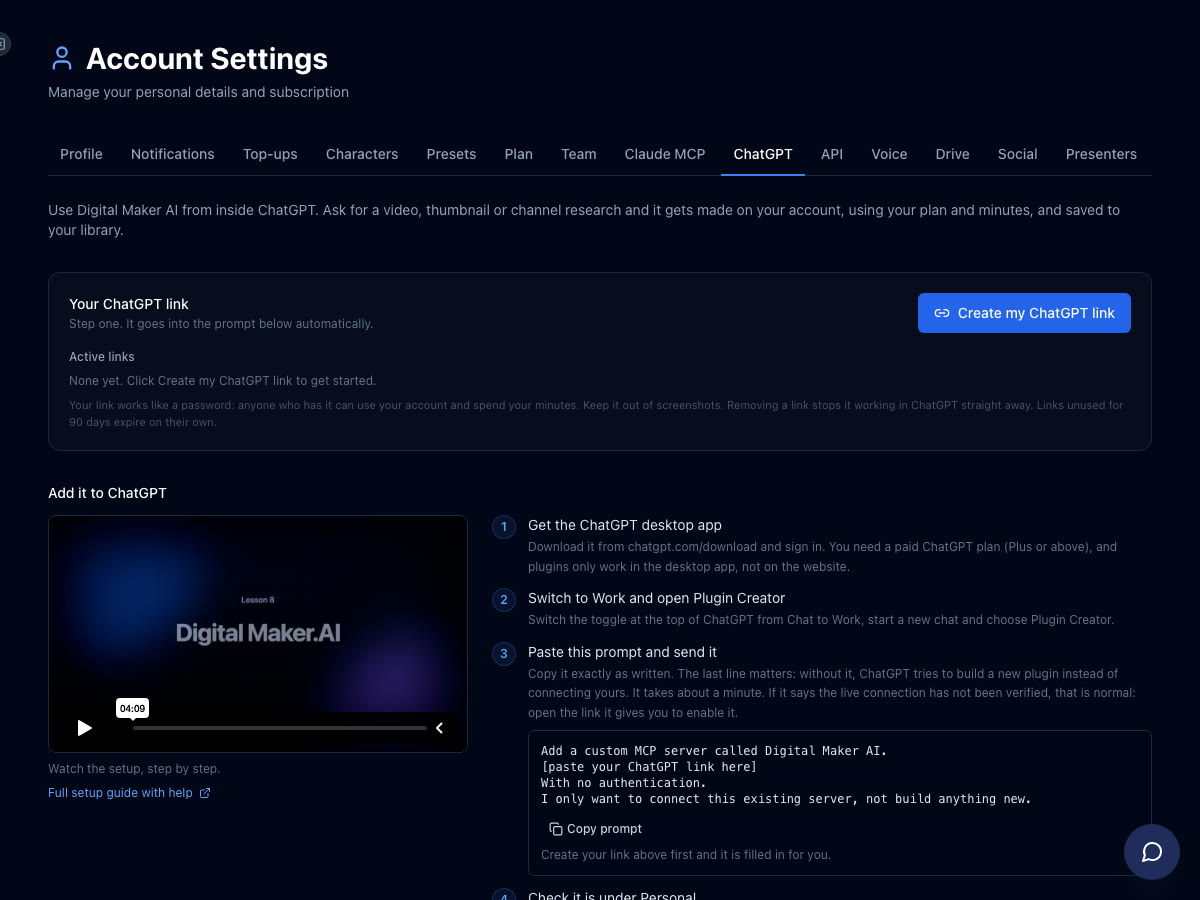
- Create your ChatGPT link in Digital Maker AI. In Digital Maker AI, open Settings at the bottom of the left sidebar, then Account Settings, then the ChatGPT tab. Click Create my ChatGPT link. This generates your unique connection URL and fills it into a ready-made prompt you will use in the next step.
- Switch ChatGPT to Work mode. In the ChatGPT desktop app, switch the toggle at the top from Chat to Work, then start a new chat and choose Plugin Creator.
- Paste the prompt and send it. Copy the ready-made prompt from the Digital Maker AI ChatGPT tab and paste it into Plugin Creator. The prompt tells ChatGPT to add a custom MCP server called Digital Maker AI with your link and no authentication, and only to connect it rather than build anything new. If ChatGPT says the live connection has not been verified, open the link it provides to enable it.
- Confirm the plugin is listed. Check that Digital Maker AI appears under Plugins, Personal.
- Start a Work chat and tag Digital Maker AI. Open a new Work chat, type @ and click Digital Maker AI so it becomes a blue tag in the message box. Now every message goes through the connection.
That is the full setup. From here, every example below assumes you are in a Work chat with the Digital Maker AI blue tag active. Making any video (long-form, Shorts, whiteboard, AI presenter or animated podcast) needs a Premium or Ultimate plan on Digital Maker AI. Pro gets thumbnails, images, character creation and channel research through the connection. Free accounts can check their account and save to Google Drive only; the five free videos and the Faceless Finder are used directly on the website.
How to Make Faceless YouTube Videos With ChatGPT: Long-Form Multi Scene
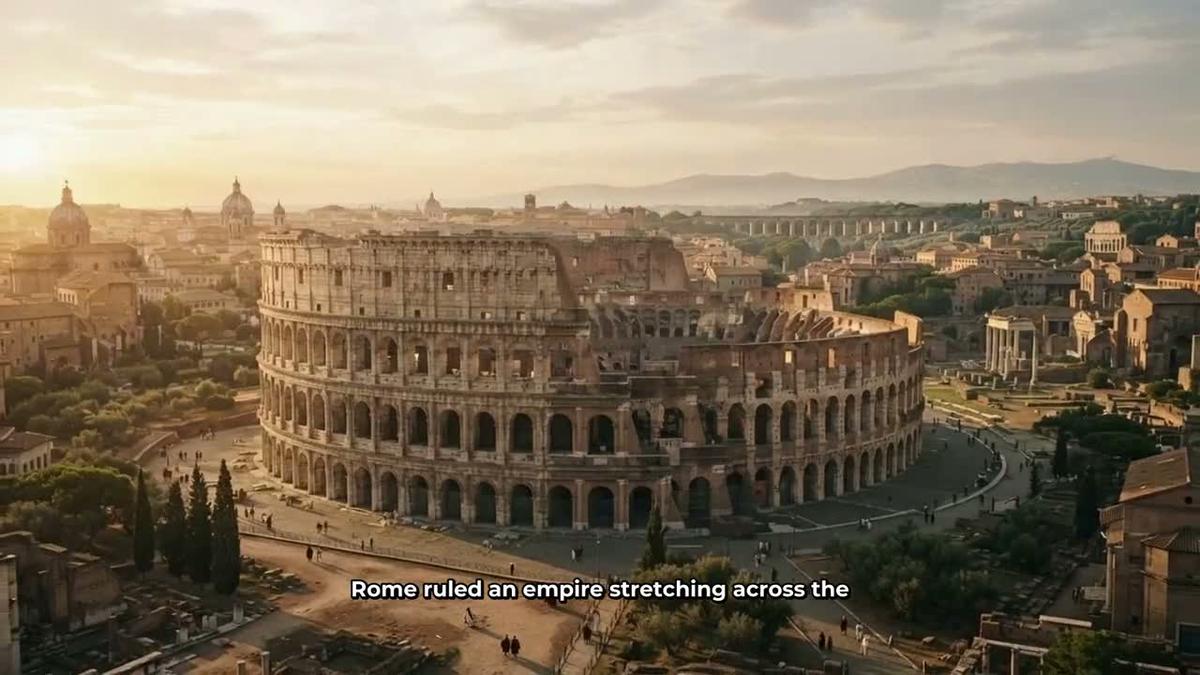
The core format is the long-form faceless video: a landscape 16:9 MP4 with a fresh AI-generated scene image for every scene, AI narration, and captions burned into the lower third. The AI writes the full script, generates every image and records the narration. You get a finished file ready to upload to YouTube.
Try this request:
"Make a 10-minute faceless YouTube video about how black holes form, History or Ancient style, Bold Pop captions."
ChatGPT will show you a card with what it plans to make, the style, voice and minute cost, and wait for you to confirm before it starts. On Premium you can make videos up to 30 minutes; on Ultimate up to 60. The video comes back as a link in the chat and appears in your Digital Maker AI library. Digital Maker AI emails you when it is ready.
Whiteboard Animation
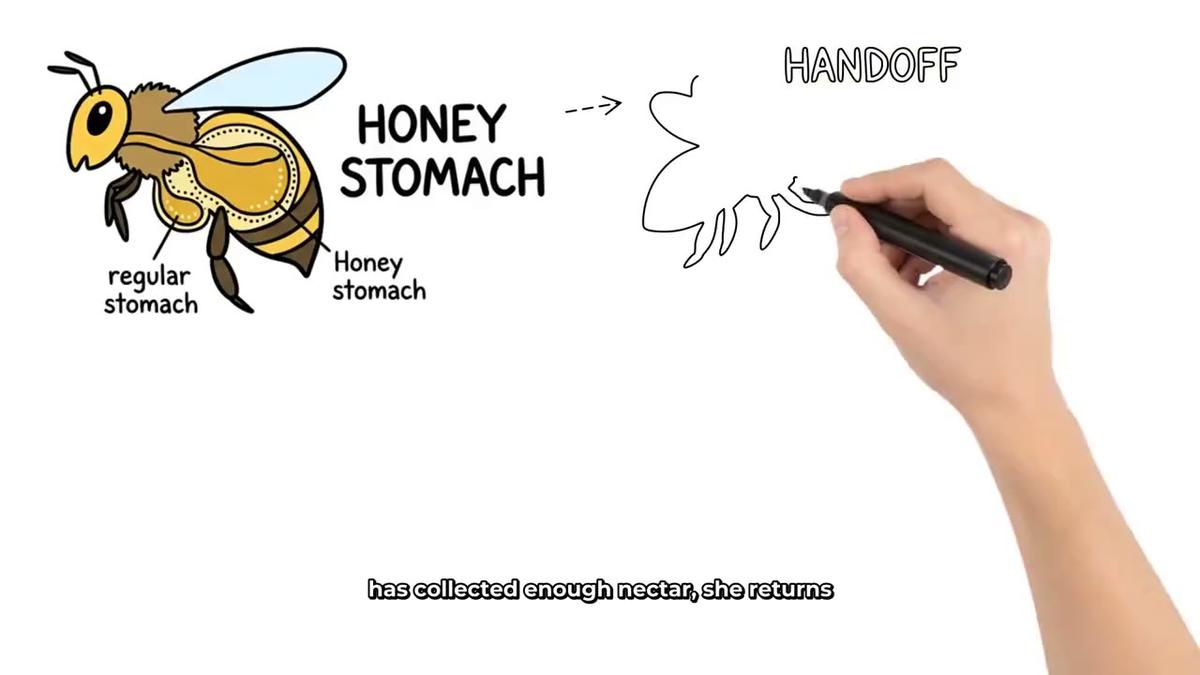
Whiteboard videos are a great format for explaining concepts: hand-drawn sketches appear on screen as the narration plays, building the picture scene by scene. Digital Maker AI offers two whiteboard styles: Story boards and classic. You can choose a drawing hand (none, light, brown or dark). This format needs Premium or Ultimate. Find out more about the whiteboard animation generator.
Try this request:
"Make a whiteboard video explaining compound interest, 8 minutes, Story boards style, light drawing hand."
AI Presenter Videos
An AI presenter video puts a talking AI avatar on screen inside your faceless video. You create the presenter first by describing who they are and their setting, and Digital Maker AI draws a photoreal picture of them. Then you use that presenter in videos, choosing from three layouts: Full screen, Split screen (presenter on the left, scene on the right) or Corner circle (scene fills the frame with the presenter in a round window in the corner). A slider controls how much of the video the presenter appears. This needs Premium or Ultimate.
Try these two requests in sequence:
"Create an AI presenter called Marcus, a retired professor in a study."
"Make a 10-minute video about the Roman Empire with Marcus in Split screen and Corner circle layouts, 40 percent screen time."

The presenter speaks the same narration voice as the rest of the video, with captions throughout. Presenter time is counted separately from video minutes in avatar time (seconds); Premium starts with 2 minutes of avatar time and Ultimate with 5, plus 3 minutes every month on Ultimate. Avatar Packs add more when you need them. See the pricing page for current pack options.
Cartoon Videos With a Recurring Character
You can save a character image and have the same illustrated character drawn into every scene of a video. This is perfect for building a recognisable series on YouTube. The cartoon video format uses the Animated or Cartoon visual style, which produces illustrated, cartoon-looking still scenes. Recurring characters need Premium or Ultimate.
Try these two requests:
"Save a cartoon character called The Budget Fox, a cartoon fox in a suit."
"Make a video about saving money in your 30s using The Budget Fox character."
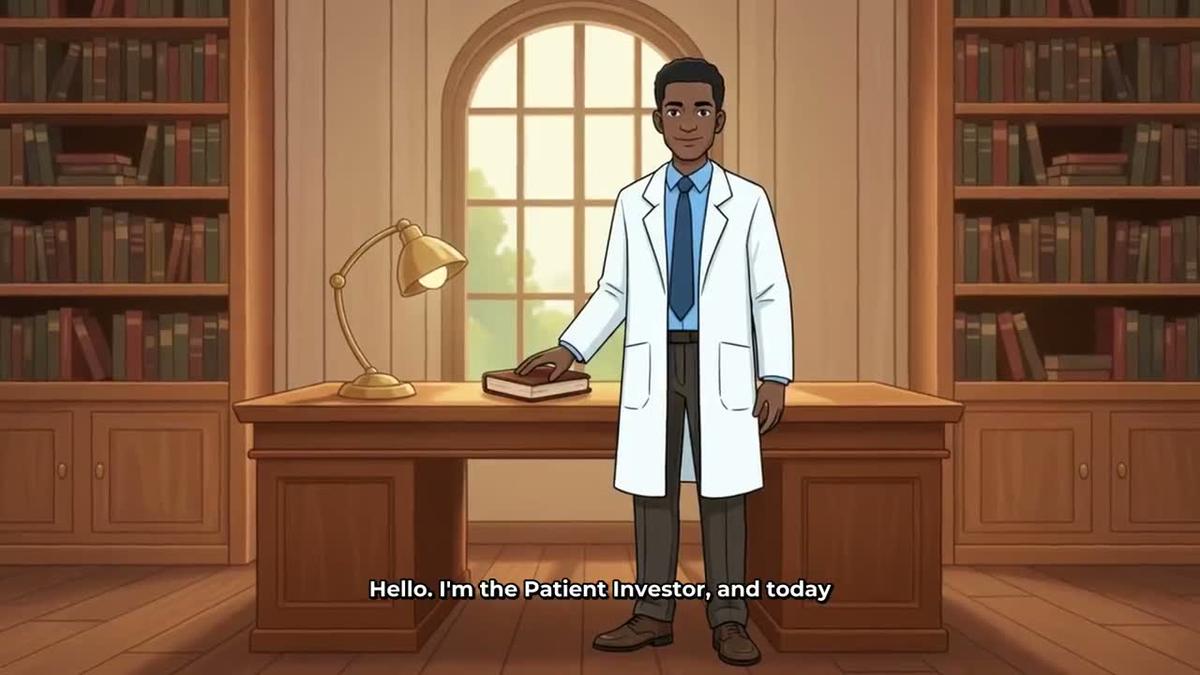
You can save up to 10 characters on Premium or Ultimate and reuse them across as many videos as you like. For more on building a cartoon series, see the related post on how to make a cartoon YouTube series with ChatGPT.
Animated Podcast With Two Hosts
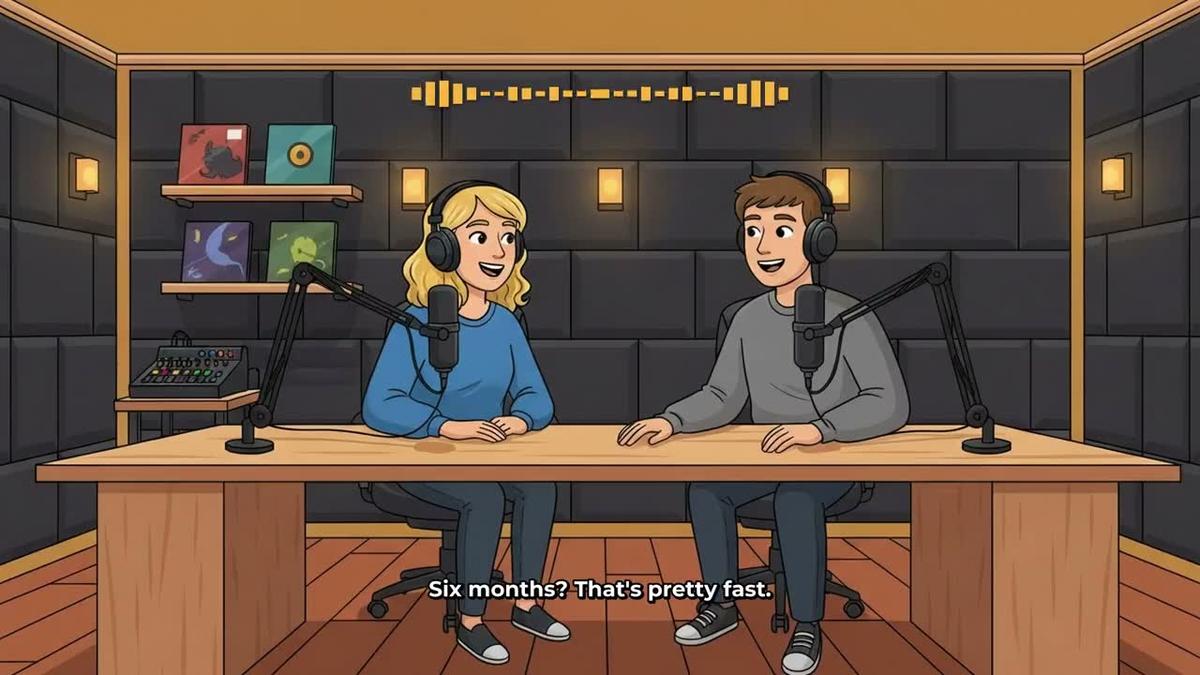
The animated podcast format puts two AI hosts in an animated studio scene, talking through a topic in two different voices with captions and animated sound bars. You name the hosts, style them, pick their voices and a studio, and every new episode reuses the same show setup. This needs Premium or Ultimate. Long episodes are built in sections, so a 30-minute episode can take 45 minutes or more to build; Digital Maker AI emails you when it is ready.
Try this request:
"Start a podcast called Money Unlocked with two hosts, Priya and Dan, and make a 20-minute episode on passive income."
Vertical Shorts
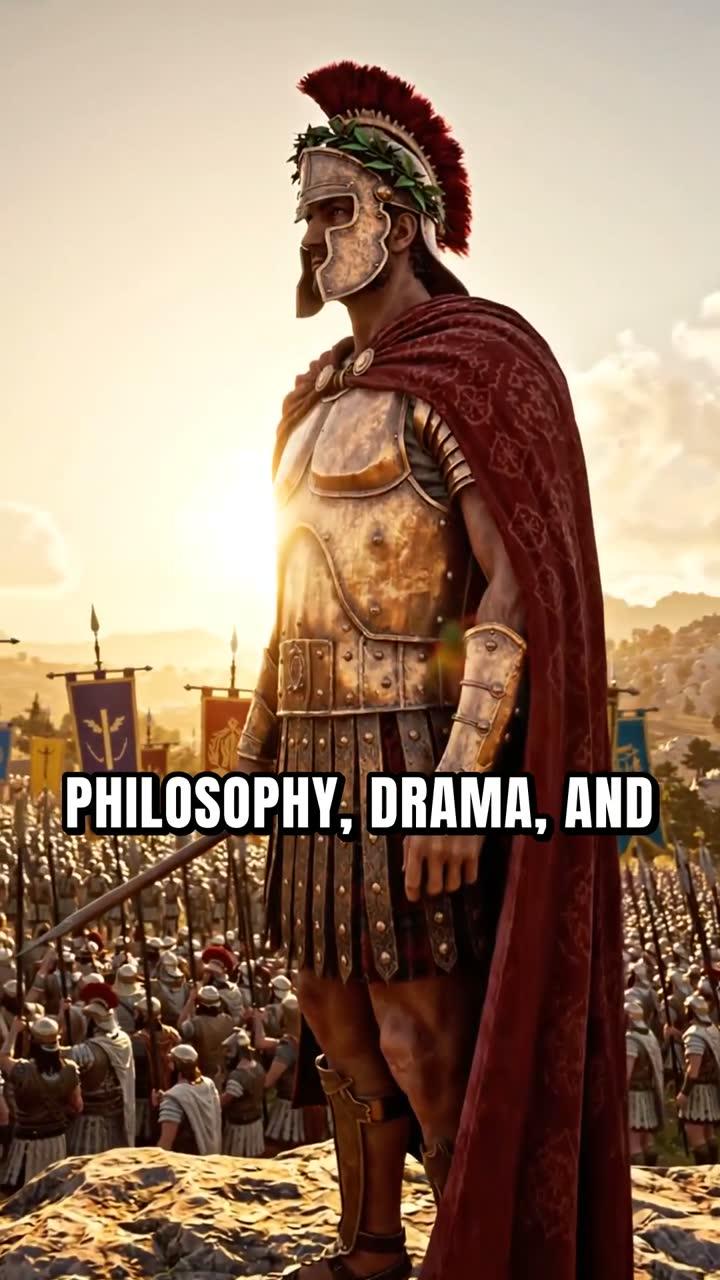
For a YouTube Short, the format switches to vertical 9:16 and runs from 15 to 60 seconds. A new scene image appears every few seconds with narration and bold captions. Each Short costs a flat one minute from your pool, regardless of length. Shorts need Pro, Premium or Ultimate.
Try this request:
"Make a 30-second Short about the Great Wall of China, Realistic style, Bold Pop captions."
Channel Research, Thumbnails and Posting
Making videos is only part of what the connection can do. You can also research competitors, make thumbnails and post finished videos, all from the same chat.
Channel research (Pro and above): The Faceless Finder inside Digital Maker AI tracks real faceless YouTube channels, showing subscribers, uploads per week, average video length and estimated monthly ad revenue. The revenue figure is Digital Maker AI's own rough estimate from recent views and typical ad rates for the niche, not the channel's actual earnings. Ask:
"Search faceless channels in the finance niche and show me their estimated revenue."
Thumbnails (Pro and above): The Image Maker generates YouTube thumbnails from a description. Ask:
"Make a YouTube thumbnail for a video called 5 Habits of Self-Made Millionaires."
Posting (Premium and Ultimate): Once you have connected your YouTube, TikTok or Instagram account once in Account Settings, you can post a finished video straight from the chat. Nothing posts automatically; you confirm before it goes live, and posts are labelled as AI generated. Ask:
"Post the last video I made to YouTube now, title it The Roman Empire in 10 Minutes, mark it as AI generated."
Find out more about posting videos to YouTube, TikTok and Instagram from Digital Maker AI.
Tips for Getting the Best Results
- Be specific in your requests. Include the length, visual style, caption style and any character or presenter name. The more detail you give, the closer the first result is to what you want.
- Check the confirmation card before you confirm. ChatGPT shows you exactly what it will make and the minute cost before it starts. Read it and adjust if needed.
- Save characters and presenters early. Create your recurring character or AI presenter in a separate message before you ask for a video. They are then saved to your account and available in every future request.
- Use research before you make. Ask for channel research in the finance or history niche before you commit to a topic. Seeing which channels are growing and what their estimated revenue looks like can sharpen your content decisions.
- Long videos take time. A 20-minute or 30-minute video can take 30 to 60 minutes to build. Send the request, close the chat and wait for the email. The video will be in your library when it is done.
- Pro is enough for research and thumbnails. If you are just starting out and want to use ChatGPT to research niches, generate thumbnail ideas and plan your channel before you commit to making videos, Pro is sufficient for that through the connection.
If you also want to use Claude for the same tasks, the setup is just as straightforward. See the related guide on making faceless YouTube Shorts with Claude and Digital Maker AI for a comparison of the two workflows.
Ready to Start?
The full setup takes about five minutes and opens up every video format described in this guide, all from a single chat message. Visit the Digital Maker AI ChatGPT setup page for the exact steps, and check the pricing page to see which plan fits the formats you want to make. If you are new to faceless channels and want a structured path from zero to first video, the free faceless YouTube course is a good place to begin.
Alex Stevens: Alex Stevens writes for the Digital Maker AI team about faceless YouTube channels, AI presenters and AI video tools.