How to Use ChatGPT to Make Faceless YouTube Videos in 2027
By Alex Stevens
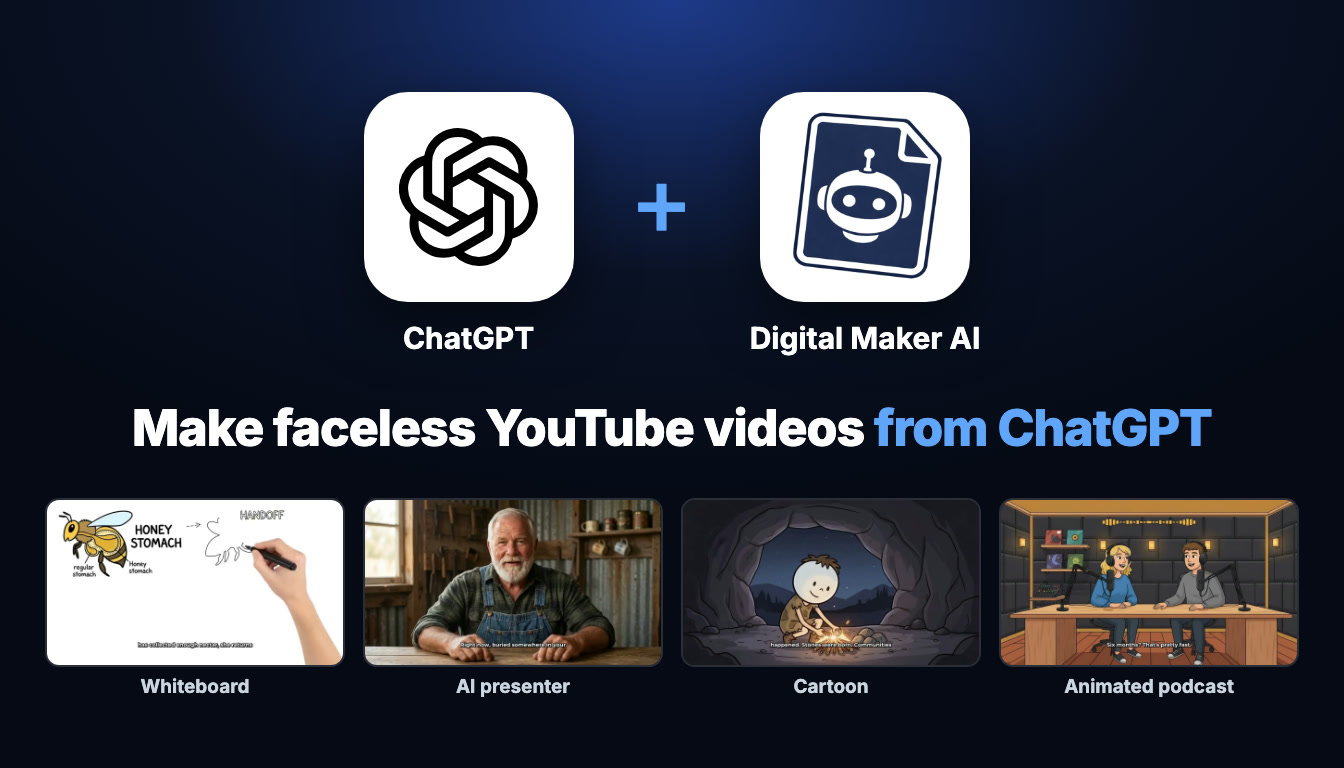
You can use ChatGPT to make faceless videos by connecting it to Digital Maker AI (digitalmaker.ai), an AI video platform for faceless YouTube videos, AI presenter videos, animated podcasts, 3D animated films and digital products. Once connected, you type a request in ChatGPT and it uses Digital Maker AI's tools to build the video on your account. Learning how to use ChatGPT to make faceless videos takes about five minutes to set up and works for every format the platform supports.
Key takeaways
- Connecting ChatGPT to Digital Maker AI takes roughly five minutes via Account Settings and the ChatGPT desktop app (a paid ChatGPT plan, Plus or above, is required).
- Every video is made on your Digital Maker AI account and uses your normal monthly video minutes; finished videos land in your library and Digital Maker AI emails you when they are ready.
- Making any video through ChatGPT (long form, Shorts, whiteboard, cartoon, AI presenter, animated podcast) needs a Premium or Ultimate plan on Digital Maker AI.
- Pro plan users can generate thumbnails, create characters and run channel research through the connection; Free accounts can only check their account and save to Google Drive this way.
- ChatGPT confirms the minute cost and shows you a review card before anything starts; nothing is made until you confirm.
What does connecting ChatGPT to Digital Maker AI actually mean?
When you connect the two, ChatGPT gains access to Digital Maker AI's video-making tools through an MCP (Model Context Protocol) server. MCP is a standard that lets an AI assistant call external tools on your behalf. The connection runs through a private key tied to your Digital Maker AI account, so every video, thumbnail or piece of research happens inside your account, not in some separate workspace.
In practice this means: you stay in ChatGPT, type what you want, ChatGPT shows you a review card with the format, length, style, voice, captions, music options and the minute cost, and nothing starts until you confirm. The video is then built by Digital Maker AI in the background. It takes a few minutes for a Short and longer for a full-length video. When it is ready, Digital Maker AI sends you an email and the finished MP4 appears in your library. Your monthly video minutes on Digital Maker AI are what get used, exactly the same as if you had clicked through the Video Maker yourself. You can see how many minutes you have left by asking ChatGPT at any time.
How to connect ChatGPT to Digital Maker AI: step by step setup
The whole setup lives in two places: the ChatGPT tab in Digital Maker AI's Account Settings, and the ChatGPT desktop app. The website version of ChatGPT does not support plugins, so the desktop app is required. Here is how to do it.
- Get the ChatGPT desktop app. Download it from chatgpt.com/download and sign in with a paid ChatGPT account (Plus or above). Plugins are only available in the desktop app.
- Open Account Settings in Digital Maker AI. Sign in to your Digital Maker AI account, then click Settings at the bottom of the left sidebar to open Account Settings. Go to the ChatGPT tab and click "Create my ChatGPT link". This generates your personal connection link and fills it into a ready-made prompt you can copy.
- Switch ChatGPT to Work mode. In the ChatGPT desktop app, switch the toggle at the top of the window from Chat to Work, start a new chat, and choose Plugin Creator.
- Paste the prompt. Paste the prompt from Digital Maker AI and send it. It tells ChatGPT to add a custom MCP server called Digital Maker AI with your link and no authentication, and only to connect it, not build anything new. If ChatGPT says the live connection has not been verified, open the link it provides to enable it.
- Check the plugin is listed. Under Plugins, Personal, you should see Digital Maker AI. If it is there, the connection is live.
- Start asking. Open a new Work chat, type @ and click Digital Maker AI so it appears as a blue tag, then type your request.
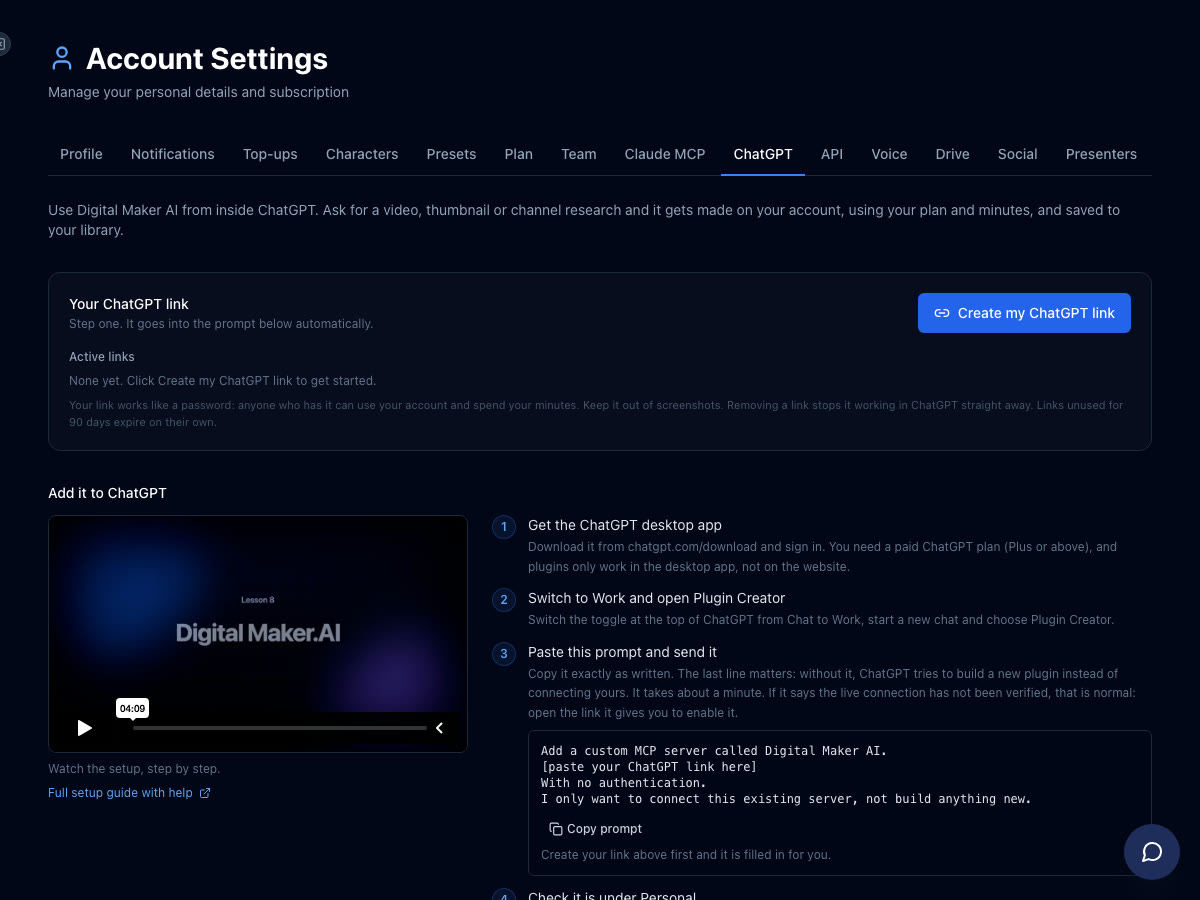
Your connection URL looks like digitalmaker.ai/mcp/YOUR_KEY in plain text. Never share it with anyone. If you need to reset it, go back to the ChatGPT tab in Account Settings and generate a new one.
For a full walkthrough, the Digital Maker AI ChatGPT setup page has the latest instructions alongside any updates. You can also check the related guide How to Make Faceless YouTube Videos With ChatGPT and Digital Maker AI for a deeper look at the workflow.
How to use ChatGPT to make faceless videos: every format with example requests
Once the blue Digital Maker AI tag is active in your Work chat, you can ask for any of the formats below. ChatGPT will show a review card before spending any minutes. The table at the end of this section shows which plan each format needs.
Long-form faceless video
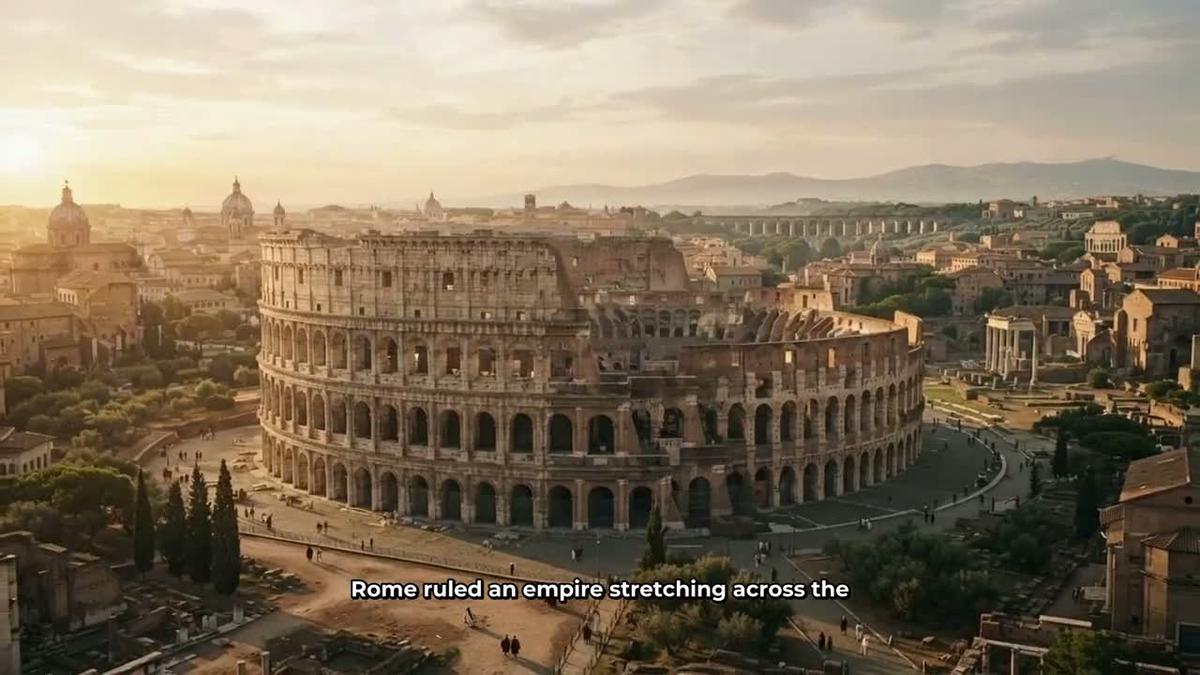
This is the core product: a complete landscape 16:9 YouTube video with an AI-written script, a unique generated scene image for every scene, AI narration and burned-in captions, returned as a ready-to-upload MP4. You can ask for any topic, any of the seven visual styles (Realistic, Animated or Cartoon, Motivational or Dark Moody, Finance or Luxury, History or Ancient, Space or Sci-Fi, Minimalist or Clean) and any of the 100-plus built-in voices. Needs Premium or Ultimate. See the long-form video generator page for more on lengths and styles.
Example request: "@Digital Maker AI make me a 10-minute faceless YouTube video about the psychology of money, History or Ancient visual style, a calm male UK voice, YouTube Yellow captions, and add some background music."
Whiteboard animation video
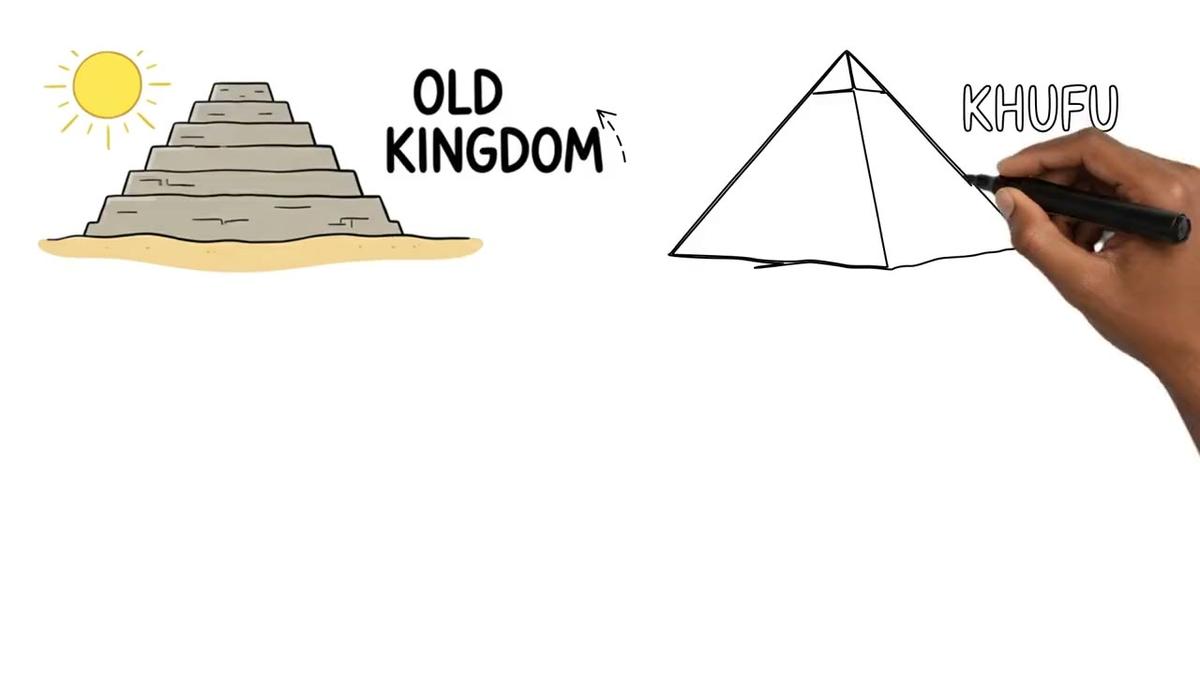
Whiteboard animation is a format where marker sketches appear on screen line by line as the narration plays. It is available on Premium and Ultimate. You can ask for the classic style or the Storyboards style, choose an on-screen hand (none, light, brown or dark) and pick any voice. Needs Premium or Ultimate. See the whiteboard animation page for details.
Example request: "@Digital Maker AI create a 15-minute whiteboard animation video explaining how the Roman Empire fell, Storyboards style, dark hand, a confident female US voice, Clean captions."
AI presenter video
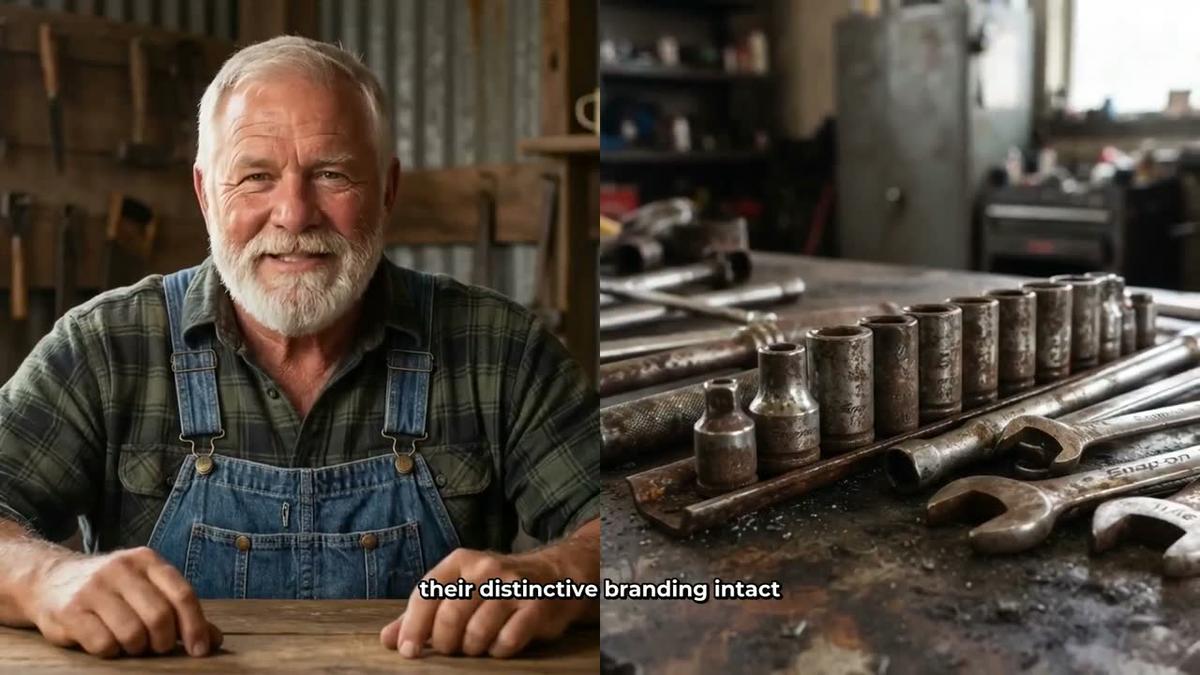
An AI presenter is a photoreal talking avatar who appears inside a landscape Multi Scene video, fully launched since October 2026. You first create a presenter in Account Settings under the Presenters tab by writing a two-sentence description; the AI generates a photoreal picture of them. Then you can ask ChatGPT to put that presenter in a video and choose a layout: Full screen, Split screen (presenter on the left, scene on the right) or Corner circle (scene with the presenter in a round window). Presenter time is counted in avatar seconds, separate from video minutes. Needs Premium or Ultimate. More on the AI presenter video page.
Example request: "@Digital Maker AI make a 10-minute faceless video about stoicism using my presenter Cedric, Split screen layout for the first half and Corner circle for the rest, Motivational or Dark Moody style, Bold Pop captions."
Recurring cartoon character video
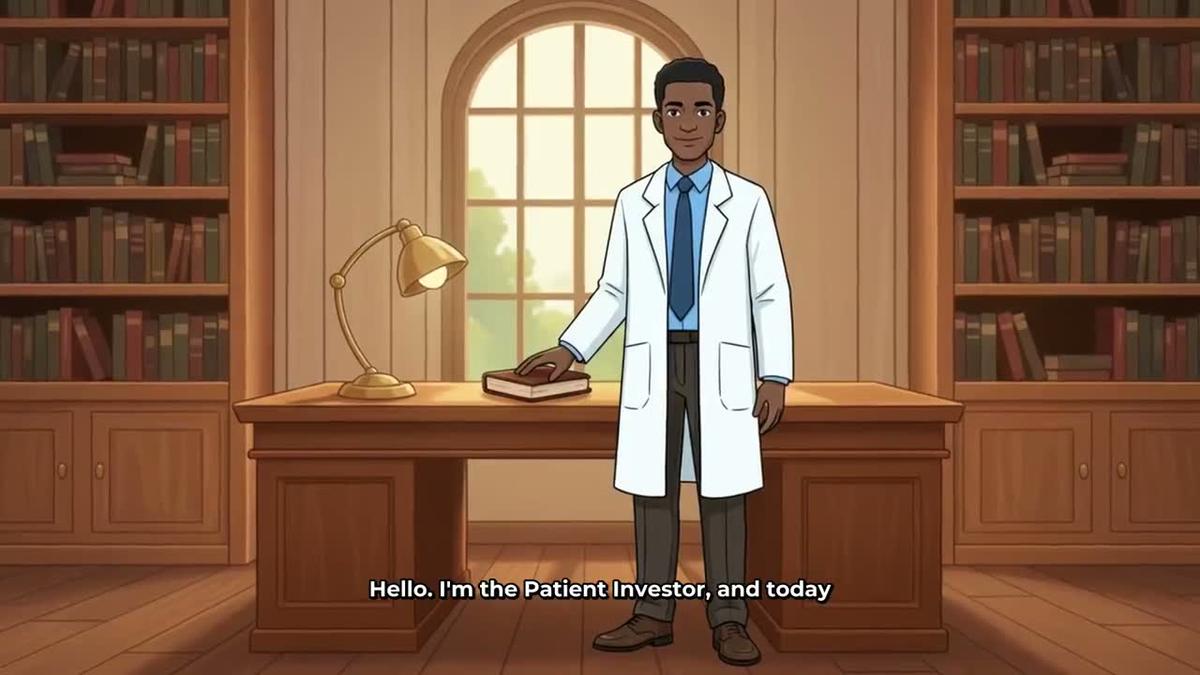
A recurring character is a consistent illustrated figure who appears in every scene of a video. You can ask ChatGPT to create a character from a description or a picture, save it, and then use it in a long-form Animated or Cartoon style video. The character is not a moving animation; it is a stylised still image placed consistently across scenes. Needs Premium or Ultimate. See the recurring character page.
Example request: "@Digital Maker AI create a recurring character called The Patient Investor: a calm man in his fifties in a white coat, standing in a library. Then make a 10-minute faceless video about compound interest using that character, Animated or Cartoon style, a warm male voice, Boxed captions."
3D animated film
A 3D animated film is a fully animated Pixar-style story where every shot is a moving 3D clip, with narration and captions. You can pick a public-domain story from a library of 233 titles (fairy tales, fables, myths, Bible stories and more) or write your own plot, then choose a look, cast, narrator voice and music. It is paid with 3D minutes, not regular video minutes. Pro can make films up to 10 minutes; Premium and Ultimate up to 30 minutes. See the 3D animated film page for pack details.
Example request: "@Digital Maker AI make a 3D animated film of Cinderella, Kids adventure look, a warm female Storyteller narrator, Bold Pop captions, and upbeat music."
Animated podcast
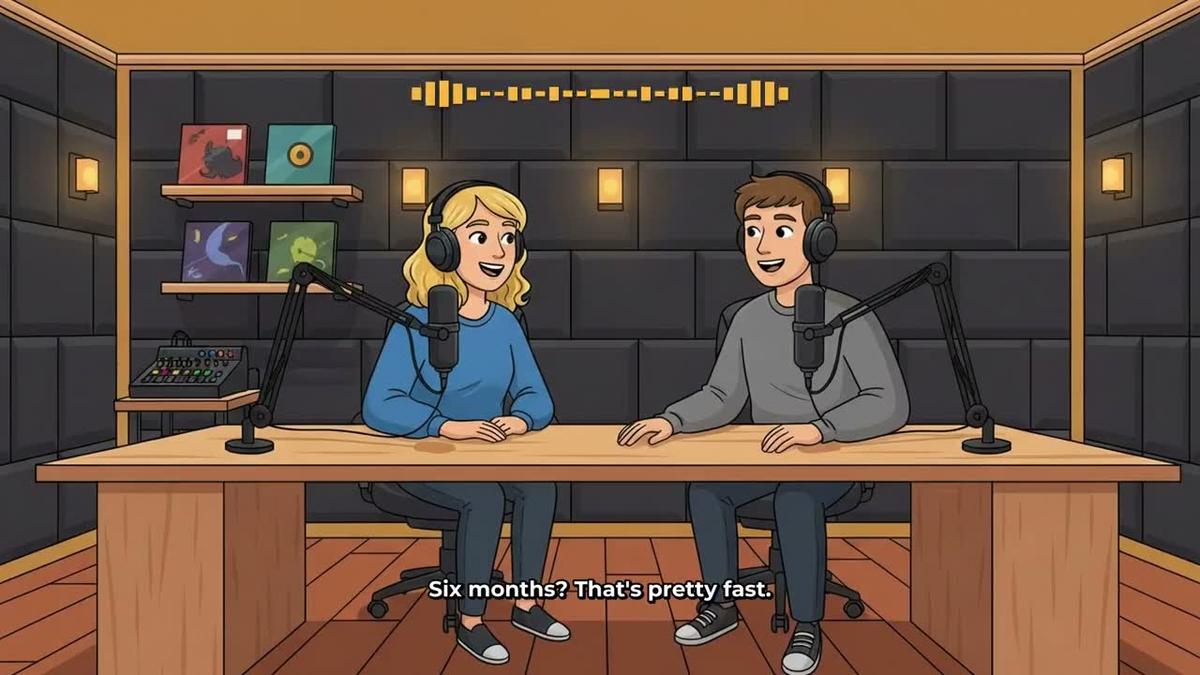
An animated podcast puts two AI hosts in an animated studio scene, talking through a topic in two different voices with captions and animated sound bars. You name the hosts, pick their voices and a studio, and every new episode reuses the same setup. Episodes up to 30 minutes on Premium and up to 60 on Ultimate (Pro does not include animated podcasts). Long episodes take 45 to 90 minutes to build; Digital Maker AI emails you when it is ready. More on the animated podcast page.
Example request: "@Digital Maker AI make a 20-minute animated podcast episode about the future of remote work, conversational tone, hosts named Alex and Priya, a modern studio background."
YouTube Shorts
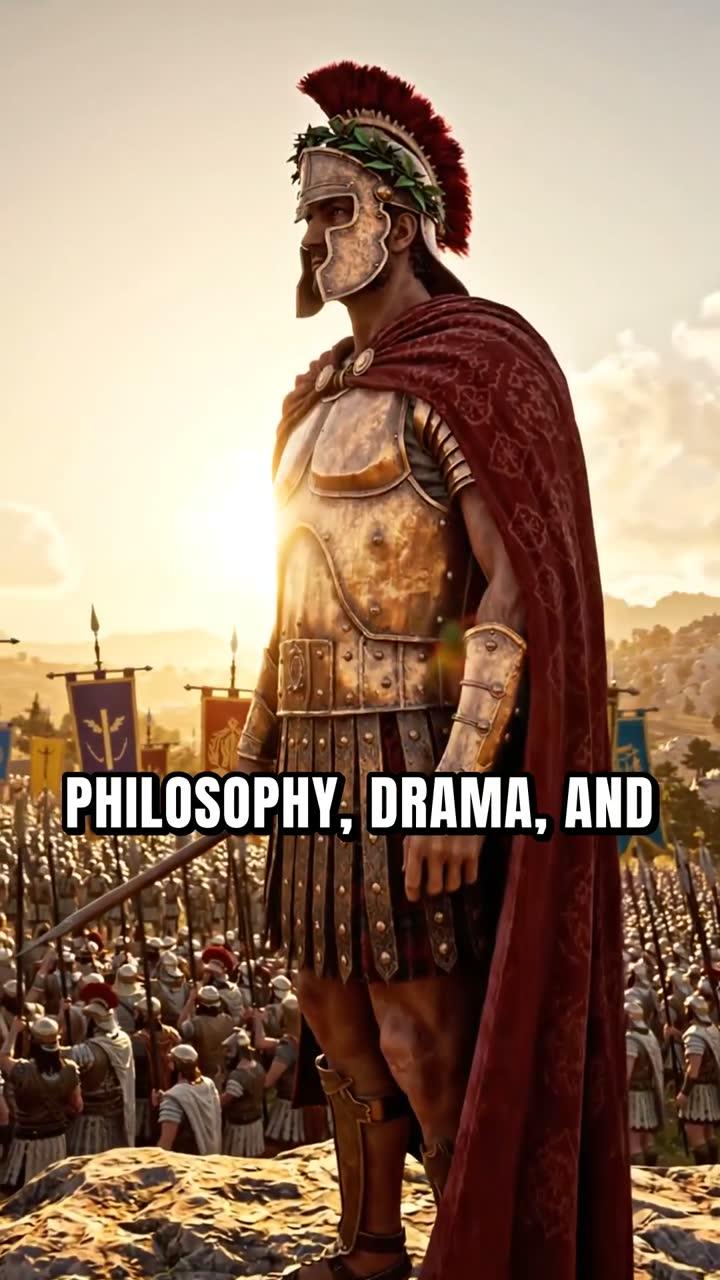
A Short is a vertical 9:16 video, 15 to 60 seconds, with a new scene image every few seconds, narration and bold captions. It costs a flat one minute from your pool regardless of length. Needs Pro, Premium or Ultimate (though making it through ChatGPT needs Premium or Ultimate). See the Shorts generator page.
Example request: "@Digital Maker AI make a 30-second Short about the most surprising fact about ancient Rome, Realistic style, a fast-paced female voice, Bold Pop captions."
Research, thumbnails and posting through ChatGPT
Making videos is only part of what the connection can do. Here is what else you can ask for, and which plan each needs.
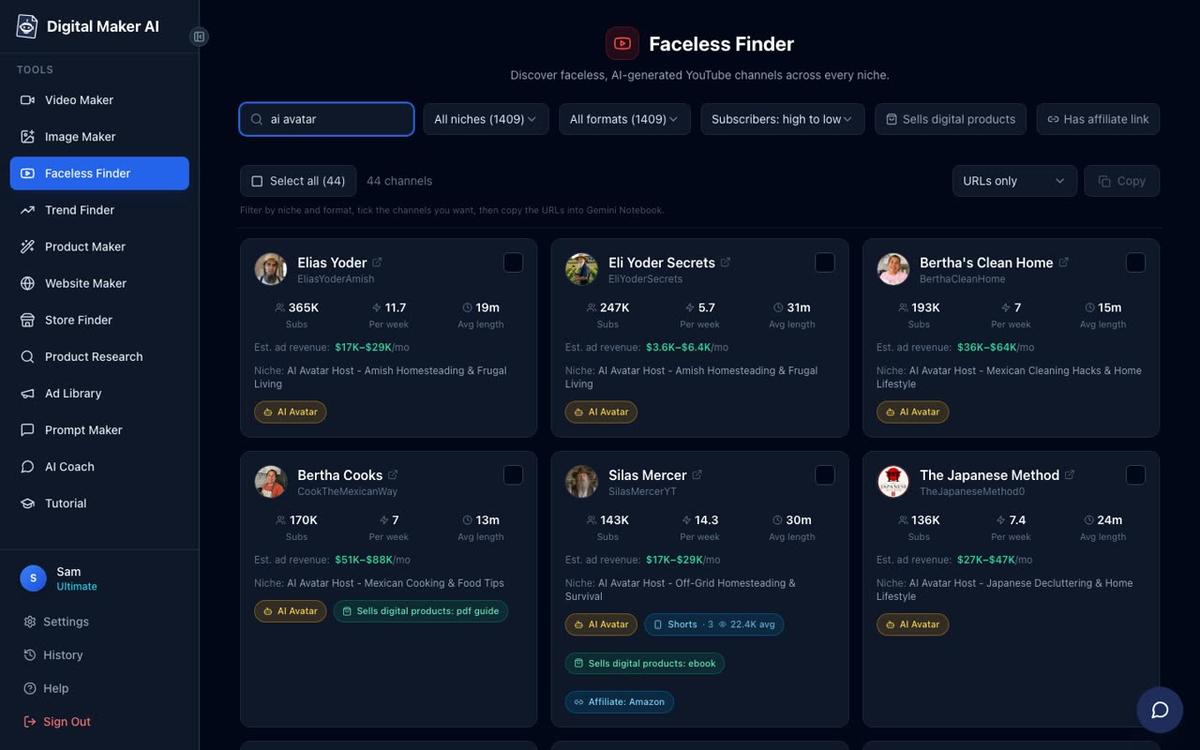
Channel research. Ask ChatGPT to search the Faceless Finder for channels in your niche. It returns real channels with subscriber counts, uploads per week, average video length and an estimated monthly ad revenue (Digital Maker AI's own rough figure from recent views and typical ad rates, not the channel's real earnings). You can also search for AI avatar channels specifically. Pro, Premium and Ultimate can all do this through the connection.
Example request: "@Digital Maker AI search the Faceless Finder for faceless channels in the psychology niche and show me the top results."
Thumbnails. Ask for a YouTube thumbnail on any topic and ChatGPT will generate one using Digital Maker AI's Image Maker. Pro, Premium and Ultimate can do this through the connection.
Example request: "@Digital Maker AI make a YouTube thumbnail for a video called 'The Dark Side of Ancient Rome', Finance or Luxury style, dramatic lighting."
Posting to YouTube, TikTok and Instagram. Once a video is finished, Premium and Ultimate users can ask ChatGPT to post it. You can post it now or schedule it for a specific time. Nothing posts automatically; you confirm before it goes live, and posts are labelled as AI generated. Connect your social accounts once in Account Settings first. More on the video posting page.
Example request: "@Digital Maker AI post my latest video to YouTube now with the title 'The Psychology of Money Explained' and this description: [paste your description]."
Plans and what each can do through ChatGPT
| Plan | Videos through ChatGPT | Thumbnails and characters | Channel research | Posting |
|---|---|---|---|---|
| Free | Account check and Google Drive save only | No | No | No |
| Pro | No video making through the connection | Yes (thumbnails and images; creating characters yes, using them in videos needs Premium) | Yes | No |
| Premium | Yes, up to 30 minutes per video | Yes | Yes | Yes |
| Ultimate | Yes, up to 60 minutes per video | Yes | Yes | Yes |
Check current plan details and pricing at digitalmaker.ai/pricing.
Tips for getting the best results in 2027
- Be specific in your requests. The more detail you give (niche, length, visual style, voice gender and accent, caption style, whether you want music), the closer the first video will be to what you want. Vague requests still work, but you may need to regenerate scenes.
- Check your minutes before you start. Ask "@Digital Maker AI how many video minutes do I have left?" before a long session. ChatGPT will report the current balance from your account.
- Use the review card. ChatGPT always shows the options and the minute cost before starting. Read it carefully, especially for longer videos. You can adjust the request before confirming.
- Regenerate scenes after delivery. Every finished video includes 10 free scene regenerations. If a scene image is not right, go into your Digital Maker AI library and regenerate it, swap in your own image, or drop in a short clip of your own.
- Build a recurring character first. If you plan a series, ask ChatGPT to create and save your character before making the first episode. Then every video in the series uses the same character automatically.
- Research before you script. Use the Faceless Finder through ChatGPT to study channels in your niche before committing to a topic. Seeing average video length and upload frequency helps you plan a realistic schedule.
Frequently asked questions
Do I need a paid ChatGPT plan to connect Digital Maker AI?
Yes. The plugin and Work mode that Digital Maker AI uses are only available on paid ChatGPT plans (Plus or above) and only in the ChatGPT desktop app. The website version of ChatGPT does not support plugins.
Does using ChatGPT to make videos cost extra minutes?
No extra charge is added for using the connection. Every video made through ChatGPT uses the same monthly video minutes as making it directly in Digital Maker AI's Video Maker. ChatGPT shows the minute cost before anything starts.
Can I use my own script when asking ChatGPT to make a video?
Yes, on paid Digital Maker AI plans you can paste your own script into the request. ChatGPT passes it to Digital Maker AI, which uses it instead of generating a new one. Free accounts cannot paste a custom script on any format.
How long does it take for a video to be ready?
A Short typically takes a few minutes. A 10-minute long-form video takes longer, and a 30 to 60-minute animated podcast can take 45 to 90 minutes to build. Digital Maker AI sends you an email when the video is ready and it appears in your library.
Can I make a 3D animated film through ChatGPT?
Yes. You can ask ChatGPT to make a 3D animated film by describing the story, characters, look and narrator. 3D films use 3D minutes (bought separately as 3D Packs), not your regular video minutes. Pro can make films up to 10 minutes; Premium and Ultimate up to 30 minutes.
What is the difference between using ChatGPT and using the AI Coach inside Digital Maker AI?
The AI Coach (at digitalmaker.ai/ai-coach) works the same way but is already inside your account with nothing to install. ChatGPT is useful if you already work in that app and want to keep your workflow there. Both require Premium or Ultimate to make videos.
Ready to get started? The Digital Maker AI free course walks you through building your first faceless YouTube channel from scratch, from picking a niche to publishing your first video.
Alex Stevens: Alex Stevens writes for the Digital Maker AI team about faceless YouTube channels, AI presenters and AI video tools.