How to Use Claude to Make Faceless YouTube Videos (MCP Guide for 2027)
By Alex Stevens
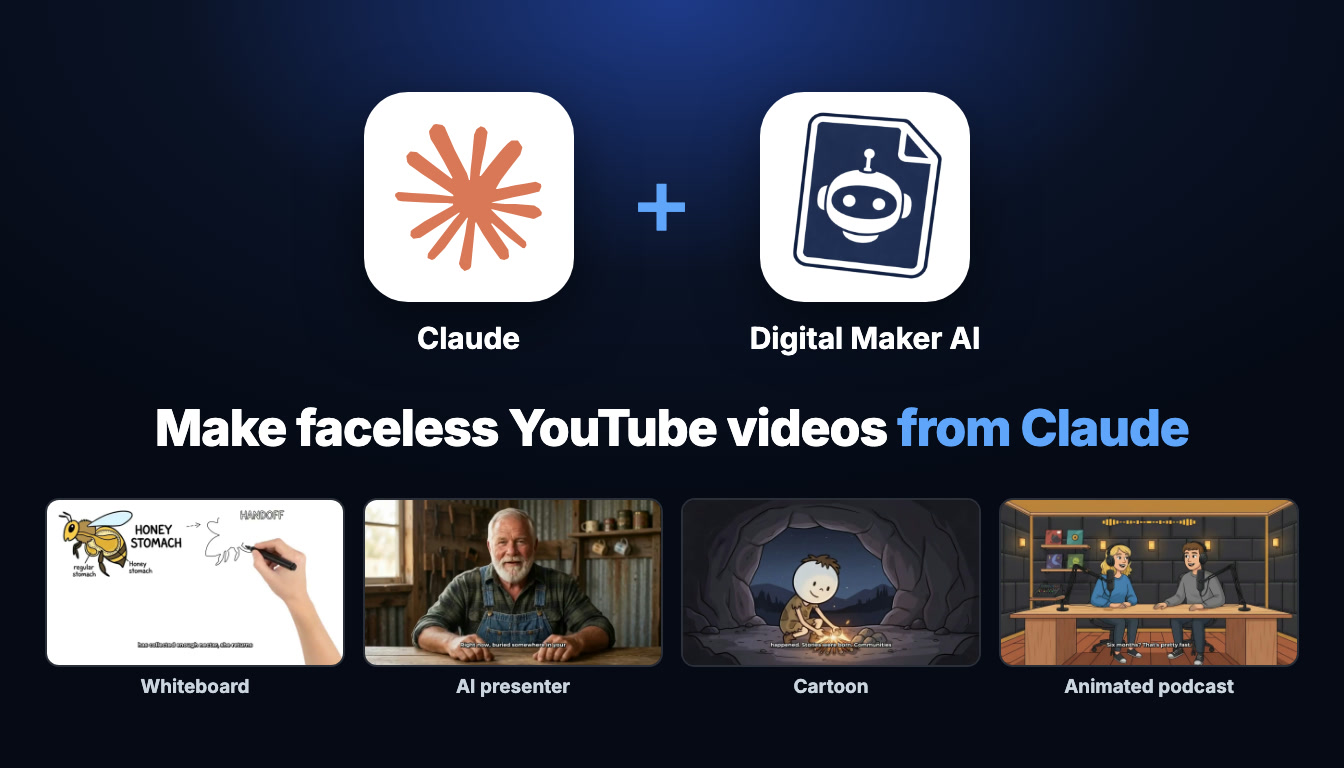
You can use Claude to make faceless videos by connecting Digital Maker AI (digitalmaker.ai) as a custom MCP connector. Once the connection is live, you type a request in plain English, Claude confirms the minute cost, and the finished MP4 lands in your Digital Maker AI library. Setup takes about one minute. This guide covers exactly how to use Claude to make faceless videos across every format available in 2027.
Key takeaways
- Connecting Digital Maker AI to Claude takes one minute from Account Settings, under the Claude MCP tab.
- Making any video through Claude (long form, Shorts, whiteboard, AI presenter, animated podcast, 3D film) needs a Premium or Ultimate plan on Digital Maker AI.
- Pro plan users can research faceless channels, create characters and generate thumbnails through Claude, but video production needs Premium or Ultimate.
- Every video uses your normal Digital Maker AI video minutes: Premium includes 150 minutes a month and Ultimate includes 300 minutes a month (as of November 2026).
- Claude always confirms the minute cost before starting and never spends your minutes without a direct request.
What does connecting Claude to Digital Maker AI actually mean?
Claude by Anthropic is a large language model you can chat with at claude.ai. It supports the Model Context Protocol (MCP), a standard that lets external services hand Claude a set of tools it can call on your behalf. When you add Digital Maker AI as a custom connector, Claude gains access to the Digital Maker AI Video Maker tools. It can script, build, narrate and render a complete faceless YouTube video without you leaving the Claude chat window.
Everything happens on your Digital Maker AI account. The video minutes come from your own monthly pool, the finished videos appear in your Digital Maker AI library, and Digital Maker AI emails you when a long video is ready. Claude is the interface you type into; Digital Maker AI is doing the rendering. Nothing is posted automatically. If you ask Claude to post a finished video to YouTube, TikTok or Instagram, it shows you what it will post and waits for you to confirm.
How to set up the Claude MCP connector for faceless video making
The full setup takes about one minute. You need a Digital Maker AI account (any plan) and access to Claude at claude.ai.
- Open Account Settings in Digital Maker AI. Sign in, then click Settings at the bottom of the left sidebar. This opens Account Settings.
- Go to the Claude MCP tab. Inside Account Settings, select the Claude MCP tab. Click Create a key. Digital Maker AI generates a Name and a URL for your personal connector. The URL looks like digitalmaker.ai/mcp/YOUR_KEY in plain text. Keep this tab open.
- Add Digital Maker AI as a custom connector in Claude. In a Claude chat, click the + button, then choose Connectors, then Add connector, then Custom connector. Paste the Name and URL from the previous step, leave everything else empty, and click Continue.
- Start a new chat and make your first request. Open a fresh Claude conversation and ask in your own words, for example: "Make me a 10 minute faceless video about the fall of Rome in a history visual style." Claude states the minute cost before it starts. Scene pickers, presenter options and music choices can appear right inside the chat as interactive cards.
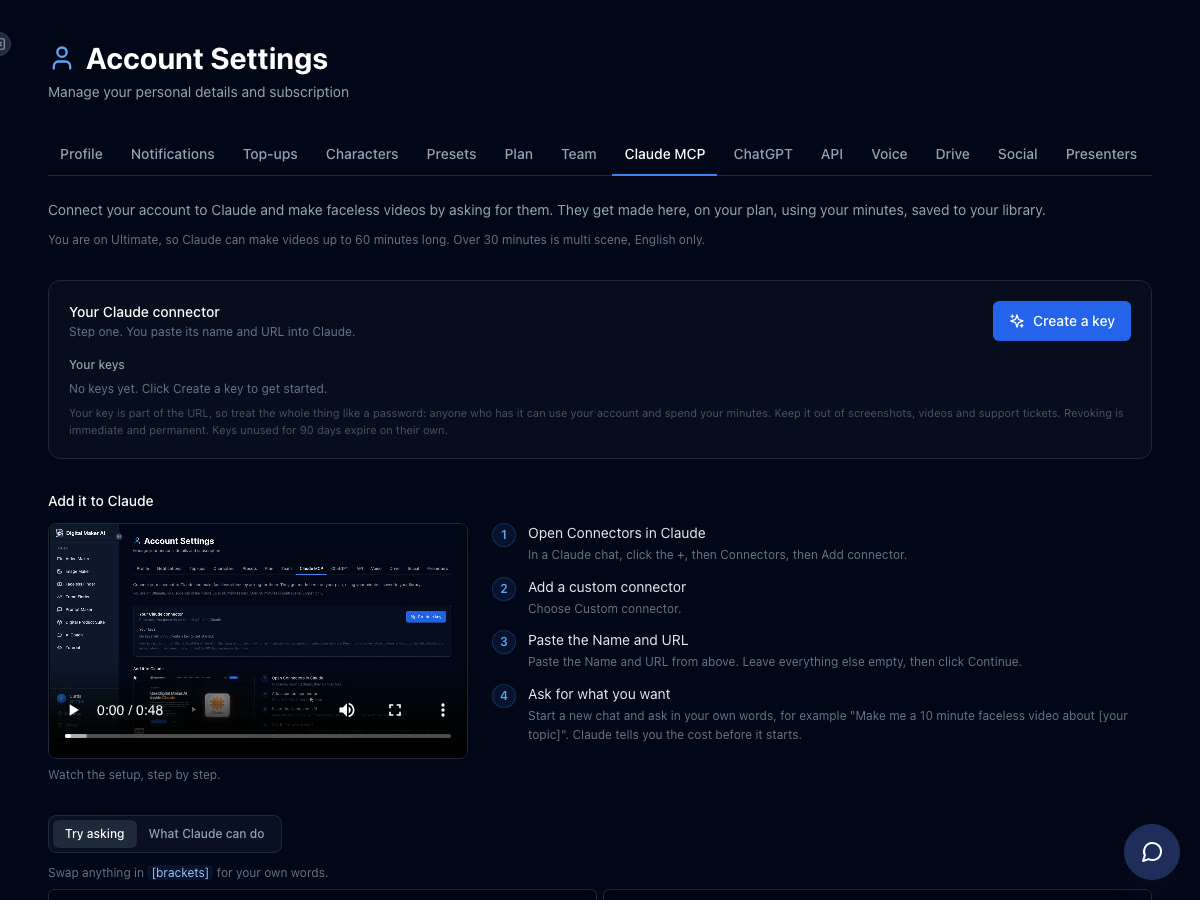
For a full walkthrough of the connection and what you can ask, visit the Digital Maker AI Claude setup page.
How to use Claude to make faceless videos: every format with example requests
Below is every video format you can produce by asking Claude, with a real example request, what comes back, and the plan each format needs. Videos take time to render; Digital Maker AI emails you when a long video is ready, and it appears as a link in your library.
Long form faceless video (Multi Scene)
The core faceless YouTube format. Claude scripts the video, generates a unique still image for every scene, adds AI narration and captions, and returns a ready-to-upload MP4. You can ask for any topic, any visual style, and any voice.
Example request: "Make a 10 minute faceless YouTube video about stoic morning routines, Finance visual style, a calm male British voice, YouTube Yellow captions and some light background music."
Claude confirms the minute cost (10 minutes from your pool), then builds the video. You can regenerate any scene image afterwards, swap in your own image or a short clip, or edit the narration text. Needs Premium or Ultimate. Maximum length is 30 minutes on Premium and 60 minutes on Ultimate. See the long form faceless video maker for more on what the format produces.

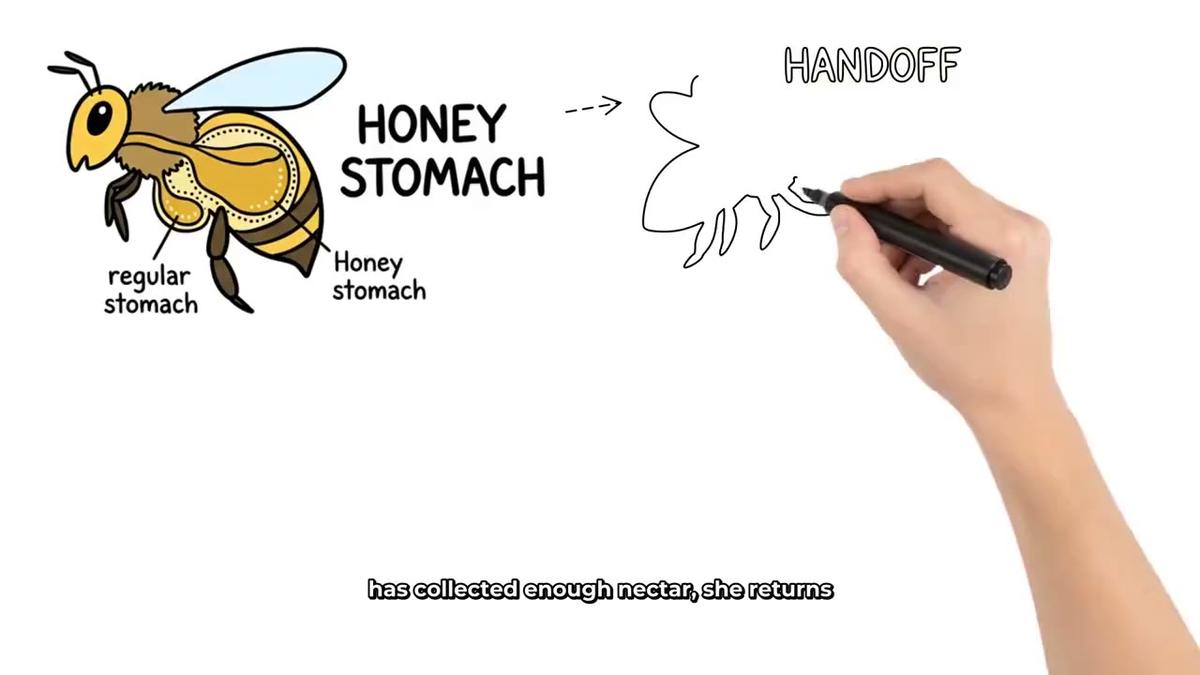
Whiteboard animation
Whiteboard videos show marker sketches that appear on screen as the narration plays, with an optional on-screen hand. They are a strong format for educational and explainer content.
Example request: "Make a 15 minute whiteboard animation explaining how the Roman aqueduct system worked, Story Boards style, a dark hand, clean captions."
Claude builds the whiteboard video and confirms the minute cost first. Needs Premium or Ultimate. For more on the format, see the whiteboard animation maker.
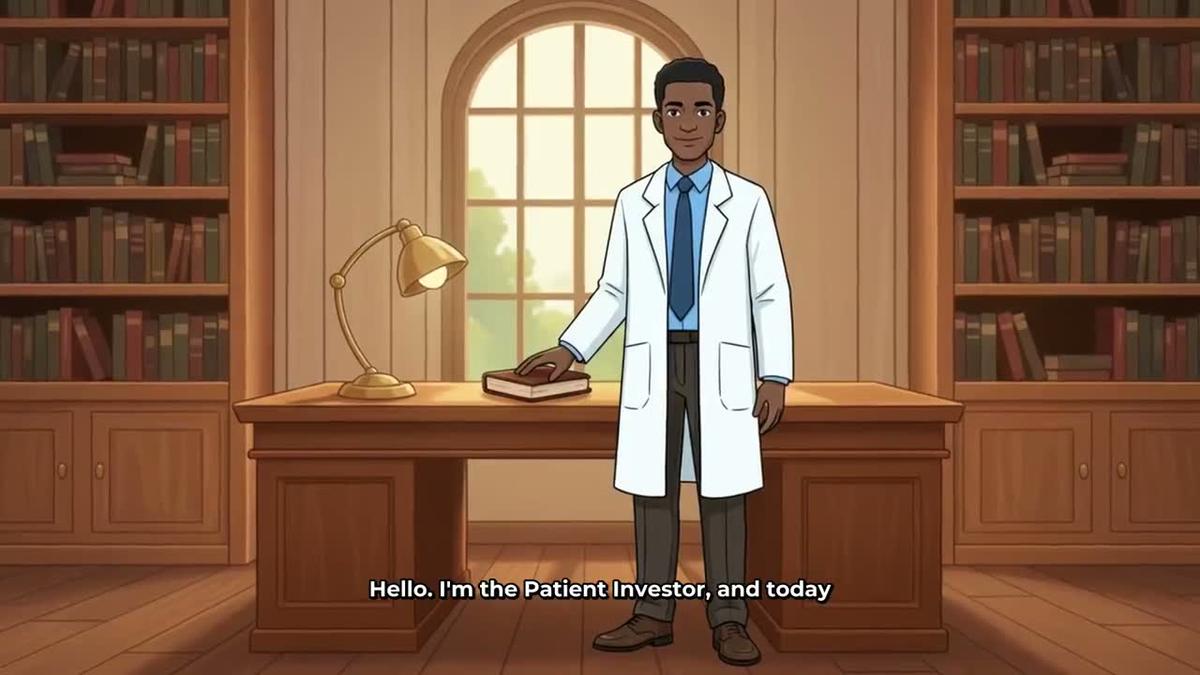
AI presenter video
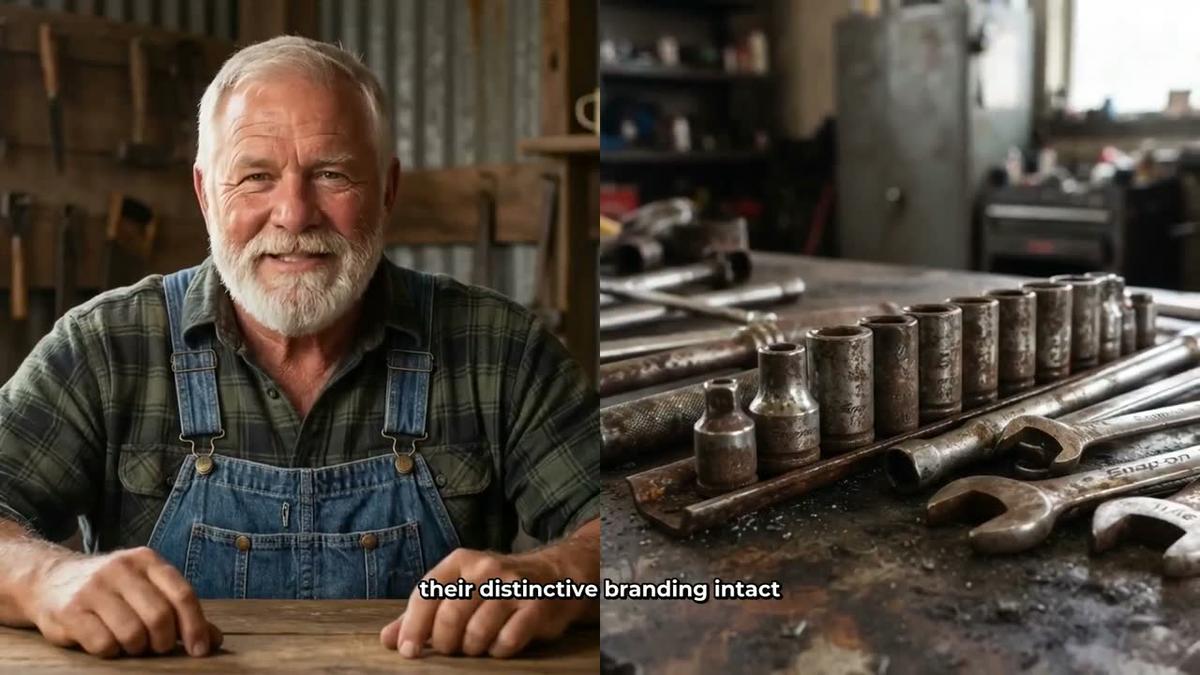
An AI presenter is a photoreal talking avatar who appears on screen inside a Multi Scene long form video. You can have the presenter fill the frame, share the screen with the scene image in a split layout, or appear in a small round window in the corner. The presenter speaks the same narration as the rest of the video.
Example request: "Create an AI presenter for me: a woman in her forties in a smart blazer at a minimalist desk. Then make a 5 minute video about passive income ideas using her as the presenter in split screen for the first half."
Claude creates the presenter in your Account Settings, then builds the video. Presenter time is counted in seconds of avatar time, separate from video minutes. Needs Premium or Ultimate. See the AI presenter video page for full details.
Recurring cartoon character
A recurring character is a consistent illustrated figure who appears in every scene of your video, giving your channel a recognisable face without you ever appearing on camera. You build or upload the character image once and reuse it across every video.
Example request: "Create a recurring character: a friendly illustrated robot called Byte who explains tech topics. Then make a 7 minute faceless video about how AI chips work, Animated visual style, using Byte in every scene."
Claude creates the character and builds the video. Needs Premium or Ultimate for the video. Creating the character through Claude is available on Pro, but using it in a video needs Premium or Ultimate. Learn more at the recurring character video page.
3D animated film
A fully animated Pixar-style story film where every shot is a moving 3D clip, with narration and captions. You can choose one of 233 public-domain library stories or write your own plot, then pick a look, a narrator and captions.
Example request: "Make a 3D animated film of the story of Cinderella, Kids adventure look, a warm female storyteller voice, Bold Pop captions."
Claude walks you through the story, cast and look before anything starts, then builds the film. Paid with 3D minutes (separate from video minutes). Ultimate includes 2 free 3D minutes a month; additional 3D minutes are bought as 3D Packs. See the 3D animated film page for pack details. Needs Pro, Premium or Ultimate (Free cannot make 3D films).
Animated podcast
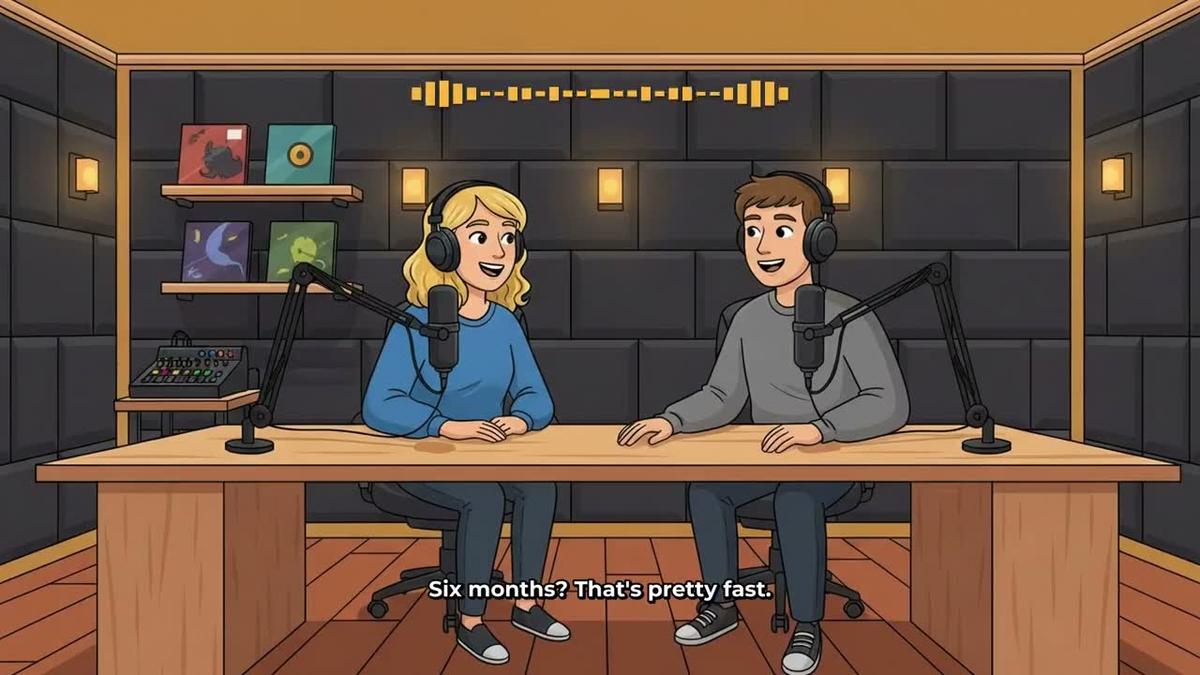
Two AI hosts in an animated studio talk through a topic in two different voices, with captions and animated sound bars. You name the hosts, style them, pick their voices and a studio, and every new episode reuses the same show setup.
Example request: "Create an animated podcast called The Deep Dive. Host 1 is Marcus, calm and analytical. Host 2 is Priya, energetic and curious. Make the first episode about the psychology of procrastination, 20 minutes, conversational tone, a modern studio."
Claude sets up the show and builds the episode. Needs Premium or Ultimate. Episodes up to 30 minutes on Premium and 60 minutes on Ultimate. Long episodes take 45 to 90 minutes to render and Digital Maker AI emails you when they are ready. Explore the format at the animated podcast generator page.
YouTube Shorts
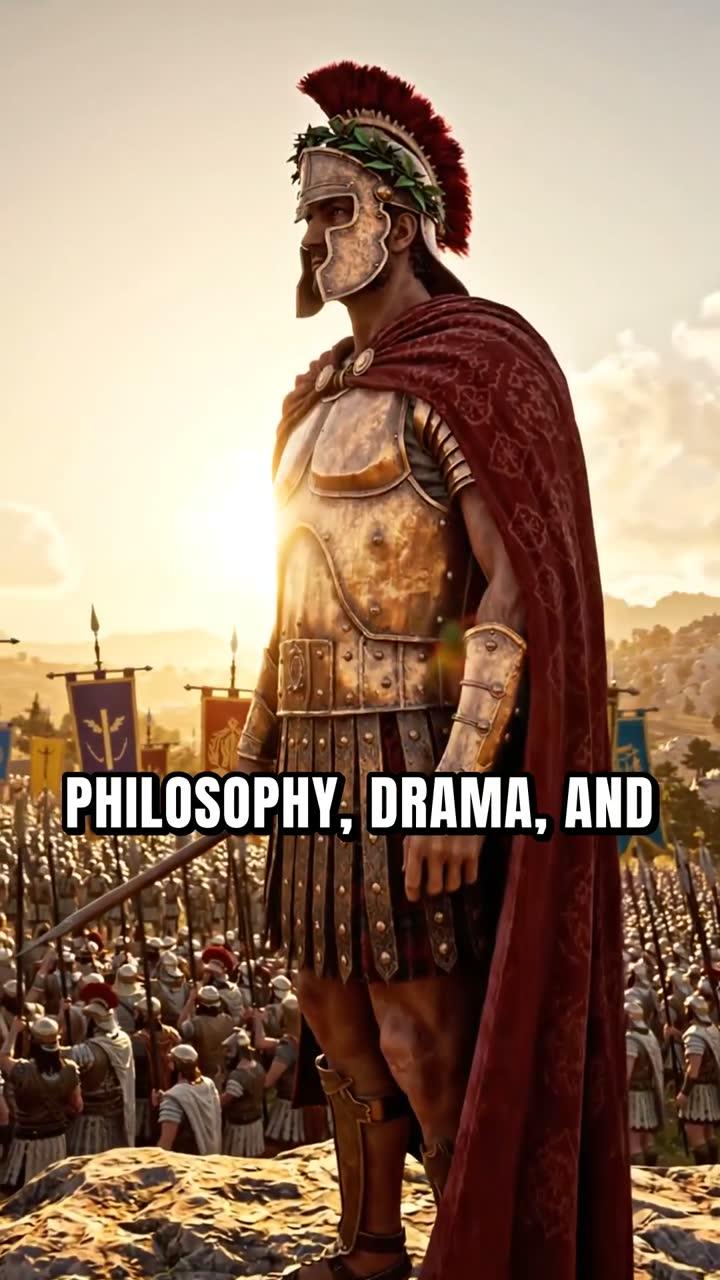
A vertical 9:16 Short, 15 to 60 seconds long, with a new scene image every few seconds, narration and bold captions. Each Short costs a flat one minute from your pool regardless of its length.
Example request: "Make a 30 second Short about three stoic quotes that change how you think, Motivational visual style, Bold Pop captions."
Needs Premium or Ultimate through Claude. See the Shorts generator page for more.
Research, thumbnails and posting through Claude
Making videos is only part of what the Claude connector unlocks. You can also use it for channel research, thumbnail creation and publishing, all without leaving the chat.
Channel research
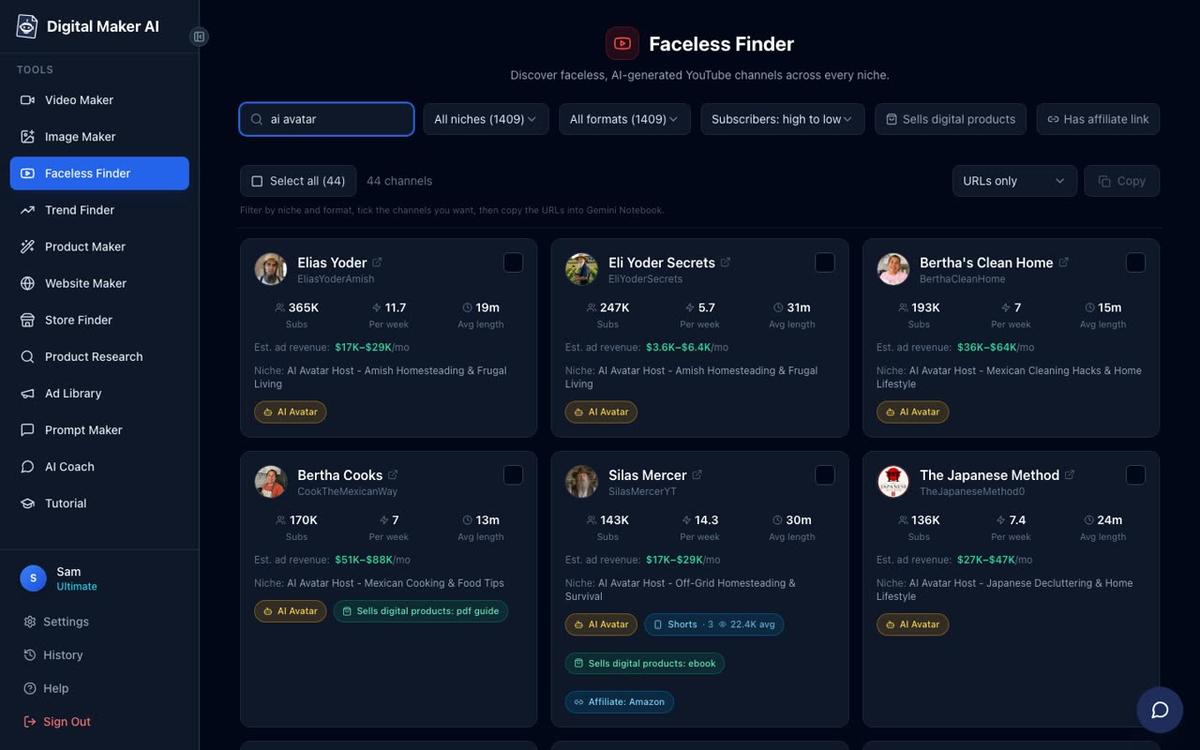
Example request: "Search the Faceless Finder for faceless channels in the psychology niche and show me their subscriber counts, upload frequency and estimated monthly revenue."
Claude runs a live Faceless Finder lookup and returns real channel data: subscribers, uploads per week, average video length and Digital Maker AI's estimated monthly ad revenue. The revenue figure is Digital Maker AI's own rough estimate from recent views and typical ad rates for the niche, not the channel's real earnings. You can also search for AI avatar channels specifically by asking Claude to search for "AI avatar" channels. Channel research through Claude is available on Pro, Premium and Ultimate.
Thumbnails and channel art
Example request: "Make a YouTube thumbnail for a video called 'The Hidden Truth About the Roman Empire', history style, dark and dramatic."
Claude generates the thumbnail image using the Digital Maker AI Image Maker. Thumbnail creation through Claude is available on Pro, Premium and Ultimate.
Posting to YouTube, TikTok and Instagram
Example request: "Post my latest finished video to YouTube now with the title 'The Hidden Truth About the Roman Empire', the description 'A deep dive into the secrets Rome never wanted you to know', and the tags history, Rome, ancient world."
Claude shows you a card with the details and waits for you to confirm. Nothing posts until you say yes. Posting needs Premium or Ultimate, and your social accounts must be connected once in Account Settings. Posts are labelled as AI generated. Learn more about posting to YouTube, TikTok and Instagram.
What plan do you need? A quick reference for 2027
| What you want to do through Claude | Minimum plan |
|---|---|
| Check your account, report minutes remaining, save to Google Drive | Free |
| Research faceless channels, generate thumbnails, create a character | Pro |
| Make any video (long form, Shorts, whiteboard, AI presenter, animated podcast, 3D film) | Premium or Ultimate |
| Post finished videos to YouTube, TikTok or Instagram | Premium or Ultimate |
| Videos up to 30 minutes | Premium |
| Videos up to 60 minutes | Ultimate |
For current plan pricing, visit digitalmaker.ai/pricing.
Tips for getting the best results when using Claude to make faceless videos
- Be specific in your request. Include the topic, the length, the visual style, the voice description and the caption style in one message. Claude uses everything you give it and asks fewer clarifying questions.
- Check your minutes before a long video. Ask Claude "How many video minutes do I have left this month?" before starting a 30 or 60 minute video. It reads your account and tells you.
- Use research before production. Ask Claude to search the Faceless Finder for channels in your niche before you make your first video. Knowing what is already working saves you from making a video nobody is searching for.
- Regenerate scenes you are not happy with. After a video is ready, you get 10 free scene regenerations per video. Ask Claude "Regenerate scene 4 of my latest video" and it handles it.
- Build your presenter once, reuse it everywhere. Creating an AI presenter takes 30 seconds of avatar time. Once saved in your account, you can use it in every future video without recreating it.
- Batch your Shorts. Each Short costs one flat minute from your pool. Ask Claude to make three different Shorts in one session to get ahead on content for the week.
If you also use ChatGPT, the setup is very similar. See the guide on how to make faceless YouTube videos with ChatGPT and Digital Maker AI for a side-by-side comparison of the two workflows.
Frequently asked questions
Do I need a paid Claude plan to use the Digital Maker AI connector?
You need a Claude account that supports custom connectors. Check the current connector requirements at claude.ai. On the Digital Maker AI side, making videos through Claude needs a Premium or Ultimate plan; research, thumbnails and characters are available on Pro.
Will Claude start making a video without me asking?
No. Claude confirms the minute cost and shows you the video options before anything starts. It never spends your minutes unless you directly ask it to make something and confirm. Nothing is posted automatically either.
How long does it take for a video to be ready after I ask Claude?
Short videos and thumbnails are usually ready in a few minutes. Long form videos of 10 to 30 minutes can take longer depending on the format and length. Digital Maker AI emails you when the video is ready, and the finished file appears as a link in your library.
Can I use my own script when asking Claude to make a video?
Yes. On Premium and Ultimate you can paste your own script into the request and Claude passes it to Digital Maker AI, which uses your script instead of generating one. Just include it in your message: "Make a 10 minute video using this script: [paste script here]."
What happens to my videos if I cancel my Digital Maker AI plan?
Your finished videos remain in your library and you can download them at any time. You lose access to the production tools and any remaining monthly minutes, but the MP4 files you already made are yours to keep.
Can I use Claude to make faceless videos in languages other than English?
Yes, on Premium and Ultimate. The Multiple Languages format supports French, Spanish, Italian and German on Multi Scene long form videos. Ask Claude to make a video "in French" or "in Spanish" and it applies the language setting automatically.
Ready to start? The free Digital Maker AI course walks you through building your first faceless channel from scratch, including how to pick a niche, set up your brand and make your first video, whether you use the Video Maker directly or ask Claude to do it for you.
Alex Stevens: Alex Stevens writes for the Digital Maker AI team about faceless YouTube channels, AI presenters and AI video tools.