How to Create Stunning Product Images with AI
Why AI Product Images Are Changing the Game
If you've ever tried to launch a digital product without a budget for professional photography or graphic design, you know the struggle. The good news? AI product images are completely transforming how creators, entrepreneurs, and small business owners present their work online. With the right tools, you can produce polished, eye-catching visuals in a fraction of the time and cost it would take using traditional methods. Platforms like Digital Maker AI are making this more accessible than ever, putting professional-quality image creation directly into the hands of everyday creators.
In this guide, we'll walk you through everything you need to know about creating stunning product images using AI, from understanding what makes a great product image to actionable tips you can apply today.
What Makes a Great Product Image?
Before diving into the tools, it's worth understanding what separates a good product image from a great one. Whether you're selling an eBook, a course, a template, or a physical item, your product image is often the very first impression a potential buyer gets. A strong product image should:
- Clearly show what the product is, No mystery, no confusion. The viewer should immediately understand what they're looking at.
- Reflect your brand aesthetic, Colors, fonts, and style should feel cohesive with your overall brand identity.
- Evoke the right emotion, Great visuals tell a story. They make the buyer feel something, excited, confident, inspired.
- Be high resolution and clean, Blurry or cluttered images kill credibility instantly.
- Work across multiple platforms, From Etsy to Instagram to your own website, your image needs to look great everywhere.
The challenge has always been achieving all of this without expensive equipment or design skills. That's exactly where AI steps in.
How AI Product Images Are Created
AI image generation works by using deep learning models trained on vast datasets of images. When you provide a text prompt, a description of what you want, the AI interprets that input and generates a unique image based on it. Modern AI tools have become remarkably good at producing realistic textures, lighting effects, shadows, and compositions that rival professional photography.
For product-specific imagery, AI tools can generate mockups, lifestyle scenes, flat lays, and more, all without you needing a camera, a studio, or a designer. According to Forbes Tech Council, AI-generated product imagery is already being adopted by major e-commerce brands to cut costs and speed up production cycles. This is a trend that's only accelerating, and it's one you can take advantage of right now.
Using Digital Maker AI's Image Maker Feature
One of the standout tools for creating AI product images is the Image Maker feature available on Digital Maker AI. This feature is built specifically with digital product creators in mind, making it easy to generate professional visuals without any prior design experience.
Here's how the process typically works with Image Maker:
- Start with a clear prompt, Describe your product, the style you want, the background, and any key details. The more specific you are, the better your results will be.
- Choose your style and dimensions, Whether you need a square image for Instagram, a landscape banner for your website, or a portrait shot for Pinterest, you can tailor the output to fit your needs.
- Generate and iterate, Run a few variations, compare them, and refine your prompt until you get the image that truly represents your product.
- Download and use immediately, No waiting, no back-and-forth with a designer. Your images are ready to deploy across your sales channels right away.
The Image Maker is designed to be intuitive, even if you've never used an AI image tool before. It's one of the reasons Digital Maker AI has become a go-to platform for creators who want to build and sell digital products efficiently.
Actionable Tips for Better AI Product Images
Getting good results from AI image tools is partly about the technology and partly about knowing how to guide it. Here are some practical tips to help you create images that actually convert:
- Be descriptive with your prompts, Instead of typing "book cover," try "minimalist eBook cover with gold typography on a dark navy background, modern and elegant style." Specificity is everything.
- Reference real styles, Mentioning design styles like "flat lay," "product on white background," "lifestyle photo in a cozy home setting," or "3D mockup" helps the AI understand the aesthetic you're going for.
- Use consistent branding, Stick to your brand colors and visual tone across all your product images. Consistency builds trust and recognition with your audience.
- Generate multiple versions, Don't settle for the first result. Generate five or ten variations and choose the best one, or combine elements from different outputs.
- Test images with your audience, If you're running ads or posting on social media, A/B test different product images to see which ones drive more clicks and conversions.
- Keep it simple, Overcrowded images lose focus. Let your product be the hero of the visual.
AI Product Images for Different Types of Digital Products
One of the most exciting things about AI-generated imagery is its versatility. Whether you're creating visuals for a digital download, an online course, a Notion template, or a social media kit, you can tailor your prompts to match the product type. Here are a few examples:
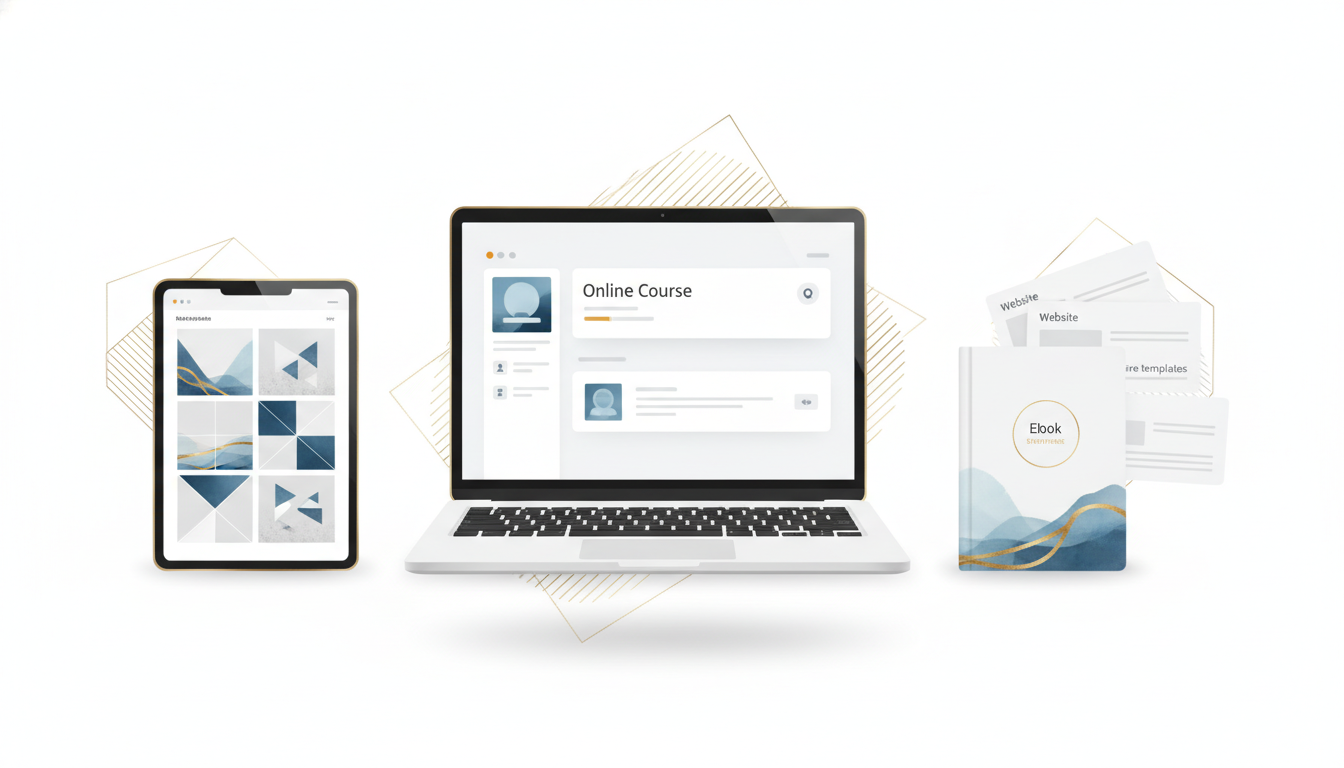
- eBooks and guides, Generate a 3D book mockup with your title and a striking cover design to make the product feel tangible and professional.
- Online courses, Create a lifestyle image of someone learning on a laptop in a bright, inspiring workspace to sell the transformation your course offers.
- Templates and planners, Use flat lay aesthetics with clean backgrounds and props to showcase the design and usability of your templates.
- Digital art and prints, Generate room mockups showing your artwork displayed on a wall to help buyers visualize the final product in their own space.
The flexibility of tools like the Image Maker on Digital Maker AI means you're never limited to one type of visual. You can create a whole library of product images that serve different purposes, from your sales page to your email campaigns to your social media posts.
Getting Started with AI Image Creation
If you're new to using AI for your creative business, the learning curve is much gentler than you might expect. The key is simply to start experimenting. Play around with prompts, try different styles, and don't be afraid to iterate. Within a surprisingly short time, you'll develop an intuition for what works and what doesn't.
If you want a structured introduction to using AI tools for your digital product business, check out the free course from Digital Maker AI, it covers how to use AI effectively to build and grow a digital product business from scratch, including how to create visuals that sell.
You can also explore the available plans on Digital Maker AI to find the right fit for where you are in your business journey. Whether you're just getting started or ready to scale, there's an option designed for you.
Final Thoughts
Creating AI product images is no longer a skill reserved for designers or companies with big budgets. With tools like the Image Maker on Digital Maker AI, anyone can produce stunning, professional-grade visuals that help their products stand out in a crowded marketplace. The key is understanding your brand, being intentional with your prompts, and continuously testing and refining your approach.
Your product images are one of the most powerful selling tools you have. Make them count, and let AI do the heavy lifting.