How to Create Book Covers with AI Image Tools
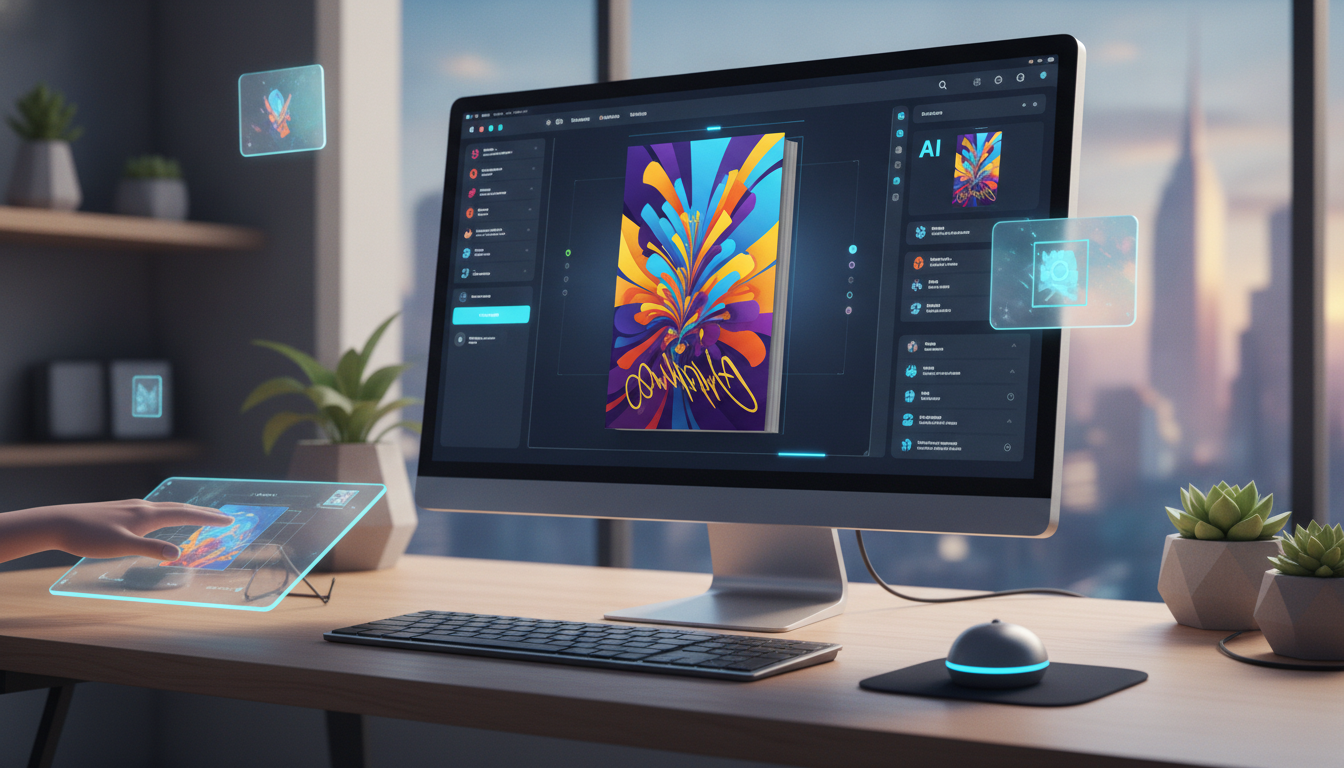
Why AI Book Covers Are Changing the Publishing Game
If you've ever tried to publish a book, whether an eBook, a Kindle title, or a printed paperback, you already know that the cover is everything. Readers absolutely judge books by their covers, and a poorly designed one can kill sales before a single word is read. The good news? AI book covers are making it easier and more affordable than ever for independent authors and digital creators to produce professional-quality designs without hiring an expensive graphic designer. Whether you're a first-time author or a seasoned self-publisher, AI image tools are a genuine game-changer.
In this guide, we'll walk you through exactly how to use AI image tools to create stunning book covers, what to look for in a good tool, and how platforms like Digital Maker AI can help you bring your vision to life quickly and professionally.
What Makes a Great Book Cover?
Before you start generating images, it helps to understand what separates a great book cover from a forgettable one. Great covers share a few key traits:
- Clear focal point: One strong image or visual element that draws the eye immediately.
- Readable title: Even in thumbnail size, the title should be legible and easy to read.
- Genre-appropriate design: A thriller cover looks very different from a romance or a business non-fiction book. Matching the visual style to the genre sets the right reader expectations.
- Professional typography: Fonts matter enormously. Messy or generic fonts make even a great image look amateur.
- Cohesive color palette: Colors should work together and evoke the right mood for your content.
The great thing about using AI tools is that you can experiment with all of these elements rapidly, generating multiple versions of a concept in minutes rather than days.
How to Create AI Book Covers Step by Step
Creating AI book covers doesn't have to be complicated. Here's a straightforward process you can follow, even if you have zero design experience.
Step 1: Define Your Book's Visual Identity
Start by thinking about your book's genre, tone, and target audience. Jot down a few keywords that describe the feeling you want the cover to convey. For example, a cozy mystery might call for warm tones, a small-town setting, and a slightly whimsical feel. A sci-fi thriller might need dark blues, neon accents, and a sense of tension or scale. These keywords will become the foundation of your AI image prompt.
Step 2: Write a Strong Image Prompt
The quality of your AI-generated image depends heavily on the quality of your prompt. Be specific. Instead of typing "book cover image," try something like: "A dramatic fantasy landscape with a lone warrior standing at the edge of a cliff, golden sunset, epic scale, cinematic lighting, high detail." The more descriptive you are about mood, lighting, style, and subject matter, the better your results will be. It's worth spending a few extra minutes crafting a strong prompt before you start generating.
Step 3: Generate and Iterate
This is where the magic happens. Using an AI image generation tool, run your prompt and review the results. Don't settle for the first output, generate several variations and look for the one that comes closest to your vision. Tweak your prompt based on what's working and what isn't. Maybe the lighting is off, or the composition feels too busy. Small adjustments to your wording can lead to dramatically different results. Book design experts often emphasize that iteration is the key to a polished final product, and that's just as true when working with AI.
Step 4: Add Typography and Finishing Touches
Most AI image tools generate the visual background or illustration, but you'll still want to layer your title, subtitle, and author name on top using a design tool. Many creators use Canva or Adobe Express for this step. Choose fonts that match the tone of your cover image, keep contrast high so text is easy to read, and make sure your title is prominently sized. If you're unsure about fonts, look at bestselling books in your genre on Amazon and notice what typefaces they tend to use, this is free market research.
Step 5: Export in the Right Format
Different publishing platforms have different specifications. Amazon KDP, for example, requires a specific pixel size and aspect ratio for Kindle covers. Make sure you export your final image at the required resolution (typically at least 300 DPI for print) and in the correct file format. Doing this correctly the first time will save you a lot of frustration during the upload process.
Using Digital Maker AI's Image Maker for Book Covers
If you're looking for an all-in-one platform that makes the process even smoother, Digital Maker AI includes an Image Maker feature built specifically for creators who want to produce high-quality digital products efficiently. The Image Maker lets you generate polished, detailed images from text prompts without needing any technical design skills. It's designed with digital product creators in mind, including authors, course creators, and entrepreneurs, so the output tends to be well-suited for commercial use cases like book covers, product mockups, and social media graphics.
What sets it apart is how it integrates into a broader creative workflow. Rather than jumping between five different apps, you can ideate, generate, and refine your visuals within a single platform. For busy self-publishers working on tight timelines, that kind of efficiency adds up fast.
Tips for Getting the Best Results with AI Book Covers
Here are some practical tips to help you get the most out of any AI image tool when designing book covers:
- Study your genre: Before writing your prompt, spend 10 minutes looking at top-selling covers in your category. What colors, compositions, and styles appear repeatedly? Use these patterns as inspiration.
- Use style references in prompts: Adding phrases like "in the style of a cinematic film poster" or "digital painting, detailed, professional" helps guide the AI toward more polished outputs.
- Generate in batches: Run at least 4-6 variations of each prompt before moving on. You'll often find that one unexpected result is far better than your initial concept.
- Keep it simple: Overly complex scenes can look cluttered. A strong, simple composition often reads better as a book cover thumbnail, which is how most readers will first encounter your book online.
- Test at thumbnail size: Shrink your cover down to 100x150 pixels and see how it looks. If the title is unreadable or the image becomes a blur, go back and simplify.
- Mind the copyright: Make sure you understand the terms of use for any AI image tool you use, particularly around commercial rights. Most reputable platforms, including Digital Maker AI's paid plans, grant full commercial usage rights to your generated images.
AI Book Covers vs. Hiring a Designer: Which Is Right for You?
This is a question many self-publishers wrestle with. The honest answer is: it depends on your budget, timeline, and goals. Professional book cover designers can produce incredible, highly tailored work, but costs typically range from $200 to $1,500 or more depending on experience and complexity. For a single title, that might be worth it. For a prolific author publishing multiple books a year or a creator building a library of digital products, those costs can spiral quickly.
AI image tools offer a compelling alternative that makes professional-looking results accessible to everyone. You maintain creative control, iterate freely without extra charges, and can produce a finished cover in a fraction of the time. Many successful self-published authors now use AI for their cover art as a first pass, then make small tweaks or use a designer only for final refinements if needed.
Start Creating Your Book Cover Today
There's never been a better time to take your publishing goals seriously. With AI image tools now powerful enough to produce genuinely stunning artwork, the barrier to creating a professional book cover has dropped dramatically. Whether you're launching your first eBook or building out a full catalog of digital products, mastering AI book covers is one of the highest-leverage skills you can develop as a modern creator.
If you want to learn more about using AI tools to build and sell digital products, including how to make the most of image generation for your projects, check out the free course from Digital Maker AI. It's a great starting point for anyone ready to turn their creative ideas into real digital income.