AI Image Generation for Print on Demand Products
Why AI Images for Print on Demand Are a Game Changer
If you've been looking for a faster, more affordable way to build a print on demand business, AI images for print on demand are exactly the breakthrough you need. Instead of spending hours in design software or hiring a freelance artist for every new product idea, AI image generation lets you create professional, eye-catching artwork in seconds. Whether you're selling on Etsy, Redbubble, Merch by Amazon, or your own store, the quality and variety of designs you can produce with AI tools gives you a serious competitive edge. Platforms like Digital Maker AI are making this process more accessible than ever, even if you have zero design experience.
How AI Images Print on Demand Works in Practice
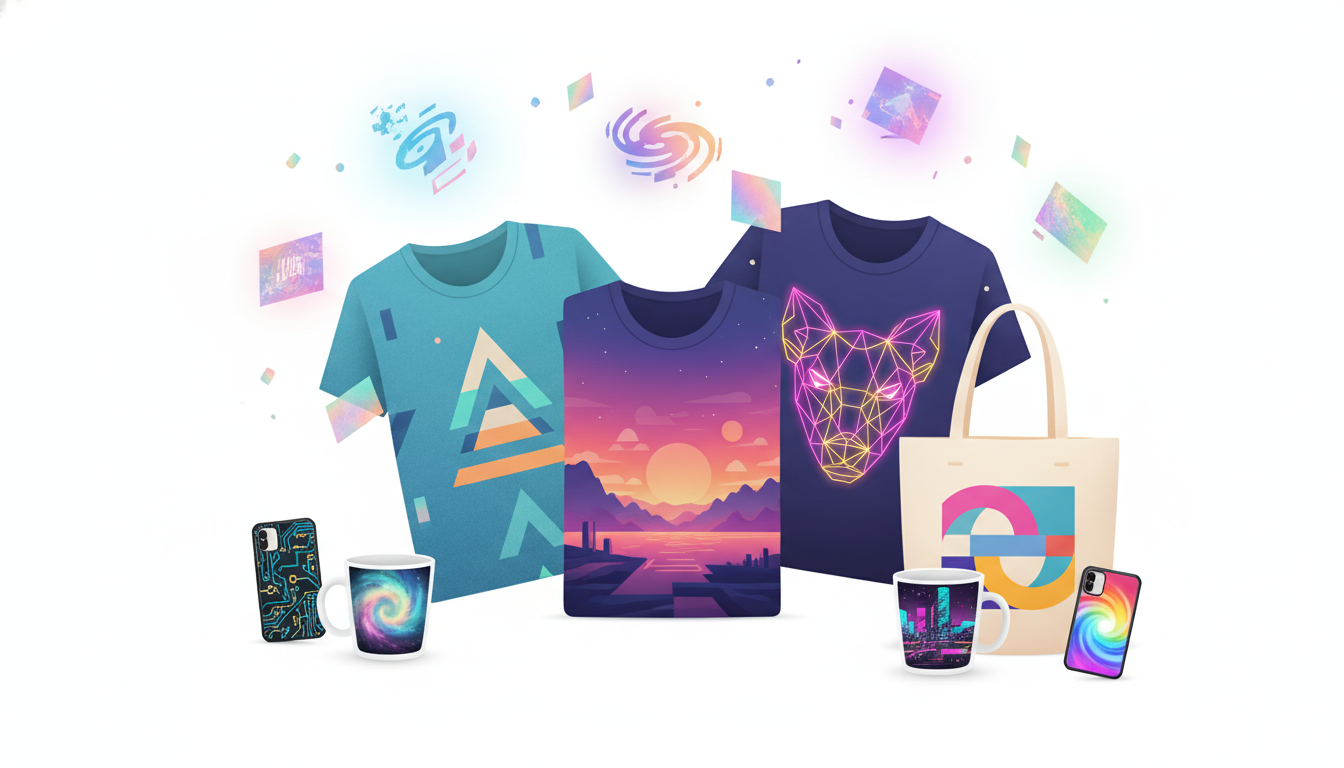
The concept is straightforward. You type a text description, called a prompt, into an AI image generator, and it produces a unique piece of artwork based on your instructions. You then download that image, upload it to your print on demand platform, and apply it to products like t-shirts, hoodies, mugs, tote bags, phone cases, and wall art. The whole process from idea to product listing can take less than 15 minutes.
The key to making this work well is learning how to write effective prompts. A vague prompt like "a cool cat" will give you something generic. A more specific prompt like "a vintage-style illustration of a cat wearing sunglasses, retro color palette, bold outlines, suitable for screen printing" will give you something far more marketable. The more detail you include about style, mood, color, and intended use, the better your results will be.
This is exactly where Digital Maker AI's Image Maker feature shines. It's built specifically to help creators like you generate high-quality, commercially usable images without needing any technical background. You simply describe what you want, and the tool does the heavy lifting.
Best Niches for AI Images Print on Demand
One of the biggest advantages of using AI-generated images is how quickly you can test different niches. Rather than committing weeks of design time to one category, you can create dozens of designs across multiple niches and see what resonates with buyers. Here are some of the most profitable niches where AI images work especially well:
- Pet lovers: Custom dog breed illustrations, funny cat quotes, and pet portrait-style designs consistently sell well on print on demand platforms.
- Hobbies and interests: Hiking, gardening, gaming, fishing, yoga, there's a passionate audience for almost every hobby, and AI can generate themed artwork quickly.
- Inspirational and motivational quotes: Pair AI-generated backgrounds or abstract art with bold typography for designs that resonate broadly.
- Seasonal and holiday themes: AI lets you spin up Christmas, Halloween, Valentine's Day, and other seasonal collections fast enough to actually catch the trend.
- Pop culture-inspired aesthetics: Think retro, vaporwave, cottagecore, Y2K, or dark academia styles that attract design-conscious buyers.
The ability to move quickly between niches is one of the most underrated advantages of building a print on demand business with AI tools. If you want to learn how to identify profitable niches and build a digital product business from scratch, the free course at Digital Maker AI is a great place to start.
Tips for Creating High-Quality AI Images for Print on Demand
Not all AI-generated images are ready to go straight onto a product. Here are some practical tips to make sure your designs are polished and print-ready:
- Request high resolution: Always specify that you need a high-resolution image in your prompt, or use upscaling tools after generation to ensure the file is large enough for printing without losing quality.
- Use transparent backgrounds: For designs that will sit on colored products, you'll often want a transparent or white background. Specify this in your prompt, or use a background removal tool afterward.
- Keep it simple for small products: Intricate, detailed designs can look muddy when printed on small items like phone cases or stickers. Bold lines and clear shapes tend to work better.
- Check commercial licensing: Make sure the AI tool you're using grants full commercial rights to the images it generates. Digital Maker AI is designed with creators in mind, so always review the platform's terms to confirm usage rights.
- Test with mockups before printing: Use free mockup generators to visualize how your design will actually look on a t-shirt or mug before listing it. Sites like Printful offer built-in mockup tools when you integrate them with your store.
- Create design variations: Once you have a winning concept, generate multiple color variants or slightly different styles to build out a cohesive collection.
Using Digital Maker AI's Image Maker to Build Your Product Line
The Image Maker feature inside Digital Maker AI is purpose-built for people who want to create digital and physical products using AI. You don't need to know Photoshop, hire a designer, or spend weeks learning complicated software. The tool guides you through the image creation process so that your outputs are genuinely usable on real products.
What sets it apart from generic AI art generators is the focus on practical, business-ready outputs. You're not just experimenting with cool visuals, you're building assets that can go directly into a print on demand workflow. This makes it especially valuable if you're running a side hustle or trying to launch a product business without a big upfront budget.
Some of the best ways to use the Image Maker for print on demand include:
- Generating original artwork for t-shirt designs, wall prints, and tote bags
- Creating seamless patterns for all-over-print products
- Producing illustrated icons and graphics for sticker sheets
- Building cohesive brand aesthetics across a product collection
- Rapidly prototyping new design ideas to test before investing in inventory
Wondering how to get started with all of this? The Digital Maker AI pricing page breaks down exactly what's included in each plan, so you can find the right fit for where you are in your business journey.
Scaling Your Print on Demand Business with AI
Once you understand how to create strong AI images for print on demand products, the real power comes from scale. Traditional designers are limited by time, you can only produce so many designs in a week. With AI image generation, that bottleneck essentially disappears. You can generate dozens of design concepts in a single afternoon, curate the best ones, and list them across multiple platforms simultaneously.
This doesn't mean quality should go out the window. The sellers who succeed long-term are the ones who use AI as a starting point and then refine their outputs thoughtfully. Pay attention to which designs actually sell, study the feedback from your customers, and use those insights to inform your next round of AI prompts. Over time, you'll develop a strong instinct for what your audience responds to, and your AI-generated designs will get sharper and more strategic with every batch.
The combination of speed, low cost, and creative flexibility makes AI images for print on demand one of the most exciting opportunities in the digital product space right now. Whether you're just starting out or looking to expand an existing store, integrating AI image generation into your workflow could be the shift that takes your business to the next level. Tools like the Image Maker on Digital Maker AI make it easier than ever to get started today.