Using AI Images for Digital Product Mockups
Why AI Digital Product Mockups Are a Game Changer for Sellers
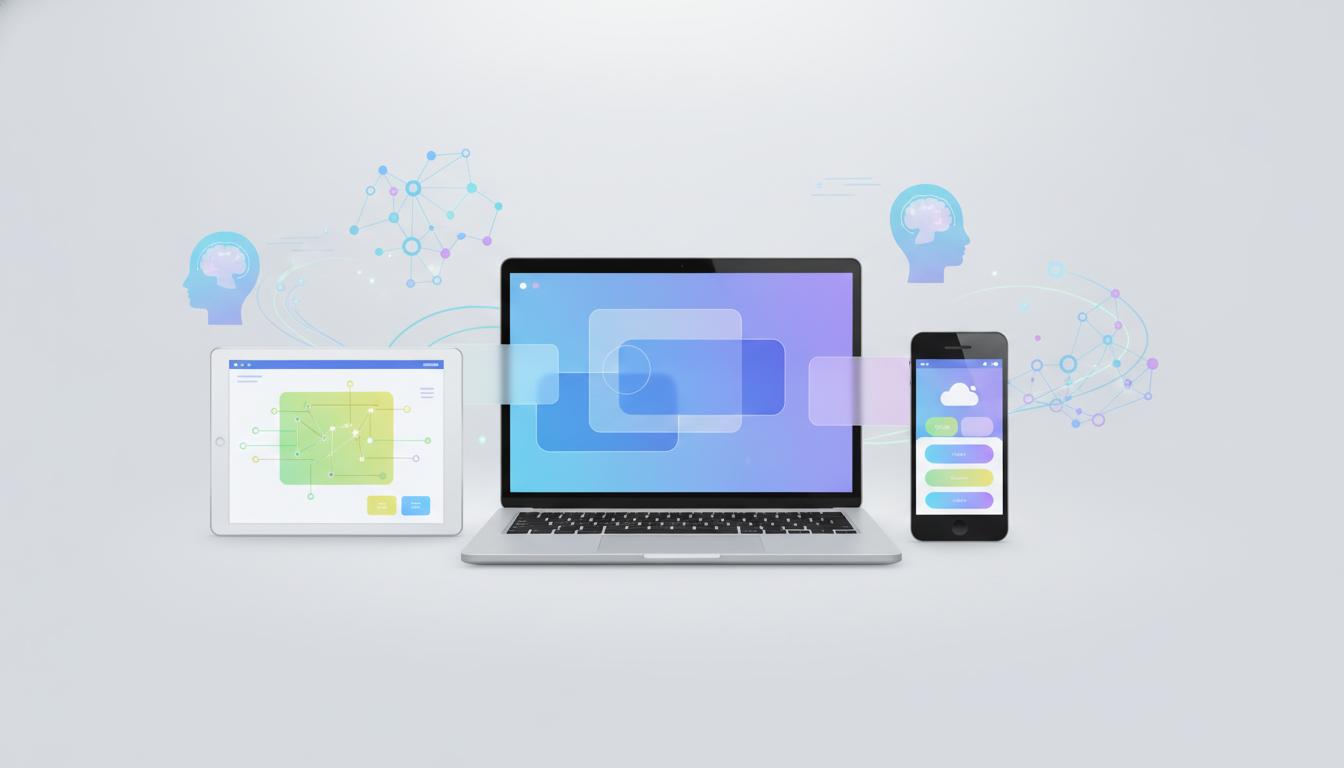
If you're selling digital products online, you already know that presentation is everything. The difference between a listing that sits untouched and one that converts can often come down to a single image. That's exactly why AI digital product mockups have become one of the most powerful tools in a digital seller's toolkit. Instead of spending hours in Photoshop or paying a designer every time you launch a new product, you can now generate professional, eye-catching mockup images in minutes, and Digital Maker AI makes that process easier than ever with its built-in Image Maker feature.
Whether you're selling printables, templates, eBooks, courses, or digital art, your product images need to do a lot of heavy lifting. They build trust, communicate value, and stop potential buyers mid-scroll. In this article, we'll walk through exactly how to use AI-generated images to create stunning mockups for your digital products, without needing a design degree or an expensive software subscription.
What Makes a Great Digital Product Mockup?
Before jumping into the how, it's worth understanding what separates a good mockup from a great one. A strong digital product mockup does three things well:
- It shows the product in context. Instead of a flat file preview, a mockup places your product inside a realistic scene, on a tablet screen, inside a styled workspace, or printed and laid out on a desk.
- It communicates professionalism. Clean, well-lit, and thoughtfully composed images signal to buyers that you take your work seriously.
- It connects emotionally. The best mockups help buyers picture themselves using your product, which makes purchasing feel like an obvious next step.
Traditionally, creating these kinds of images required either expensive design software, a photography setup, or hiring a freelancer. AI changes all of that. With the right prompts and tools, you can generate mockup-ready images that look like they came from a professional photo shoot, in a fraction of the time.
How to Create AI Digital Product Mockups with Image Maker
Digital Maker AI's Image Maker feature is specifically built to help digital product creators generate high-quality visuals quickly. Here's a step-by-step approach to getting the most out of it:
Step 1: Define Your Product and Audience
Before you write a single prompt, get clear on what your product is and who it's for. A budget spreadsheet template for freelancers needs a very different visual feel than a children's printable activity pack. Think about the mood, colors, and style that would resonate most with your target buyer.
Step 2: Write a Detailed Image Prompt
The quality of your AI-generated mockup depends heavily on the quality of your prompt. Be specific about the setting, lighting, and style you want. For example:
- "A modern workspace flat lay with a MacBook displaying a pastel-colored budget planner template on screen, soft natural lighting, minimalist aesthetic"
- "A cozy reading nook with an iPad showing a digital journal on the screen, warm tones, candle and coffee cup in background, lifestyle photography style"
- "A clean white desk with printed planner pages arranged neatly, gold pen nearby, top-down overhead shot, bright and airy"
The more detail you include about environment, lighting, angle, and mood, the more useful and on-brand your result will be.
Step 3: Generate and Iterate
One of the biggest advantages of using AI for mockups is how fast you can iterate. Generate a few variations of your image, compare them, and refine your prompt based on what's working. You might adjust the color palette, change the angle, or swap the background scene. Within a few rounds, you'll land on something that really works for your product listing.
Step 4: Use Your Mockups Across Multiple Platforms
Once you have a set of strong mockup images, put them to work everywhere. Use them on your Etsy listing, your Gumroad page, your website, Pinterest boards, and social media. Consistent, professional imagery across platforms builds brand recognition and trust with potential buyers. Canva's guide to product mockups offers some great additional context on how mockup styling affects buyer perception.
AI Digital Product Mockups: Tips for Better Results
Even with great tools, a few smart habits will help you get more value out of every image you generate. Here are some practical tips from experienced digital product sellers:
- Match your mockup style to your niche. Finance templates look best in clean, corporate settings. Creative printables shine in bright, playful environments. Don't just pick what looks nice, pick what fits your audience.
- Stay consistent with your brand colors. If your brand uses soft sage greens and creams, steer your image prompts in that direction. Visual consistency across your shop builds a recognizable identity.
- Create seasonal variations. A holiday-themed mockup of your evergreen product can give it a fresh boost in sales without requiring you to build something new from scratch.
- Generate mockups for each format. If your product comes as a PDF, a Canva template, and a printed version, create a distinct mockup for each so buyers understand exactly what they're getting.
- Use lifestyle scenes, not just product shots. Images that show your product being used in a real-life setting tend to convert better than plain previews on white backgrounds.
Why Image Maker Saves You Real Time and Money
Let's talk numbers for a second. Hiring a designer to create a set of product mockup images can cost anywhere from $50 to $300 or more, depending on complexity and turnaround time. Buying a Photoshop mockup bundle from a marketplace might run another $20 to $60, and that's before you factor in the time to learn the tool, apply your design, and export everything correctly.
With Image Maker inside Digital Maker AI, you skip all of that. You describe what you want, generate the image, and move on. For creators who are launching new products regularly, or building out a full digital product shop, those savings add up quickly. And because you're in full control of the creative direction, you get images that actually match your vision instead of settling for something close enough.
If you're just starting out with digital products and want to learn how to build a full business around them, the Digital Maker AI free course is a fantastic place to start. It covers everything from product creation to marketing, and shows you exactly how tools like Image Maker fit into a real digital product workflow.
Getting Started with Your First AI Mockup
The best way to understand the power of AI-generated mockups is simply to try one. Pick a product you already have, or one you're planning to create, and spend 15 minutes experimenting with Image Maker. Write two or three different prompts, generate the images, and see which one best represents your product and speaks to your ideal buyer.
You don't need to be a designer. You don't need expensive software. You just need a clear idea of your product and the right tool to bring that vision to life. According to Shopify's research on product photography, high-quality images are one of the top factors influencing online purchase decisions, and AI makes achieving that quality more accessible than ever before.
Digital product selling is competitive, but sellers who invest in their visuals consistently stand out. AI digital product mockups level the playing field, giving independent creators the same professional presentation power as established brands, without the budget or the team. With Digital Maker AI's Image Maker, that power is right at your fingertips. Check out the available plans and pricing to find the option that fits where you are in your digital product journey.