Hermes Agent + Digital Maker AI: Run a Faceless Channel From Your Phone
By Alex Stevens
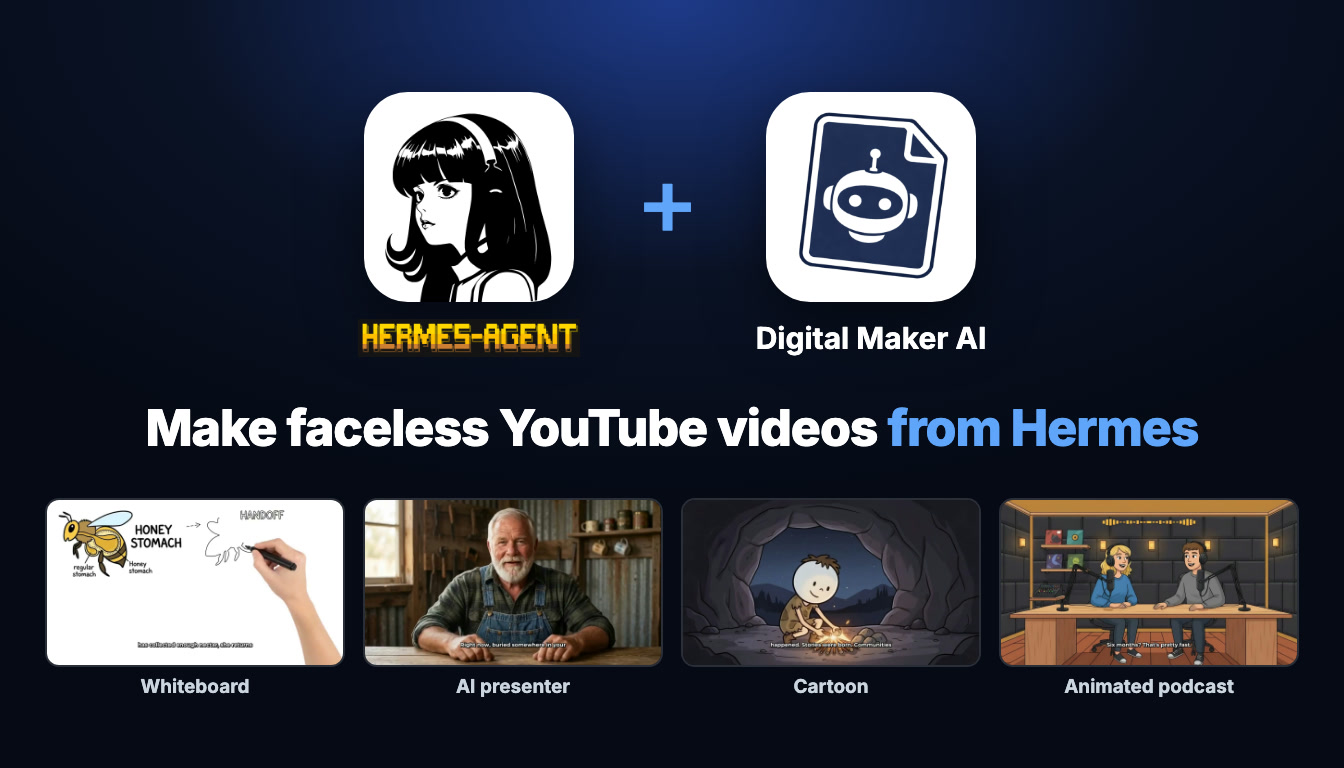
Imagine running a complete faceless YouTube channel from your phone, no laptop, no desktop, no video editing app. With Digital Maker AI connected to Hermes Agent through Telegram, that is exactly what this guide shows you how to do. By the end you will be able to use a hermes agent faceless youtube channel phone workflow to research niches, make long-form history videos, cut Shorts, generate thumbnails and post to YouTube, all by typing a message on your phone. Every video is made on your own Digital Maker AI account, using your plan and minutes, and saved to your library. Hermes does not host or store your videos; it simply passes your requests to Digital Maker AI and brings back the results.
What Connecting Hermes Agent to Digital Maker AI Actually Means
Hermes Agent is an AI assistant that runs on its own server and is accessible through a Telegram chat. It supports the Model Context Protocol (MCP), which lets it reach out to external tools and services on your behalf. When you connect Digital Maker AI, Hermes gains access to your account's full toolkit: the Video Maker, Faceless Finder, Image Maker and more.
The key thing to understand is that Hermes is the interface, not the factory. When you ask Hermes to make a video, it sends that request to Digital Maker AI using your account credentials. Digital Maker AI does the work, the video is built using your monthly minutes, and the finished file lands in your Digital Maker AI library. You also get an email when it is ready. Hermes then returns the link so you can watch or download it straight from Telegram. Nothing happens automatically; Hermes always confirms the minute cost before it starts, so you stay in control.
Because Hermes runs on Telegram, the entire workflow lives on your phone. You do not need to open a browser or a desktop app to make a video, check your minutes, research a niche or schedule a post to YouTube.
Setting Up the Connection on Your Phone
Setup takes about two minutes. Open Digital Maker AI on your phone browser, tap the menu and go to Settings at the bottom of the left sidebar to open Account Settings. Then follow these steps:
- Tap the API tab inside Account Settings.
- Under "What are you connecting?" choose Hermes Agent and tap Create key. Digital Maker AI fills in the full connection URL for you: it will look like
digitalmaker.ai/mcp/YOUR_KEYin plain text. - On the same screen you will see a ready-made message. Copy it exactly as written.
- Open your Hermes Telegram chat and paste and send that message. It tells Hermes to add a remote MCP server called
digital_maker_aiwith your URL, no other authentication needed, and to reload and list the tools. - If Hermes says it added the server but cannot reload, type /reload-mcp in the chat and send it.
- Test the connection by asking: "How many video minutes have I got left on Digital Maker AI?" It costs nothing. A real answer with a number means everything is working.
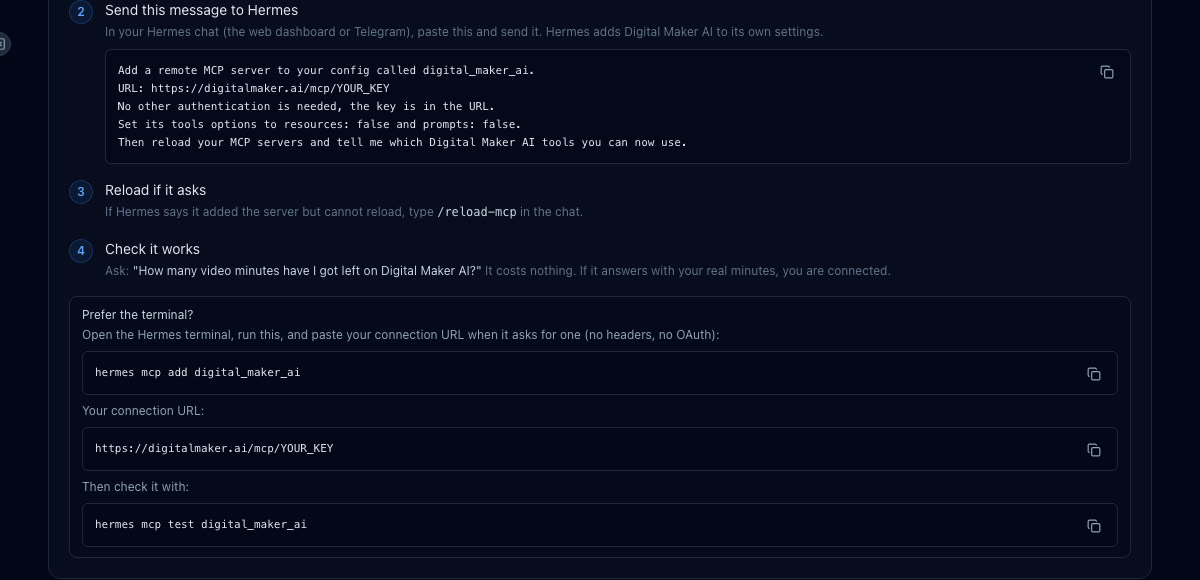
If you prefer the terminal, you can also run hermes mcp add digital_maker_ai, paste the URL when prompted (no headers, no OAuth), then run hermes mcp test digital_maker_ai. Either way the result is the same: Hermes can now act on your Digital Maker AI account from Telegram.
A note on plans: making any video through Hermes (long-form, Shorts, whiteboard, AI presenter, animated podcast) needs Premium or Ultimate. Pro accounts can use Hermes for thumbnails, images, creating characters and channel research. Free accounts can check their balance and save to Google Drive through Hermes; the five free videos and the Faceless Finder are used on the website. See digitalmaker.ai/pricing for plan details.
Monday: Research a Niche With the Faceless Finder
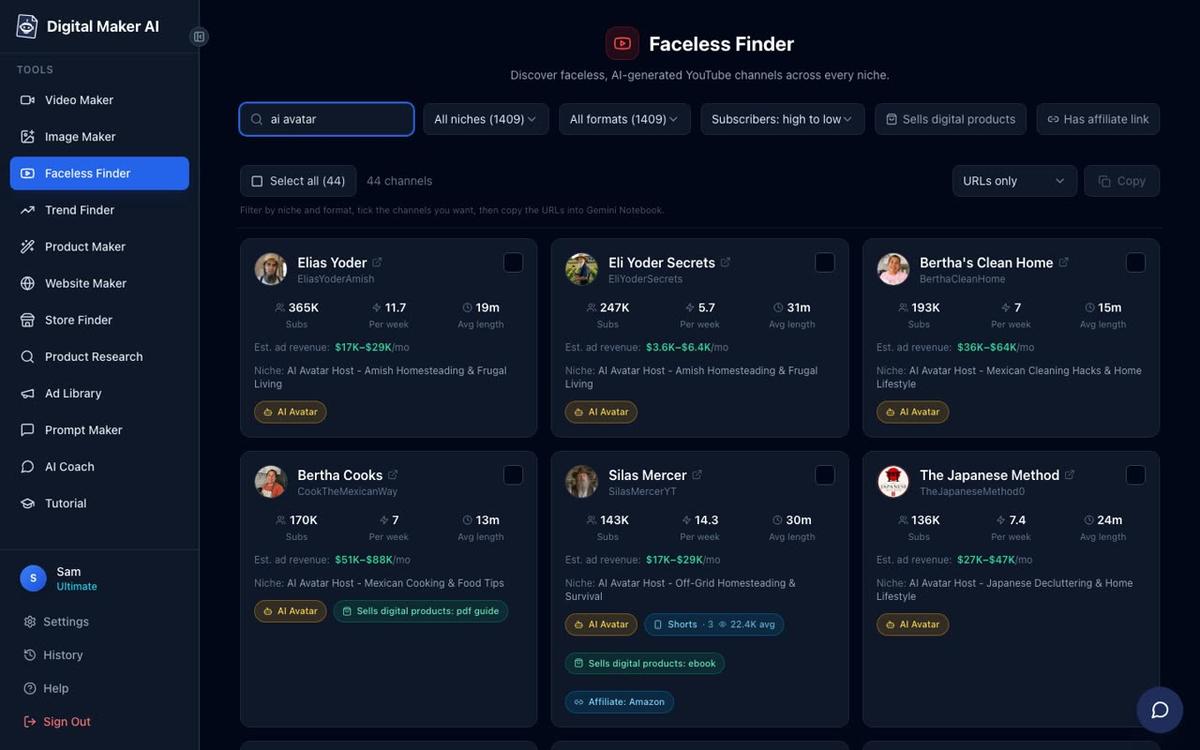
Start the week by finding out whether your chosen niche is worth entering. The Faceless Finder is a searchable list of confirmed faceless YouTube channels, open to every signed-in account. It shows subscribers, uploads per week, average video length and an estimated monthly ad revenue for each channel. The revenue figure is Digital Maker AI's own rough estimate from recent views and typical ad rates, not the channel's real earnings.
From Telegram, ask Hermes:
"Search Digital Maker AI faceless channels in the history niche and show me upload frequency and estimated ad revenue."
Hermes will return a list of channels with their stats. You can also search for AI avatar channels specifically by asking it to filter for "AI avatar" channels in the niche. Use what you find to decide on a topic for the week.
Tuesday: Make a Long-Form Faceless History Video
With your topic chosen, ask Hermes to build the main video. Hermes will confirm the minute cost before it starts. Long-form faceless videos on Digital Maker AI's long-form video maker produce a complete end-to-end YouTube video: AI writes the script, generates a unique scene image for every scene, adds AI narration and captions, and returns a ready-to-upload MP4. Maximum length is 30 minutes on Premium and 60 on Ultimate.
Type this into your Hermes Telegram chat:
"Make me a 10-minute history video about the fall of Constantinople in the History or Ancient style with Bold Pop captions and soft background music."
Hermes passes the request to Digital Maker AI, which builds the video. Videos take a while to make; Digital Maker AI emails you when it is ready, and Hermes returns the link so you can open it directly from Telegram. The finished video appears in your Digital Maker AI library.

You can also ask for a whiteboard animation version of your topic. Whiteboard videos feature hand-drawn sketches that draw themselves on screen as the narration plays, giving a classroom or explainer feel. Ask Hermes:
"Make a 5-minute whiteboard animation about the fall of Constantinople with captions."
Whiteboard animation needs Premium or Ultimate. Learn more about the format on the AI whiteboard animation generator page.
Wednesday: Cut a Vertical Short to Promote the Video
A Short drives traffic to your main video and costs just one minute from your pool regardless of length. Ask Hermes to make a vertical 9:16 Short on the same topic:
"Make a 45-second Short about the fall of Constantinople."
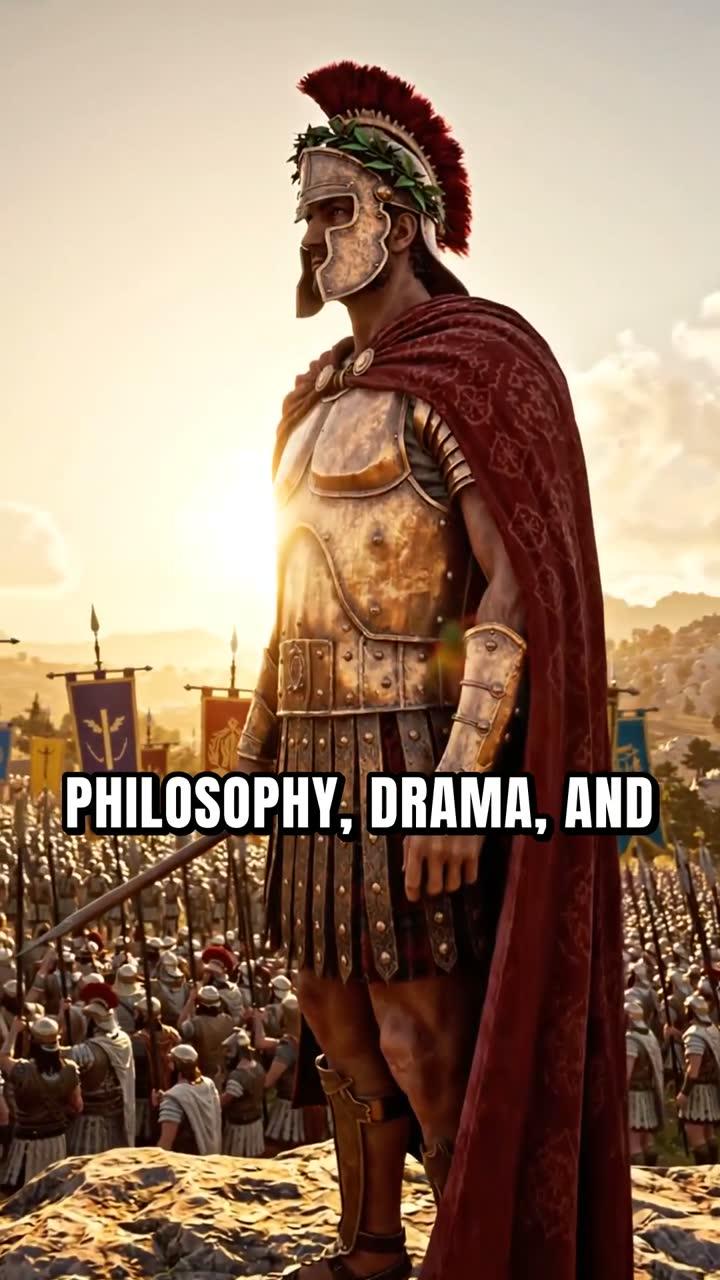
Digital Maker AI builds a vertical Multi Scene Short with a new image every few seconds, AI narration and bold captions. The AI Shorts generator supports lengths of 15, 30, 45 or 60 seconds. Hermes returns the link when it is done.
Thursday: Generate a Thumbnail
A strong thumbnail lifts click-through rate more than almost anything else. Ask Hermes to create one using the Image Maker:
"Generate a YouTube thumbnail for a video called The Last Day of Constantinople."
Pro, Premium and Ultimate accounts can generate thumbnails through Hermes. The image lands in your Digital Maker AI library, ready to download and upload to YouTube.
Friday: Post to YouTube on a Schedule
Premium and Ultimate accounts can post finished videos straight to YouTube, TikTok and Instagram from within Digital Maker AI. Once you have connected your YouTube account in Account Settings, ask Hermes to schedule the post:
"Post the Constantinople video to my YouTube channel, schedule it for Saturday at 9am."
Nothing posts automatically. Hermes passes the instruction to Digital Maker AI, which posts when you confirm. Posts are labelled as AI generated. For more on the auto-publishing feature, including connecting your social accounts, see the publishing page.
Adding an AI Presenter to Your Videos
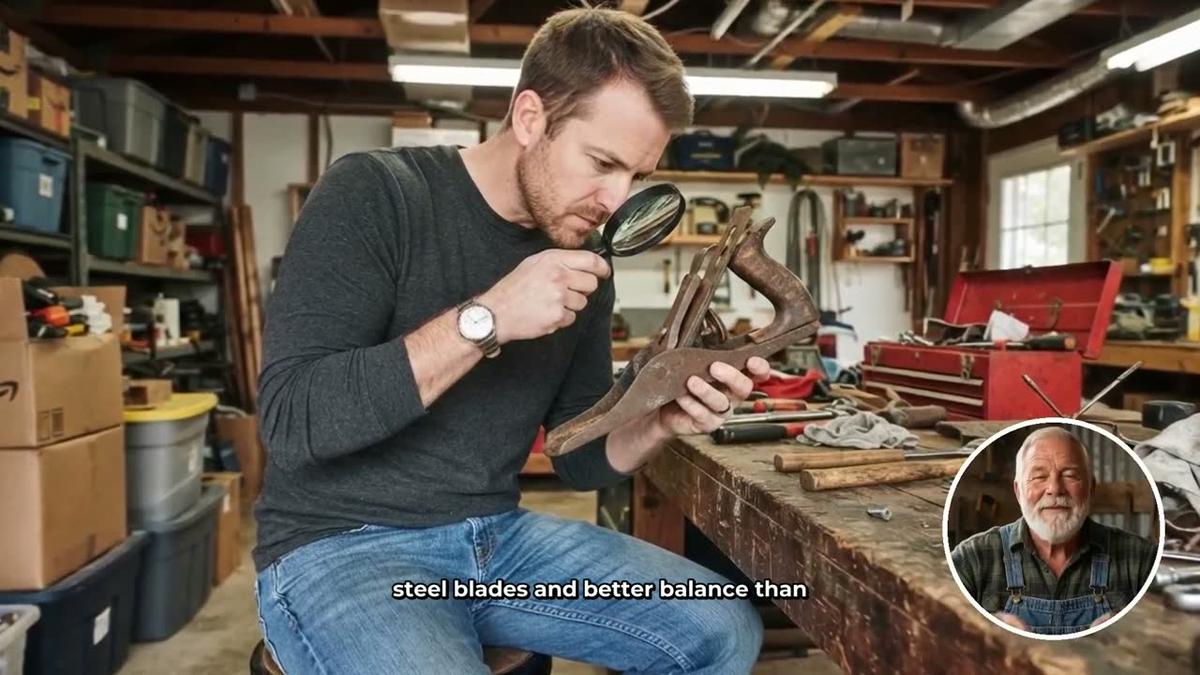
If you want a talking host on screen rather than a fully faceless video, you can add an AI presenter. This feature is available on Premium and Ultimate and is fully launched as of October 2026.
First, create a presenter in Account Settings under the Presenters tab. You describe who the presenter is and their setting in a sentence or two, and Digital Maker AI draws a photoreal picture of them. Once saved, you can reuse that presenter across every video. Then ask Hermes:
"Make a 5-minute history video about the fall of Constantinople with my AI presenter in split screen layout, History or Ancient style, Bold Pop captions."
The presenter speaks the narration on screen. You can choose Split screen (presenter on the left, the scene on the right), Corner circle (the scene with the presenter in a small round window), or Full screen. A slider controls how much of the video the presenter appears in. Presenters run on avatar time, which is counted in seconds and is separate from your video minutes. Premium starts with 2 minutes of avatar time and Ultimate with 5 minutes, with 3 minutes added to Ultimate each month. Avatar Packs add more time as one-off purchases; see digitalmaker.ai/pricing for details. Find out more about the format on the AI presenter video generator page.

Making an Animated Podcast From Telegram
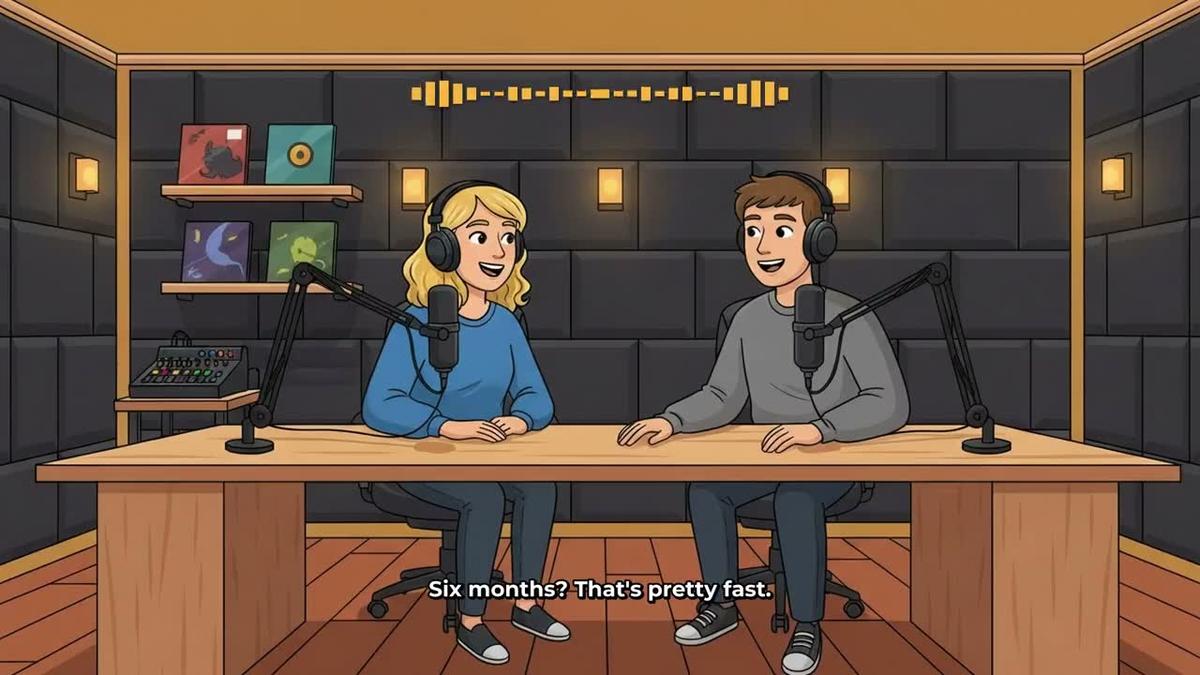
If you want a different content format alongside your main channel, try an animated podcast. Two AI hosts in an animated studio talk through a topic in two different voices, with captions and animated sound bars. Ask Hermes:
"Make a 20-minute animated podcast episode about the Byzantine Empire, conversational tone, two hosts called Marcus and Elena."
Animated podcasts are available on Premium (up to 30 minutes) and Ultimate (up to 60 minutes). Pro does not include them. Long episodes are written and recorded in sections, so a 30-minute episode can take 45 to 90 minutes to build. Digital Maker AI emails you when it is ready, and Hermes returns the link. Shows are saved, so every new episode reuses the same hosts, voices and studio automatically.
Tips for Running Your Hermes Agent Faceless YouTube Channel From Your Phone
- Check your minutes before a big video. Ask "How many video minutes have I got left?" before requesting a long video. It is free and instant.
- Be specific in your requests. Include the style, caption type, length and any music preference in one message. Hermes can handle it all in a single request.
- Use the Faceless Finder for gap analysis. Ask Hermes to search a niche and look for channels with high estimated revenue but low upload frequency. That gap is your opportunity.
- Batch your requests across the week. The routine above spreads the work naturally: research on Monday, main video on Tuesday, Short on Wednesday, thumbnail on Thursday, post on Friday. Each task takes one short Telegram message.
- Save to Google Drive. Ask Hermes to save finished videos to your connected Google Drive so they are backed up and accessible from any device.
- Videos take time. A 10-minute video is not instant. Send the request, lock your phone and check your email for the ready notification. The link will be waiting in Telegram too.
For a similar weekly routine using Claude instead of Hermes, see the guide on running a faceless YouTube channel with Claude. And if you want to go deeper on what AI presenter videos look like in practice, the post on making AI presenter videos with Hermes Agent walks through the presenter workflow in detail.
Ready to get started? Visit digitalmaker.ai/hermes to connect Hermes Agent to your Digital Maker AI account and send your first video request from Telegram today. If you are new to Digital Maker AI and want a structured introduction to everything the platform can do, the free course is the best place to begin.
Alex Stevens: Alex Stevens writes for the Digital Maker AI team about faceless YouTube channels, AI presenters and AI video tools.