How to Use the Digital Maker AI API to Automate Faceless Videos in 2027
By Alex Stevens
The Digital Maker AI API lets you connect your own scripts, AI agents or automation tools directly to the Digital Maker AI Video Maker, so you can trigger faceless video creation, check on a video's progress and manage output without touching the browser. If you are planning a hands-free content pipeline for 2027, using the digital maker ai api faceless videos workflow is the most direct way to build one.
Key takeaways
- Your API key lives in Account Settings under the API Keys tab. Create it there, copy it once and store it somewhere safe.
- The same key works with Hermes Agent, OpenClaw and any custom server-side script that calls the Digital Maker AI connector.
- Through the API you can make long form faceless videos, Shorts, animated podcasts, 3D animated films and whiteboard videos, check their status and post them to YouTube, TikTok or Instagram.
- Video minutes still come from your plan pool. The API does not give you extra minutes; it just removes the need to click through the Video Maker steps manually.
- Pro users get images, characters and channel research through the connectors. Videos, podcasts, AI presenters and social posting need Premium or Ultimate. Check the current plans at digitalmaker.ai/pricing.
What is the Digital Maker AI API and what does it do for faceless videos in 2027?
An API key (Application Programming Interface key) is a private code that proves to a server that a request is coming from your account. When you add your Digital Maker AI API key to an external tool, that tool can send instructions to Digital Maker AI on your behalf, exactly as if you were clicking through the Video Maker yourself, but without you being there.
For faceless YouTube channels, this matters because the bottleneck is rarely ideas. It is the repetitive steps: open the Video Maker, pick a format, type a topic, choose a voice, wait, download, post. The API hands those steps to a script or an AI agent, freeing you to focus on channel strategy and growth.
Digital Maker AI (digitalmaker.ai) is an AI video platform for faceless YouTube videos, AI presenter videos, animated podcasts, 3D animated films and digital products. Its API connector uses the same MCP (Model Context Protocol) standard as its Claude, ChatGPT, Gemini and Grok integrations, so the same key works across all of them.
Where do you create your Digital Maker AI API key?
Creating your key takes under two minutes. Follow these steps exactly:
- Sign in to your account. Go to digitalmaker.ai and sign in. If you do not have an account yet, the Free plan lets you try the platform with no card required.
- Open Account Settings. Click your profile icon or name in the bottom left of the sidebar, then select Account Settings from the menu.
- Go to the API Keys tab. Inside Account Settings, find the tab labelled API Keys (sometimes shown as the API tab). This is where all your keys are managed.
- Create a new key. Press the button to generate a new API key. Give it a descriptive name, for example "Hermes automation" or "OpenClaw pipeline", so you know which key belongs to which tool.
- Copy and store the key immediately. The full key is shown only once. Copy it now and paste it into a password manager or a secure environment variable in your server. Do not paste it into a public repository, a shared document or a chat message.
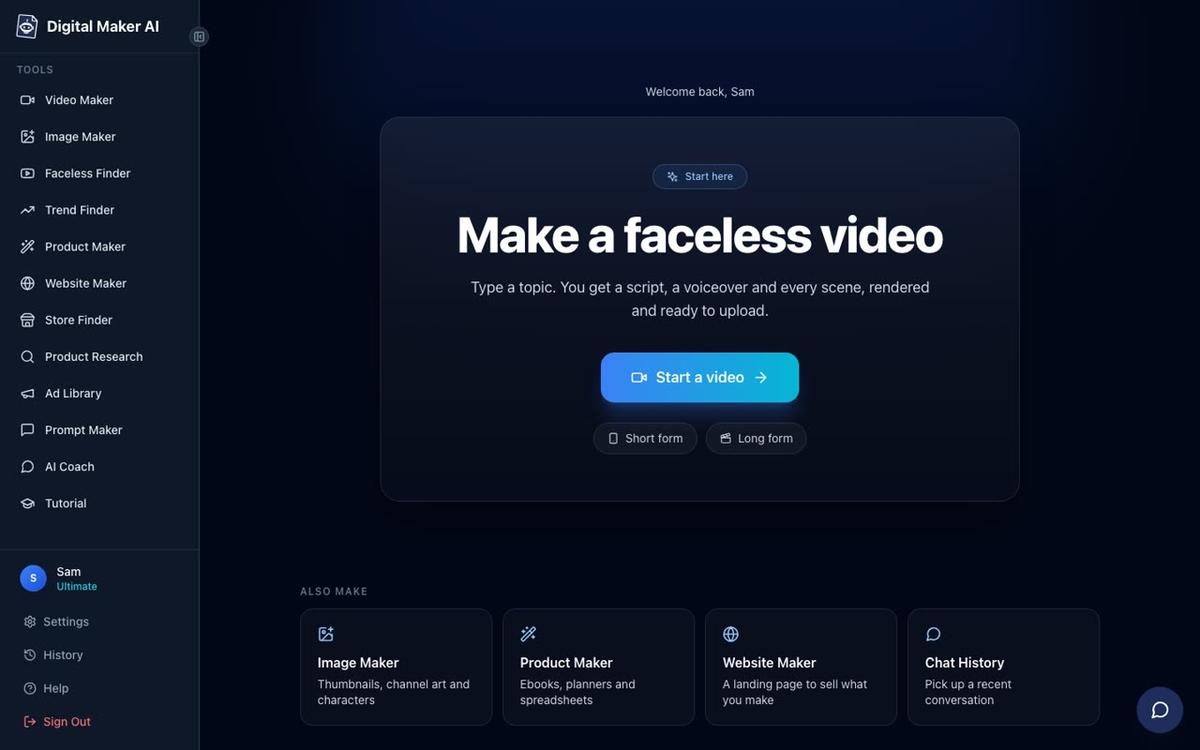
Why keeping your API key secret matters
Your API key is tied directly to your Digital Maker AI account and its video minute pool. Anyone who has the key can make videos that use your minutes and post to your connected social accounts. Treat it the same way you would treat a password.
Practical rules to follow:
- Store it as an environment variable on your server, never hardcoded in a script that others can read.
- Create a separate key for each tool or agent you connect. That way, if one key is ever exposed, you can delete just that one without breaking your other automations.
- If you suspect a key has been seen by someone else, return to the API Keys tab in Account Settings and delete it, then create a fresh one.
What can you automate with the Digital Maker AI API for faceless videos?
Once your key is in place, the connector gives an external tool or agent the ability to do everything the Video Maker can do. Here is what that covers for a faceless video pipeline:
| Action | What it does | Plan needed |
|---|---|---|
| Make a long form faceless video | Sends a topic or script, style, voice and length; returns a finished MP4 | Premium or Ultimate |
| Make a Short | Creates a vertical 9:16 Multi Scene Short from a topic | Premium or Ultimate |
| Make a whiteboard video | Generates a whiteboard animation from a script or topic | Premium or Ultimate |
| Make an animated podcast | Builds a two-host podcast episode on a given topic | Premium or Ultimate |
| Make a 3D animated film | Creates a Pixar-style animated story film | Premium or Ultimate |
| Check a video | Returns the status of a video and its link when ready | Any paid plan |
| Post to YouTube, TikTok or Instagram | Posts a finished video to connected social accounts | Premium or Ultimate |
| Report minutes remaining | Returns how many video minutes are left in the current pool | Any paid plan |
| Generate images, create characters, research channels | Image Maker, recurring characters, Faceless Finder lookups | Pro and above |
| Add an AI presenter | Adds or creates an AI presenter for a landscape Multi Scene video | Premium or Ultimate |
| Animate scenes | Turns chosen still scenes into moving AI clips | Premium or Ultimate |
| Save to Google Drive | Saves a finished long form video to your connected Drive | Premium or Ultimate |
One important point: the API does not bypass your minute pool. A five-minute video triggered by an agent uses five minutes from your monthly allowance, the same as if you had pressed Generate Video in the browser. Check your remaining minutes before running a large batch, or ask the agent to report minutes remaining first.
How to connect the API to Hermes Agent or OpenClaw for faceless video automation
Hermes Agent and OpenClaw are AI agents that run on their own server and can carry out multi-step tasks without you being present. Connecting either of them to your Digital Maker AI account turns them into a fully automated video production assistant.
- Create your API key. Follow the steps in the section above. Name the key after the agent you are connecting.
- Open Account Settings and go to the API tab. Under "What are you connecting?" select the agent option (Hermes Agent or OpenClaw).
- Copy the connector details. The settings screen shows the information the agent needs: the server address and your key. The MCP server address is written as plain text (digitalmaker.ai/mcp) in the agent's configuration, not as a clickable link.
- Paste the key into the agent's environment. In Hermes Agent or OpenClaw, add Digital Maker AI as a connected tool and paste your key into the API key field. Save the configuration.
- Test with a simple instruction. Ask the agent to report your remaining video minutes. If it returns a number, the connection is live. Then try a short video: "Make a one-minute faceless video about stoicism in the Realistic style with the Joshua voice."
- Build your automation flow. Once the test works, you can build a full pipeline: the agent pulls a topic from a list, calls Digital Maker AI to make the video, waits for it to finish, then posts it to YouTube, all triggered on a schedule or by a webhook.
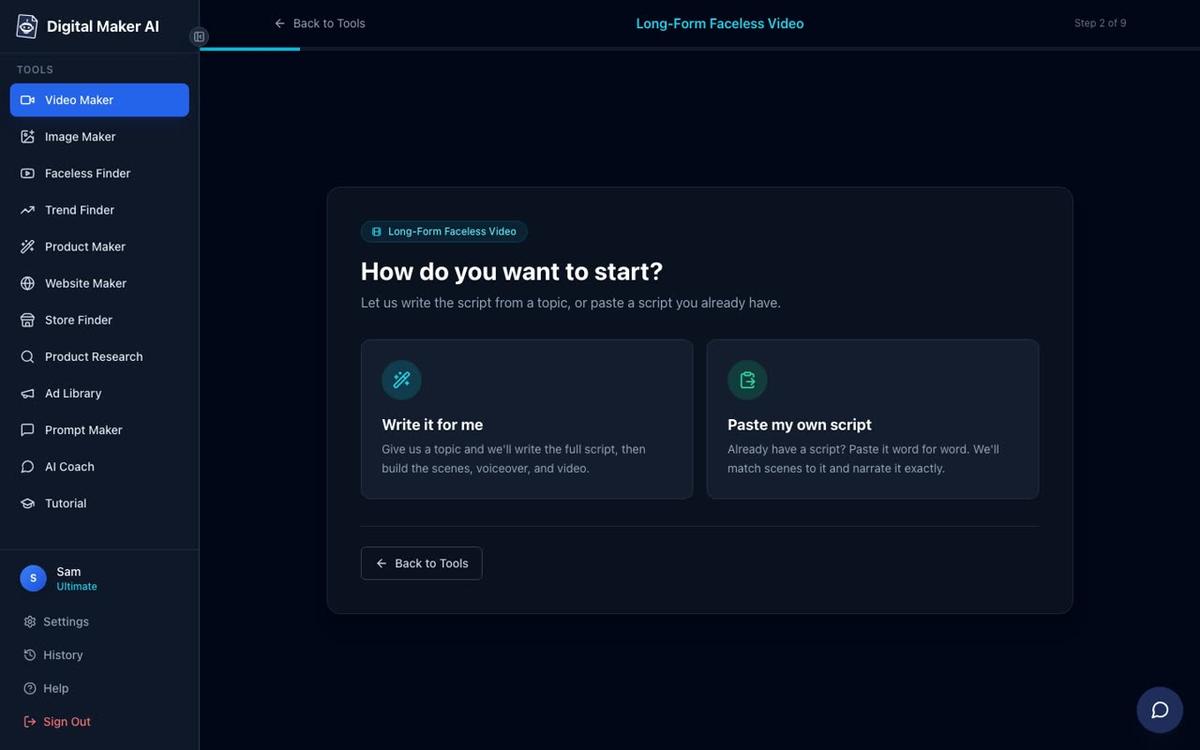
How to use the API inside Claude or another AI assistant for faceless videos
If you prefer to work inside Claude by Anthropic rather than a standalone agent, the process is almost the same. The Digital Maker AI connector uses the MCP standard, so Claude can use it as a custom connector.
- Create a Digital Maker AI account at digitalmaker.ai if you have not already.
- Open Account Settings and go to the Claude MCP tab. This shows the connector details you need.
- Create your API key on the API Keys tab and copy it.
- Add Digital Maker AI as a custom connector in Claude. In Claude's connector settings, add a new custom MCP connector and paste the server address (digitalmaker.ai/mcp) and your key. The setup takes about one minute.
- Ask Claude to make a video. Claude confirms the minute cost before it starts and never begins a video unless you ask directly. You might say: "Make a ten-minute faceless video about ancient Rome in the History or Ancient style with a UK male voice and standard captions."
For a deeper look at this workflow, see the guide on how to use ChatGPT to make faceless YouTube videos, which covers the same connected-assistant approach for ChatGPT by OpenAI.
What does a practical 2027 faceless video automation pipeline look like?
Here is a worked example for a finance faceless channel posting three videos a week in 2027, using an AI agent connected to the Digital Maker AI API.
Monday morning (automated): The agent reads a list of ten finance topics prepared the week before. It picks the first one, calls the Digital Maker AI connector, and requests a ten-minute long form faceless video: Multi Scene format, Finance or Luxury visual style, a UK female voice, standard captions, no music. It also checks the remaining minute pool before starting.
While the video builds: The agent polls the "check a video" action every few minutes. Digital Maker AI usually returns a finished MP4 within three to six minutes for a five-minute video. The agent logs the video link when it is ready.
On schedule: At the time you set, the agent calls the "post to YouTube" action with the video link, a title and a description. The post goes out labelled as AI generated, as required. Nothing posts until that action is called; there is no automatic posting without the instruction.
The same pattern works for Shorts, animated podcasts and whiteboard videos. You can also ask the agent to check minutes remaining at the start of each run and pause the pipeline if the pool is running low, avoiding a failed job mid-week.
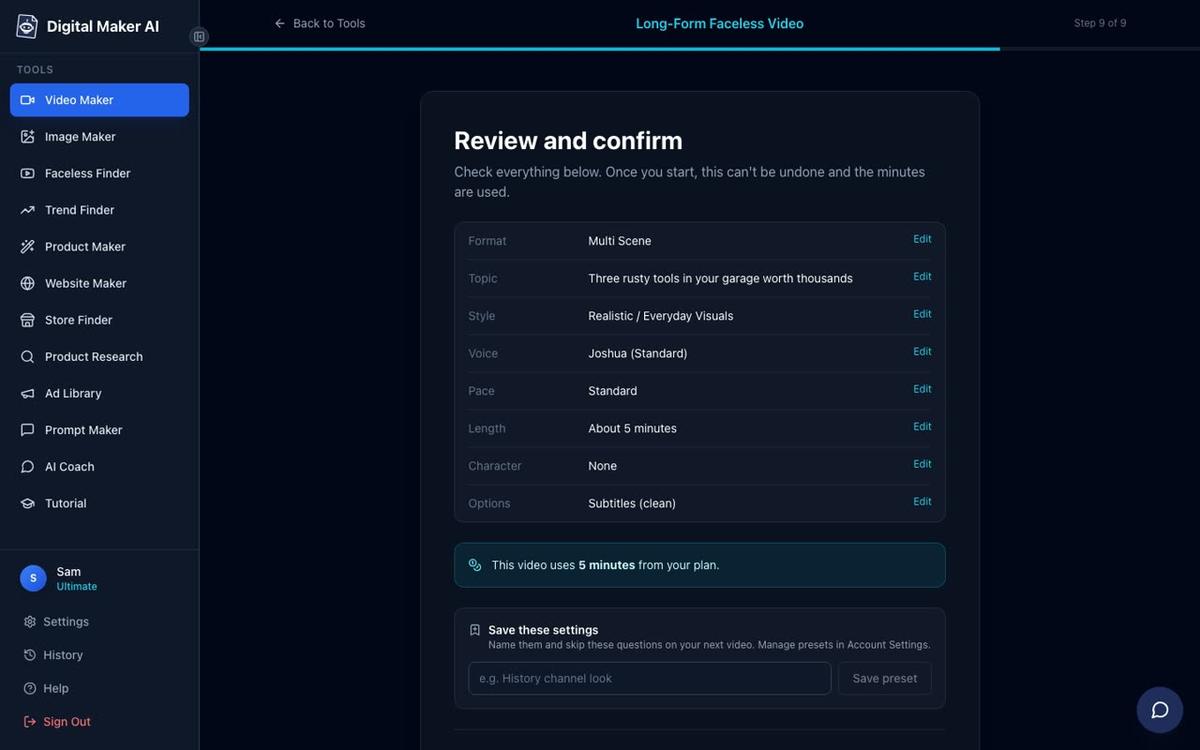
Can you use the API to add AI presenters to automated faceless videos?
Yes, on Premium and Ultimate. Through the connector, you can ask the agent to add an existing AI presenter to a landscape Multi Scene video, or create a new one from a description. The presenter speaks the same narration voice as the rest of the video, with captions, and you can set how much of the video they appear on screen.
Presenters run on avatar time, which is counted separately from video minutes. Premium starts with 2 minutes of avatar time and Ultimate with 5 minutes, with 3 more added to Ultimate every month. Avatar Packs add more time as one-off purchases. See the current options at digitalmaker.ai/pricing. For more on what AI presenter videos look like, visit the AI avatar video generator page.

Common mistakes to avoid when automating faceless videos with the Digital Maker AI API
- Hardcoding the key in a public script. Always use environment variables. A key committed to a public GitHub repository can be found and used by others within minutes.
- Not checking the minute pool before a batch run. If you run out of minutes mid-batch, the remaining jobs fail. Ask the agent to report minutes remaining first and set a minimum threshold.
- Requesting features your plan does not include. Whiteboard videos, Single Scene, AI presenters and social posting all need Premium or Ultimate. If your agent tries to call one of these on a Pro account, the request will be refused. Match your automation to your plan.
- Expecting instant delivery on long videos. A thirty-minute video takes longer to build than a five-minute one. Build polling and waiting into your pipeline rather than assuming the video is ready immediately.
- Using one key for everything. Create a separate key for each tool. It makes it easier to revoke access to one integration without disrupting others.
- Forgetting that posts need connected accounts. Social posting through the API only works if you have already connected your YouTube, TikTok or Instagram accounts once in Account Settings. The API cannot connect those accounts for you.
Frequently asked questions
Where exactly do I find the API Keys tab in Digital Maker AI?
Sign in, then click your profile icon or name in the bottom left of the sidebar and open Account Settings. The API Keys tab is inside that settings panel. Create a key there, name it and copy it immediately as it is shown in full only once.
Does using the API cost extra on top of my plan?
No. The API connector is included with your account. You use the same video minute pool you already have on your plan. The only costs are your normal plan subscription and any add-on packs (avatar time, animated scenes, Voice Packs) that the videos you make require. See digitalmaker.ai/pricing for current plan details.
Can I paste my own script through the API rather than letting the AI write it?
Yes, on paid plans. When you or your agent sends the instruction to make a video, you can include the full script text instead of just a topic. The platform uses your script for the narration and generates scenes to match it. Pasting your own script is not available on the Free plan.
Does the Digital Maker AI API work with agents other than Hermes Agent and OpenClaw?
The connector uses the MCP standard, which is supported by Claude, ChatGPT (on a paid plan with the desktop app), Gemini and Grok, as well as Hermes Agent and OpenClaw. Any tool that can act as an MCP client and accept a server address and API key can connect to Digital Maker AI the same way.
What happens if I run out of video minutes mid-automation?
The video request will not complete. Digital Maker AI does not refund minutes once a video has started generating, so it is important to check your remaining minutes before triggering a batch. Build a "report minutes remaining" step into the start of every automated run as a safety check.
Can a Free account use the Digital Maker AI API?
A Free account can create an API key, but the actions available through the connector that need a paid plan (making videos, posting to socials, using AI presenters) will require Pro, Premium or Ultimate. Free accounts are best used to explore the platform manually before choosing a plan. See digitalmaker.ai/pricing for what each plan includes.
Building an automated faceless video pipeline for 2027 is one of the most practical ways to grow a YouTube channel without spending hours each week in front of a screen. If you want to learn the broader strategy behind a faceless channel before you automate it, the free Digital Maker AI course walks through everything from picking a niche to publishing your first video, and it is a useful foundation before you hand the production over to an agent.
Alex Stevens: Alex Stevens writes for the Digital Maker AI team about faceless YouTube channels, AI presenters and AI video tools.