The Best AI Tools for Whiteboard Animation Videos in 2026
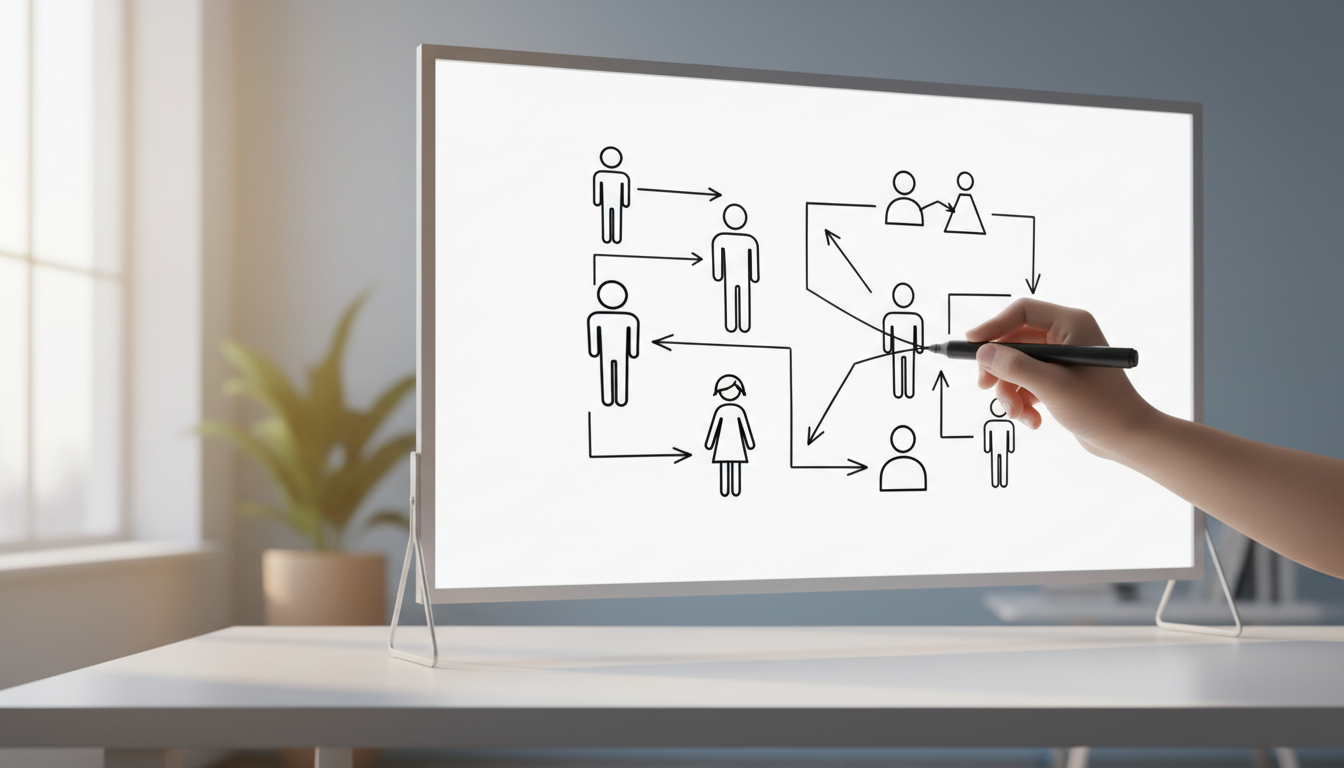
The Best Whiteboard Animation AI Tools in 2026: Ranked for Speed and Automation
If you want to publish whiteboard-style videos without spending hours in a timeline editor, Digital Maker AI is the top pick for end-to-end automation, because it writes the script, generates the hand-drawn scenes, adds narration and subtitles, and delivers a finished MP4 with no manual editing required. That single criterion, how little manual work is needed from idea to upload-ready file, is how every tool in this comparison is judged. Where a competitor genuinely wins on that measure, it is ranked above Digital Maker AI.
To build this list, each product was searched separately for current pricing, plan names and feature claims as of September 2026. Prices from third-party review sites are noted where official pages did not confirm exact figures. Marketing claims are attributed to the company rather than presented as tested findings.
How These Tools Were Judged
The ranking criterion is automation depth: how many steps between "I have an idea" and "I have a finished video" does the tool handle on its own? Tools that require you to drag elements onto a canvas, record your own voiceover, or trim a timeline score lower on this criterion, even if they produce higher-quality output. A secondary factor is price relative to output length, which matters for creators who publish regularly.
Five tools made the list because they each represent a meaningfully different approach to the best whiteboard animation AI problem. None of them do everything, and the honest differences are noted under each entry.
Digital Maker AI: Best for Fully Automated Whiteboard Videos
Digital Maker AI offers a dedicated Whiteboard or Draw-On format inside its long-form video maker. Choose that format and every scene is rendered as a hand-drawn black marker sketch that draws itself onto a white background, exactly the style viewers associate with explainer and educational content. The platform writes the script from your topic, generates a unique sketch for each scene, adds AI narration in a male or female voice at adjustable pace, burns subtitles into the lower third, and returns a finished MP4. There is no timeline to manage and no canvas to populate manually.
Videos can run from one to ten minutes on the Premium plan and one to thirty minutes on the Ultimate plan. Six subtitle styles are available, including Clean, Bold Pop and YouTube Yellow. You can also create reusable characters, saved as full-body illustrations on a white background, so the same figure appears consistently across scenes and across multiple videos. Narration is available in English, French, Spanish, Italian and German. An optional slow Ken Burns zoom or gentle pan can be switched on so scenes do not feel static.
What Digital Maker AI does not do is worth stating plainly. There is no timeline editor, no manual clip trimming, no stock footage library, and no music library selection. The whiteboard scenes are AI-generated still images that draw on, not moving cartoon animation with characters that gesture or walk. If you need a fully animated presenter with lip-sync, you will need a different tool. You also cannot edit a video after it has been generated, which means getting the script right before you render matters.
Pricing starts at $29 per month for Pro, $49 per month for Premium, and $99 per month for Ultimate, as of September 2026. See the full breakdown at digitalmaker.ai/pricing. A free tier is available. Who should pick it: faceless YouTube creators, educators and course builders who want a complete whiteboard video from a topic prompt, with no design or editing work involved.
VideoScribe: Best for Manual Whiteboard Craftsmanship
VideoScribe is one of the longest-established whiteboard animation platforms and the tool most people picture when they think of the genre. It uses a drag-and-drop canvas where you place images, text and hand elements, then set the draw order and timing. The result can look polished and fully custom, with royalty-free music, voiceover recording and a large built-in image library.
The trade-off is manual effort. You build every scene yourself, which gives you precise control but removes the automation that saves time for high-volume creators. The company states that VideoScribe supports custom image uploads, GIFs and white-labelling for brand consistency. According to Capterra, pricing starts at around $20.65 per month on the monthly plan, as of September 2026. Check the VideoScribe site for current annual plan rates. Who should pick it: freelancers or agencies who create whiteboard videos as a service and need fine-grained control over every element, and who bill enough per project to justify the production time.
Doodly: Best for Beginners Who Want a Familiar Desktop Feel
Doodly takes a similar canvas-based approach to VideoScribe but is often cited by reviewers as slightly more approachable for first-timers. You drag characters and props onto a scene, set draw paths, and preview the animation before exporting. The company states that it supports custom SVG imports, which lets you add your own illustrations and have Doodly animate the draw-on effect for them.
According to Capterra, Doodly starts at $49 per month for the Standard plan or $490 per year, with an Enterprise tier at $79 per month or $790 per year, as of September 2026. Reviewers note that the base plan can feel limited and that additional image packs and templates add to the overall cost. Like VideoScribe, Doodly does not write scripts or generate narration automatically, so the creative and voiceover work still falls to you. Who should pick it: small business owners and coaches who want to produce whiteboard explainer videos themselves and prefer a desktop-style interface with a large built-in asset library.
Animaker: Best Free Starting Point for Whiteboard Animation
Animaker stands out because it offers a free plan with genuine whiteboard animation capability, which makes it the lowest-barrier entry point on this list. The platform covers multiple animation styles beyond whiteboard, including 2D character animation and infographic videos. The company states that Animaker supports full custom character creation on paid plans, and that characters can be reused across projects.
According to G2 data, Animaker pricing in 2026 starts at around $25 per month and reaches around $43 per month depending on the plan selected, as of September 2026. Billing terms affect the final figure, so check the Animaker site for current rates. The platform is canvas-based like Doodly and VideoScribe, meaning you still build scenes manually rather than generating them from a prompt. Who should pick it: creators who want to test whiteboard animation before spending anything, or social media managers who need a variety of animation styles under one subscription.
Vyond: Best for Corporate Training and L&D Teams
Vyond is a professional animation platform aimed at learning and development, HR and corporate communications teams. It supports character animation, scene building and timeline editing at a level of sophistication that goes well beyond whiteboard-only tools. The company states that Vyond has added AI features including text-to-video through its Vyond Go product, though its core offering remains manual animation creation with a steeper learning curve.
According to G2 data, Vyond pricing in 2026 starts at around $99 per month and can reach significantly higher for enterprise plans, as of September 2026. Multiple third-party sources show varying figures depending on billing period and seat count, so the Vyond pricing page is the most reliable source for current numbers. This is the most expensive tool on the list by a meaningful margin. Who should pick it: L&D professionals and corporate training teams who need scenario-based animated content with moving characters and are working inside an organisation that can absorb the cost.
Recommendations by Use Case
Finding the Best Whiteboard Animation AI for Your Specific Needs
Best for faceless YouTube channels: Digital Maker AI. The Whiteboard or Draw-On format produces a complete, upload-ready video from a topic prompt. No design skills, no voiceover recording, no editing. If you publish multiple videos a week, the time saving compounds quickly. Explore the faceless video toolkit to see how the format fits into a broader channel strategy.
Best for client work and agencies: VideoScribe or Doodly. Both give you manual control over every element, which matters when a client has specific brand requirements or wants to review and approve each scene before export. The production time is higher, but so is the customisation ceiling.
Best on a budget: Animaker's free plan is the only genuinely free option that includes whiteboard animation. Digital Maker AI's free tier lets you test the platform before committing. VideoScribe's entry price is the lowest among the paid-only tools.
Best for corporate training: Vyond, if the budget is available. The character animation depth and scenario-building tools are suited to compliance and onboarding content in a way that whiteboard-only tools are not.
Best for long-form educational content: Digital Maker AI on the Ultimate plan, which supports videos up to thirty minutes. No other tool on this list automates script writing, narration, subtitles and scene generation for videos at that length.
Best for quick social clips: Digital Maker AI also offers a separate short-form video tool for five, ten or fifteen second AI-generated motion clips in vertical or horizontal format, suited to Reels, Shorts and TikTok. This is a distinct tool from the long-form maker and the only place on the platform where real moving footage is generated.
A Note on What No Tool Does Yet
It is worth being honest about the limits of the best whiteboard animation AI tools available right now. None of the fully automated options, including Digital Maker AI, let you edit a video after it has been generated. None of them clone your voice or let you upload a personal recording for narration. And the hand-drawn style, while effective for educational and explainer content, is not suited to every brand or audience. If your content requires a talking presenter, animated characters that move on screen, or footage from a stock library, a different category of tool is needed.
The gap between fully manual tools like Doodly and fully automated ones like Digital Maker AI is narrowing, but it has not closed. Manual tools still win on precision; automated tools win on speed and volume.
If you are new to faceless video creation and want to understand how whiteboard and other AI video formats fit into a sustainable YouTube strategy, the free course at Digital Maker AI is a practical starting point that covers formats, niches and workflow from scratch.