VideoScribe vs Digital Maker AI for Faceless YouTube Videos
By Alex Stevens
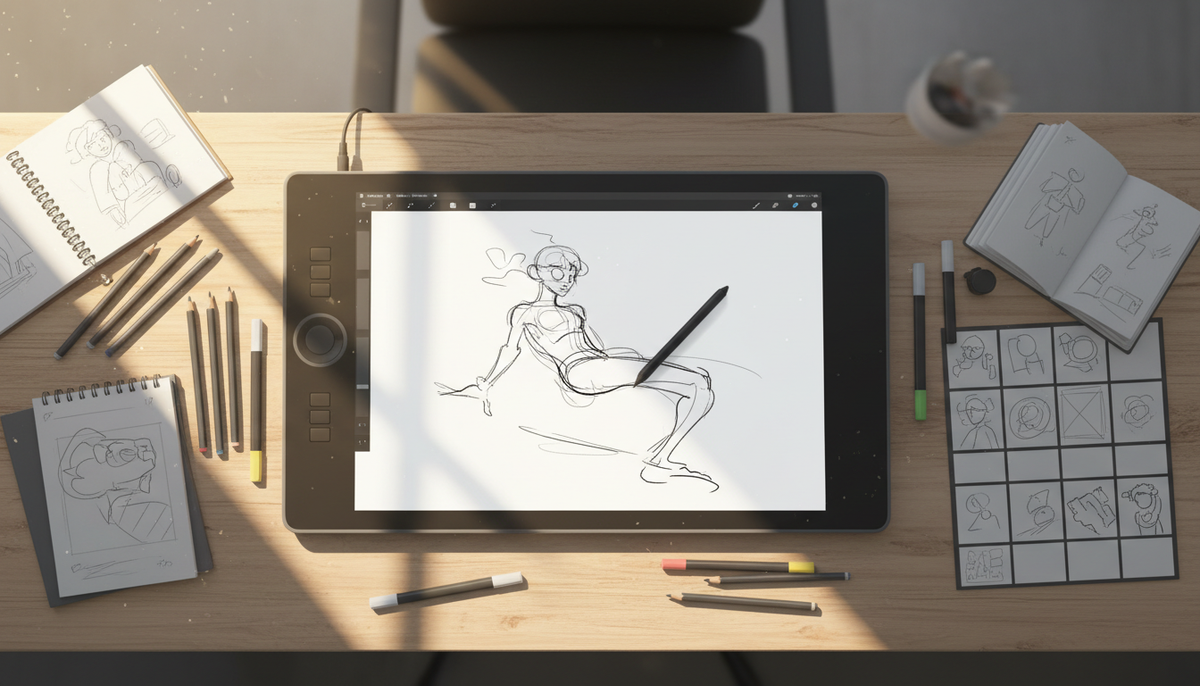
If your entire channel runs on whiteboard-style videos and you want deep manual control over every scene, VideoScribe is a strong specialist choice. If you want whiteboard as one option inside a broader toolkit that also handles faceless scene videos, AI presenter videos, animated podcasts and Shorts, all from a script with no manual editing, Digital Maker AI is the stronger pick. The criterion here is variety and automation for a faceless YouTube channel, and that is the lens applied throughout this comparison of videoscribe vs digital maker ai.
To judge them, we looked at what each tool actually produces, how much editing work the creator has to do, what formats and styles are available, video length limits, and current pricing as of October 2026. We also checked what each tool cannot do, because honest limits matter more than marketing copy.
VideoScribe: the dedicated whiteboard animation tool
VideoScribe is purpose-built for one thing: the hand-drawn whiteboard animation style where sketches appear to draw themselves onto a white or coloured canvas. The company states that the library includes more than 9,000 SVG images and icons, which gives creators a wide range of ready-made assets to drop onto a timeline without sourcing their own artwork. The hand-draw effect, where a hand or pen appears to sketch each element onto the canvas, is the signature look that VideoScribe is known for, and it is polished and convincing.
The timeline editor is the heart of the workflow. You place images, text and audio on a manual timeline, set the draw time and pause for each element, adjust the order, and fine-tune transitions. This level of control is genuinely useful if you want a specific pacing or a carefully crafted reveal sequence. The company also states that all plans include a music library, full HD 1080p export, and MP4 download.
The trade-off is time. Because every scene element is placed manually, producing a finished 10-minute whiteboard video takes considerably longer than typing a script and pressing a button. VideoScribe does not write the script for you, does not generate scene images automatically, and does not add AI narration. You bring your own voiceover or add text-to-speech separately. There is no AI scene image generation, no automated script-to-video pipeline, and no output formats beyond whiteboard.
Pricing as of October 2026 (see videoscribe.co/pricing for current figures): VideoScribe offers a 7-day free trial with no credit card required, giving 3 video downloads and a maximum video length of 5 minutes. The Lite plan is $12.50 per month billed annually ($150 per year), also capped at a 5-minute maximum video length. The Core plan is $18.75 per month billed annually ($225 per year) and raises that cap. A monthly rolling plan is also available at around $43 per month. Team plans are available on request.
Who should pick VideoScribe: creators who already have a voiceover workflow, want precise manual control over every whiteboard scene, and are happy producing a single style of video for their entire channel.
Digital Maker AI: whiteboard as one of seven styles, plus a full faceless video studio
Digital Maker AI approaches the problem differently. Rather than a single animation style you build by hand, it is a script-to-finished-video pipeline. You type a topic or paste a script, choose a format and style, pick a voice and captions, and get a ready-to-upload MP4. No timeline editing, no manual scene placement, no separate voiceover recording needed.
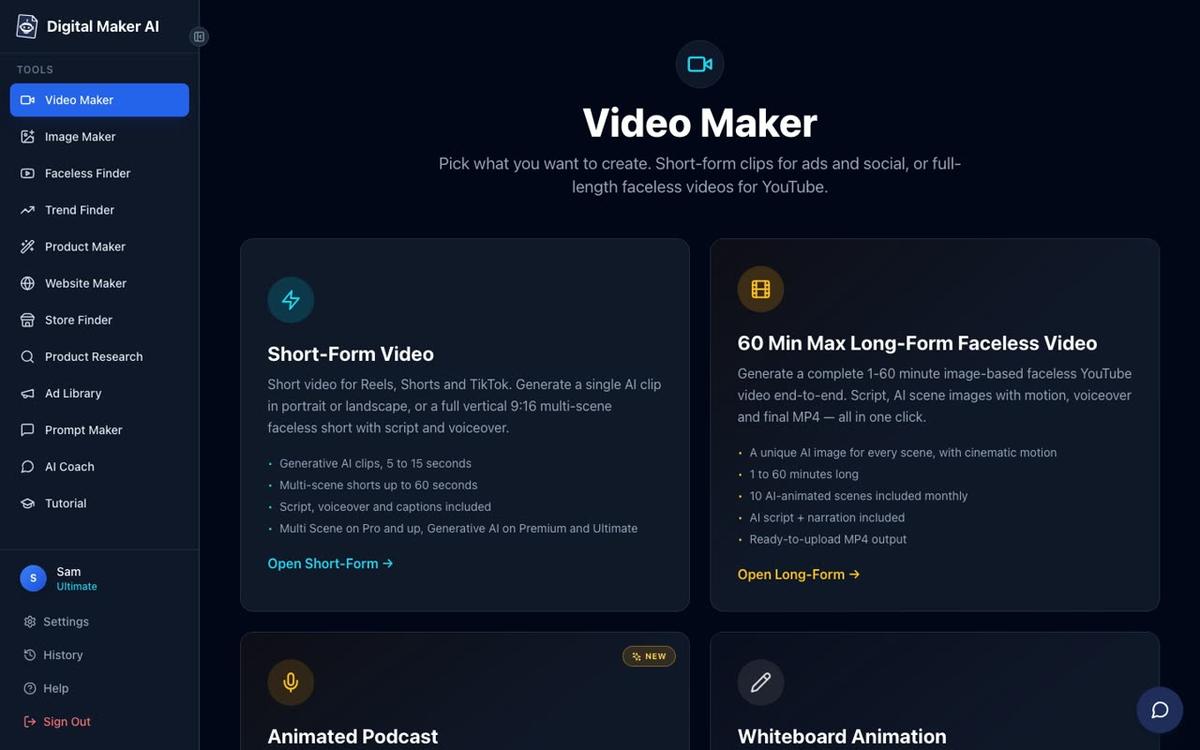
Whiteboard Animation is one of four long-form video formats on Premium and Ultimate plans. The other three are Multi Scene (a fresh AI-generated image for every scene), Single Scene (one held subject with bold animated captions), and Multiple Languages (French, Spanish, Italian and German). Across all formats, there are seven visual styles to choose from: Realistic or Everyday Visuals, Animated or Cartoon, Motivational or Dark Moody, Finance or Luxury, History or Ancient, Space or Sci-Fi, and Minimalist or Clean. Whiteboard sits alongside these rather than replacing them, so a channel can mix styles across videos without switching tools.
The Whiteboard Animation format on Digital Maker AI includes both Story boards and classic styles, an optional drawing hand in four options (none, light, brown or dark), and videos up to 30 minutes on Premium or up to 60 minutes on Ultimate. That is a significantly longer ceiling than VideoScribe's Lite plan. You can read more about what the AI whiteboard animation generator produces on the dedicated page.
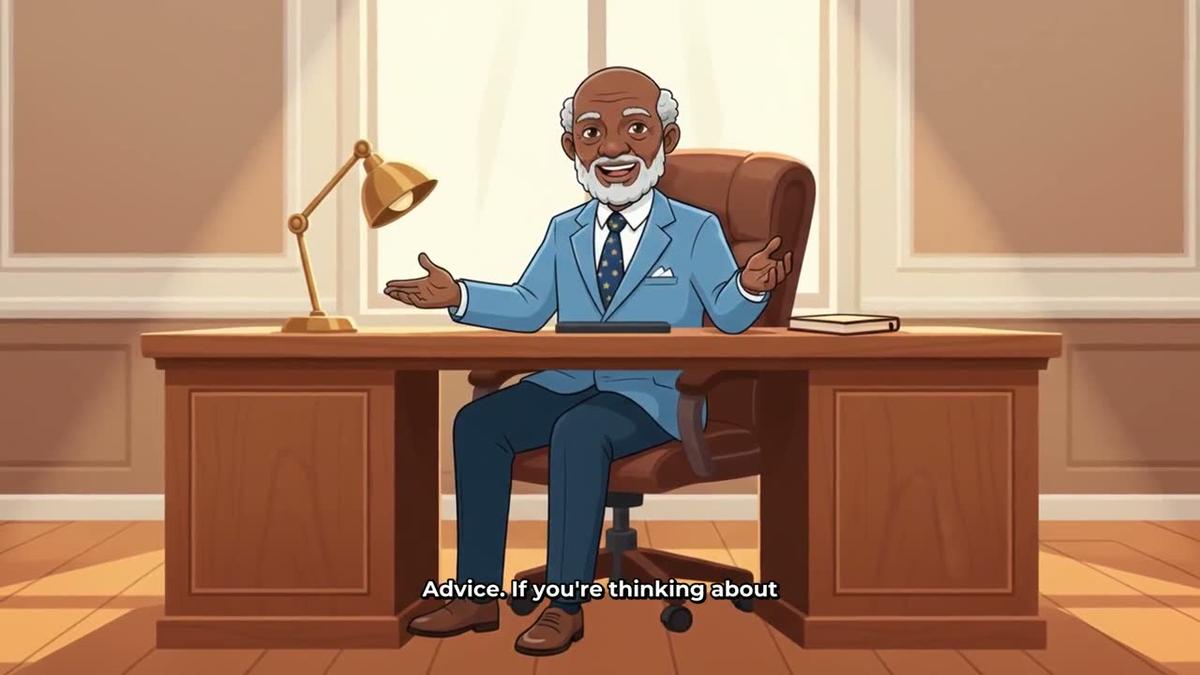
Beyond whiteboard, the same Video Maker also produces AI presenter videos, where a photoreal talking avatar appears in Full screen, Split screen or Corner circle layouts inside a Multi Scene video. Premium and Ultimate users create a presenter once in Account Settings, then reuse them across any video.

The platform also includes an animated podcast format, where two AI hosts with distinct voices talk through a topic in an animated studio, complete with sound bars and captions. Vertical Shorts, recurring characters drawn into every scene, and a Drag and Drop Studio for your own images and clips round out the toolkit.
What Digital Maker AI does not do: there is no manual timeline editor. If you want to set the exact draw time for each SVG element or fine-tune a whiteboard transition by hand, VideoScribe gives you that control and Digital Maker AI does not. Digital Maker AI also does not offer stock footage libraries, b-roll clips, green screen or screen recording.
Pricing as of October 2026 (see digitalmaker.ai/pricing for current figures): The Free plan gives you five free videos (one of each type) with no credit card needed. Pro is $29 per month ($249 per year), with 40 video minutes per month and a 10-minute maximum per video. Premium is $59 per month ($479 per year), with 150 minutes and a 30-minute maximum, plus Whiteboard Animation, AI presenters, animated podcasts and posting to YouTube, TikTok and Instagram. Ultimate is $99 per month ($799 per year), with 300 minutes, a 60-minute maximum and 10 animated scenes per month. Commercial usage rights are included on every plan, including Free.
Videoscribe vs Digital Maker AI: recommendations by use case
Best for pure whiteboard channels
VideoScribe wins here on manual control and a deep SVG asset library. If your channel identity is built entirely around the hand-drawn sketch aesthetic and you enjoy the craft of placing each element yourself, VideoScribe's timeline editor gives you more precision than Digital Maker AI's automated approach. The Lite plan at $12.50 per month (annual) is also cheaper than Digital Maker AI's entry paid tier, though the 5-minute video cap on Lite is a real constraint for longer educational content.
Best for channels that want variety beyond whiteboard
Digital Maker AI wins clearly. A single Premium or Ultimate account lets you publish whiteboard videos one week, a cinematic history video the next, an animated podcast the week after, and a vertical Short for Reels or TikTok on the same day. VideoScribe produces one style. If your channel strategy involves testing different formats or growing across multiple content types, being locked into whiteboard alone is a meaningful limitation.
Best for long-form content (30 to 60 minutes)
Digital Maker AI wins. VideoScribe's Lite plan caps videos at 5 minutes, and even on higher plans the ceiling is lower than Digital Maker AI's 60-minute maximum on Ultimate. For deep-dive educational channels, documentary-style content or full animated podcast episodes, the long-form video generator on Premium and Ultimate handles lengths that VideoScribe's lower tiers simply cannot reach.
Best for creators who want AI to do the heavy lifting
Digital Maker AI wins by design. VideoScribe requires you to write your own script, record or source your own voiceover, and manually build every scene. Digital Maker AI writes the script from a topic, generates every scene image, adds narration from more than 100 built-in voices, burns in captions, and returns a finished MP4. After the video is made you can regenerate any scene image, swap in your own image or clip, or edit the narration text, but the baseline output requires no manual editing at all.
Best for teams and agencies producing whiteboard at scale
VideoScribe offers team plans for multiple licenses, which suits agencies producing whiteboard content for clients at volume. Digital Maker AI is structured around individual creator plans rather than agency seat licensing, so teams producing purely whiteboard content for multiple clients may find VideoScribe's team pricing more practical.
Best free option to try
Both tools offer a way to try before paying. VideoScribe's 7-day free trial gives 3 watermarked downloads and a 5-minute cap. Digital Maker AI's Free plan is not time-limited: you get five free videos (one long-form, one Short, one drag-and-drop video, one drag-and-drop movie and one animated podcast), all up to 8 minutes, with commercial usage rights included. No credit card is required on either. For creators who want to test the output before committing, Digital Maker AI's free tier covers more formats and has no expiry date.
You can also compare how Digital Maker AI stacks up against other whiteboard and animation tools: the Doodly vs Digital Maker AI comparison covers a similar whiteboard-focused competitor if you want a broader picture before deciding.
The honest summary on videoscribe vs digital maker ai
VideoScribe is the right tool if whiteboard animation is your whole channel, you enjoy hands-on timeline editing, and you want a specialist tool with a large SVG library and a polished hand-draw effect. Digital Maker AI is the right tool if you want whiteboard as one of several formats, you want AI to handle the script, images, narration and captions automatically, and you want the option to grow into presenter videos, animated podcasts, Shorts and longer content without switching platforms. Neither tool is universally better. The question is whether you want a specialist or a studio.
If you are still finding your footing with faceless YouTube, the free faceless YouTube course walks through channel setup, niche selection and your first video from scratch, and it pairs well with either tool you choose.
Alex Stevens: Alex Stevens writes for the Digital Maker AI team about faceless YouTube channels, AI presenters and AI video tools.