Submagic vs Digital Maker AI: Captions Tool or Full Pipeline?
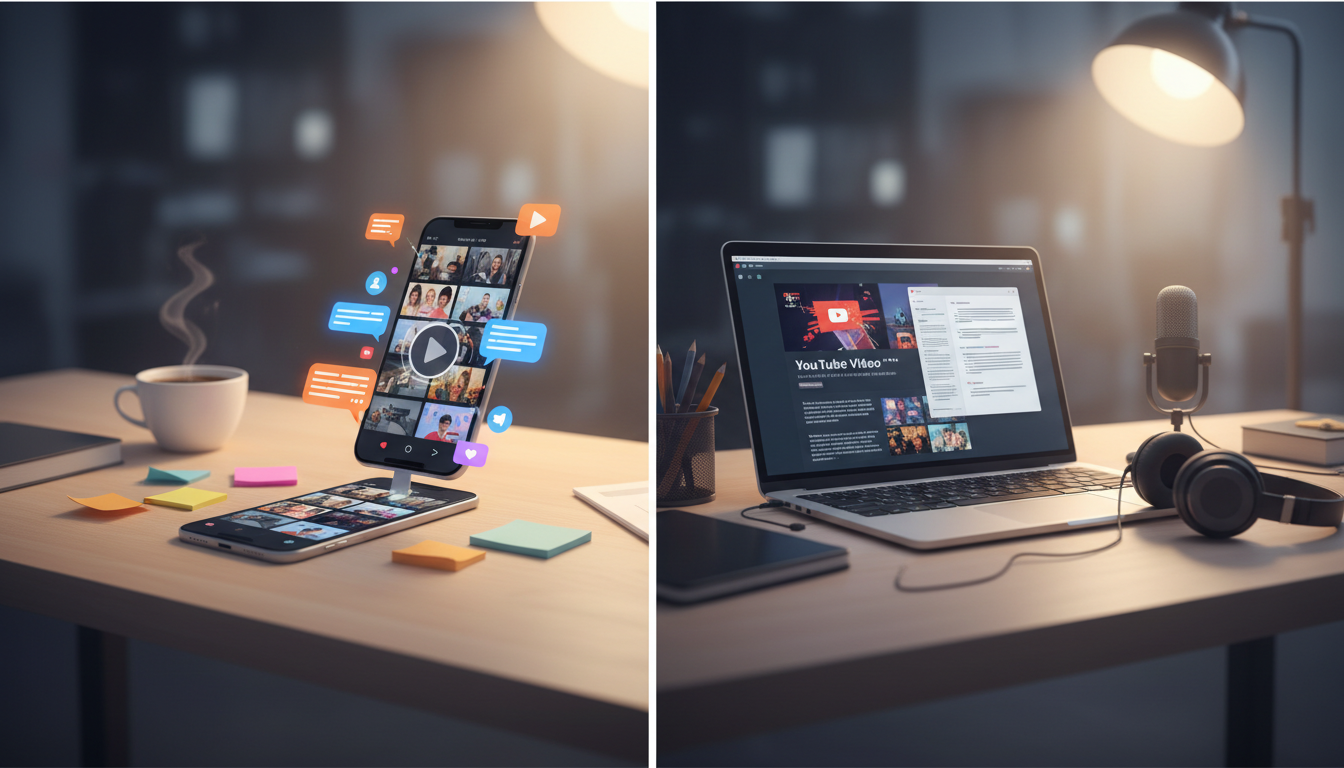
The Short Answer: Different Tools for Different Jobs
If you need stylish auto-captions and short-form clip editing, Submagic is one of the strongest tools available right now. If you need a complete faceless YouTube video built from nothing, a blank prompt turned into a finished, ready-to-upload MP4, then Digital Maker AI is the better fit. That single criterion, whether you are editing footage you already have or generating a full video from scratch, is the clearest way to choose between them. This guide covers both honestly, including the things each tool does not do, so you can pick the right one for your actual workflow rather than the most enthusiastic sales pitch.
These are genuinely different products that happen to overlap in the word "AI video." Understanding that difference is what makes searching for submagic alternatives worthwhile, because the right alternative depends entirely on what problem you are trying to solve.
How This Comparison Was Judged
The ranking criterion is end-to-end video production for faceless YouTube creators. That means: how far does each tool take you from idea to finished video, without needing a camera, a face on screen, or a separate editing suite? Pricing is compared at monthly billing rates, noted as of September 2026. Where plan details could not be confirmed precisely from the tools' own sites, the article describes the tier level rather than guessing a number.
Submagic: The Best Tool for Captions and Short-Form Repurposing
Submagic is an AI-powered video editor built around one core job: taking footage you have already recorded and making it look polished and shareable in minutes. Its headline feature is auto-captions across 48 languages, with dynamic caption styles that suit Reels, Shorts and TikTok. Beyond captions, the platform adds AI-generated B-roll from a stock footage library, text-based trimming to cut filler, zoom effects, sound effects, background music, and AI hook titles that suggest punchy openers for your clips.
The company states that its AI can extract the best moments from a longer recording and produce a short-form clip in just a few clicks. For creators who film themselves talking, record podcasts, or capture screen walkthroughs and then want to repurpose that footage quickly, Submagic is genuinely fast and well designed.
What Submagic does not do: it does not generate a video from nothing. You must upload footage first. It is not a tool for creating faceless YouTube videos where you have no camera and no recording. It is also focused on short-form content, with its Business plan handling videos up to 30 minutes, but the core workflow assumes you are starting with real footage rather than a text prompt.
Pricing (as of September 2026): Submagic's Starter plan begins at around $19 per month. The Pro tier, which the company describes as its most popular plan and which adds features like B-roll, AI hook titles, clean audio and caption translation, sits in the middle of the range. The Business plan, aimed at agencies and professional editors, reaches around $69 per month on monthly billing. Annual billing reduces these figures significantly. Check Submagic's pricing page for the current figures, as plans have shifted during 2026.
Who should pick Submagic: creators who already record footage and want fast, professional-looking captions and short clips. Podcasters, talking-head YouTubers, coaches and marketers repurposing long videos into social content will get real value here.
Digital Maker AI: The Best Tool for Building Faceless Videos from a Prompt
Digital Maker AI's Video Maker works from the opposite end of the process. You give it a topic or script idea, and the AI writes the script, generates a unique still image for every scene, adds an AI narration voice, burns in subtitles, and returns a finished MP4 you can upload directly to YouTube. No camera, no footage, no editing timeline. The whole pipeline runs inside one tool.
The long-form video maker supports videos from 1 to 10 minutes on the Premium plan and 1 to 30 minutes on the Ultimate plan. You choose from three formats: Multi Scene (a fresh AI image for every scene), Single Scene (one held image across the whole video), and Whiteboard, which produces hand-drawn marker sketches that draw themselves onto a white background. Seven visual styles are available, including Realistic, Animated or Cartoon, Finance or Luxury, History or Ancient, and Space or Sci-Fi. The Animated style produces illustrated, painterly still scenes rather than moving cartoon animation, which is worth knowing before you choose it.
Subtitle options include six looks: Clean, Boxed, YouTube Yellow, Bold Pop, Minimal, or none at all, all burned into the lower third. Narration comes in male and female AI voices with adjustable pace, and the tool supports English, French, Spanish, Italian and German. An optional slow Ken Burns zoom or gentle pan can be applied to each scene so the video does not feel static, and a film grain effect is available for a more cinematic look.
Reusable characters are a particularly useful feature for channel builders. You can create and save a full-body character on a white background, and that same character will appear consistently across scenes and across multiple videos, giving your channel a recognisable visual identity without any design work.
For short-form content, Digital Maker AI also has a separate Short Form Video tool that generates 5, 10 or 15 second AI motion clips for Reels, Shorts and TikTok, in both landscape and portrait formats, with optional voiceover. This is the only place in the platform where real moving footage is generated.
What Digital Maker AI does not do: it does not edit footage you upload. There is no timeline editor, no manual clip trimming, no transitions between clips, and no music library to browse. It does not produce talking-head avatars, lip-synced characters, or animated presenters. You cannot upload your own voice recording or clone your voice. It does not auto-post to YouTube or any other platform. If your workflow is built around editing existing footage, Submagic (or a dedicated editor) is the more honest recommendation.
Pricing (as of September 2026): Digital Maker AI offers a free tier to get started. Paid plans are Pro at $29 per month, Premium at $49 per month, and Ultimate at $99 per month. Video minutes come from a monthly pool, with one minute of pool used per minute of video generated. See the full breakdown at digitalmaker.ai/pricing.
Who should pick Digital Maker AI: creators building faceless YouTube channels who do not want to appear on camera and do not have footage to edit. The tool is also strong for digital product sellers and online business owners who want to add video content without a production setup. The faceless video tools cover everything from channel research through to finished uploads.
Submagic Alternatives by Use Case
Best for Faceless Long-Form YouTube Videos
Digital Maker AI wins here. Submagic requires you to have footage to edit, so it is not a practical option for creators who want to build a faceless channel without a camera. Digital Maker AI's Multi Scene format, combined with a chosen visual style and AI narration, produces a complete video from a text prompt. If your goal is consistent, long-form YouTube content at scale, this is the more complete pipeline.
Best for Captions and Short-Form Clip Editing
Submagic wins here. Its caption accuracy, the range of caption styles, and the speed of its short-form editing workflow are genuinely strong. If you are already recording content and want to add captions and repurpose clips for social media quickly, Submagic is purpose-built for that job in a way that Digital Maker AI is not.
Best for Short-Form AI-Generated Content Without Footage
Digital Maker AI's Short Form Video tool handles 5, 10 and 15 second AI-generated motion clips for Reels, Shorts and TikTok, in portrait or landscape, with optional voiceover. This suits creators who want social content but have no footage to start from. It is a different workflow from Submagic's caption-and-trim approach, but it fills a gap that Submagic cannot.
Best on a Budget
Both tools have entry-level plans under $20 to $30 per month. Digital Maker AI's free tier lets you explore the platform before committing, which is a practical starting point. Submagic's Starter plan covers basic caption needs at a lower monthly cost than the Pro tier. The right budget pick depends on whether you need a caption editor or a video generator, since paying for the wrong tool at any price is not a saving.
Best for Researching a Faceless Channel Before You Build It
Digital Maker AI includes a Faceless Finder tool (Pro plan and above) that lets you search hundreds of confirmed faceless YouTube channels by niche or name, see their size, upload cadence and estimated earnings. Submagic has no equivalent research feature. For creators still deciding what kind of channel to build, this is a meaningful difference.
Which Should You Choose?
The clearest way to decide: if you have a camera and footage, and you want faster captions and social clips, Submagic is a well-built tool for that job. If you want to build a faceless YouTube channel from scratch, turning ideas into finished videos without recording anything, Digital Maker AI's Video Maker is the more complete pipeline. They are not really competing for the same creator. Most people searching for submagic alternatives are actually looking for a tool that does something Submagic was never designed to do, which is generate a full video from nothing. That is where the two products genuinely diverge.
If you are ready to see what a full AI video pipeline looks like in practice, the free course at Digital Maker AI walks through the entire process from channel idea to finished upload, and it is a good place to start before spending anything.