Make a Cartoon Series on YouTube by Asking Claude
By Alex Stevens
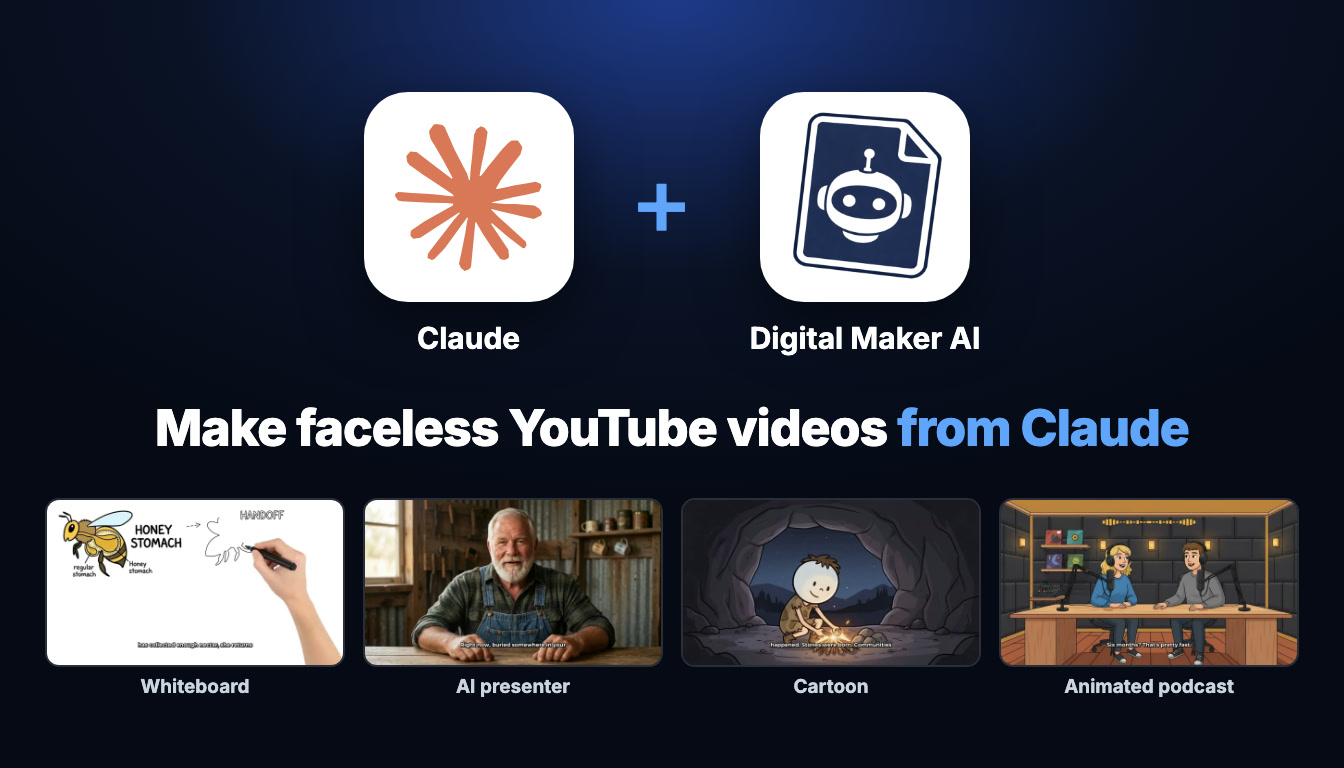
If you want to make cartoon YouTube videos with Claude, you are in the right place. This guide walks through everything you need: connecting Claude to Digital Maker AI in about a minute, choosing the Animated or Cartoon visual style, building a recurring character who anchors every episode, and scheduling finished videos straight to YouTube, all by typing requests in a Claude chat. By the end you will have a repeatable workflow for growing a cartoon faceless channel without touching a video editor.
What Connecting Claude to Digital Maker AI Actually Means
When you connect Claude to Digital Maker AI, Claude gains access to the platform's tools through MCP, an open standard that lets AI assistants talk to external services. This means Claude can research niches, create characters, build videos and post them, but everything happens inside your own Digital Maker AI account. Your plan, your monthly video minutes and your saved library are all used exactly as they would be if you were clicking through the web app yourself. Finished videos land in your Digital Maker AI library with a link you can open, download or post from. Claude is the conversational front end; Digital Maker AI does the building.
The connection URL takes the form digitalmaker.ai/mcp/YOUR_KEY in plain text. Nothing is shared publicly and no video starts without you asking for it directly. Claude states the minute cost before it begins any video, so you always know what you are spending before you confirm.
Setting Up the Connection in About a Minute
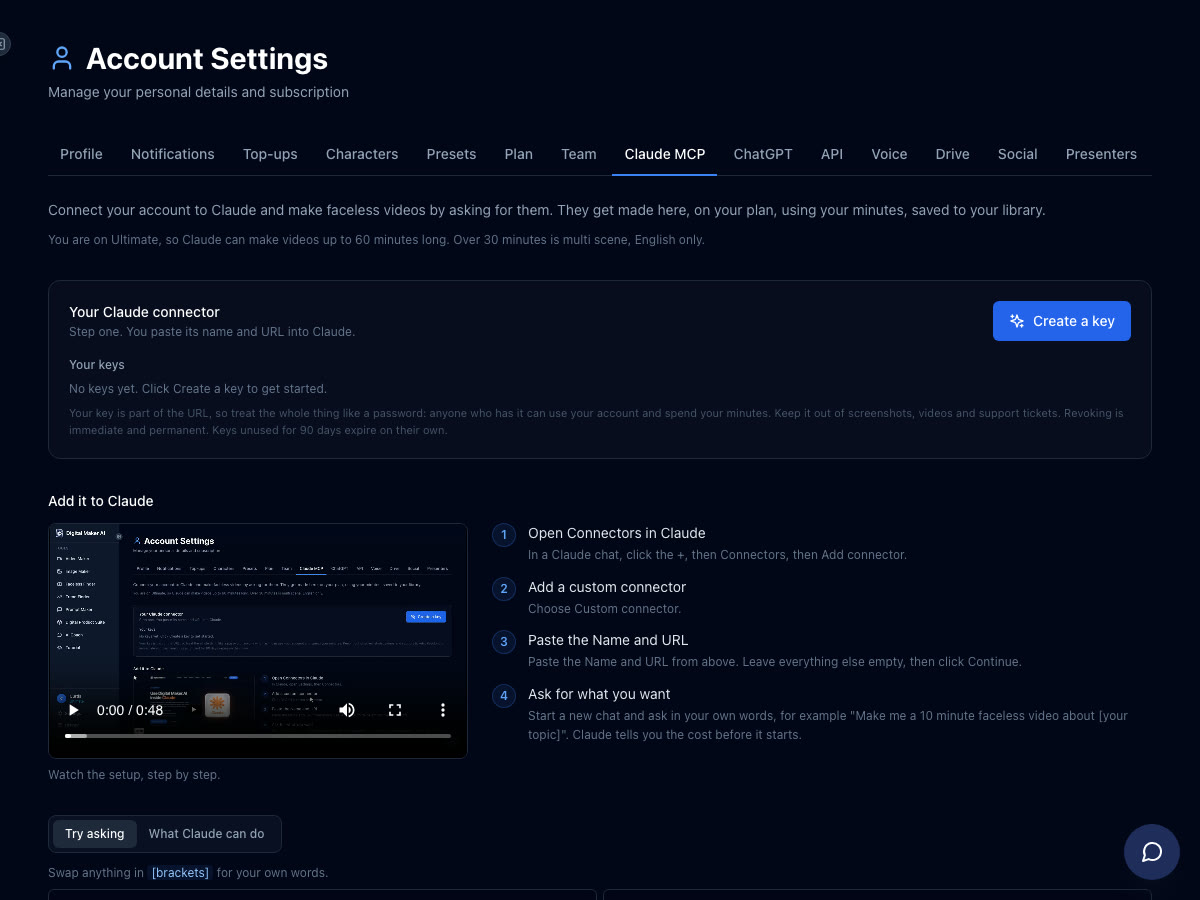
The setup lives in Account Settings under the Claude MCP tab. Here are the four steps:
- In Digital Maker AI open Account Settings, then the Claude MCP tab, and click Create a key. You get a Name and a URL.
- In a Claude chat click the + icon, then Connectors, then Add connector, then Custom connector.
- Paste the Name and URL into the fields, leave everything else empty, and click Continue.
- Start a new chat and ask in your own words. Claude will confirm the minute cost before it starts any video.
Once connected, you can also read about everything Claude can do with the platform on the Digital Maker AI Claude page. If you prefer to work inside ChatGPT or an autonomous agent instead, the same MCP connector powers those too.
The Cartoon Format: What It Looks Like and Why It Works on YouTube
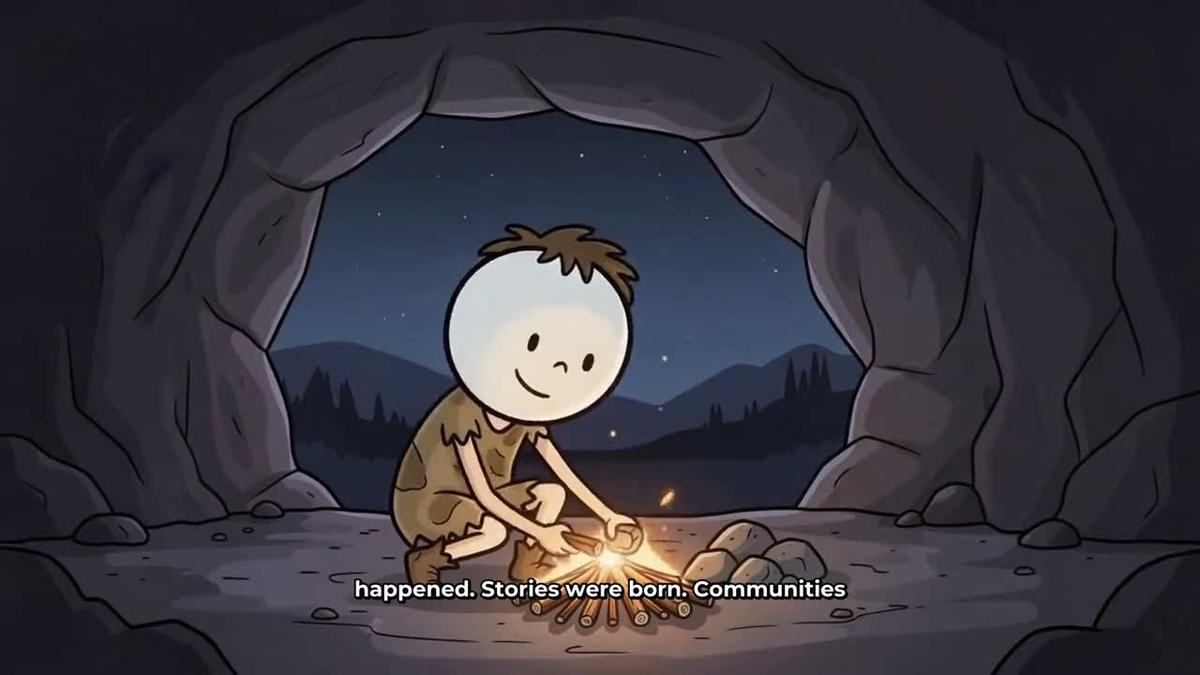
The Animated or Cartoon visual style in Digital Maker AI produces illustrated, cartoon-looking still scenes for every scene in your video. Each scene is a unique AI-generated image held on screen while the narration plays, with optional slow zoom or pan motion effects and an optional film grain look. This is not moving cartoon animation in the traditional sense; it is a polished illustrated style that gives your channel a consistent, recognisable look that stands out against the sea of stock-photo faceless channels.
Cartoon-style faceless channels work especially well in niches like personal finance, history, psychology, stoicism and self-improvement, because the illustrated aesthetic feels warm and approachable rather than clinical. Viewers associate it with storytelling, which keeps watch time high.
Make Cartoon YouTube Videos with Claude: The Recurring Character Workflow
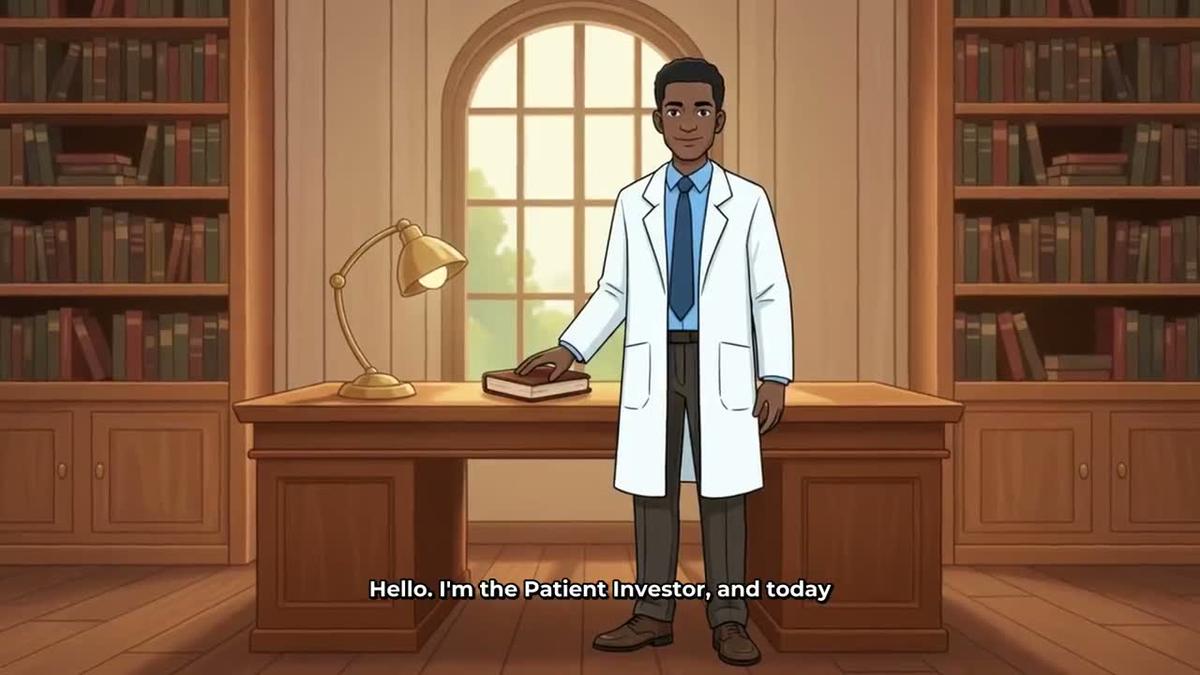
The feature that turns a cartoon channel into a real brand is the recurring character. On Premium and Ultimate plans you can upload or build a character image, save it to your account (up to ten characters), and the same illustrated figure is drawn into the scenes of every video you make. Viewers begin to recognise the character the way they recognise a podcast host, which builds loyalty and drives subscriptions. You can read more about how this works on the recurring characters page.
Here is how a full cartoon channel workflow looks when you run it through Claude.
Step 1: Research the Niche
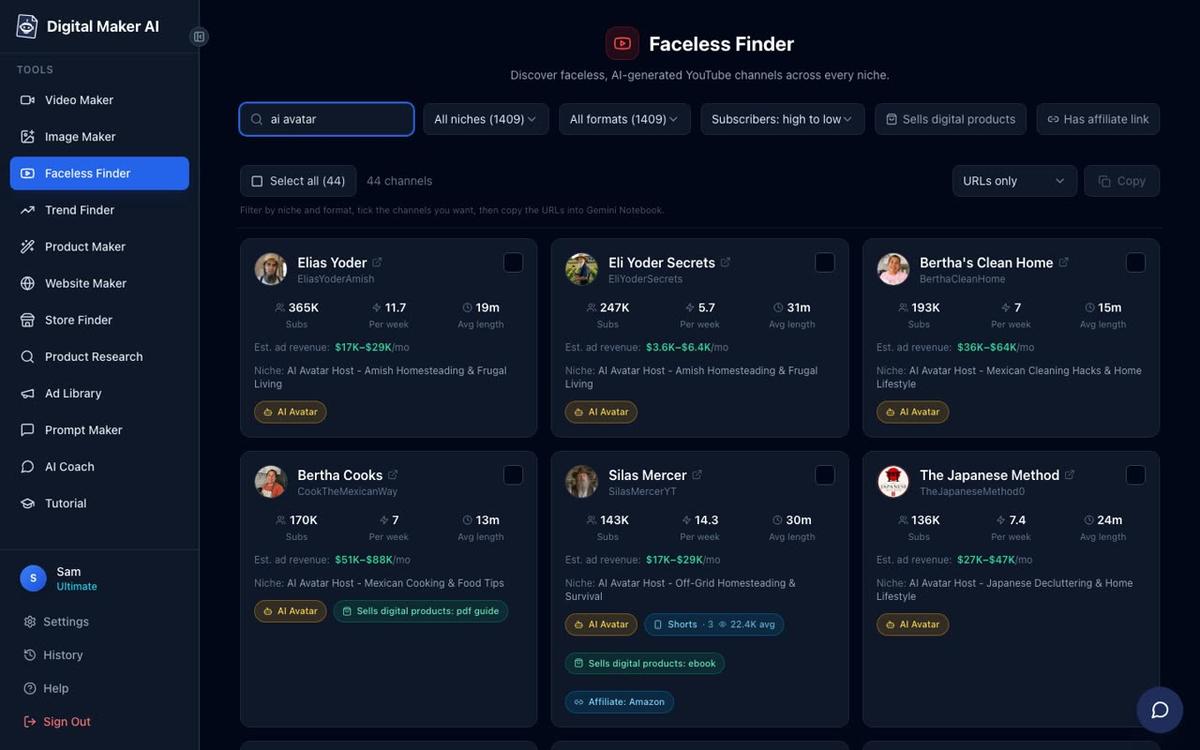
Before building anything, ask Claude to use the Faceless Finder to scout the landscape:
"Research cartoon faceless channels in the finance niche and show me their subscriber counts, upload frequency and estimated monthly ad revenue."
The Faceless Finder is a searchable list of confirmed faceless YouTube channels available to every signed-in account, including Free. It shows subscribers, uploads per week, average video length and an estimated monthly ad revenue figure based on recent views and typical ad rates for the niche. It is a rough guide, not the channel's real earnings, but it is enough to spot which sub-niches are active and what video length the audience expects.
Step 2: Create the Recurring Character
Once you know your niche, create the character who will front every video:
"Create a recurring character called The Patient Investor, a calm man in a white coat in a library setting."
Claude passes this description to Digital Maker AI, which builds and saves the character to your account. From that point on, every cartoon video you ask Claude to make can feature The Patient Investor in every scene, drawn fresh but consistent each time.
Step 3: Make the Video
Now ask for the first episode:
"Make a 10-minute cartoon video about compound interest featuring The Patient Investor, with the Animated or Cartoon visual style, a calm narration voice and background music."
Before it starts, Claude states exactly how many minutes this will use from your monthly pool. You confirm, and it begins. Digital Maker AI writes the script, generates an illustrated scene image for every scene with The Patient Investor drawn in, adds AI narration and captions, and returns a finished MP4 to your library. A 10-minute video takes some time to build; you will get a link when it is ready.
The cartoon video maker page has more on how the style and character options work together.
Step 4: Post to YouTube and Schedule a Short
On Premium and Ultimate you can post directly from Digital Maker AI to YouTube, TikTok and Instagram after connecting your accounts once in Account Settings. Ask Claude:
"Post the finished video to YouTube and schedule a Short for tomorrow at 9am."
Nothing goes live automatically. Claude triggers the post only when you ask, and every upload is labelled as AI generated. Free and Pro users download the MP4 and upload it themselves.
Other Formats You Can Ask Claude to Make
The cartoon style is the focus here, but Claude can build every other format Digital Maker AI supports. Here is a quick look at each one with an example request.
Whiteboard Animation
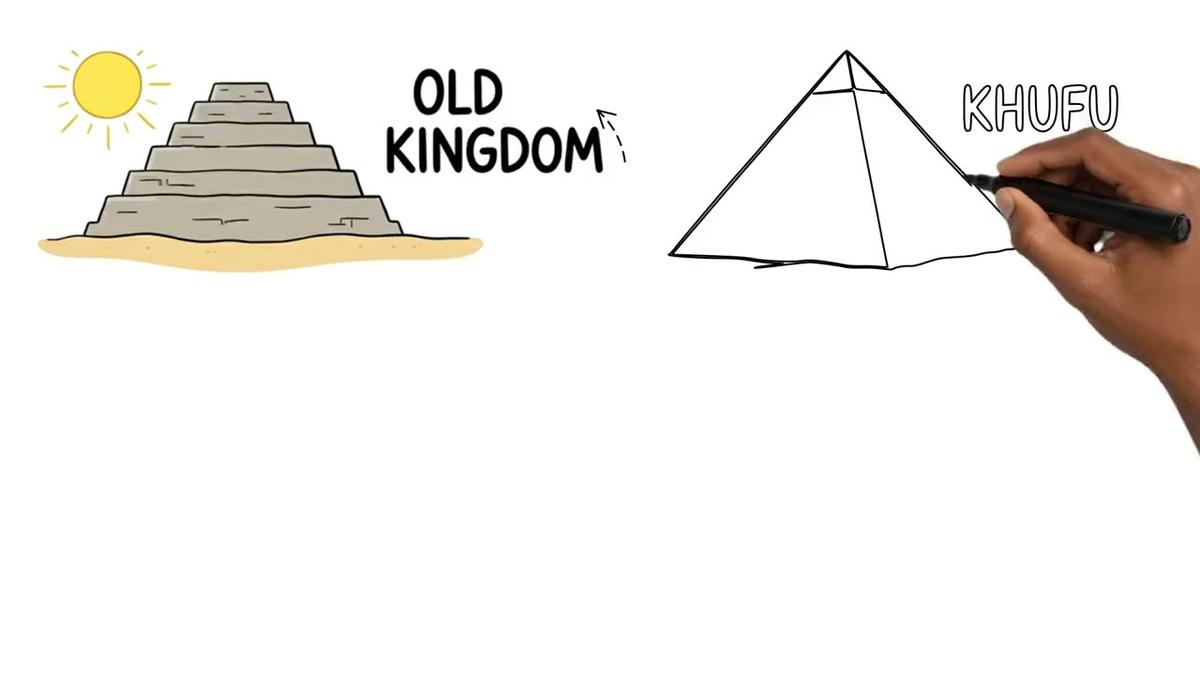
Hand-drawn sketches that draw themselves on screen, ideal for explainer content. Available on Premium and Ultimate.
"Make a 10-minute whiteboard animation explaining the history of the stock market."
You can choose a drawing hand style (none, light, brown or dark) and pick between the classic style and the Storyboards style. The whiteboard animation page covers the full options. Note that recurring characters and AI presenters are not available on whiteboard videos.
AI Presenter Videos
A talking AI avatar who speaks the script on screen, inside a landscape Multi Scene video. You describe the presenter in a sentence or two and the platform draws a photoreal image of them. Premium and Ultimate only.
"Create an AI presenter called Marcus, a confident man in his forties in a modern office, and use him in a Split screen layout for my next finance video."
The presenter can appear full screen, split screen with the scene beside them, or in a corner circle over the scene. A slider controls how much of the video they appear in. See the AI presenter video page for the full layout details.
Animated Podcast
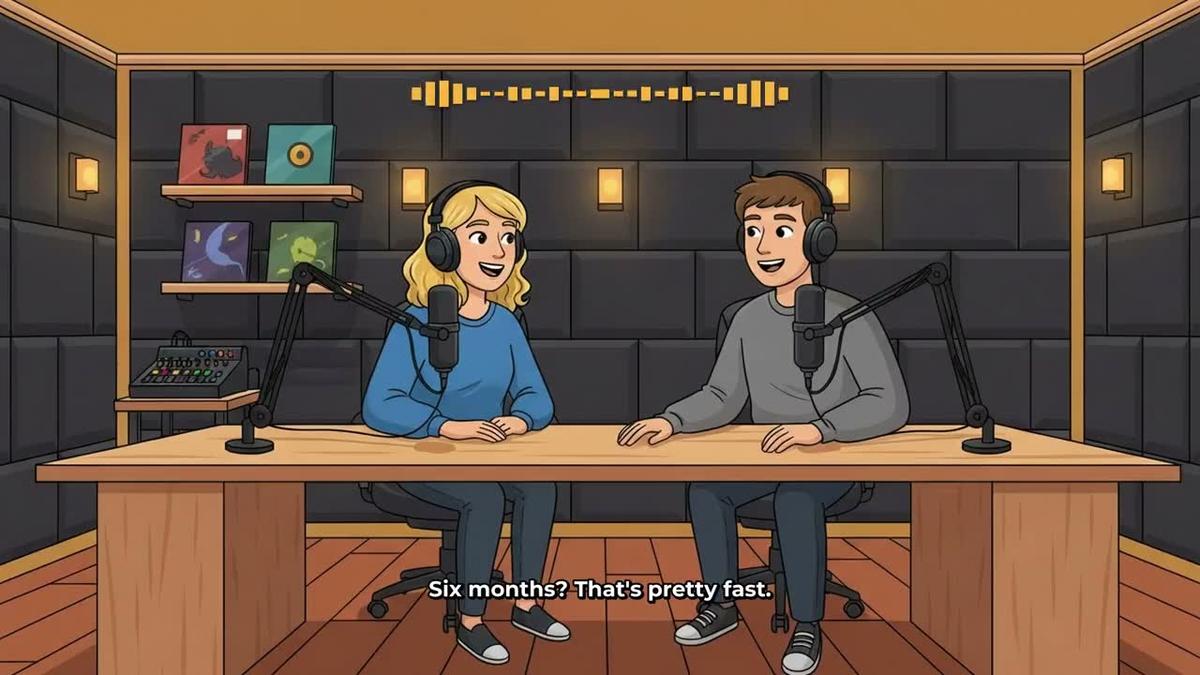
Two AI hosts in an animated studio scene talk through a topic in two different voices, with captions and animated sound bars. Shows are saved so every new episode reuses the same hosts, voices and studio automatically.
"Record a new episode of The Compound Effect podcast about dollar-cost averaging, 20 minutes long, conversational tone."
The animated podcast page has more on setting up hosts and studios.
Shorts
Vertical 9:16 clips from 15 to 60 seconds, a new image every few seconds with narration and bold captions. Each Short costs a flat one minute from your pool.
"Make a 30-second Short teasing the compound interest video, same cartoon style, post it to YouTube Shorts tomorrow at 9am."
More on the format is on the YouTube Shorts generator page.
Research, Thumbnails and Staying Organised
Claude can do more than make videos. Here are a few extra requests worth knowing about:
- Check your minutes: "How many video minutes do I have left this month?" Works on any plan.
- Generate a thumbnail: "Make a YouTube thumbnail for The Patient Investor compound interest video." Claude uses the Image Maker tool in your account.
- List your characters: "Show me the recurring characters saved to my account." Useful when you have several series running.
- Research a trend: "Use the Faceless Finder to find the top stoicism channels and their upload frequency." Works on Pro and above.
- Save to Google Drive: "Save the finished compound interest video to my Google Drive." Works on any connected plan.
For a broader look at what you can build with AI agents, the post Can You Make YouTube Videos Inside ChatGPT or Claude? covers the full picture across both platforms.
Plan Requirements at a Glance
It is worth knowing which features need which plan before you start, so there are no surprises when Claude quotes the cost:
- Free: through Claude you can check your account and save to Google Drive. The five free videos (one of each type, watermarked) and the Faceless Finder are used on the website.
- Pro: Faceless Finder research, thumbnails and images, creating characters and trend research through Claude. Videos, podcasts, presenters and posting need Premium or above.
- Premium and Ultimate: Full cartoon videos with recurring characters, AI presenter videos, animated podcasts, Shorts, whiteboard animation, and posting to YouTube, TikTok and Instagram, now or scheduled. Maximum video length is 30 minutes on Premium and 60 on Ultimate.
Check the pricing page for the current plans and minute pools before you start.
Tips for Growing a Cartoon Channel with Claude
- Name your character carefully. The Patient Investor, The Stoic Scholar, The History Hunter: a strong name makes the character feel like a real host and gives viewers a reason to subscribe for the next episode.
- Batch your requests. Ask Claude to plan a month of episodes in one conversation, then make them one by one. You can schedule each upload while the next video is building.
- Use the Faceless Finder before every new series. Check what video lengths and upload frequencies the top channels in your niche use, then match or beat them.
- Pair a Short with every long video. Ask Claude to make a 30-second teaser Short right after the main video and schedule it for the day before the full upload. It costs one minute from your pool and drives traffic to the main video.
- Regenerate scenes you are not happy with. After a video is made, you get ten free scene regenerations. Ask Claude to flag any scenes that look off, or regenerate them yourself in the library.
- Keep your character description consistent. When you create a new video, reference the saved character by name. Claude will pull the saved version so the illustration stays consistent across every episode.
Ready to build your first cartoon series? Start with the free course at digitalmaker.ai/free-course, which covers the full faceless video workflow from niche research to your first upload, and then connect Claude to take the whole process into a single chat window.
Alex Stevens: Alex Stevens writes for the Digital Maker AI team about faceless YouTube channels, AI presenters and AI video tools.