How to Create Logo Concepts with AI
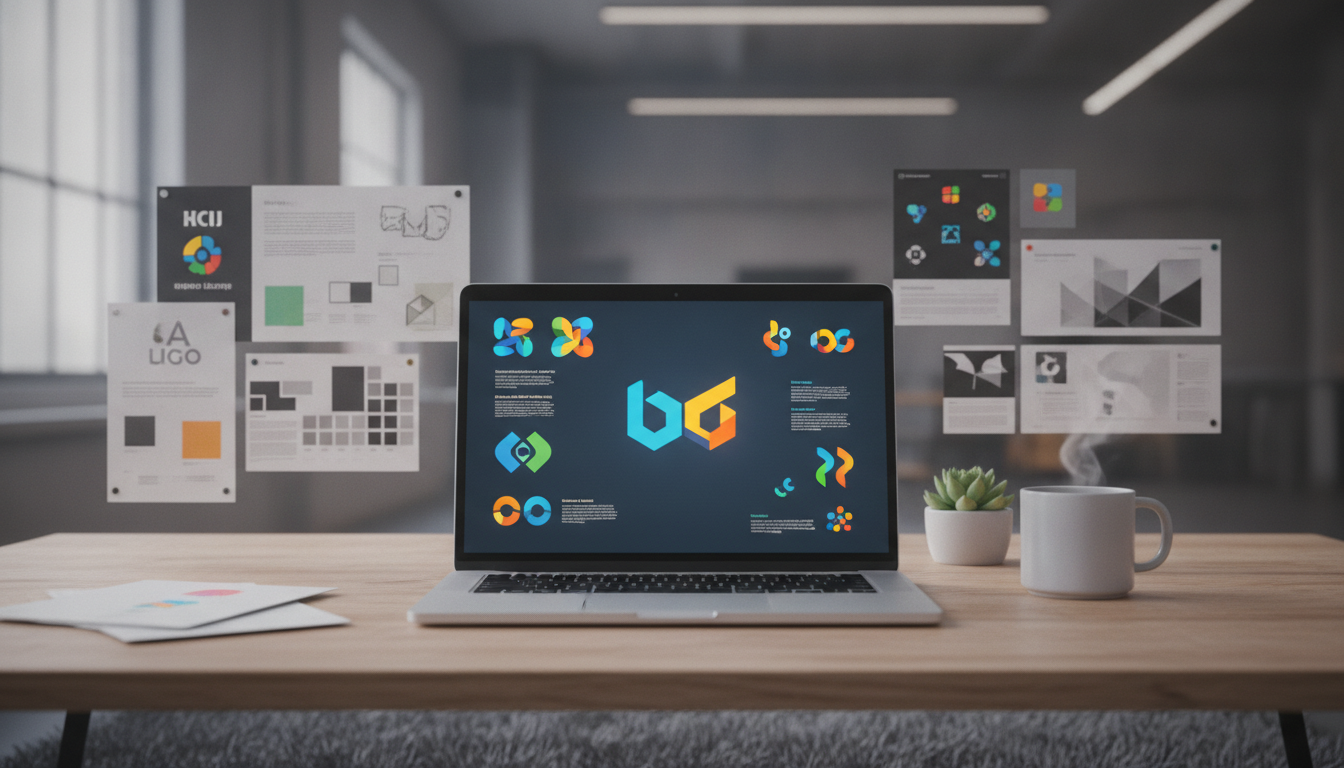
Why AI Logo Concepts Are Changing the Design Game
Whether you are launching a new brand, building a digital product, or starting a side hustle, your logo is one of the first things people notice. The problem? Professional logo design has traditionally been expensive and time-consuming. That is where AI logo concepts come in. With the rise of AI-powered creative tools, anyone can now generate polished, professional logo ideas in a matter of minutes, no design degree required. Digital Maker AI is at the forefront of this shift, giving creators and entrepreneurs the tools they need to bring their brand vision to life faster than ever before.
What Makes AI Logo Concepts Different from Traditional Design
Traditional logo design usually involves hiring a freelance designer, going back and forth on revisions, and waiting days or even weeks for a final result. The cost can range from a few hundred to several thousand dollars depending on the designer's experience. AI-powered design tools flip this process entirely.
With AI, you describe what you want, and within seconds you receive multiple visual interpretations of your brand identity. You can explore dozens of different styles, color palettes, and icon approaches before committing to a direction. This makes AI logo concepts incredibly valuable for the early stages of branding when you are still figuring out what feels right for your business.
According to 99designs, a great logo should be simple, memorable, and versatile. AI tools help you rapidly prototype concepts that hit all three of those marks without the overhead of a full design project.
How to Generate AI Logo Concepts with the Image Maker Feature
One of the most powerful tools available on Digital Maker AI is the Image Maker feature. This tool uses advanced AI image generation to help you create visual assets, including logo concepts, based on simple text prompts. Here is a step-by-step breakdown of how to use it effectively.
Step 1: Define Your Brand Identity First
Before you type a single word into the Image Maker, spend a few minutes thinking about your brand. Ask yourself these questions:
- What industry or niche am I in?
- What feeling do I want my logo to convey, bold, playful, elegant, minimal?
- Who is my target audience?
- Are there any colors or symbols that represent my brand values?
Having clear answers to these questions will help you write much better prompts and get stronger results from the AI.
Step 2: Write a Strong Image Prompt
The quality of your AI logo concept depends heavily on the quality of your prompt. Think of your prompt as a creative brief for the AI. Be specific and descriptive. Here are some examples of effective logo prompts you can adapt:
- Minimalist style: "A clean minimalist logo for a wellness brand called 'Bloom', using soft green and white tones, featuring an abstract leaf icon, modern sans-serif typography"
- Bold and energetic: "A bold logo for a fitness app called 'Peak', using deep red and black, featuring a mountain peak icon with strong geometric lines"
- Playful and fun: "A fun cartoon-style logo for a children's tutoring service called 'Bright Minds', featuring a smiling pencil character, bright yellow and blue colors"
The more detail you include about style, colors, fonts, and symbols, the more targeted and useful your results will be.
Step 3: Generate and Iterate
Once you submit your prompt to the Image Maker, you will get a set of visual results to review. Do not stop at the first batch. Experiment with variations by tweaking your prompt. Try adjusting the style descriptor, swapping color combinations, or changing the icon description. This iterative process is one of the biggest advantages of using AI, you can explore creative directions in minutes that would take a designer hours.
Step 4: Refine and Select Your Best Concept
After generating several rounds of AI logo concepts, narrow down your favorites. Look for the designs that best capture your brand personality and would work well across different formats, a website header, a social media profile picture, a product label, or a business card. Once you have a strong concept, you can use it as a creative brief for further refinement or take it into a vector editing tool to finalize the design.
Tips for Getting the Best AI Logo Concepts Every Time
Here are some practical tips to get the most out of every session with the Image Maker feature on Digital Maker AI:
- Use style references: Include style descriptors like "flat design", "vintage badge", "line art", "3D render", or "hand-drawn" to steer the AI toward a specific aesthetic.
- Specify what to avoid: If there are elements you do not want, like gradients, drop shadows, or overly complex illustrations, say so in your prompt.
- Think about scalability: Logos need to look great at small sizes. Prompt for designs that are simple and iconic rather than overly detailed.
- Explore color psychology: Different colors communicate different things. Blue signals trust, red signals energy, green signals growth. Be intentional with your color choices in the prompt.
- Generate in batches: Run multiple prompt variations in one session to get a wide range of creative directions to choose from.
- Save everything: Even concepts you do not immediately love might spark ideas later. Download and organize your results as you go.
Who Should Use AI Logo Concepts?
AI logo generation is not just for tech-savvy designers. It is genuinely useful for a wide range of people, including:
- Entrepreneurs and solopreneurs who need a professional brand identity on a tight budget
- Content creators building a personal brand for YouTube, podcasts, or social media
- Digital product sellers who need a logo for their Etsy shop, online course, or eBook brand
- Small business owners looking for fast, affordable branding options
- Freelancers and marketers who want to quickly mock up logo ideas for client presentations
If you fall into any of these categories, experimenting with AI logo concepts is absolutely worth your time. You will be surprised how polished the results can be, especially when you pair a great prompt with the right tool.
From Concept to Complete Brand Identity
A logo is just the starting point of your brand identity. Once you have a concept you love, you can use that same visual direction to create social media graphics, product mockups, presentation templates, and more, all inside Digital Maker AI. The Image Maker feature is built to support your full creative workflow, not just individual one-off designs.
If you are serious about learning how to use AI tools to build digital products and grow an online business, the free course at Digital Maker AI is the perfect place to start. It walks you through the fundamentals of AI-powered creation so you can hit the ground running with tools like the Image Maker from day one.
You can also check out Digital Maker AI's pricing plans to find the right option for your needs, whether you are just getting started or ready to scale up your creative output.
Start Exploring AI Logo Concepts Today
There has never been a better time to experiment with AI-powered branding. The barrier to great design has dropped dramatically, and tools like the Image Maker on Digital Maker AI make it genuinely fun and fast to explore creative ideas. Whether you are building your first brand or refreshing an existing one, AI logo concepts give you the freedom to experiment without the pressure of a big budget or a tight deadline. Jump in, start prompting, and see what your brand could look like.