AI Presenter Plus Generated Scenes in One Tool: How It Works
By Alex Stevens
Ask how to make a video where an AI presenter talks to the camera and the video cuts to matching scenes, and the usual answer is a stack of tools: an avatar platform for the presenter, an image or video generator for the scenes, a voice tool, and an editor to put it all together. It works, but you spend your time lining up clips instead of making videos.
Digital Maker AI does both halves in one place. You give it a topic, and the finished video has the script, a scene for every beat, the voiceover, captions and your AI presenter, already cut together.

Step 1: create your presenter
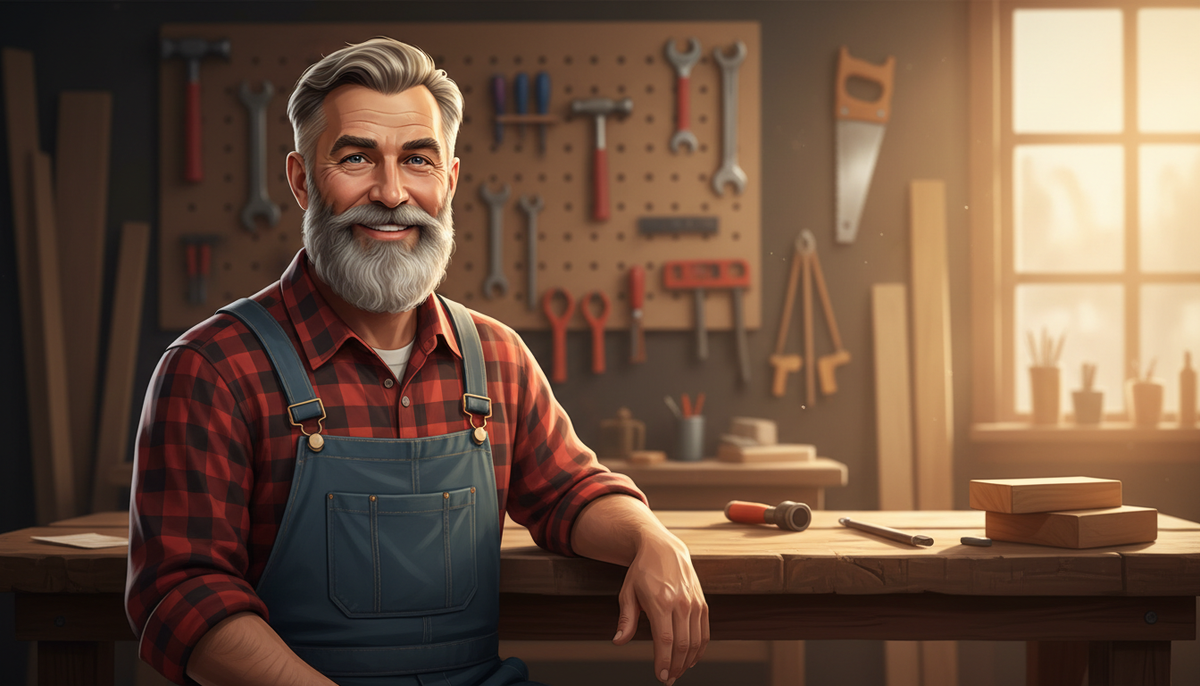
In Account Settings, under Presenters, describe who your presenter is and where they sit, in a sentence or two. The AI draws a photoreal picture; you can redraw it or change one detail, such as the background or outfit, until it looks right, then save it. You can keep up to five presenters and reuse them in every video.
Step 2: make the video as normal
In the Video Maker, give it a topic or paste your own script, pick a visual style and a voice, and choose your presenter. The presenter speaks with the same voice as the narration, lip-synced, with captions.
Step 3: choose how the presenter and scenes mix
This is the part a separate avatar tool cannot do for you. Tick one, some or all of three layouts, and the video rotates through them:
- Full screen: the presenter fills the frame
- Split screen: presenter on one side, the generated scene on the other
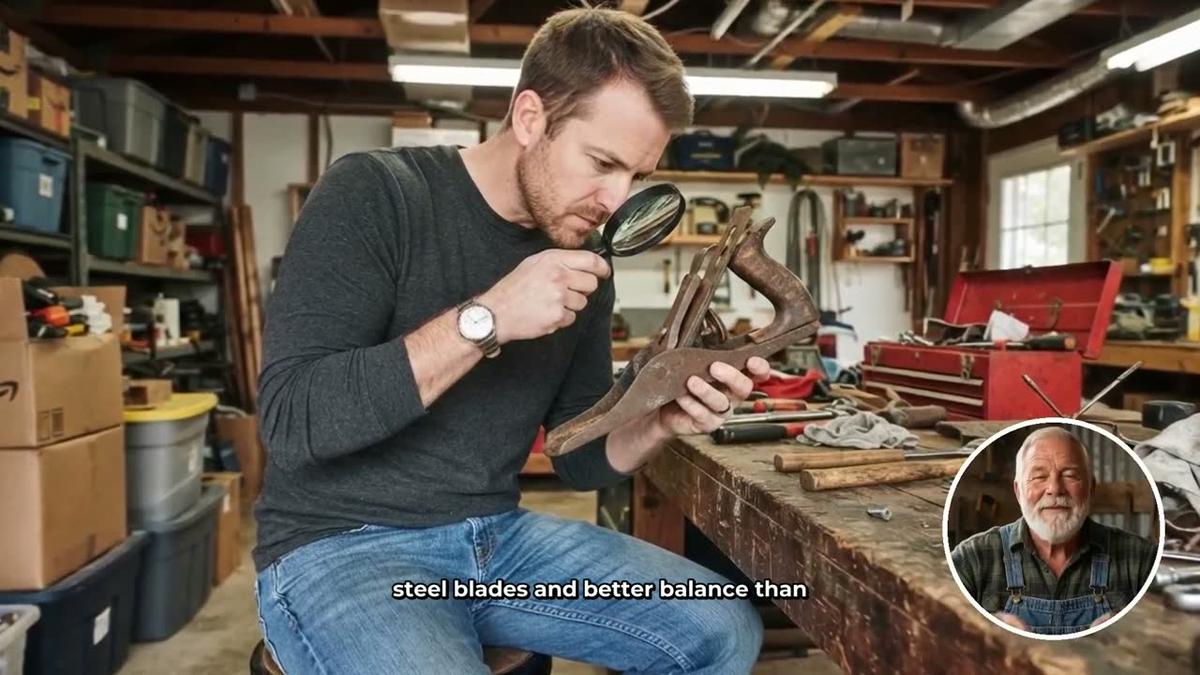
- Corner circle: the scene fills the frame and the presenter sits in a round window in the corner
A slider sets how much of the video the presenter is on screen, from 5 percent to all of it, and markers on a timeline set where they appear, for example at the start, middle and end. The rest of the time, the video shows its AI-generated scenes. Your presenter can even be drawn into the scene pictures as the recurring character.
What it costs to run
Presenter time is counted separately from video minutes, as avatar time. A video only uses the seconds your presenter is actually on screen, and making a new presenter uses 30 seconds. Premium and Ultimate both include some avatar time to start, Ultimate adds more every month, and Avatar Packs top it up. See the pricing page for the current amounts.
Where it fits, and where it does not
- It is built for landscape YouTube videos in English, made with the Multi Scene format.
- It is not available on Shorts, Single Scene or whiteboard videos.
- The presenter is drawn by AI from your description; it is not a digital twin filmed from your own face.
If you need a corporate presenter speaking dozens of languages, a dedicated avatar studio is still the better fit. If you want a YouTube video where a host guides viewers through generated scenes, without stitching tools together, one tool is simpler.
Frequently asked questions
Which plans include AI presenters?
Premium and Ultimate. See AI presenter videos for real examples.
Can the presenter be in only part of the video?
Yes. You set how much of the video they are on screen and where they appear; the rest is generated scenes.
Can I make these videos from ChatGPT or Claude?
Yes. With the connector you can ask for a video with one of your presenters, or ask it to draw a new one. See making videos inside Claude.
Alex Stevens: Alex Stevens writes for the Digital Maker AI team about faceless YouTube channels, AI presenters and AI video tools.