HeyGen vs Digital Maker AI: Avatars or Faceless Scenes?
HeyGen vs Digital Maker AI: the short answer
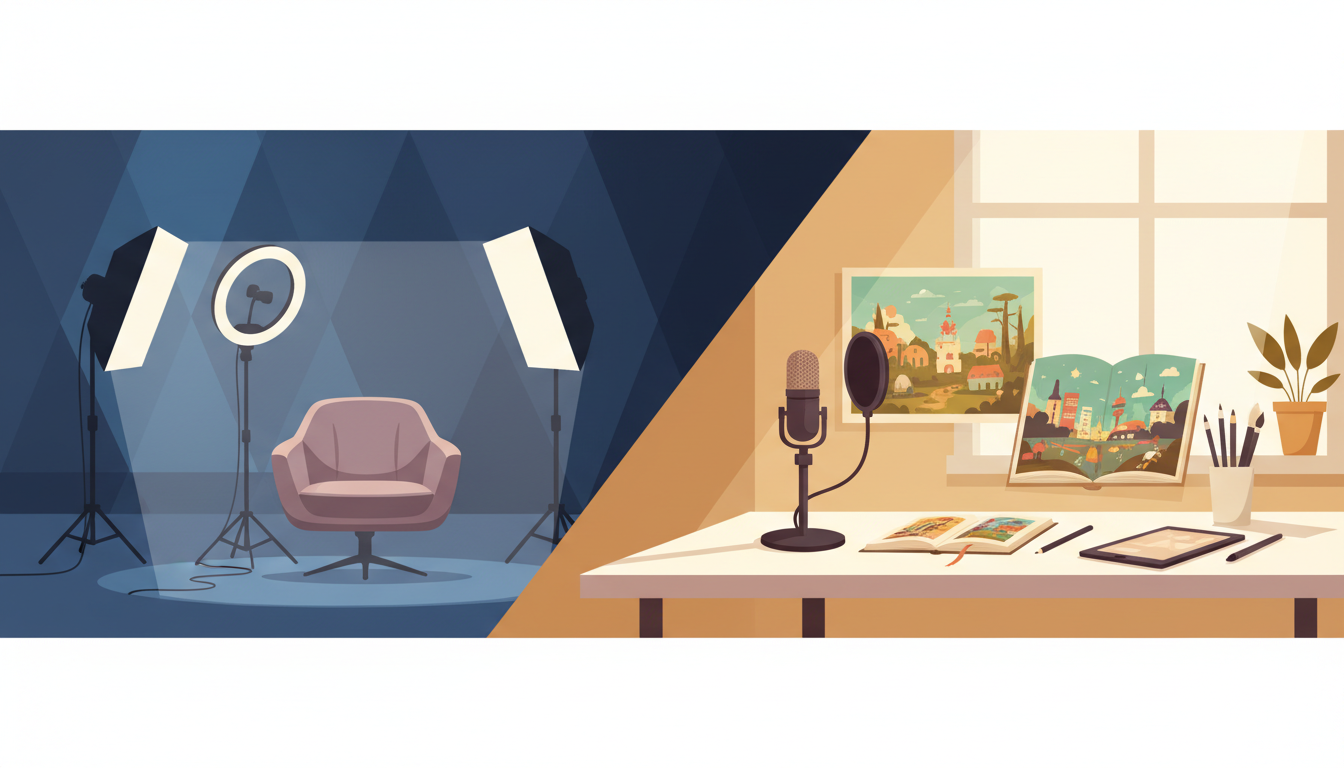
If you want a realistic AI presenter speaking directly to camera, HeyGen wins. If you want a fully faceless YouTube video where AI writes the script, generates scene images and adds narration automatically, Digital Maker AI wins. The comparison of HeyGen vs Digital Maker AI is really a question of format: avatar-led video versus scene-based faceless video. They solve different problems, and picking the wrong one means paying for features you will never use.
To judge these two tools fairly, this article focuses on one criterion: which tool is better for building a faceless YouTube channel at scale? That means looking at how much of the production process each tool handles end to end, what the output actually looks like, and what you pay per month. Where HeyGen genuinely leads, this article says so. Where Digital Maker AI leads, it explains why specifically rather than just enthusiastically.
How this comparison was judged
The criterion is end-to-end faceless video production for YouTube. That covers script writing, visual generation, narration, subtitles, and a finished file ready to upload, all without the creator appearing on camera. Both tools were researched using current third-party sources and their own published information. Pricing figures are stated with a date qualifier because AI tool pricing changes frequently. Neither tool is declared a winner overall: each is the right choice for a specific creator type.
HeyGen: best for avatar-led and presenter-style video
HeyGen is an AI avatar video generator. You write a script, choose from a library of photorealistic AI avatars, and the platform renders a video of that avatar speaking your script with lip-synced audio. The company states that its Avatar V model, launched in May 2026, delivers "unmatched realism and identity consistency" from a 15-second recording. You can also create a custom avatar from your own footage, translate videos into more than 175 languages, and clone a voice so the avatar speaks in your tone. Third-party reviewers note that HeyGen also includes timeline editing, B-roll support, and music, making it closer to a full production suite for presenter-format content.
HeyGen is not a faceless video tool in the traditional sense. The whole product is built around a visible presenter, whether that is a stock AI avatar or a digital twin of yourself. If you want a video where no face appears and narration plays over illustrated or photographic scenes, HeyGen is not designed for that workflow.
HeyGen pricing (as of September 2026): The free plan allows three videos per month with a watermark. The Creator plan is reported by multiple third-party sources at $29 per month, with unlimited video creation and a monthly credit allowance. A Pro tier is also available, with third-party sources reporting it starting from around $49 per month for higher credit volumes and 4K export. The Business plan runs at $149 per month plus $20 per seat and adds up to 60-minute video lengths, custom avatars, and team collaboration. Enterprise pricing is custom. Note that HeyGen runs on a credit system: advanced avatar quality (Avatar IV and V) consumes credits per minute, so the effective monthly output depends on which features you use. Check HeyGen's pricing page for the current credit rates, as these have changed during 2026.
Who should pick HeyGen: marketers and business owners who want a branded AI presenter for product explainers, training videos, or social content. Agencies producing multilingual video at scale. Creators who are comfortable on camera but want to scale output without re-recording. Anyone who specifically wants a talking-head format.
HeyGen vs Digital Maker AI: faceless scene video compared
This is where the HeyGen vs Digital Maker AI comparison becomes most useful for YouTube creators who want to stay off camera. Digital Maker AI's Video Maker is built entirely around the faceless format. You give it a topic, and the platform handles the full production pipeline: AI writes the script, generates a unique still image for every scene, adds AI narration with your choice of voice and pace, burns in subtitles, and delivers a finished MP4 ready to upload.
There is no avatar, no presenter, and no face anywhere in the output. The visuals are AI-generated scene images, not stock footage or screen recordings. You can choose from three formats: Multi Scene (a new image for each scene), Single Scene (one held image throughout), or Whiteboard, where hand-drawn black marker sketches draw themselves onto a white background. Seven visual styles are available, including Realistic or Everyday Visuals, Animated or Cartoon, Finance or Luxury, Space or Sci-Fi, and Minimalist or Clean. The Animated or Cartoon style produces illustrated, painterly still scenes rather than moving cartoon animation.
To keep the video from feeling static, you can enable a slow Ken Burns zoom or a gentle pan across each image, plus an optional film grain effect. Six subtitle styles are available, burned into the lower third: None, Clean, Boxed, YouTube Yellow, Bold Pop, and Minimal. Narration voices are available in English, French, Spanish, Italian, and German, with adjustable pace.
One feature that sets the Video Maker apart for channel builders is reusable characters. You can create a full-body illustrated character on a white background, save it, and call it into any scene across any video. This gives your channel a consistent visual identity without a real person ever appearing.
Digital Maker AI pricing (as of September 2026): There is a free tier. The Pro plan is $29 per month. Premium is $49 per month, which unlocks videos up to 10 minutes long. Ultimate is $99 per month, which extends the maximum video length to 30 minutes. Video minutes come from a monthly pool: one minute of pool per minute of finished video. See the full breakdown at digitalmaker.ai/pricing.
What Digital Maker AI does not do: It does not produce talking-head avatars, lip-synced presenters, or moving animated footage in long-form videos. It has no stock footage library, no B-roll clips, no timeline editor, and no manual clip trimming. You cannot clone your own voice or upload a personal voice recording. There is no auto-posting to YouTube or TikTok. If you need any of those features, HeyGen or a dedicated video editor is the better choice.
Who should pick Digital Maker AI: YouTube creators who want to build a faceless channel without appearing on camera. People who want the full production pipeline handled by AI, from script to MP4, without stitching together separate tools. Creators who want to explore what is working in the faceless space before committing, using the Faceless Finder tool to research confirmed faceless channels by niche, size, upload cadence, and estimated earnings.
Recommendations by use case
Best for faceless YouTube long-form: Digital Maker AI. The Video Maker handles the entire pipeline end to end, including script, images, narration, and subtitles. HeyGen is not built for this format.
Best for avatar-led or presenter video: HeyGen. Its Avatar V model and voice cloning are purpose-built for this. Digital Maker AI does not offer avatars or talking-head video at all.
Best for multilingual video at scale: HeyGen. The company states support for more than 175 languages with video translation built in. Digital Maker AI supports English, French, Spanish, Italian, and German for narration.
Best for short-form faceless content: Digital Maker AI on the Premium plan includes a separate Short Form Video tool for 5, 10, or 15-second AI-generated motion clips in 16:9 or 9:16, with optional voiceover. This is the only place in the platform where real moving footage is generated, and it is suited to Reels, Shorts, and TikTok ads.
Best on a budget for faceless video: Digital Maker AI. The Premium plan at $49 per month (as of September 2026) covers videos up to 10 minutes with no credit system to navigate. HeyGen's Creator plan at $29 per month uses a credit system where advanced avatar quality consumes credits quickly, which can limit effective monthly output more than the headline price suggests.
Best for digital product creators: Digital Maker AI, which also includes an Ebook Writer, Image Maker for thumbnails and banners, a Website Builder, and a Product Research and Competitor Analyzer, all under the same subscription. HeyGen is focused on video and does not offer these adjacent tools.
The bottom line on HeyGen vs Digital Maker AI
These two tools are not really competing for the same creator. HeyGen is the stronger choice if you want a photorealistic AI presenter on screen, need video translation into dozens of languages, or are producing avatar-led corporate and marketing content. Digital Maker AI is the stronger choice if you want a fully faceless YouTube channel where AI handles every step from topic to finished MP4, with no face, no avatar, and no complicated credit maths. The honest answer to HeyGen vs Digital Maker AI is: choose based on format first, then price. If you are still figuring out which faceless niche to build in, the free course at Digital Maker AI is a practical place to start before you spend a dollar on any tool.