AI Image Tools: Free vs Paid - What's the Difference?
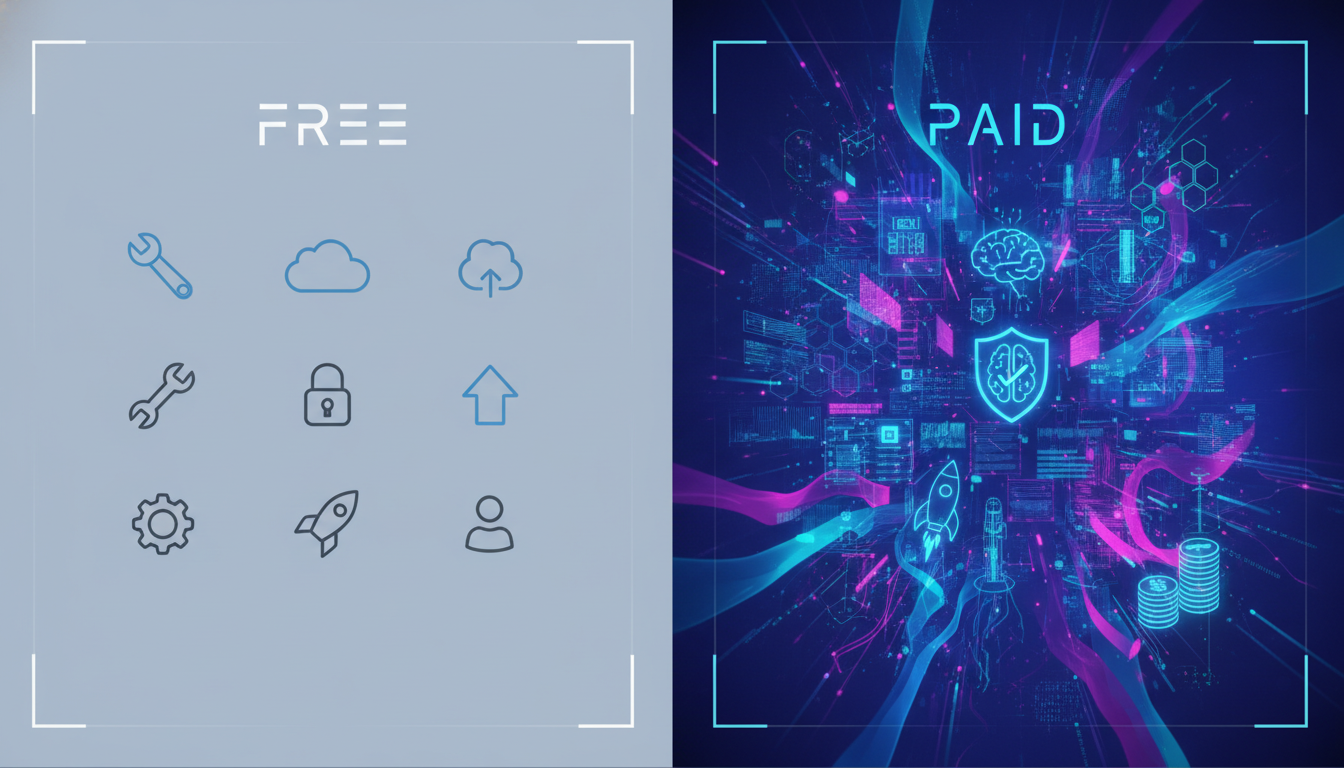
AI Image Tools Free vs Paid: Why It Matters for Digital Creators
If you've been exploring ways to create digital products, you've probably already stumbled into the world of AI image generators. And one of the first questions people ask is: should I use a free tool or pay for something better? The debate around AI image tools free vs paid is real, and the answer isn't as simple as "just go free." Depending on what you're creating, printables, digital downloads, social media assets, or product mockups, the tool you choose can make or break the quality of your output. Let's break it all down so you can make a smarter decision for your creative business.
What Free AI Image Tools Actually Give You
Free AI image tools have come a long way. Platforms like Adobe Firefly's free tier, Canva's basic AI features, and various open-source options mean you can generate decent images without spending a penny. That's genuinely exciting for beginners just getting started.
Here's what you typically get with free plans:
- Limited generations per day or month, most free tiers cap you at anywhere from 5 to 50 images before you hit a wall
- Lower resolution outputs, free tools often max out at web-friendly resolutions, which can look blurry when printed or used for product listings
- Watermarks, some free tools stamp their branding on your images, which is a dealbreaker for professional use
- Less control over style and detail, advanced prompting options, style settings, and fine-tuning are usually locked behind a paywall
- Slower generation times, free users are often placed in a slower queue while paying customers get priority processing
For someone just experimenting or building a portfolio to test ideas, free tools are a perfectly reasonable starting point. But if you're serious about selling digital products, you'll likely hit the ceiling of free tools faster than you expect.
AI Image Tools Free vs Paid: Where the Real Gap Shows Up
The difference between free and paid AI image tools isn't just about quantity, it's about quality, consistency, and commercial rights. These three factors matter enormously when you're creating products to sell online.
Quality and resolution are the most obvious gaps. Paid tools typically allow you to generate high-resolution images suitable for print-on-demand products, digital art downloads, or professional marketing materials. If you've ever tried to print a free AI-generated image and noticed pixelation or soft edges, that's the resolution ceiling doing its work.
Commercial licensing is where things get legally important. Many free AI image tools have vague or restrictive terms around commercial use. Before you list any AI-generated image for sale, you need to check the terms of service carefully. Understanding creative licensing is essential for any digital product seller. Paid plans from reputable platforms typically come with clear commercial licenses, giving you the confidence to sell your creations without legal grey areas.
Consistency is another underrated advantage of paid tools. When you're building a brand or a cohesive product line, you need images that feel like they belong together. Paid plans often give you access to style locking, custom model training, and advanced prompt controls that help you maintain a consistent visual identity across your work.
Who Should Stick With Free Tools (For Now)
Free tools absolutely have their place. Here's when they make sense:
- You're still learning how AI image prompting works and want to experiment without financial commitment
- You're creating images purely for personal use or non-commercial projects
- You're testing a niche before investing in tools to scale
- You need quick social media graphics and aren't concerned with print quality
If you're in the early learning phase, a great way to shortcut the process is to take a free course on using AI tools to create digital products, that way you'll understand what you actually need from a tool before you invest in one.
Who Should Upgrade to a Paid AI Image Tool
If any of the following sounds like you, it's time to consider a paid option:
- You're creating digital products to sell on Etsy, Gumroad, or your own store
- You need high-resolution images for print-on-demand merchandise
- You want consistent branding across multiple products or collections
- You're generating images in bulk and keep running into daily limits
- You want commercial rights clearly stated in your license
- You're spending more time working around tool limitations than actually creating
The time you waste trying to stretch a free tool beyond its limits is time not spent building your business. A paid plan often pays for itself quickly when you're generating income from your digital products.
How Digital Maker AI's Image Maker Fits Into This
This is where Digital Maker AI comes in with a genuinely practical solution. The Image Maker feature is built specifically for digital product creators, not just general-purpose image generation. That's a key distinction. Instead of wading through settings designed for graphic designers or developers, you get a tool that's been shaped around the real workflows of people creating things to sell online.
With Image Maker, you can generate product-ready visuals, design elements, and promotional graphics without needing a background in design. The interface is beginner-friendly but capable enough for creators who are scaling up. And because it's part of the Digital Maker AI platform, everything is integrated, your images, your products, your workflow, all in one place.
For creators who've been bouncing between five different free tools trying to stitch together a workflow, that kind of integration is a genuine time-saver.
Practical Tips for Choosing the Right Tool
Before you commit to any AI image tool, free or paid, run through this quick checklist:
- Check the commercial license terms, can you legally sell what you create? Look for explicit language about commercial use
- Test the resolution, generate a sample image and check if it meets the quality requirements for your intended use (print typically needs 300 DPI)
- Evaluate the generation limits, how many images do you realistically need per month? Calculate whether the free tier covers that
- Look at the output consistency, generate several images with similar prompts and see how much the style varies
- Consider what's included beyond image generation, some platforms bundle image tools with other features that add real value
You can explore what's available at different price points by checking out the Digital Maker AI pricing page to see how the plans stack up against your needs.
The Bottom Line on AI Image Tools Free vs Paid
Free AI image tools are a fantastic way to get started, experiment, and learn. But if you're building a real digital product business, the limitations of free tools will eventually slow you down. The gap between free and paid isn't just about features, it's about resolution, commercial rights, consistency, and the confidence to create and sell without restrictions.
The smartest approach? Start free to learn the ropes, then upgrade once you know what you need. And when you're ready to build a proper workflow for creating digital products with AI, Digital Maker AI and its Image Maker feature are worth a serious look. Tools designed specifically for digital product creators will always outperform generic image generators when it comes to real-world results.
If you want a head start on using AI tools to create and sell digital products, don't miss the chance to access the free course at Digital Maker AI, it's one of the best ways to get up to speed quickly and start making the most of everything these tools have to offer.