AI Avatar Channel Ideas for Off Grid and Survival Videos
By Alex Stevens
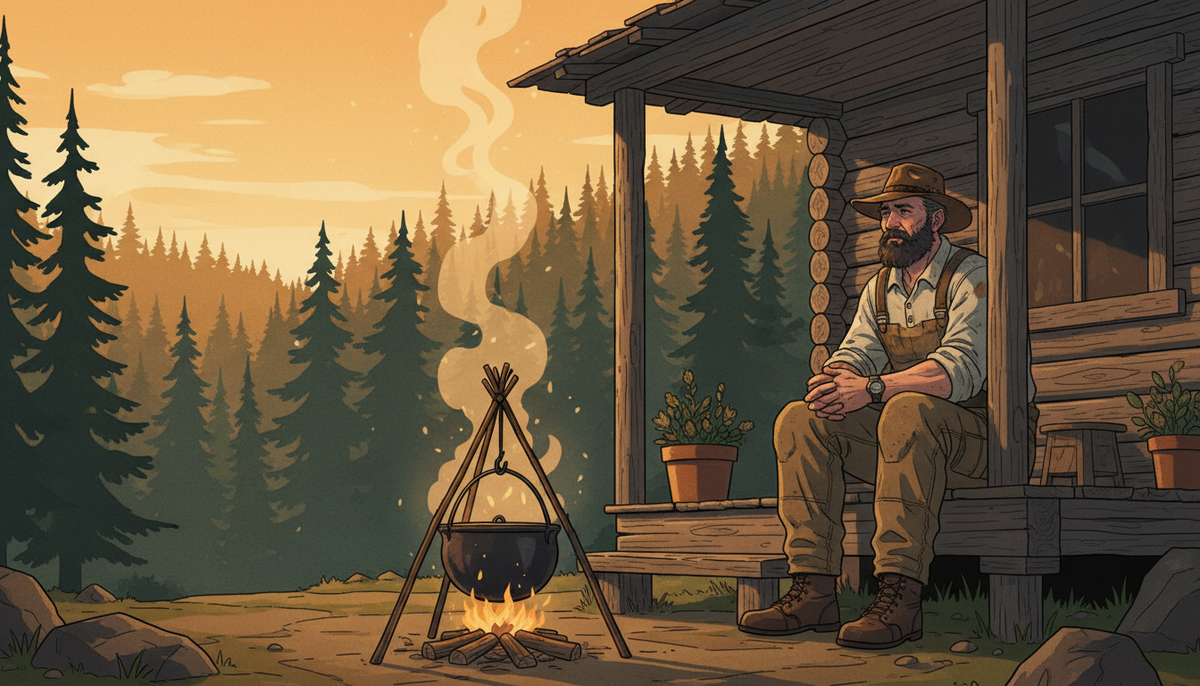
Why Off-Grid and Survival Is One of the Best Niches for an AI Avatar Channel
If you are searching for ai avatar youtube channel ideas off grid survival, you have landed in one of the most rewarding niches on the platform. Off-grid living, homesteading and wilderness survival content consistently pulls some of the highest watch times on YouTube. Viewers binge episode after episode because the topics feel urgent and practical: how do I store water for three months, how do I heat my home without a utility bill, what do I do when the grid goes down? That emotional pull translates directly into strong ad revenue, loyal subscribers and a tight community that shares videos without being asked.
The niche also suits an AI avatar format perfectly. Audiences in this space respond to a trustworthy, experienced persona rather than a polished studio presenter. A weathered outdoorsman, a seasoned homesteader or a no-nonsense prepper character fits the content naturally, and an AI-generated host can carry that persona just as convincingly as a real person on camera.
Real AI Avatar Channels Already Winning in This Niche
The Faceless Finder inside Digital Maker AI tracks confirmed faceless and AI avatar YouTube channels, showing subscriber counts, upload frequency, estimated monthly views and an estimated ad revenue range. All figures below are Digital Maker AI Faceless Finder estimates based on recent views and typical ad rates for the niche, not verified earnings from the channels themselves.
Silas Mercer is one of the standout examples in the off-grid space. With 143,000 subscribers and an estimated 2 million views a month, the channel posts around 14 videos a week and carries an estimated ad revenue of $17,000 to $29,000 a month. The host is a consistent AI-generated character with a gruff, practical persona, and every video stays tightly focused on homesteading and survival skills.
Silas Mercer Farmstead runs as a companion channel at 53,100 subscribers, posting around 15 videos a week with an estimated revenue of $5,100 to $8,900 a month. It covers gardening and homesteading from the same character angle, showing how a single AI persona can anchor more than one channel in adjacent sub-niches.
Eli Yoder Secrets takes a slightly different angle, leaning into Amish homesteading and frugal living. At 247,000 subscribers and an estimated $3,600 to $6,400 a month in ad revenue, it demonstrates that a culturally specific persona within the broader survival and self-sufficiency world can carve out a very loyal audience.
As a crossover example worth noting, Otis Granger operates in the car repair and garage tips niche but uses the same AI avatar formula: a consistent character, a tight topic focus and practical how-to content. At 29,900 subscribers the channel pulls an estimated $7,400 to $13,000 a month, proving that the avatar format works across any hands-on, practical niche.
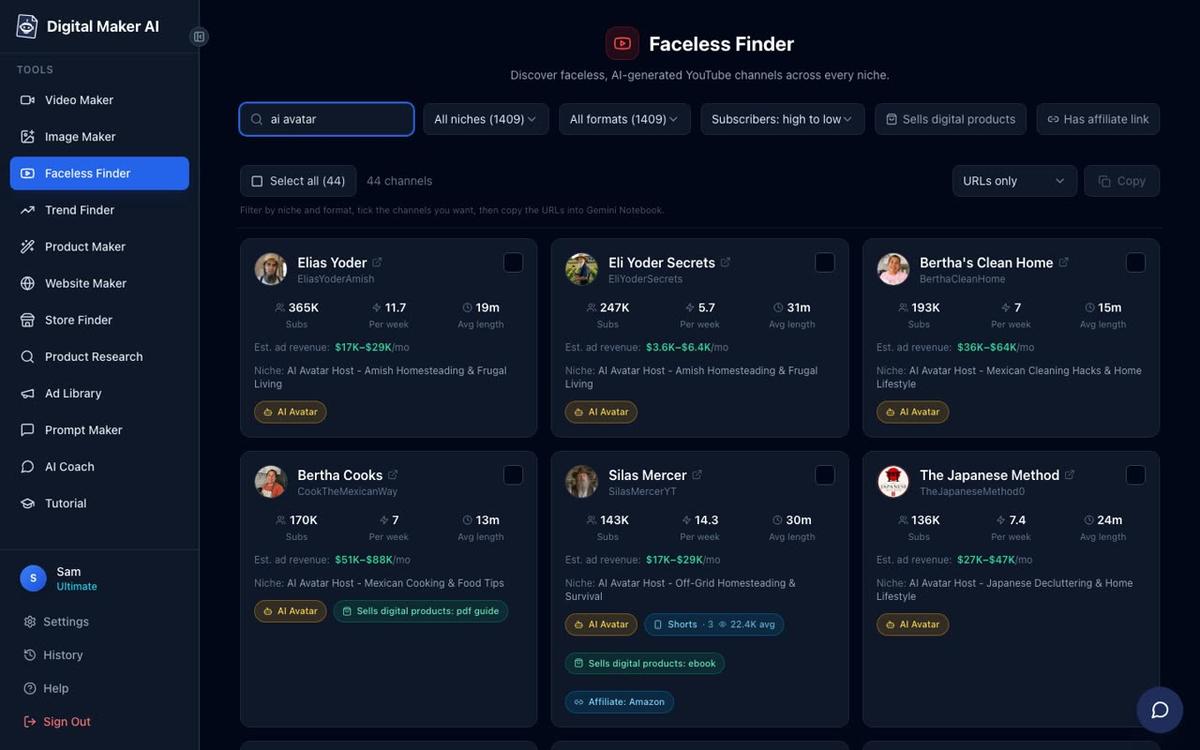
What these channels share is a clear formula: an AI-generated host with a strong, believable persona, a niche narrow enough to attract a specific audience, daily or near-daily uploads, and practical tips that viewers can act on immediately. No real person ever appears on camera.
Seven Video Ideas for Your Off-Grid Survival AI Avatar Channel
Choosing a tight content focus from the start makes it far easier to grow. Here are seven specific video ideas that perform well in this niche and that an AI presenter can deliver with real authority:
- Water storage for 90 days: How many gallons a household needs, which containers are food-safe, rotation schedules and purification basics.
- Firewood prep the right way: Choosing the right wood species, seasoning times, splitting technique, stacking for airflow and calculating how many cords you need for a winter.
- Building a winter root cellar: Location, depth, ventilation, humidity control and which vegetables store best without electricity.
- Off-grid solar basics: Panel sizing, battery bank calculations, charge controllers, inverters and the most common beginner mistakes.
- Emergency food buckets: What to pack, calorie targets, shelf life by food type, oxygen absorbers and how to rotate stock so nothing goes to waste.
- Trapping and snaring basics: Legal considerations, the most reliable trap types for small game, set placement and checking schedules.
- The natural medicine cabinet: Wildcrafted and pantry herbs for common ailments, tincture making, wound care without a pharmacy and what to always keep stocked.
Each of these topics supports a long series of follow-up videos, which is exactly what the most successful AI avatar channels exploit. One topic becomes ten episodes, and ten episodes become a catalogue that keeps earning ad revenue long after the videos are made.
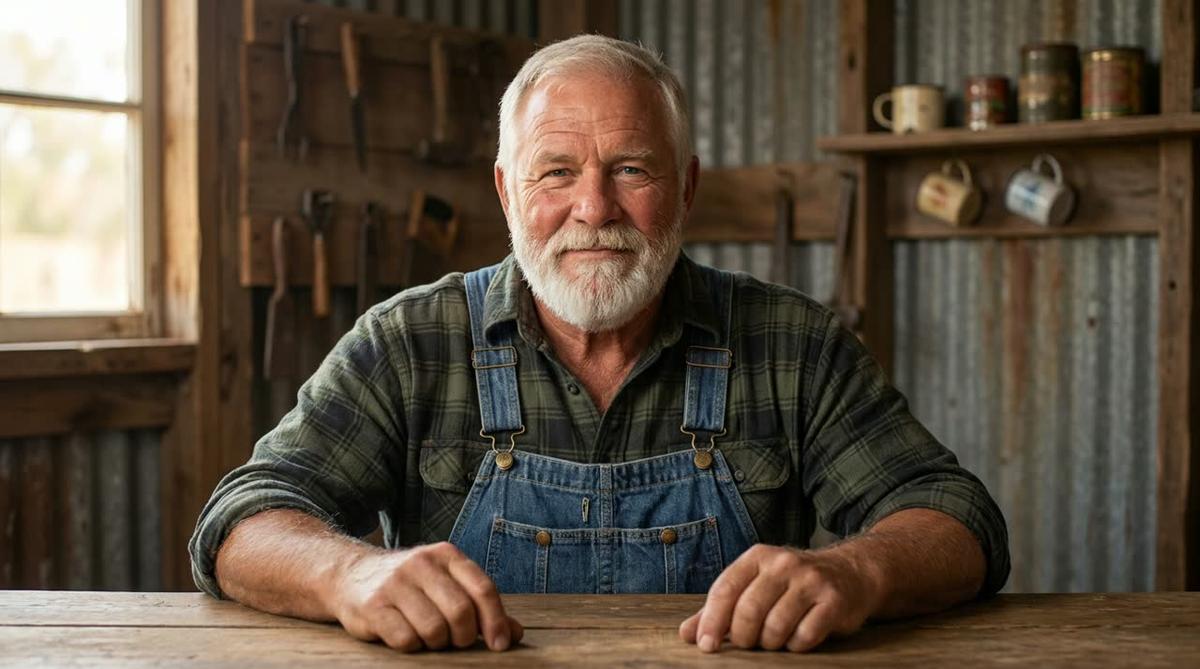
How to Build an Off-Grid Survival AI Presenter in Digital Maker AI
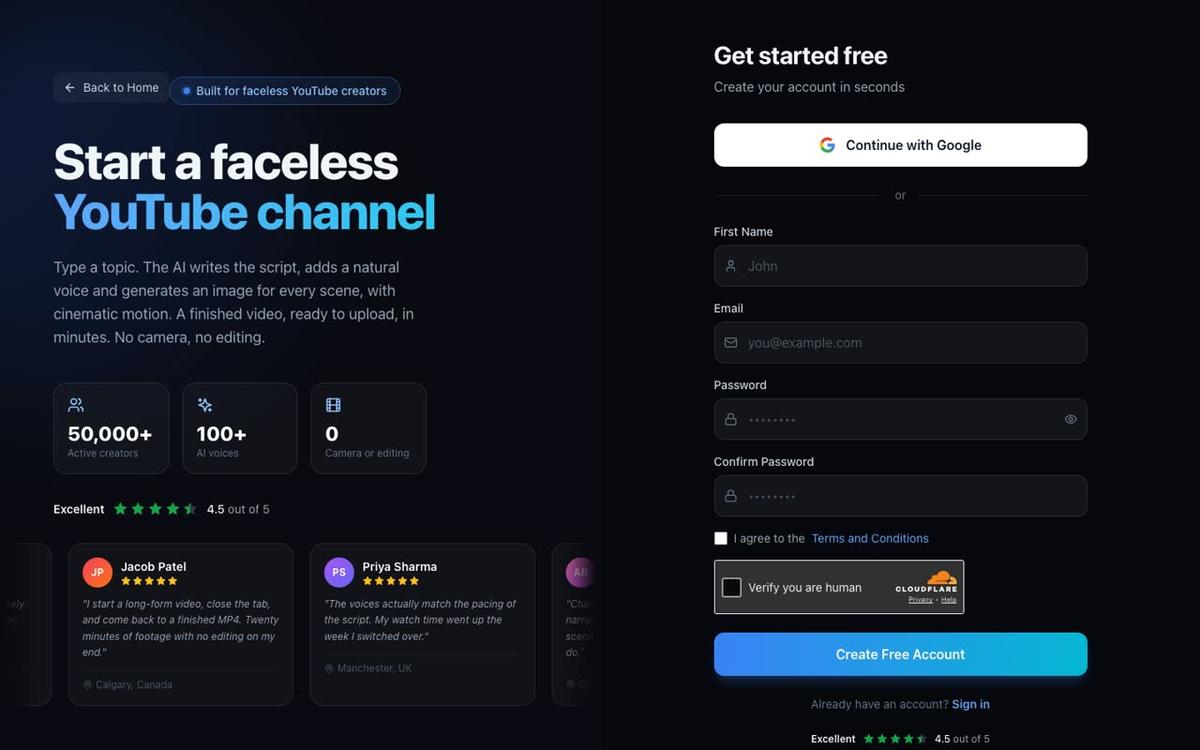
AI Presenters are available on Premium and Ultimate plans. If you are not yet signed up, head to digitalmaker.ai/faceless to create your account. The Free plan lets you explore the platform, and you can check plan options at digitalmaker.ai/pricing.
Step 1: Create Your AI Presenter Character
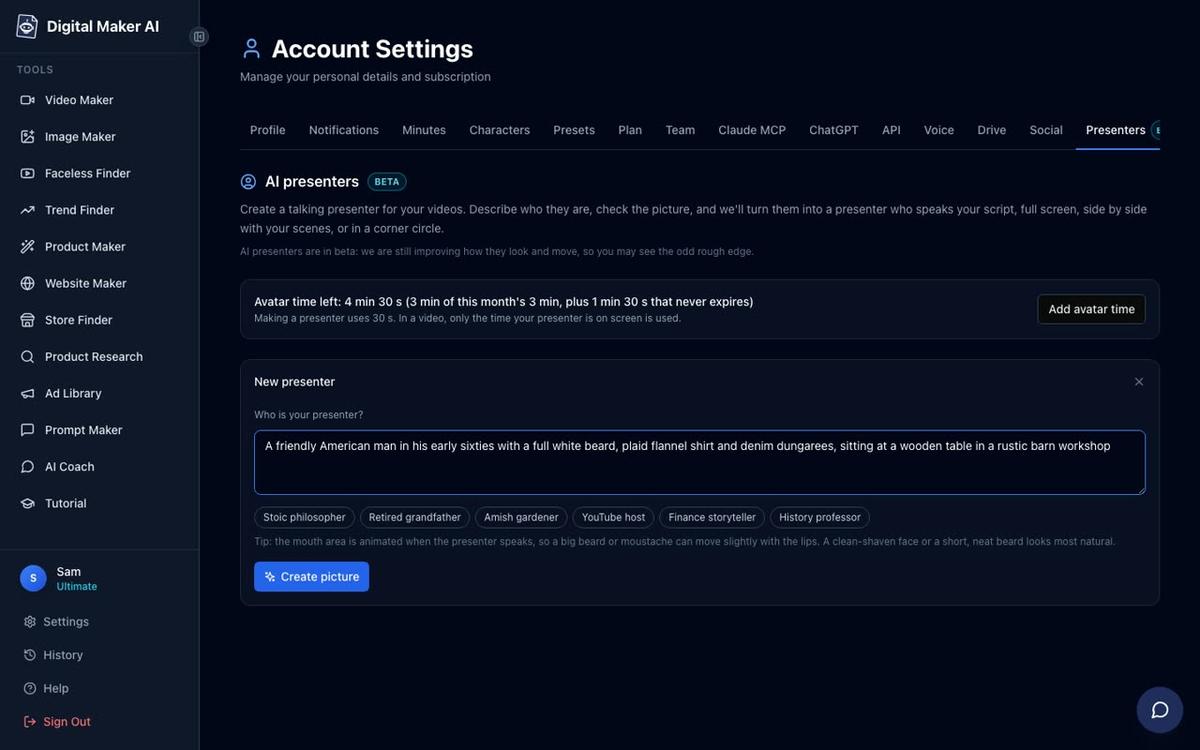
Once you are signed in on a Premium or Ultimate plan, go to Account Settings and open the Presenters tab. You will see a text box asking who your presenter is. Write a short description of the character and their setting. For an off-grid survival channel, something like this works well:
"A weathered outdoorsman in his sixties, wearing a canvas work jacket and worn denim, sitting on the porch of a log cabin with a campfire burning nearby and pine trees in the background."
Press Create picture and the platform generates a photoreal image of your presenter. If the first result is not quite right, you can refine the description and try again. Once you are happy, save the presenter. You can create several and reuse them across every video you make.
Step 2: Start a Long-Form Video in the Video Maker
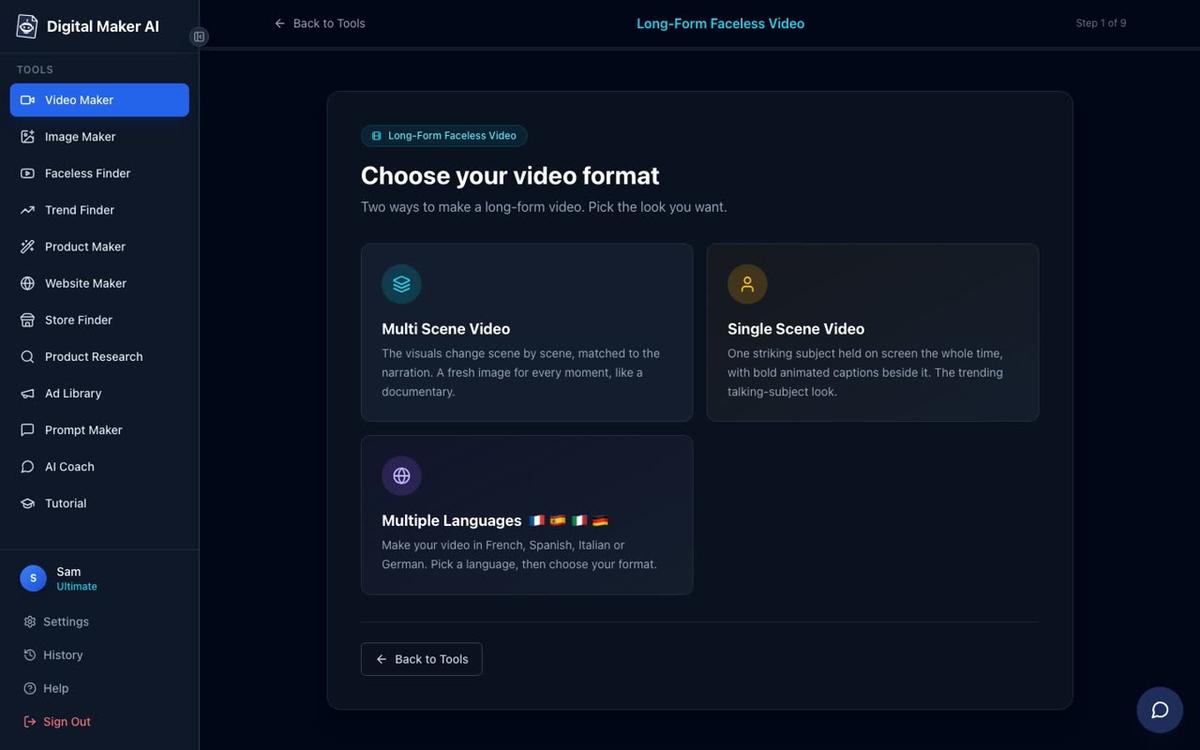
From the left sidebar, press Video Maker and choose the Long-Form Faceless Video option. On the format screen, select Multi Scene. This is the only format that supports AI Presenters, so it is the one to use for your off-grid survival channel.
On the topic step, type your video subject in one line. For example: "How to build a root cellar that keeps vegetables fresh all winter without electricity." The AI writes the full script, generates a scene image for every section and adds narration automatically.
Step 3: Pick Your Visual Style and Voice
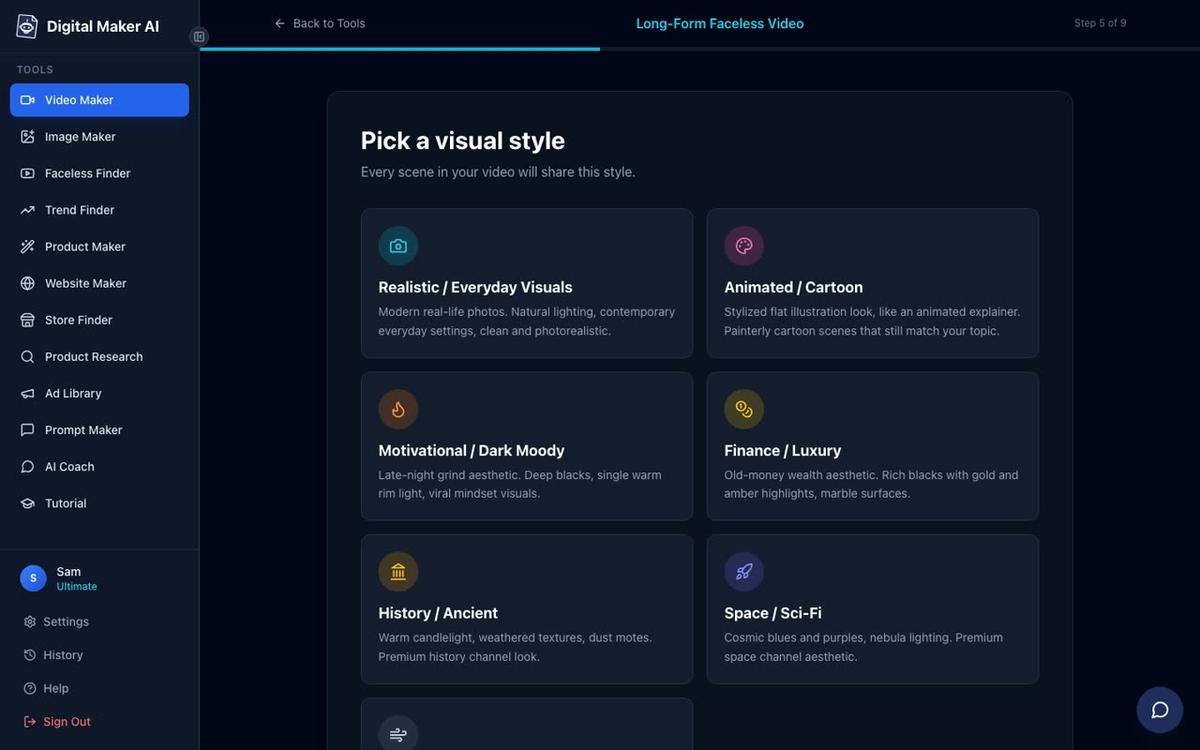
On the style step, choose Realistic for an off-grid survival channel. This gives you photographic-looking scene images of cabins, forests, tools and food storage, which match the tone of the niche perfectly. For the narration voice, filter by Male and US to find a voice that suits a gruff, experienced outdoorsman character. You can preview each voice before committing.
Step 4: Add Your Presenter and Choose the Layouts
After the voice step, you will see the option to add your saved presenter to the video. Select the outdoorsman character you created. You then tick one or more of three layout options:
- Full screen: The presenter fills the entire frame while speaking.
- Split screen: The presenter sits on the left half of the frame, with the scene image on the right.
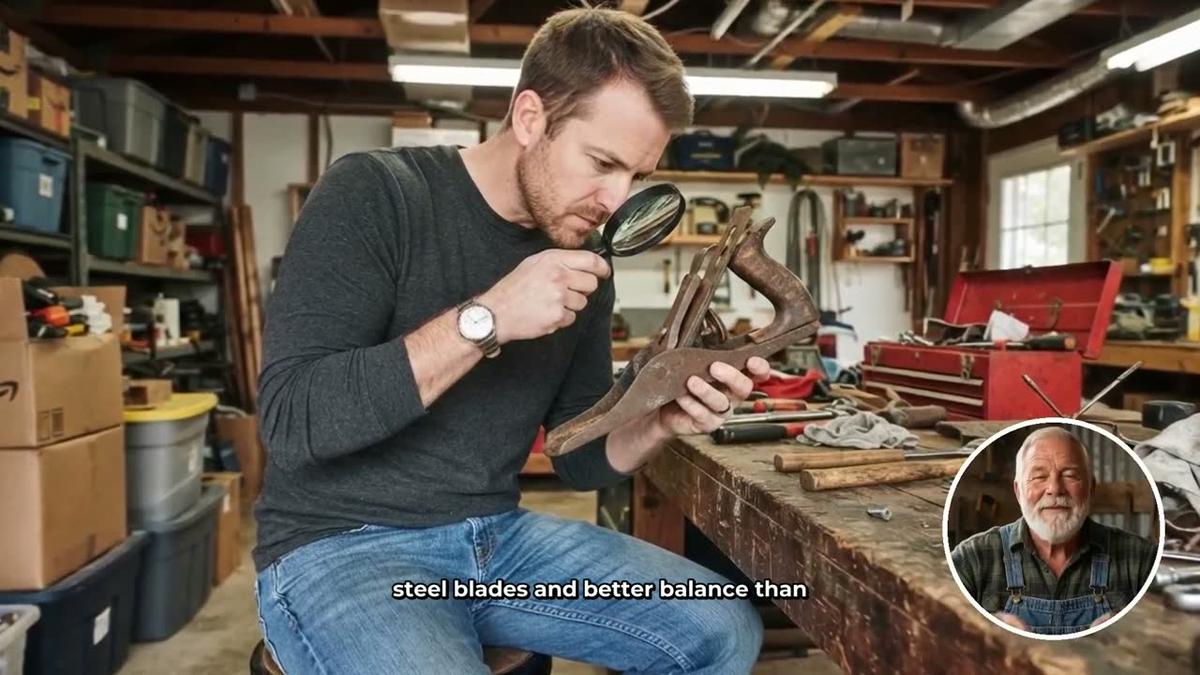
- Corner circle: The scene image fills the full frame and the presenter appears in a small round window in the corner.
Ticking all three means the video rotates between them, which keeps the viewing experience varied. A slider lets you set how much of the total video the presenter appears on screen, from a short intro and outro right through to the full length. Markers on a timeline bar let you place the presenter at the start, middle, end or any combination.

Understanding Avatar Time
AI Presenters run on a separate pool called avatar time, counted in seconds and distinct from your regular video minutes. Creating a new presenter uses 30 seconds of avatar time. When you make a video, the platform only uses avatar time for the seconds the presenter is actually visible on screen, so a short intro and outro uses far less than a full-length appearance. Premium accounts start with 2 minutes of avatar time and Ultimate with 5 minutes, and Ultimate also receives 3 minutes of avatar time every month. If you need more, Avatar Packs let you add additional time as a one-off purchase. Full details are at digitalmaker.ai/pricing.
ai avatar youtube channel ideas off grid survival: Building a Consistent Brand
The channels that grow fastest in this niche do three things consistently. First, they keep the same presenter in every video so viewers recognise the character immediately. Second, they post frequently, ideally daily or near-daily, because the YouTube algorithm rewards channels that give it fresh content to recommend. Third, they stay tightly focused on one corner of the niche rather than drifting into general lifestyle content.
With Digital Maker AI's AI avatar video generator, you can produce a complete long-form video, with a consistent presenter, realistic scene images, professional narration and burned-in captions, without ever appearing on camera yourself. Once your outdoorsman character is saved in your account, every new video uses the same face, the same setting and the same voice, which is exactly how channels like Silas Mercer have built a recognisable brand at scale.
For a deeper look at how the presenter and generated scenes work together in a single video, the post AI Presenter Plus Generated Scenes in One Tool: How It Works walks through the mechanics in detail. And if you want to see how the Silas Mercer formula works from the inside, How Silas Mercer Style AI Avatar Channels Work and What They Earn is worth reading alongside this guide.
Practical Tips for Growing Your Off-Grid Channel Faster
A few habits separate channels that plateau at a few thousand subscribers from those that break through to six figures:
- Lead with the problem in your title. "Why Your Water Storage Will Fail in a Real Emergency" outperforms "Water Storage Tips" every time because it triggers the survival instinct that draws people to this niche in the first place.
- Use the Faceless Finder to study what is already working. Filter by the homesteading and survival niche, look at which videos average the longest watch time and model your topics on what is already proven.
- Batch your production. Because Digital Maker AI handles the script, scenes and narration automatically, you can queue up five or ten videos in a session, which makes daily uploads realistic even if you only work on the channel a few hours a week.
- Keep your presenter consistent. Resist the urge to change the character's description or appearance between videos. Audience recognition is one of the most powerful growth levers in this format.
- Think in series, not single videos. "The Complete Off-Grid Solar Guide" works as a single video, but it works even better as a five-part series that keeps viewers coming back and boosts your channel's session time in the algorithm.
The off-grid and survival niche rewards patience and volume. The channels earning the most are not necessarily the ones with the most polished production. They are the ones that show up every day with useful, trustworthy content delivered by a character their audience has come to rely on.
Ready to build your own off-grid AI avatar channel? Start with the free course at Digital Maker AI, which walks you through the full process from choosing your niche and creating your first presenter to publishing your first video and growing your channel from scratch.
Alex Stevens: Alex Stevens writes for the Digital Maker AI team about faceless YouTube channels, AI presenters and AI video tools.