InVideo AI vs Digital Maker AI: Which Makes Better Faceless Videos?
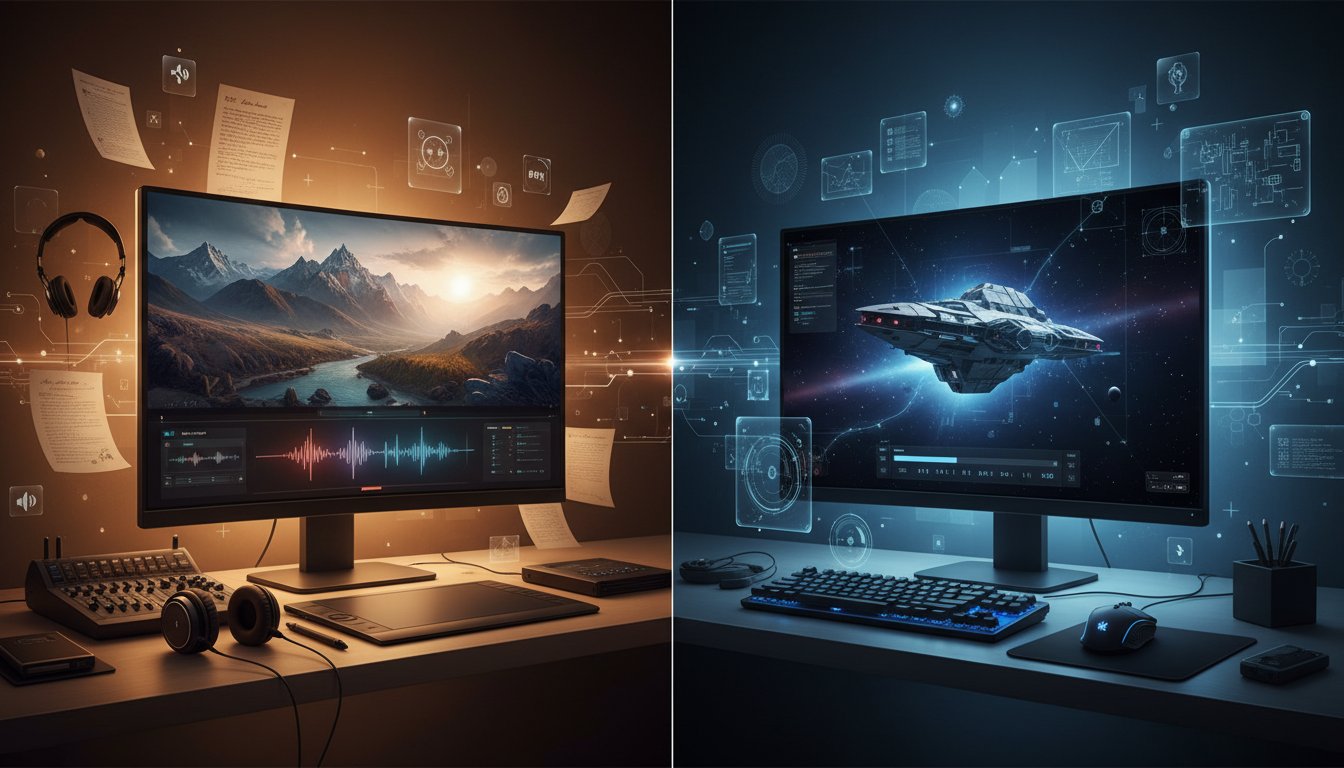
For long-form faceless YouTube videos, Digital Maker AI is the clearer pick, specifically because it produces a finished, ready-to-upload MP4 end to end without requiring you to touch a timeline editor. If you need real moving footage, stock clips, or deep manual editing control, InVideo AI wins that ground. This article on InVideo AI vs Digital Maker AI ranks both tools on a single criterion: how well they serve a creator who wants to publish faceless YouTube videos consistently, with as little friction as possible.
To judge them fairly, I looked at what each tool actually produces from a single prompt, what the output format is, how much creative control you get without manual editing, and what the pricing looks like for someone publishing regularly. I also looked at where each tool honestly falls short, because no single platform does everything.
InVideo AI: Best for Stock-Footage Video and Manual Flexibility
InVideo AI is a well-established platform that generates videos from a text prompt by pulling from a large stock footage library, writing a script, adding a voiceover, and assembling everything into an editable timeline. The company states that it supports AI-assisted editing, voice cloning from your own recordings, and access to iStock media. It also offers UGC-style avatars and auto-subtitles. For creators who want real moving footage stitched together quickly, InVideo AI covers that workflow in a way that Digital Maker AI does not, Digital Maker AI's long-form video tool uses AI-generated still images rather than motion clips or stock video.
InVideo AI also gives you access to an in-browser editor where you can trim clips, swap footage, adjust timing, and fine-tune the final cut before exporting. That level of post-generation control is a genuine advantage if you want to tweak individual scenes. The trade-off is that you need to spend time in that editor to get a polished result, it is not a fully automated, hands-off output.
Pricing (as of July 2025): InVideo AI offers a free plan and several paid tiers. Based on their FAQ page, paid plans include a Plus tier and higher tiers such as Max, Generative, and Elite. Pricing varies and has been reported differently across third-party review sites, so check the current figures directly at invideo.io/pricing before committing.
Who should pick InVideo AI: Creators who want real video footage, voice cloning, manual timeline editing, or the ability to repurpose existing scripts into stock-footage videos. It suits people who are comfortable spending time inside an editor and want granular control over every clip.
Digital Maker AI: Best for Fully Automated Long-Form Faceless Video
Digital Maker AI approaches faceless video from a different angle. Instead of pulling stock footage and handing you a timeline, it handles the entire production pipeline automatically: the AI writes the script, generates a unique still image for every scene, adds AI narration with burned-in subtitles, and delivers a finished MP4 you can upload directly to YouTube. There is no editing step required.
That automation is the core advantage in the InVideo AI vs Digital Maker AI comparison for long-form content. You put in a topic and a style, and you get back a complete video. Here is what you actually control:
- Video length: 1 to 10 minutes on the Premium plan, and 1 to 30 minutes on the Ultimate plan, long enough for proper YouTube watch-time.
- Three video formats: Multi Scene (a new AI-generated image per scene), Single Scene (one held image throughout), and Whiteboard or Draw On (hand-drawn black marker sketches that draw themselves onto a white board).
- Seven visual styles: Realistic or Everyday Visuals, Animated or Cartoon, Motivational or Dark Moody, Finance or Luxury, History or Ancient, Space or Sci-Fi, and Minimalist or Clean.
- Motion options: An optional slow Ken Burns zoom or gentle pan keeps scenes from feeling static, plus an optional film grain effect for a cinematic look.
- Six subtitle styles: None, Clean, Boxed, YouTube Yellow, Bold Pop, or Minimal, all burned into the lower third automatically.
- Narration: Male and female AI voices with adjustable pace, in English, French, Spanish, Italian, and German.
- Reusable characters: You can create and save full-body characters on a white background so the same character appears consistently across scenes and across multiple videos.
One important clarification on the Animated or Cartoon style: it produces illustrated, painterly, cartoon-looking still scenes, not moving cartoon animation. The long-form tool generates still images, not motion video. The only place real moving footage appears on the platform is the separate Short Form Video tool, which creates 5, 10, or 15-second AI motion clips for Reels, Shorts, and TikTok ads on the Premium plan.
Digital Maker AI is also more than a video tool. The platform includes a Faceless Finder that lets you search hundreds of confirmed faceless YouTube channels by niche, see their upload cadence, and view estimated earnings, useful for validating a niche before you commit to it. There is also an Image Maker for thumbnails and channel banners, an Ebook Writer, a Website Builder, and a Product Research tool, making it a broader content business platform rather than a video-only subscription.
Pricing (as of July 2025): Digital Maker AI offers a free tier, then Pro at $29/month, Premium at $49/month, and Ultimate at $99/month. Video minutes come from a monthly pool, one minute of pool per minute of video generated. See the current plan details at digitalmaker.ai/pricing.
Who should pick Digital Maker AI: Creators who want to publish faceless YouTube videos consistently without spending time in an editor. It is particularly strong for anyone building a niche channel around topics like history, finance, space, or motivation, where scripted narration over styled imagery is the format, and where volume and consistency matter more than hand-crafted clip selection.
What Digital Maker AI Does Not Do
Honesty matters here. Digital Maker AI's long-form video tool does not use stock footage or b-roll clips. It does not support talking head avatars, lip sync, or characters that move on screen. You cannot upload your own voice recording or clone your own voice. There is no timeline editor, so if you want to trim a specific scene or swap one image after generation, that is not currently possible, the video is produced as a finished file. It also does not auto-post or schedule to YouTube or TikTok. If those features are central to your workflow, InVideo AI or another platform will serve you better.
InVideo AI vs Digital Maker AI: Recommendations by Use Case
Best for Long-Form Faceless YouTube Videos
Digital Maker AI. The fully automated pipeline, script to image to narration to subtitles to finished MP4, removes the editing bottleneck entirely. For a creator publishing two or three videos a week on a niche topic, that automation compounds quickly. The 30-minute ceiling on the Ultimate plan also covers documentary-length content that most AI video tools cap far lower.
Best for Stock-Footage and Moving Clip Videos
InVideo AI. If your content format relies on real-world footage, news-style recaps, product explainers with b-roll, or travel content, InVideo AI's stock library and timeline editor are built for that. Digital Maker AI does not offer stock footage in its long-form tool.
Best for Short-Form Content (Reels, Shorts, TikTok)
Digital Maker AI covers short-form through its separate Short Form Video tool, which generates 5, 10, or 15-second AI motion clips in 16:9 or 9:16 with optional voiceover, available on the Premium plan. InVideo AI also supports short-form. Either can work here; the choice depends on whether your format calls for motion clips or styled still-image content.
Best for Building a Full Faceless Content Business
Digital Maker AI. Beyond video, the platform includes niche research via the Faceless Finder, thumbnail creation through the Image Maker, and digital product tools like the Ebook Writer and Website Builder. If you are building a faceless brand that monetises through YouTube ad revenue, digital products, and lead magnets, having those tools under one roof reduces the number of separate subscriptions you are managing.
Best on a Budget
Digital Maker AI's free tier lets you explore the platform before spending anything. The Pro plan at $29/month gives access to the Faceless Finder and core tools. For creators just starting out who want to test the workflow before committing, that entry point is accessible. Check the full breakdown at digitalmaker.ai/pricing to match your video volume to the right plan.
The Bottom Line on InVideo AI vs Digital Maker AI
These are genuinely different tools built for different workflows. InVideo AI is the stronger choice if you need moving footage, voice cloning, or hands-on editing control. Digital Maker AI is the stronger choice if you want a fully automated pipeline that takes a topic and returns a finished faceless YouTube video, with enough style options, length flexibility, and supporting tools to run a real content business. If you are new to faceless video and want to understand the format before picking a tool, the free faceless video course from Digital Maker AI is a practical place to start.