How to Create Printable Planners People Actually Use
Why Printable Planners Are One of the Best Digital Products to Sell
If you want to create printable planners that people actually print out, stick to the fridge, and fill in every single week, you need to think beyond pretty colours and decorative fonts. The market for printable planners is enormous, and it is growing, but it is also crowded with downloads that get saved to a desktop folder and never opened again. The difference between a planner that sells and gets loved versus one that gathers digital dust comes down to a handful of principles that are easy to get right once you know them.
Printable planners sit in a sweet spot for digital product creators. They cost almost nothing to produce after your initial time investment, they can be downloaded instantly by customers around the world, and they solve a real daily problem for the people who buy them. Whether you are building a side income or scaling a full digital product business, planners are worth adding to your catalogue. And with AI tools now available, like the Ebook Writer inside Digital Maker AI, creating a polished, ready-to-download planner is faster than ever.
Start With the Problem, Not the Design
The biggest mistake new creators make is opening a design tool before they have decided what their planner is actually solving. A planner is not decoration. It is a system. Before you touch a single layout, ask yourself: who is this for, and what specific problem does it fix?
Here are some questions that will sharpen your focus:
- What does your audience struggle to organise? Time, money, meals, fitness, content creation, studying?
- What time frame does the planner cover? Daily, weekly, monthly, quarterly, or a full year?
- Is this standalone, or does it sit alongside other resources? A planner that pairs with a workbook or guide feels more premium and justifies a higher price.
- What do users need to see at a glance versus what can they fill in later?
Planners built for a specific niche, a homeschool mum, a freelance designer, a small business owner tracking expenses, will almost always outsell generic daily planners. Niching down feels scary, but it dramatically increases the chance that someone sees your product and thinks, this was made for me.
How to Create Printable Planners With Layouts That Actually Get Used
Once you know your audience and their core problem, it is time to think about layout. Here is what separates planners people use from planners people abandon.
Keep It Scannable
If someone has to study a page to understand how to use it, they will not use it. Your layout should be intuitive in under five seconds. Use clear section labels, generous white space, and logical flow, top to bottom or left to right. Avoid cramming every possible field onto one page.
Size for Real Printers
Most home printers handle A4 or US Letter size. If your planner is designed in A5 but only offered as A5, buyers with standard printers will get frustrated. Offer both sizes where possible, or design at A4 and let buyers scale down. Always set your bleed and margins generously so text does not get cut at the edges.
Use a Consistent Visual System
Pick two or three fonts maximum, one for headings, one for body text, and optionally one accent font used sparingly. Choose a colour palette of three to five colours and stick to it throughout the entire document. Consistency signals professionalism and makes the planner feel cohesive when printed.
Test Print Before You Publish
This step is skipped constantly and it is a mistake every time. Print a sample page on a standard home printer at default settings. Check that lines are clear, text is readable, and nothing critical sits in the margin zone. What looks crisp on screen can print muddy or pale if your contrast is not high enough.
Add Instructional Context
Include a short how-to-use section, even if it is just half a page. This is especially important for planners with multiple sections or habit trackers that need explanation. A confused buyer becomes a refund request. A guided buyer becomes a repeat customer.
What to Include to Make Your Planner Feel Complete
A planner that feels like a full system rather than a loose collection of pages commands a higher price and earns better reviews. Consider bundling some or all of the following:
- A cover page (personalised versions sell well as an upsell)
- An index or contents page for longer planners
- A goal-setting or intention-setting section at the start
- Monthly, weekly, and daily spreads depending on scope
- Habit trackers or progress logs
- A notes or brain dump section
- A reflection or review section at the end of the period
You do not need all of these for every planner. But thinking through the full journey your buyer will take, from setting up the planner to finishing it, helps you build something that earns five-star reviews and word-of-mouth recommendations.
Using AI to Create Printable Planners Faster
Writing the instructional sections, the goal-setting prompts, the habit tracker labels, and the reflection questions inside a planner takes real time. This is where AI tools genuinely help. The Ebook Writer inside Digital Maker AI is built to produce full ebooks, lead magnets, workbooks, and printable planners as finished downloadable documents, not just rough drafts you have to rebuild from scratch.
Instead of staring at a blank page trying to write 30 meaningful daily reflection prompts, you can use the Ebook Writer to generate the written content for your planner in a fraction of the time. That leaves you free to focus on the layout and design work that makes your planner visually distinct. If you are also creating content to promote your digital products, check out the faceless video tools on Digital Maker AI, they let you produce narrated, ready-to-upload YouTube videos to drive traffic to your planner listings without appearing on camera.
For anyone researching the digital product space before diving in, the Digital Maker AI blog covers a wide range of topics on building and selling digital products with AI tools.
Pricing and Selling Your Printable Planner
Pricing printable planners trips up a lot of first-time creators. Because the marginal cost of a digital download is zero, some creators underprice badly. A well-designed niche planner can comfortably sell for anywhere from a few dollars for a simple single-page tracker up to twenty or thirty dollars for a comprehensive annual planner system.
Consider these pricing strategies:
- Bundle multiple planners together at a slight discount to increase average order value.
- Offer a free single-page version as a lead magnet to grow your email list, then sell the full version.
- Create an editable version (using a tool like Canva or Adobe Acrobat forms) as a premium tier above the standard print-and-fill PDF.
- Sell on multiple platforms, Etsy, Gumroad, Payhip, and your own website, rather than relying on a single storefront.
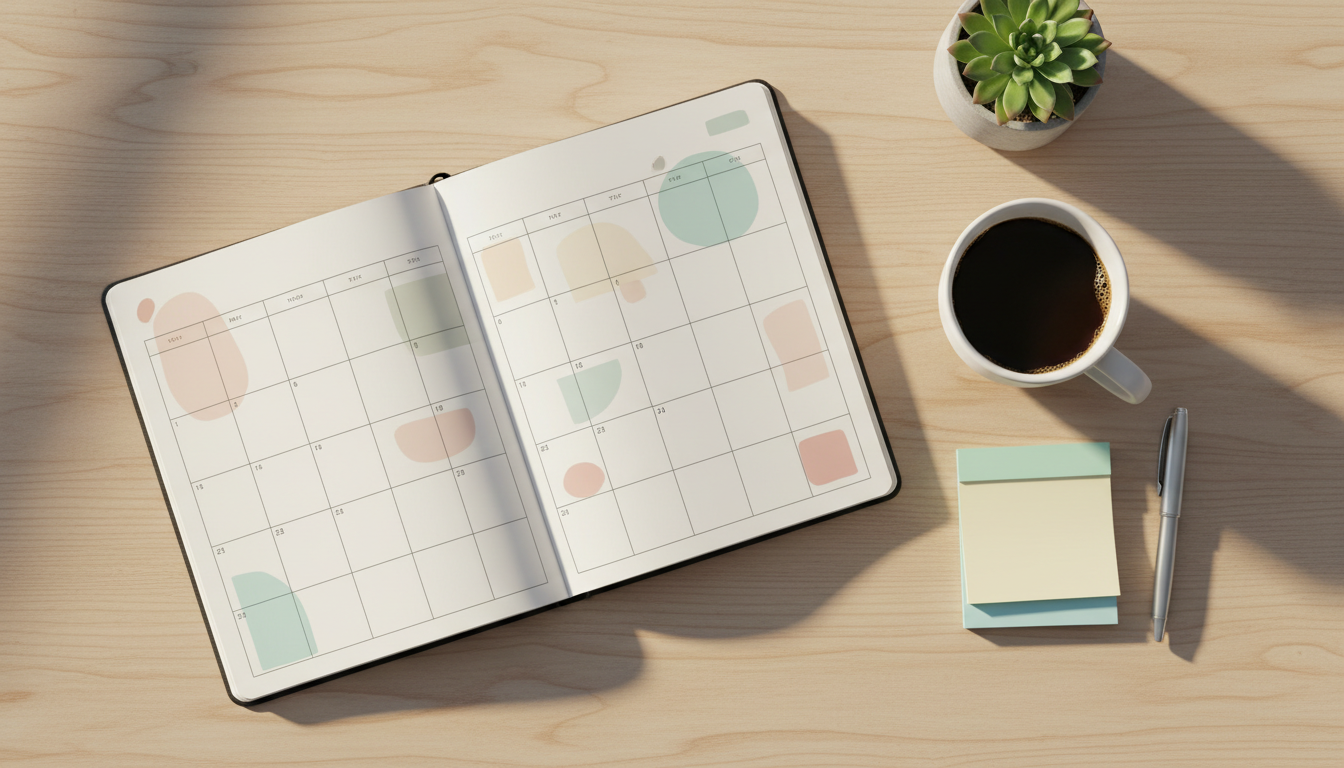
According to Etsy's printable planner marketplace, some of the best-performing listings combine a strong niche focus with high-quality preview images that show the planner in use, not just floating in white space. Mockup images, showing your planner printed and sitting on a real desk, consistently outperform flat digital screenshots.
Marketing Your Planner Without a Big Audience
You do not need thousands of followers to make your first planner sales. Pinterest is one of the most effective free traffic sources for printable products because pins have a long shelf life and the audience is already in a planning and organising mindset. Create multiple pin designs for the same planner and post consistently.
YouTube is another powerful channel for planner creators, especially when you show the planner being used in a real planning session or walkthrough video. If being on camera is not something you want to do, faceless YouTube videos are a practical alternative, and platforms like Digital Maker AI make them straightforward to produce at scale.
Ready to Create Printable Planners That Sell?
The formula for a great printable planner is simpler than most people expect: solve a specific problem for a specific person, design it to be intuitive and print-ready, write content that actually guides your buyer, and market it where your audience already spends time. AI tools can dramatically cut down your production time, so you can get from idea to finished product in a day rather than a week. If you want to explore how to build and sell digital products more effectively, the free Digital Maker AI course is a great place to start.