How to Create and Sell Spreadsheet Templates
Why Selling Spreadsheet Templates Is One of the Best Digital Product Ideas Right Now
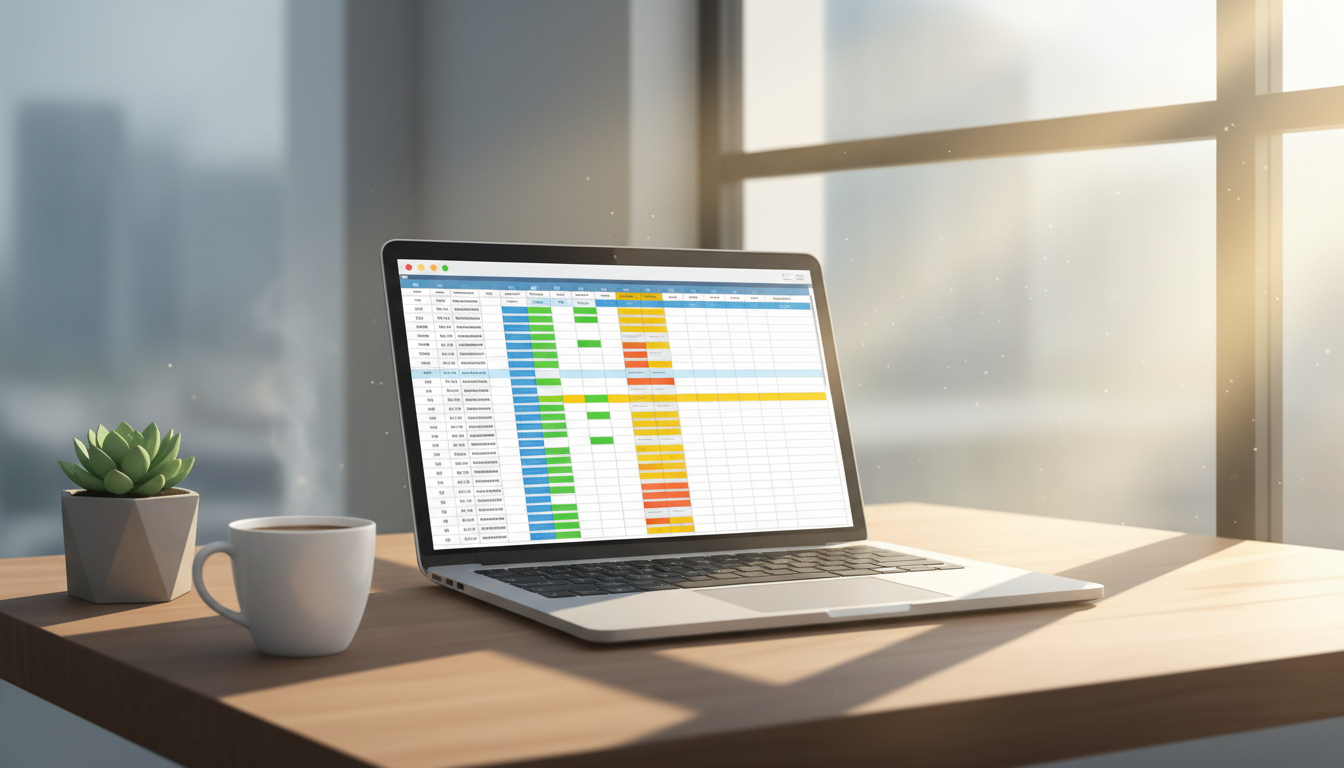
If you are looking for a low-cost, high-margin digital product to sell online, few ideas beat spreadsheet templates. The opportunity to sell spreadsheet templates has grown enormously because people want ready-made tools that save them time, but they do not want to build those tools from scratch. A good template solves a real problem, gets downloaded the moment someone pays, and never runs out of stock. Whether you are brand new to selling digital products or you already have an audience, spreadsheets are one of the fastest products to go from idea to income.
What Kinds of Spreadsheet Templates Actually Sell?
The secret is specificity. A generic budget spreadsheet competes with thousands of free versions. A freelance photographer invoice and expense tracker with a built-in profit margin calculator solves a very specific problem for a very specific buyer. When you narrow your niche, you face less competition and you can charge more.
Here are some consistently popular categories worth exploring:
- Personal finance and budgeting – monthly budget planners, debt snowball trackers, savings goal dashboards
- Business operations – client CRM trackers, project management boards, invoice logs
- Content creation – YouTube video planners, content calendars, affiliate income trackers
- Health and wellness – habit trackers, meal planners, fitness progress logs
- Real estate and property – rental income calculators, property comparison sheets, flip cost estimators
- Side hustle and e-commerce – Etsy shop trackers, product profit calculators, inventory sheets
Spend time on marketplaces like Etsy to see which spreadsheet categories have strong demand. Filter by bestsellers and look at what buyers are actually saying in reviews. That feedback is a goldmine for identifying what a template is missing and what you could do better.
How to Design a Spreadsheet Template People Love to Buy
A spreadsheet that sells well is not just functional, it is also visually appealing and easy to use. Here is a practical checklist to build a template worth paying for:
- Start with one clear outcome. Every tab and formula should serve that single goal. Do not cram ten features into a product that promises one thing.
- Use consistent colours and fonts. Pick a two or three colour palette and stick to it across all tabs. Buyers judge quality by appearance before they even test the formulas.
- Lock your formula cells. Leave only the input cells editable so buyers cannot accidentally break your logic. In Google Sheets use Data › Protected Ranges; in Excel use Review › Protect Sheet.
- Write clear instructions inside the file. Add a dedicated Instructions tab with short plain-English explanations of each section. This reduces refund requests and negative reviews.
- Test it thoroughly before launch. Fill every input cell with realistic data and check that every formula returns the correct result. Ask a friend to use it without your help and note where they get confused.
- Offer both Google Sheets and Excel versions. Some buyers are loyal to one platform. Offering both doubles your potential audience with minimal extra effort.
Using AI to Build Your Spreadsheet Templates Faster
One of the biggest time barriers to selling spreadsheet templates is the actual build time, especially if you are not confident with complex formulas or conditional formatting. This is where AI tools make a real difference.
Digital Maker AI includes an AI Spreadsheet tool that lets you generate spreadsheets, trackers and templates without starting from a blank cell. You describe what you need, and the tool builds out the structure, formulas and layout for you. That means you can draft a working budget tracker, a client project log or a content calendar in a fraction of the time it would normally take. You still review it, personalise it and make it your own, but the heavy lifting is done.
This is particularly useful if you want to test multiple niches quickly. Instead of spending a weekend building one template, you could generate drafts across three or four different ideas in an afternoon, then decide which one is worth refining and launching first.
Where to Sell Spreadsheet Templates
You have several strong options for where to list your templates, and the right answer depends on whether you want built-in traffic or control over your brand.
- Etsy – the largest marketplace for digital downloads. Lots of built-in traffic but also lots of competition. Good for beginners who want buyers to come to them.
- Gumroad or Payhip – simple platforms where you host your own shop. Lower fees than Etsy but you bring your own traffic through social media or email.
- Your own website – maximum control, no marketplace fees, and you own the customer relationship. Requires more setup effort up front.
- Creative Market – popular with designers and creatives. Spreadsheet templates targeting small business owners do well here.
Many sellers combine two or three of these. List on Etsy for discoverability while building a direct audience on Instagram, Pinterest or YouTube that drives traffic to your own shop over time.
How to Price Your Spreadsheet Templates to Sell Well
Pricing is where a lot of first-time sellers undercharge. A well-built spreadsheet template that solves a real problem is worth far more than a few dollars. Consider these principles:
- Price based on value, not time. If your rental income calculator saves a landlord an hour of work every month, it is worth ten or twenty dollars regardless of how long it took you to build.
- Test a higher price first. You can always discount, but it is harder to raise prices on an established listing. Start at what feels slightly uncomfortable and lower it if conversion suffers.
- Bundle related templates. A personal finance bundle containing a budget tracker, debt payoff planner and savings dashboard can sell for more than the sum of its individual parts.
- Use a low-cost entry product. Offer one simple template at a low price to bring buyers in, then upsell a premium bundle at checkout or in your follow-up email.
How to Market Your Templates Without Spending Money on Ads
Organic marketing works exceptionally well for spreadsheet templates because people searching for solutions tend to be ready to buy. Here are the channels that deliver results:
- Pinterest – create pins that show a preview of your template. Finance and productivity templates spread naturally on Pinterest because users actively save and share organisational tools.
- YouTube – a short walkthrough video showing your template in action is one of the highest-converting pieces of content you can create. Viewers see exactly what they are getting before they buy.
- TikTok and Instagram Reels – a fifteen-second clip of your template being filled in can go viral in the productivity and personal finance communities.
- SEO on your product listing – use specific long-tail phrases in your listing title and description. 'Monthly budget tracker for freelancers Google Sheets' will outperform 'budget spreadsheet' every time.
If you want to build a YouTube channel around your templates without showing your face on camera, the faceless video tools at Digital Maker AI let you create professional narrated videos that walk viewers through your spreadsheet features. It is a smart way to drive consistent traffic to your product listings over time. You can explore all the plan options at the pricing page to find the right fit for how many videos you want to produce each month.
Tips to Sell Spreadsheet Templates Consistently Over Time
A single template can earn for years with the right setup, but the sellers who do best treat it like a real product line rather than a one-off upload. Update your templates when platforms like Google Sheets make changes. Read your reviews and release improved versions. Build a small email list so that when you launch a new template, you have buyers ready to go on day one. Consistency in both quality and marketing is what separates a passive income stream from a listing that earns a handful of sales and then stalls.
Ready to build your first digital product and start earning online? The free course at Digital Maker AI walks you through creating and selling digital products step by step, so you can go from idea to your first sale with confidence.