The Ultimate Ebook Formatting Guide for Beginners
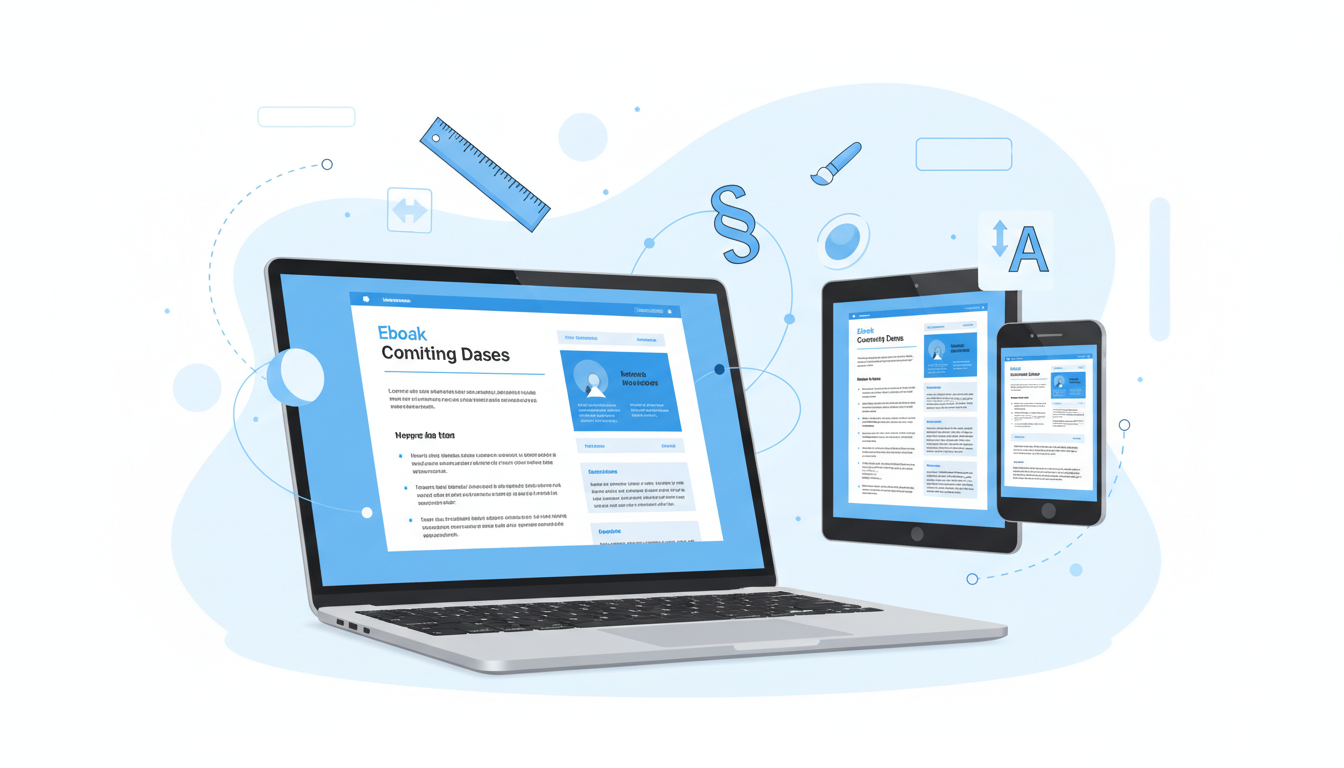
Creating a well-formatted ebook is crucial for delivering a professional reading experience that keeps your audience engaged. Whether you're a first-time author or transitioning from print to digital, this comprehensive ebook formatting guide will walk you through everything you need to know about formatting ebooks that look polished and professional across all devices.
Proper ebook formatting isn't just about making your content look good, it's about ensuring your readers can easily navigate through your book, enjoy a seamless reading experience, and view your content correctly on any device they choose. Let's dive into the essential elements that will transform your raw manuscript into a beautifully formatted digital book.
Understanding Ebook Formatting Fundamentals
Before jumping into the technical aspects, it's important to understand what makes ebook formatting different from traditional print formatting. Unlike print books with fixed layouts, ebooks are designed to be responsive and adaptable to various screen sizes and reading preferences.
Ebooks use reflowable text, which means the content adjusts automatically to fit different screen sizes, font preferences, and reading orientations. This flexibility is both a blessing and a challenge, while it makes your content accessible across devices, it also requires careful attention to formatting elements that will maintain their integrity across platforms.
The most common ebook formats include EPUB (the industry standard), MOBI (for Amazon Kindle), and PDF (for fixed layouts). Each format has its own specifications and requirements, but the core formatting principles remain consistent across all platforms.
Essential Elements of Professional Ebook Formatting
Creating a professional-looking ebook requires attention to several key formatting elements. Let's explore each component that contributes to a polished final product.
Title Page and Cover Design: Your title page should include the book title, subtitle (if applicable), author name, and publication information. Keep the design clean and ensure text is easily readable across different screen sizes.
Table of Contents: A well-structured, clickable table of contents is essential for ebook navigation. Readers should be able to jump to any section with a simple tap or click. Most ebook creation tools automatically generate this based on your heading structure.
Chapter Headings and Structure: Use consistent heading styles throughout your ebook. Typically, chapter titles use H1 tags, while section headings use H2 and H3 tags. This hierarchy helps both readers and ebook platforms understand your content structure.
Paragraph Formatting: Unlike print books, ebooks should not use indented first lines. Instead, use block paragraphs with space between them. This approach is more readable on digital screens and prevents formatting issues across devices.
Typography and Text Formatting Best Practices
Typography plays a crucial role in ebook readability and overall user experience. Here are the key considerations for text formatting in your digital publication.
Choose fonts that are widely supported across ebook platforms. Safe options include Times New Roman, Georgia, Arial, and Verdana. Avoid decorative fonts for body text, as they may not display correctly on all devices or may be substituted with default fonts.
For emphasis, use bold text or italics sparingly and consistently. Avoid underlining, as readers often associate this with clickable links. When formatting dialogue or quotes, use proper quotation marks and maintain consistent styling throughout your ebook.
Line spacing should be set to 1.2 to 1.5 for optimal readability on digital screens. This provides enough white space to reduce eye strain while maintaining a professional appearance.
Images and Visual Elements in Your Ebook Formatting Guide
Incorporating images and visual elements requires special consideration in ebook formatting. Images should be optimized for digital viewing while maintaining reasonable file sizes to ensure quick loading times.
Save images in RGB color mode rather than CMYK, as digital screens display RGB colors. Use JPEG format for photographs and PNG for graphics with transparent backgrounds or sharp edges. Ensure all images are at least 300 DPI for crisp display on high-resolution screens.
Always include alternative text (alt text) for images to improve accessibility. This helps screen readers describe images to visually impaired users and ensures your ebook meets accessibility standards.
When placing images, avoid text wrapping and instead center images between paragraphs. This prevents formatting issues that can occur when text flows around images on different screen sizes.
Formatting Tables, Lists, and Special Content
Tables in ebooks require careful consideration due to varying screen sizes. Simple tables with 2-3 columns usually work well, but complex tables may need to be converted to lists or simplified formats for better mobile readability.
For lists, use proper HTML formatting with bulleted or numbered lists rather than manually typing bullets or numbers. This ensures consistent appearance and proper spacing across all devices.
When including quotes or special text blocks, use blockquote formatting or consistent indentation. Avoid using multiple spaces or tabs for alignment, as these may not display consistently across ebook platforms.
Platform-Specific Considerations
Different ebook platforms have varying requirements and capabilities. Amazon Kindle, Apple iBooks, Google Play Books, and other platforms may display your ebook slightly differently, even when using the same source file.
Test your ebook on multiple devices and platforms before publishing. Most ebook creation tools provide preview options that simulate how your book will appear on different devices.
Consider creating platform-specific versions if your ebook contains complex formatting or interactive elements. While this requires additional effort, it ensures the best possible reading experience for your audience.
Tools and Software for Ebook Formatting
Choosing the right tools can significantly streamline your ebook formatting process. There are several options available, ranging from simple word processors to specialized ebook creation software.
For beginners, tools like Digital Maker AI's Ebook Writer offer an excellent starting point. This AI-powered platform not only helps you create compelling content but also handles much of the technical formatting automatically, ensuring your ebook meets industry standards without requiring extensive technical knowledge.
Other popular options include Calibre (free and open-source), Scrivener (excellent for long-form content), and Adobe InDesign (professional-grade but with a steep learning curve). Choose a tool that matches your technical comfort level and budget requirements.
Common Ebook Formatting Mistakes to Avoid
Learning from common mistakes can save you time and frustration in your ebook creation journey. Here are the most frequent formatting errors and how to avoid them.
- Using excessive formatting: Overuse of fonts, colors, and styling can make your ebook look unprofessional and may cause display issues
- Ignoring mobile optimization: Always test how your ebook appears on smartphones, as many readers prefer mobile devices
- Inconsistent styling: Maintain consistent formatting for headings, paragraphs, and other elements throughout your ebook
- Poor image optimization: Large, unoptimized images can slow loading times and increase file sizes unnecessarily
- Forgetting page breaks: Use proper chapter breaks rather than multiple line breaks to separate sections
Quality Control and Testing
Before publishing your ebook, thorough testing is essential. Use ebook validation tools to check for formatting errors and ensure compatibility across platforms.
Create a checklist that includes verifying the table of contents functionality, checking image display across devices, confirming proper paragraph spacing, and testing any internal links or bookmarks.
Consider having beta readers review your formatted ebook on different devices to identify any issues you might have missed during your own testing process.
Conclusion: Your Path to Professional Ebook Formatting
Mastering ebook formatting doesn't happen overnight, but with the right knowledge and tools, you can create professional-quality digital books that provide excellent reading experiences across all devices. Remember that good formatting serves your content by making it easily accessible and enjoyable for your readers.
Whether you choose to format your ebook manually or use AI-powered tools like Digital Maker AI's Ebook Writer, the key is consistency, attention to detail, and thorough testing. Start with the fundamentals covered in this guide, and gradually refine your skills as you create more digital products.
The investment in proper ebook formatting pays dividends in reader satisfaction, professional credibility, and ultimately, the success of your digital publishing endeavors. Take your time, follow these guidelines, and create ebooks that truly stand out in the digital marketplace.