Best AI Video Generator With Voiceover Included
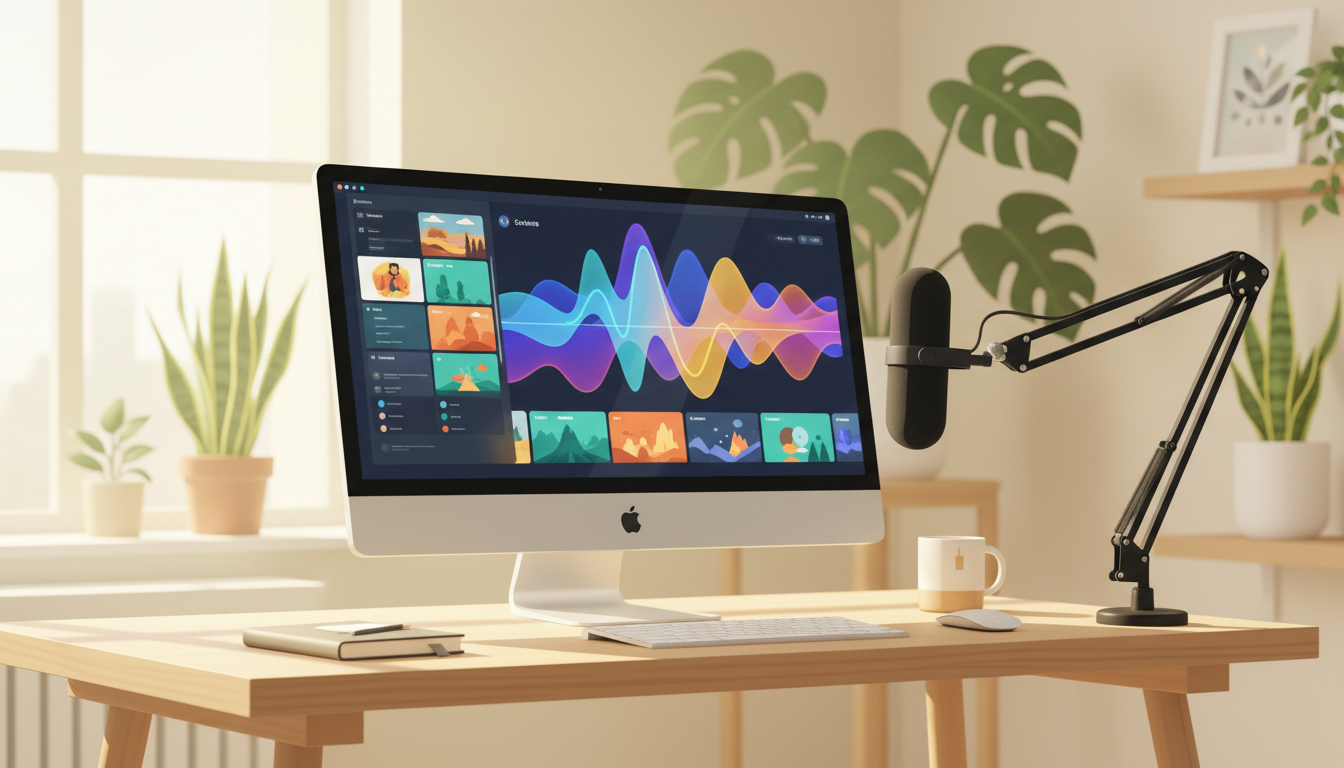
If you want a single clear answer: for faceless long-form YouTube videos where the voiceover, script, images and subtitles are all handled inside one tool, Digital Maker AI is the strongest all-in-one pick in September 2026. The criterion used throughout this comparison is end-to-end automation for an ai video generator with voiceover built in, judged on what each tool actually produces without extra apps or manual steps.
To judge each tool fairly, the focus is on three things: whether the voiceover is genuinely included rather than bolted on, how much of the production process is automated, and what the total cost looks like at realistic usage levels. Pricing figures come from each company's public pages and are accurate as of September 2026, with links to verify them yourself.
Digital Maker AI: Best All-in-One AI Video Generator With Voiceover for Faceless YouTube
Digital Maker AI's Video Maker takes a topic or script and returns a finished MP4 with no manual steps in between. The AI writes the script, generates a unique still image for every scene, records AI narration in a choice of male or female voices with adjustable pace, and burns subtitles directly into the lower third. You do not need a separate text-to-speech tool, a stock footage subscription or a video editor. The output is ready to upload.
The tool offers three production formats. Multi Scene gives every scene its own AI generated image. Single Scene holds one image across the whole video, which works well for calm, focused content. Whiteboard or Draw On produces hand-drawn black marker sketches that animate themselves onto a white board, which is a popular style for explainer content. Optional Ken Burns zoom and gentle pan effects stop the video feeling static, and a film grain effect is available for a cinematic look.
Seven visual styles cover most YouTube niches: Realistic or Everyday Visuals, Animated or Cartoon (illustrated painterly stills, not moving animation), Motivational or Dark Moody, Finance or Luxury, History or Ancient, Space or Sci-Fi, and Minimalist or Clean. Six subtitle styles let you match the look of your channel. Videos are produced in English, French, Spanish, Italian and German.
One genuinely useful feature for channel builders is reusable characters. You can create a full-body character on a white background and save it so the same face appears across scenes and across different videos, giving your channel a consistent visual identity without any design work.
The main limit to know is that the long-form video maker produces still images, not moving footage. There is no stock footage library, no timeline editor and no way to upload your own voice recording. If you need moving video clips, the separate Short Form Video tool produces 5, 10 or 15 second motion clips for Reels, Shorts and TikTok, but that is a different tool with a different purpose.
Pricing as of September 2026: Pro is $29 per month, Premium is $49 per month and Ultimate is $99 per month. Video length goes up to 10 minutes on Premium and up to 30 minutes on Ultimate. Minutes come from a monthly pool at one minute of pool per minute of video. There is also a free tier to try the platform. Full plan details are at digitalmaker.ai/pricing.
Best for: creators who want a complete faceless YouTube video produced in one place, with no separate voiceover tool, no editor and no stock footage account needed.
Pictory: Best for Repurposing Written Content Into Video
Pictory takes a different approach. Rather than generating images from scratch, it matches your script or blog post to stock footage clips and assembles them into a video. AI voiceover is included, and the company states that higher-tier plans unlock ElevenLabs voices for a more natural sound. Paid plans export at 1080p, and source-based videos can run for up to 30 minutes on all paid tiers.
Pricing as of September 2026: the Starter plan costs $29 per month on monthly billing, or around $25 per month when billed annually. The top tier reaches around $119 per month on annual billing, according to third-party pricing trackers. Monthly billing costs significantly more, so annual commitment is effectively required for the best value. Check Pictory's pricing page for the current figures before committing.
Where Pictory has a real edge is speed for content repurposers. If you already have a long blog post or a script and want a video with matching footage quickly, it is genuinely fast. The trade-off is that the AI sometimes picks generic or loosely relevant stock clips, and some manual replacement may be needed to get the right visual fit.
Pictory does not generate original scene images, so every video shares the same stock footage pool as every other Pictory user. If visual originality matters for your channel, that is worth considering.
Best for: bloggers and content marketers who want to turn existing written content into videos quickly, and who are comfortable working with stock footage.
Synthesia: Best for Corporate Training and Presenter-Style Videos
Synthesia is built around AI avatars rather than faceless video. You type a script, choose an AI presenter from a library of over 125 avatars, and the tool generates a talking-head video with the avatar appearing to speak your words. Voiceover is built in and synced to the avatar's lip movements. The company states that over 140 languages are supported.
Pricing as of September 2026: the Basic plan is free with around 10 minutes of video per month and a watermark. The Starter plan is $29 per month with logo removal and 10 minutes per month. The Creator plan is $89 per month with 30 minutes per month and additional personal avatars. Enterprise pricing is custom. These figures come from third-party pricing trackers and the company's own published rates; verify at Synthesia's pricing page before purchasing.
Synthesia is a strong tool for what it does, but it is not a faceless video maker in the YouTube sense. The videos are presenter-led, which means a visible AI face is the main visual. If your channel strategy depends on staying faceless, Synthesia is not the right fit. It is, however, the leading option for internal training videos, product demos and corporate communications where a professional presenter look is the goal.
Best for: businesses producing training content, HR videos or product demos where an on-screen presenter adds credibility.
InVideo AI: Best for Stock-Footage Faceless Videos With a Prompt-Based Workflow
InVideo AI lets you describe the video you want in plain text and assembles a result using stock footage, AI voiceover and on-screen text. The prompt-based approach is beginner-friendly, and the tool is widely used for faceless YouTube channels that want moving footage rather than generated still images.
InVideo AI's pricing structure has changed several times in recent years. Rather than quote a figure that may already be out of date, check InVideo's pricing page directly for the current plan costs as of September 2026. The company offers a free tier with watermarked exports and paid tiers that remove the watermark and increase export volume.
The main limitation compared to Digital Maker AI is that InVideo relies on stock footage, so visual originality is constrained by what is in the library. It also does not generate scene images from scratch, which means two creators using similar prompts may end up with similar-looking videos. On the other hand, if you want real moving footage rather than still images, InVideo delivers that in a way the Digital Maker AI long-form tool does not.
Best for: creators who want moving stock footage in their faceless videos and a simple prompt-to-video workflow.
Recommendations by Use Case
Best AI Video Generator With Voiceover for Long-Form Faceless YouTube
Digital Maker AI is the clearest choice here. The script, scene images, voiceover and subtitles are all generated in one pipeline, and the output is a finished MP4 with no editing required. The Ultimate plan supports videos up to 30 minutes, which covers almost any YouTube format. The reusable character feature adds a level of visual consistency that stock-footage tools cannot match.
Best for Repurposing Blog Posts and Articles
Pictory wins this category. Its core workflow is built around importing existing text and converting it to video, and it does that faster than any other tool on this list. If you have a content library you want to bring to video, Pictory is the most direct path.
Best for Corporate and Training Videos
Synthesia is the right tool for presenter-led training content, onboarding videos and internal communications. The avatar library is large, the language support is broad, and the output looks professional in a corporate context. It is not a faceless YouTube tool, but for its intended use case it is genuinely excellent.
Best for Moving Footage on a Faceless Channel
InVideo AI is the option to check if moving stock footage is a requirement. The prompt-based workflow is accessible, and the tool is built specifically for the kind of faceless YouTube content that relies on b-roll style clips rather than generated images.
Best Budget Entry Point
Both Digital Maker AI and Synthesia offer free tiers to get started. Digital Maker AI's free tier lets you explore the platform before committing, and the Pro plan at $29 per month (as of September 2026) is a reasonable entry point for a tool that replaces several separate subscriptions. Pictory's Starter plan is also $29 per month on monthly billing, but annual commitment is needed for the discounted rate.
Which Tool Should You Choose?
The honest answer depends on what you are making. If you run or plan to run a faceless YouTube channel and you want to produce complete videos without stitching together separate tools for scripting, voiceover and editing, Digital Maker AI is the most complete single solution. It does not offer moving footage in its long-form videos, and it does not have a stock footage library, so creators who specifically need those things should look at InVideo or Pictory. Synthesia serves a different audience entirely and is worth considering only if presenter-led video is the goal.
If you are ready to start building a faceless channel or want to see how AI video production works in practice, the free course at Digital Maker AI walks you through the whole process from channel concept to your first upload, at no cost.