The Best AI Video Tools for Long Documentary Style Videos
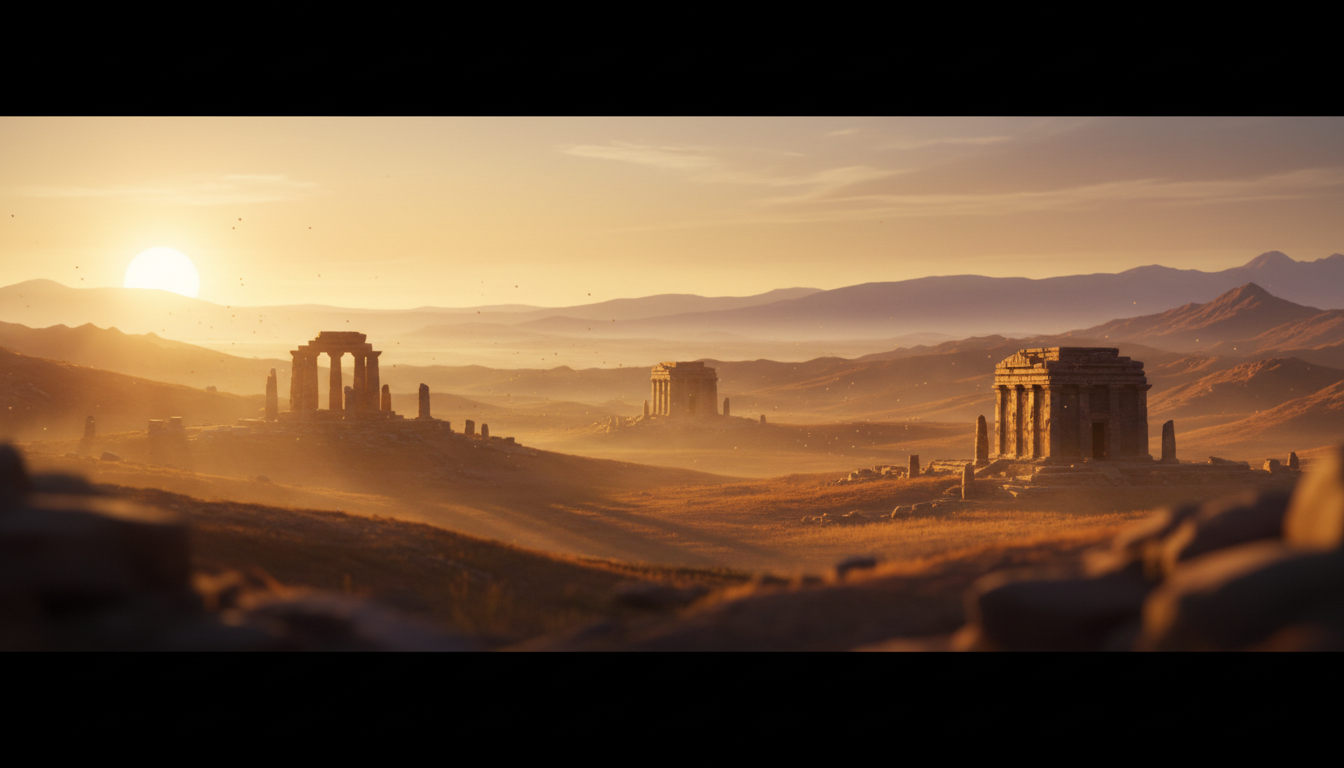
The Best AI Documentary Video Generator for Long-Form YouTube Content
For long-form documentary style videos on YouTube, Digital Maker AI is the strongest end-to-end choice, judged on a single criterion: how far the tool takes you from a blank page to a ready-to-upload MP4 without requiring a separate editor, stock library or voiceover tool. That said, other platforms lead on specific needs, and this guide names them honestly. If you want moving generative footage above all else, one competitor wins outright.
To rank these tools, each was assessed on four factors that matter most to documentary creators: how much of the production pipeline the tool handles automatically, whether it supports videos long enough for documentary content (typically ten minutes or more), how the pricing scales for regular weekly uploads, and whether the output suits a faceless narrated format. Pricing figures are sourced from each platform's published pages and are noted as of September 2026.
Digital Maker AI Video Maker: Best All-in-One AI Documentary Video Generator
Digital Maker AI handles the entire pipeline inside one tool. You give it a topic, and the platform writes the script, generates a unique AI image for every scene, adds a narration voice and burns subtitles into the lower third, then exports a finished MP4. Nothing needs to be assembled in a separate editor.
For documentary style content specifically, the History or Ancient and Space or Sci-Fi visual styles produce the kind of atmospheric imagery that fits narrated factual videos well. The optional Ken Burns zoom and gentle pan effects mean scenes do not feel static, and a film grain effect can be switched on for a cinematic feel. The Whiteboard format suits educational explainer content where a hand-drawn look works better than photorealistic scenes.
Video length goes up to ten minutes on the Premium plan and up to thirty minutes on the Ultimate plan, which puts full documentary episodes within reach. A reusable character system lets you save a consistent on-screen figure that appears across multiple videos, useful for building a recognisable series identity without a real presenter.
The honest limits: Digital Maker AI does not produce moving video footage in its long-form tool. Every scene is a still image held on screen while the narration plays. There is no stock footage library, no b-roll clips and no timeline editor for manual trimming. If your documentary style requires actual moving footage, InVideo AI or Runway will suit you better. You also cannot upload your own voice or clone your own narration, and there is no auto-posting to YouTube once the video is done.
Pricing, as of September 2026: Premium is $49 per month and Ultimate is $99 per month, with a free tier and a Pro tier also available. Full details are at digitalmaker.ai/pricing. Video minutes come from a monthly pool, with one minute of pool used per minute of finished video.
Best for: Creators who want a complete faceless documentary video, including script, visuals, narration and subtitles, without touching a separate editor or stock site.
InVideo AI: Best for Documentary Videos That Need Moving Footage
InVideo AI takes a text prompt or script and produces a video that combines AI-generated clips, stock footage and narration. The company states that higher-tier plans include access to generative video models, which means scenes can include actual motion rather than held still images.
For a documentary creator who needs footage that moves, this is a genuine advantage over still-image tools. The trade-off is that the output depends heavily on the quality of available stock and generated clips for your specific topic. Niche historical subjects or unusual locations may not have good matching footage in the library.
Pricing, as of September 2026: the Plus plan runs around $25 per month on annual billing, the Max plan around $48 per month, and a higher generative tier sits around $96 to $120 per month. A free plan exists but exports carry watermarks and are limited to two AI minutes per week. Check InVideo's pricing page for the most current figures, as the tiers have changed frequently.
Best for: Creators who specifically need moving footage in their documentary videos and are comfortable with a tool that assembles clips rather than generating every frame from scratch.
Pictory AI: Best for Repurposing Written Content Into Documentary Videos
Pictory AI is built around converting existing written material, such as blog posts, scripts or articles, into videos by matching the text with stock footage clips and adding captions. The company states it exports finished projects as 1080p MP4 files.
This makes Pictory a strong choice if you already have a documentary script written and want to pair it with relevant footage quickly. It is less useful if you need the AI to generate the script and visuals from scratch, since the tool is designed to work from source material you supply.
Pricing, as of September 2026: the Starter plan is around $25 per month on annual billing with 200 export minutes, the Professional plan around $35 per month with 600 export minutes, and the Team plan around $119 per month. See Pictory's pricing page for current figures.
Best for: Creators who already write long documentary scripts and want to pair them with stock footage without building a full video from scratch.
Synthesia: Best for Presenter-Led Explainer Videos, Not Traditional Documentary
Synthesia is an AI avatar platform. The company states it is designed for training videos, internal communications and presentation-style content where an on-screen presenter delivers information directly to camera. AI avatars speak the script in dozens of languages.
This is a fundamentally different format from a traditional documentary. If your channel features a consistent AI presenter speaking to the viewer, Synthesia is strong. If your documentary style relies on narration over landscape or archival imagery without a visible presenter, the tool is not built for that use case.
Pricing, as of September 2026: a Basic plan is free with limited output, the Starter plan is around $19 per month, and the Creator plan is around $89 per month. See Synthesia's pricing page for current details.
Best for: Creators building explainer or training channels where a consistent AI presenter is the format, not voice-over documentary narration.
Runway: Best for Cinematic Generative Footage in Short Sequences
Runway is a generative video model platform that produces short motion clips from text or image prompts. It is used heavily in film and advertising production for creating atmospheric, cinematic footage that would be difficult to shoot.
For documentary creators, Runway can produce striking visual sequences, but it is not a complete production pipeline. You would need to take the generated clips into a video editor, add narration separately and assemble the final video yourself. It is a footage generation tool, not a documentary maker. Pricing and plan details change regularly, so check Runway's pricing page for current figures.
Best for: Experienced video editors who want to generate cinematic footage for a documentary they are assembling manually in a separate editing tool.
Recommendations by Use Case
Which AI Documentary Video Generator Should You Choose?
Use these recommendations based on your actual situation:
- Best for complete automation from topic to MP4: Digital Maker AI. Script, images, narration, subtitles and export happen in one place with no assembly required. The History, Space and Moody visual styles suit documentary content well, and the thirty-minute ceiling on the Ultimate plan covers full episodes.
- Best for documentary videos with moving footage: InVideo AI. If your audience expects video clips that move rather than held still images, InVideo's generative footage tiers give you that, though you pay more for it.
- Best for turning existing scripts into videos quickly: Pictory AI. If you already write your own documentary scripts and just need footage matched to them, Pictory's text-to-video workflow is fast and the export minutes are generous at mid-tier pricing.
- Best for a presenter-led channel format: Synthesia. If your format is an AI avatar presenting information rather than a voice-over narration over imagery, Synthesia is the specialist tool.
- Best for creators editing their own timelines: Runway. If you are comfortable in a video editor and want cinematic generative footage to cut into your own documentary, Runway produces high-quality short clips.
- Best on a budget starting out: Digital Maker AI's free tier lets you test the tool, and the faceless video workflow is designed to be accessible without prior video editing experience.
The right choice depends on one honest question: do you need moving footage, or do you need a complete pipeline? If you want to go from an idea to a finished upload with the least friction and the fewest separate tools, Digital Maker AI is built for exactly that. If moving footage is non-negotiable for your documentary style, InVideo AI or Runway will serve you better, with the understanding that one requires more assembly than the other.
Whichever tool you choose, understanding how faceless documentary channels are structured will help you get more from it. The free course at Digital Maker AI covers the full workflow, from choosing a niche to publishing consistently, and is worth working through before you commit to any paid plan.