How to Make Animated Faceless Videos Without Any Editing Skills
Why So Many Creators Are Choosing to Make Animated Faceless Videos
If you have ever wanted to start a YouTube channel but felt put off by the idea of sitting in front of a camera, you are far from alone. The rise of faceless content has opened the door for thousands of creators who prefer to stay behind the scenes. And if you want to make animated faceless videos specifically, the good news is that you no longer need a design degree, a video editing suite, or even a spare weekend to pull it off. Today's AI tools have made the entire process accessible to anyone with an idea and an internet connection.
This guide walks you through everything you need to know, from choosing a style and planning your content, to using AI to handle the production work, so you can launch and grow a faceless animated channel without touching a single editing timeline.
What 'Animated Style' Actually Means for Faceless Videos
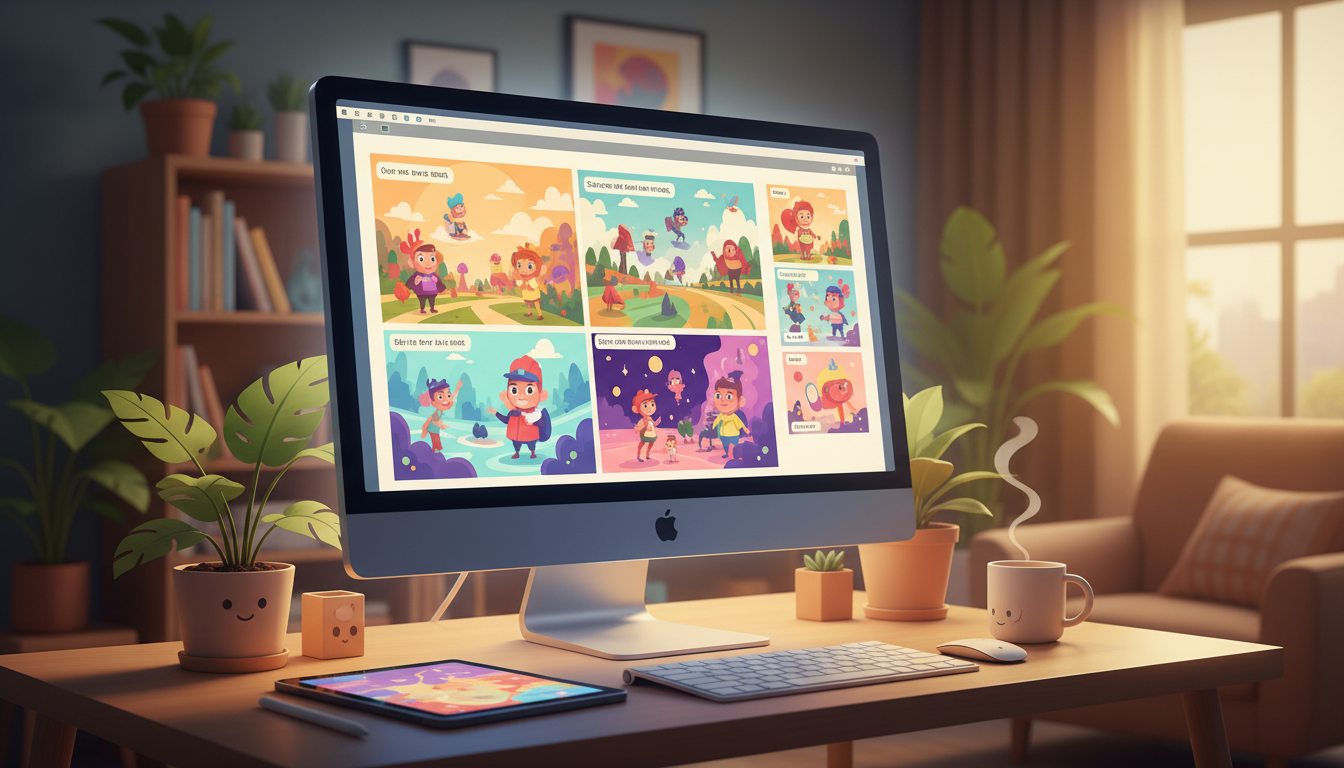
Before diving in, it helps to clarify what animated means in the context of AI-generated faceless content. Most AI video tools produce videos made up of still images displayed while a voiceover narrates over them. When creators talk about an animated style, they typically mean that those still images look illustrated, painterly, or cartoon-like rather than photorealistic. Think storybook panels, comic-style visuals, or vibrant cartoon scenes, each held on screen for a few seconds while the narration moves the story forward.
This is different from traditional animation where characters physically move across the screen. Understanding that distinction will help you set realistic expectations and, importantly, help you choose the right tool for the job. If your goal is visually rich, illustrated scenes that feel lively and engaging without requiring any animation software, an AI video maker with a cartoon style is exactly what you need.
Choosing a Niche That Works Well With an Illustrated Style
Not every niche suits every visual style, so it pays to think about this before you start. The animated or cartoon-style look tends to perform particularly well in these areas:
- Children's education and storytelling, illustrated scenes feel native to this space
- Mythology, folklore, and history, an illustrated look adds drama and a timeless quality
- Self-improvement and motivation, bright, clean cartoon visuals feel energetic and shareable
- Personal finance basics, simple illustrated concepts are easier to digest than dense charts
- Sci-fi facts and space exploration, stylised visuals give the content an exciting, cinematic feel
If you are unsure which niche to commit to, it is worth doing a little research first. Browsing successful faceless YouTube channels in your area of interest can reveal what is already working and where there might be a gap you can fill.
Planning Your Video Before You Hit Generate
One of the biggest mistakes new creators make is treating AI as a substitute for thinking. The output is only as good as the direction you give it. Spend a few minutes planning the following before you start any tool:
- Your core topic, be specific. 'Greek mythology' is vague; 'the story of Icarus and what it teaches about overconfidence' is a video.
- Your intended length, shorter videos (three to five minutes) tend to suit educational explainers, while deeper storytelling benefits from eight to ten minutes or more.
- Your target viewer, knowing who you are speaking to helps you choose the right tone, pace, and visual style.
- A working title and hook, the first thirty seconds of your script need to grip the viewer immediately.
If you need help turning these ideas into polished scripts and title concepts, a prompt builder tool can generate ready-to-use prompts you paste into any AI writing model. This saves a surprising amount of time in the early planning phase.
How to Make Animated Faceless Videos Using an AI Video Maker
Digital Maker AI includes a Video Maker built specifically for this kind of content. You choose your topic, select your visual style, including an Animated or Cartoon option that produces illustrated, painterly scenes, and the platform handles everything from that point forward. The AI writes a script, generates a unique scene image for each part of the video, lays down an AI narration voice, and burns subtitles into the lower third of the frame. The result is a finished MP4 file ready to upload directly to YouTube.
Here is what the process looks like in practice:
- Pick your format, Multi Scene gives you a fresh illustrated image for every scene, which works well for storytelling. Single Scene holds one image across the whole video if your topic suits a more focused visual.
- Choose the Animated or Cartoon visual style, this tells the image generator to produce illustrated, storybook-style artwork rather than photographic imagery.
- Select your narration voice and pace, male and female options are available, and you can adjust the speed to suit your audience.
- Add optional motion effects, a slow Ken Burns zoom or a gentle pan keeps scenes from feeling static without needing any manual editing.
- Pick a subtitle style, options include Clean, Bold Pop, YouTube Yellow, Boxed, and Minimal, all burned into the video automatically.
Video length goes up to ten minutes on the Premium plan and up to thirty minutes on the Ultimate plan, so whether you are making short explainers or long-form documentary-style content, there is room to grow. You can check which plan suits your output goals on the Digital Maker AI pricing page.
Keeping Your Channel Visually Consistent
One of the underrated challenges of running a faceless animated channel is consistency. When viewers cannot see a host, the visual identity of the channel itself becomes the brand. Here are a few practical ways to keep things cohesive:
- Stick to one visual style across all your videos, switching between cartoon and realistic imagery from video to video fragments your brand identity.
- Use reusable characters, the Video Maker lets you create and save recurring characters as full-body illustrated figures on a white background, so the same character can appear across scenes and across multiple videos. This is a simple but powerful way to give your channel a signature look.
- Match your subtitle style to your channel personality, Bold Pop works well for energetic educational channels; Minimal suits calmer, documentary-style content.
- Keep your narration pace consistent, viewers notice when some videos feel rushed and others feel slow. Pick a pace that works and stick with it.
Publishing and Growing Without Burning Out
The biggest advantage of AI-generated faceless videos is the speed at which you can produce content. A topic that might have taken a weekend of filming, editing, and rendering can now be turned around in a fraction of the time. But volume alone does not build a channel, consistency and quality do.
A realistic starting goal is one video per week. Use the time you save on production to invest in things AI cannot do for you: reading comments, studying your analytics, refining your thumbnail strategy, and researching what your audience actually wants to watch next. According to YouTube's Creator Academy, consistent upload schedules are one of the most reliable signals that helps a channel grow its subscriber base over time.
It is also worth remembering that thumbnails matter enormously on YouTube. A great video with a weak thumbnail will underperform. Pairing your Video Maker output with strong thumbnail images for each upload is a habit worth building from day one.
Ready to Start Making Animated Faceless Videos Today?
The barrier to starting a faceless animated YouTube channel has never been lower. With the right approach, a focused niche, a clear plan, a consistent visual style, and an AI tool that handles the production, you can go from idea to published video faster than you might think. If you want a structured path through the whole process, the free Digital Maker AI course walks you through building a faceless channel from scratch, step by step.