How to Build a Faceless Video Content Schedule You Can Keep
Why a Faceless Video Content Schedule Changes Everything
If you have ever started a faceless YouTube channel with genuine enthusiasm, uploaded two or three videos, and then quietly gone silent for six weeks, you already know the problem. A solid faceless video content schedule is not just a nice productivity habit, it is the single biggest factor that separates channels that grow from channels that stall. Consistency tells the YouTube algorithm you are a reliable source, and it tells your audience the same thing. The good news is that building a schedule you can actually keep is far more manageable than most people think, especially when you use the right tools and a bit of strategic thinking upfront.
Start With an Honest Look at Your Real Capacity
The most common scheduling mistake is planning for the creator you wish you were rather than the creator you are right now. Before you write a single video idea down, answer these questions honestly:
- How many hours per week can you genuinely set aside for your channel?
- Do those hours tend to cluster on certain days, or are they scattered throughout the week?
- Are you planning to create videos yourself from scratch, or are you using AI tools to speed up production?
If you can carve out four focused hours on a weekend, one video per week is a realistic target. If you only have a spare hour here and there, every two weeks might serve you better than burning out on a weekly pace. A modest schedule you actually stick to will always outperform an ambitious one you abandon after a month. The free course at Digital Maker AI covers this capacity mapping in more detail if you want a structured framework to follow.
Build Your Faceless Video Content Schedule Around Themes, Not Just Titles
One of the most reliable ways to keep a content schedule going is to plan in themes rather than individual video ideas. Instead of scrambling each week to think of something new, you decide in advance that a particular month is dedicated to, say, beginner budgeting tips, or space exploration mysteries, or stoic philosophy. This approach has several advantages:
- Research time is dramatically reduced because you are going deep on one topic rather than hopping across many.
- Videos naturally link to each other, which helps with watch time and session duration.
- You can batch-produce related videos in a single sitting instead of starting from scratch each time.
- Viewers who enjoy one video have an obvious next step, which accelerates subscriber growth.
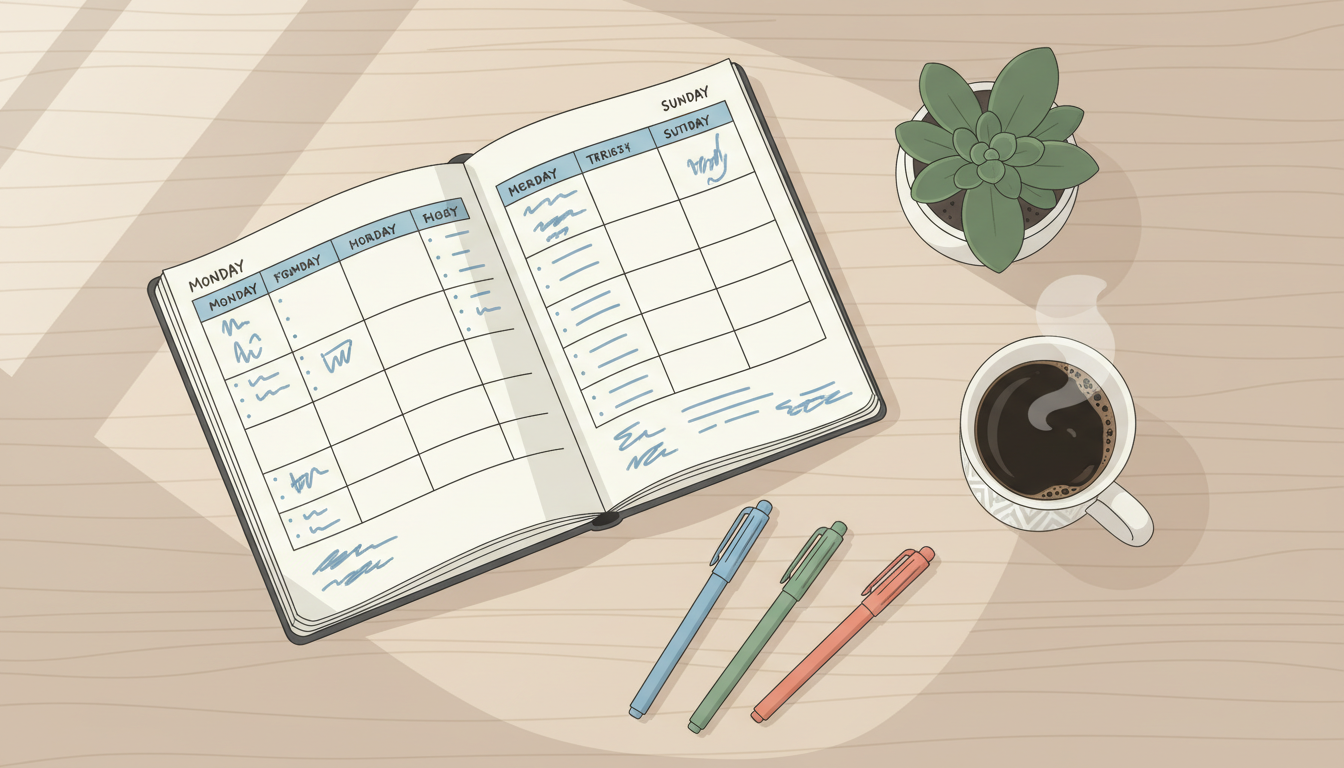
Try mapping out three months of themes on a single piece of paper or a simple spreadsheet. You do not need every title yet, just the territory. Then break each theme into four to six specific angles. Suddenly a quarter of content is planned before you have written a single word.
The Batching Method: Produce in Bulk, Publish on a Drip
Professional content creators rarely produce and publish on the same day. They batch. Batching means setting aside a dedicated block of time to produce multiple videos at once, then scheduling them to release over several weeks. This creates a buffer that protects you when life gets busy. One unexpected week off work, a family commitment, or simply a bad creative day will not derail your entire channel if you have three videos sitting ready to go.
A practical batching rhythm for most faceless creators looks something like this: spend one day per month on research and scripting for four videos, then one separate session to actually generate those videos. If you are using an AI-powered tool, that second session can be surprisingly short. Digital Maker AI handles the entire production pipeline for you, the script, the scene images, the narration, and the subtitles, so your job during the generation session is mostly reviewing and approving, not manual editing. You end up with ready-to-upload MP4 files you can space out across the month.
Choosing the Right Upload Frequency for Your Niche
There is no single correct answer here, but there are some useful benchmarks. Channels covering evergreen topics like history, personal finance, or self-improvement tend to reward a steady one-video-per-week pace. Channels chasing trending topics or news-adjacent content sometimes benefit from higher frequency. Niche channels with highly specific audiences can often do well on a fortnightly schedule because viewers actively seek them out rather than relying on the algorithm to surface them.
One of the best ways to calibrate your frequency is to study what is already working. The Faceless Finder tool lets you search hundreds of confirmed faceless YouTube channels by niche, and see their upload cadence alongside their size and estimated earnings. Seeing that a channel in your exact niche posts every ten days and has built a substantial audience is far more persuasive than any general advice.
What to Put on Your Schedule Beyond the Video Itself
A common oversight is treating the content schedule as only covering video production. In reality, each upload involves several connected tasks that need their own time slots. Your weekly or fortnightly content block should include:
- Thumbnail creation, a strong thumbnail can double your click-through rate. Plan time for this separately from the video itself.
- Title and description writing, these need keyword research and careful wording.
- Community engagement, replying to comments, especially in the first few hours after publishing, sends positive signals to the algorithm.
- Performance review, a short monthly check on which videos are gaining traction helps you refine future topics.
Building these tasks into your schedule from the start prevents them from becoming the reasons uploads slip. Even blocking fifteen minutes per task is enough to make sure nothing falls through the cracks.
Using AI Tools to Shrink Production Time Without Sacrificing Quality
One of the biggest barriers to keeping a content schedule is the sheer time it takes to produce a decent video. Script writing, finding visuals, recording or sourcing narration, adding subtitles, each step used to be a separate tool, a separate skill, and a separate chunk of your week. AI has changed this fundamentally for faceless creators.
The Video Maker inside Digital Maker AI is designed around this exact problem. You give it a topic, choose a visual style from options like Realistic Everyday, History and Ancient, or Space and Sci-Fi, pick a subtitle look, select a narration voice, and it produces a finished MP4 end to end. Every scene gets a unique AI-generated image held on screen while the narration plays. You can turn on a gentle Ken Burns zoom or a slow pan so the video feels alive, and there is an optional film grain effect if you want a more cinematic texture. The result is a complete, ready-to-upload video you did not have to assemble piece by piece.
Videos can run from one minute up to ten minutes on the Premium plan and up to thirty minutes on the Ultimate plan, which covers most educational and storytelling formats comfortably. If you want to check what plan options are available, the pricing page breaks down exactly what each tier includes. For creators focused on Shorts and Reels as well, there is a separate short-form video tool for five, ten, or fifteen second AI-generated motion clips in both landscape and portrait formats.
According to YouTube's own Creator Academy, upload consistency is one of the most important signals for channel growth. When you spend less time in production, keeping a consistent schedule stops feeling like a grind and starts feeling manageable.
Building Flexibility Into a Faceless Video Content Schedule That Lasts
Even the best-designed schedule will eventually collide with real life. Build in flexibility from day one rather than treating any disruption as a failure. A simple way to do this is the one-in-four rule: plan three videos for every four-week period, and treat the fourth week as your buffer. If life runs smoothly, you publish four. If something comes up, you still publish three without missing a beat. Over a year this small buffer prevents the kind of demoralising gaps that make creators feel like they have fallen too far behind to bother catching up.
Keep a running list of evergreen topic ideas somewhere easy to access, a notes app, a voice memo, a quick spreadsheet. When inspiration strikes in the middle of an unrelated task, capture it immediately. These accumulated ideas become the raw material for future theme months, and they make the planning session much faster when it arrives.
Your Next Step Toward a Channel That Keeps Going
Building a faceless video content schedule you can actually keep comes down to honest capacity planning, theme-based organisation, smart batching, and removing as much friction from production as possible. When you are not spending hours wrestling with video software, keeping up with a schedule starts to feel like a realistic part of your week rather than a weekly crisis. If you are ready to put all of this into practice, start with the free course at Digital Maker AI, it walks you through setting up your channel strategy and getting your first videos out the door using AI tools from the very beginning.