The Best AI Tools for Automated YouTube Channels in 2026
The Best AI Tools for Automated YouTube in 2026: Our Top Pick
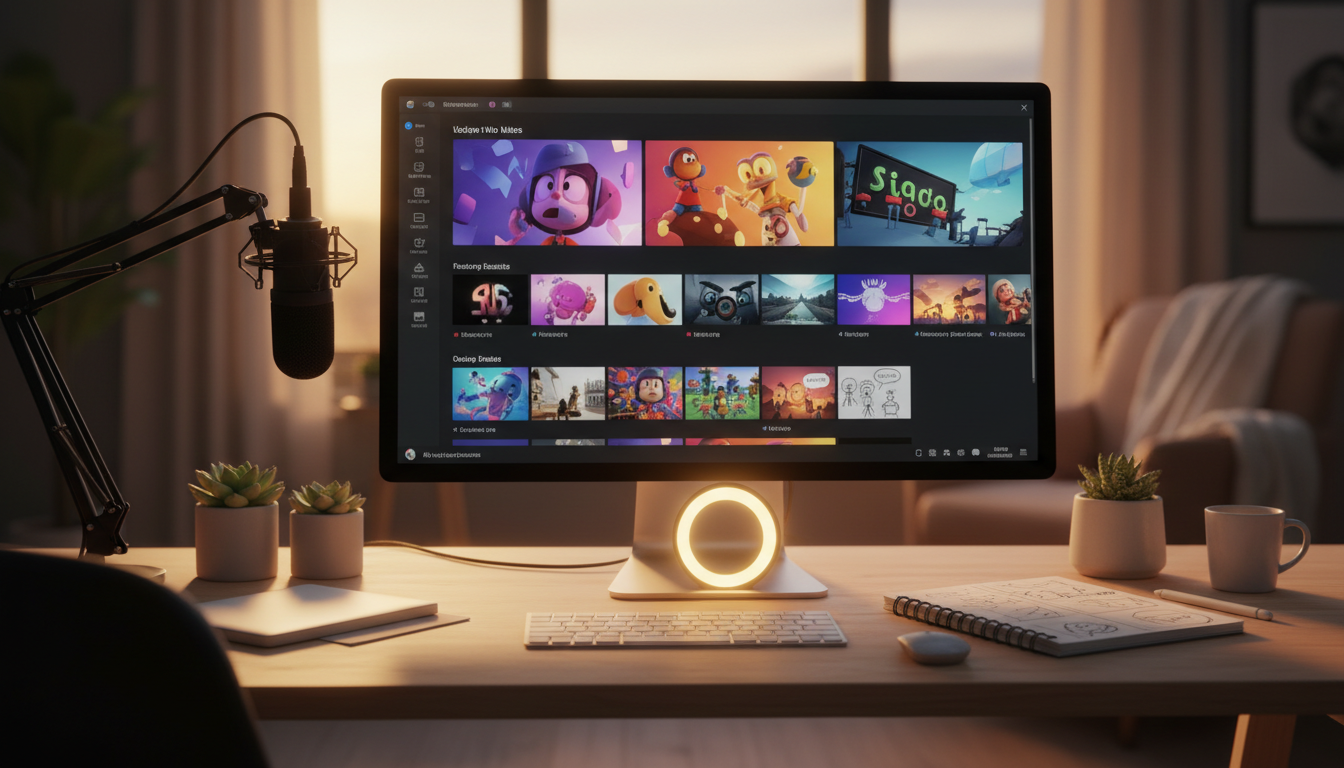
If you want a single platform that takes you from script to ready-to-upload MP4 without touching any other tool, Digital Maker AI is the strongest all-in-one pick for faceless YouTube channels in 2026. The criterion we used to rank these tools is end-to-end automation for faceless long-form YouTube content, meaning how close each tool gets you to a finished, publishable video without manual editing, stock footage hunting or third-party voice tools.
We tested and researched five tools: Digital Maker AI, Pictory, InVideo AI, Synthesia, and Lumen5. We looked at how much of the production pipeline each tool handles on its own, what the entry price is, and where each tool genuinely falls short. Prices for all tools are stated as of September 2026 and are subject to change.
Digital Maker AI: Best for Fully Automated Faceless YouTube Videos
What it does best: Digital Maker AI is built specifically for the best ai tools for automated youtube use case. You type a topic, choose a visual style and a voice, and the platform writes the script, generates a unique AI image for every scene, adds narration and burned-in subtitles, and delivers a finished MP4. Nothing is left for you to assemble. Videos run from 1 to 10 minutes on the Premium plan and up to 30 minutes on the Ultimate plan, which covers most YouTube content formats comfortably.
There are seven visual styles to choose from: Realistic or Everyday Visuals, Animated or Cartoon, Motivational or Dark Moody, Finance or Luxury, History or Ancient, Space or Sci-Fi, and Minimalist or Clean. The Animated or Cartoon style produces illustrated, painterly still scenes rather than moving cartoon animation, so it suits explainer and storytelling channels well. You can also add a slow Ken Burns zoom or a gentle pan to keep scenes from feeling static, and an optional film grain effect adds a cinematic touch.
Three video formats give you further control. Multi Scene generates a new AI image for every scene. Single Scene holds one image across the whole video. Whiteboard or Draw On produces hand-drawn black marker sketches that draw themselves onto a white board, which works especially well for educational content. Six subtitle styles, five languages, and a choice of male and female AI voices with adjustable pace round out the production options. You can also create reusable characters, full-body on a white background, so the same character appears consistently across scenes and across multiple videos.
Beyond video, the platform includes a Faceless Finder tool to research real faceless channels by niche or by name, an Image Maker for thumbnails and banners, an Ebook Writer, an AI Spreadsheet builder, a Website Builder, and a Prompt Builder for generating scripts and hooks in external AI tools. It is a genuine content business toolkit, not just a video maker.
One honest limit: Digital Maker AI does not support talking head avatars, moving footage or animation, stock video clips, music library selection, or auto-posting to YouTube. If you need a presenter that moves and speaks on screen, Synthesia handles that better. If you need timeline editing or manual clip trimming, you will need a separate editor.
Pricing (as of September 2026): Free tier available. Pro plan at $29 per month. Premium plan at $49 per month (videos up to 10 minutes). Ultimate plan at $99 per month (videos up to 30 minutes). Full details at digitalmaker.ai/pricing.
Who should pick it: Creators who want to publish faceless YouTube videos consistently without editing skills, a microphone or a camera. Also strong for anyone building a content business around digital products, since the supporting tools cover the full funnel.
Pictory: Best for Repurposing Long-Form Written Content
What it does best: Pictory is well established for turning blog posts, articles and scripts into videos by matching text to stock footage clips. If you already have written content and want to convert it into a watchable video quickly, Pictory is a fast route. The company states that it supports auto-captioning and AI voice narration alongside its stock footage matching.
Pricing (as of September 2026): Plans start at $29 per month, rising to $59 per month for the Professional plan (which includes 600 export minutes) and $199 per month at the higher tier. Check pictory.ai for current plan details.
Who should pick it: Bloggers and writers who want to give existing articles a video format, or channels that are comfortable with stock footage visuals rather than fully original AI-generated scenes.
InVideo AI: Best for Fast AI-Scripted Videos with Stock Footage
What it does best: InVideo AI lets you describe a video in plain text and it generates a script, selects stock clips to match, adds a voiceover and produces a draft. It is quick to get a first cut and the interface is beginner-friendly. The company states that its AI can handle the full script-to-video flow from a short prompt, which suits creators who want speed over visual uniqueness.
Pricing (as of September 2026): InVideo AI offers a free tier and paid plans. The Max plan is positioned as the most popular tier for regular publishers and is priced at $100 per month. For current entry-level plan pricing, visit invideo.io directly, as lower tier prices change frequently.
Who should pick it: Creators who want a quick video draft using stock footage and are comfortable doing light edits inside the platform. Less suited to channels that need a distinctive visual identity, since stock clips are shared across many creators.
Synthesia: Best for Talking Head Avatar Videos
What it does best: Synthesia is the clearest leader for AI presenter videos. You type a script and a realistic AI avatar reads it on screen, with lip sync and natural gestures. The company states that it offers more than 230 stock avatars and supports over 140 languages. For training videos, corporate explainers or YouTube channels built around a consistent presenter persona, it is hard to match.
Pricing (as of September 2026): Synthesia offers a free plan at $0 per month (10 minutes per month, watermarked output). The Starter plan is $29 per month. The Creator plan is $89 per month and includes 30 minutes per month plus five personal avatars. Check synthesia.io for the latest plan details.
Who should pick it: Channels that want a human-looking presenter without appearing on camera themselves, or businesses that produce training and onboarding content at scale. It is not designed for the cinematic or illustrated visual styles that faceless YouTube channels often use.
Lumen5: Best for Social Media Clip Repurposing
What it does best: Lumen5 is focused on turning text, blog posts and RSS feeds into short social-ready video clips. It pairs text snippets with stock footage or images and adds captions automatically. The company states that its workflow is designed to be simple enough for teams without video experience. It works well for LinkedIn, social media and short YouTube clips, though it is less suited to producing standalone long-form YouTube content from scratch.
Pricing (as of September 2026): Lumen5 offers a free plan and paid plans starting at around $29 per month. Visit lumen5.com for current pricing, as plan structures are updated regularly.
Who should pick it: Marketing teams and bloggers who want to turn written content into short clips for social distribution rather than full YouTube videos.
Best AI Tools for Automated YouTube: Recommendations by Use Case
Best for faceless long-form YouTube channels: Digital Maker AI. The end-to-end pipeline from topic to MP4, with original AI-generated visuals and no editing required, is built exactly for this use case. The faceless video maker handles script, images, narration and subtitles in one flow.
Best for YouTube Shorts and Reels: Digital Maker AI also offers a separate Short Form Video tool for 5, 10 or 15 second AI-generated motion clips in both 16:9 and 9:16 formats, with optional voiceover, available on the Premium plan. InVideo AI is also a strong option here if you prefer stock-footage-based Shorts.
Best for talking head presenter channels: Synthesia. No other tool on this list matches its avatar quality and language range for presenter-style content.
Best for repurposing blog content into video: Pictory. The text-to-video flow with stock footage matching is its core strength and the Professional plan's export minutes suit regular publishers.
Best on a budget starting out: Digital Maker AI's free tier lets you explore the platform before committing. Synthesia's free plan is also worth testing if you want to try avatar-based video. Both give you a real sense of the output quality before you spend anything.
Best for teams producing training or corporate video at scale: Synthesia, given its avatar library, language support and the company's stated focus on enterprise use cases.
Which Tool Should You Choose for the Best AI Automated YouTube Results?
The right choice depends on what your channel looks like. If you are building a faceless YouTube channel and you want original visuals, a consistent voice, burned-in subtitles and a finished file with no editing, Digital Maker AI is the most complete single tool for that job in 2026. If you need a presenter on screen, Synthesia wins that category clearly. If speed and stock footage are enough, InVideo AI and Pictory both deliver a fast first draft. The best ai tools for automated youtube are not one-size-fits-all, so match the tool to your format before you commit to a plan.
If you are just getting started with faceless video and want to understand the full workflow before choosing a tool, the free course at Digital Maker AI walks you through the strategy and production process from scratch, with no experience required.